
Skip to content
EasyStatementSheet
  • Pricing
  • Blog
  • Log in
Sign up free
EasyStatementSheet
  • Pricing
  • Blog
  • Log in
Sign up free
EasyStatementSheet

Bank Statement

Pen drawing of an Excel spreadsheet grid with 4 columns representing a credit card statement

Credit Card Statement to Excel: Format, Sign Convention, and Validation

Pen drawing of three credit cards fanned out with a paper statement behind them showing rows of transactions

Convert a Credit Card Statement: A Pillar Guide

Pen drawing of three old paper bank statements stacked with a magnifying glass over the middle page

Convert Old Bank Statements: The Paper-First Era Workflow

Pen drawing of a stack of bank statements with an arrow sweeping across to a clean batch output grid

Convert Multiple Bank Statements: The Batch Workflow

Pen drawing of a locked document with a key.

Convert a Password-Protected Bank Statement: The 30-Second Diagnosis

Pen drawing of a document being scanned by a beam of light.

Convert a Scanned Bank Statement to Excel: The 5-Minute Pre-Processing
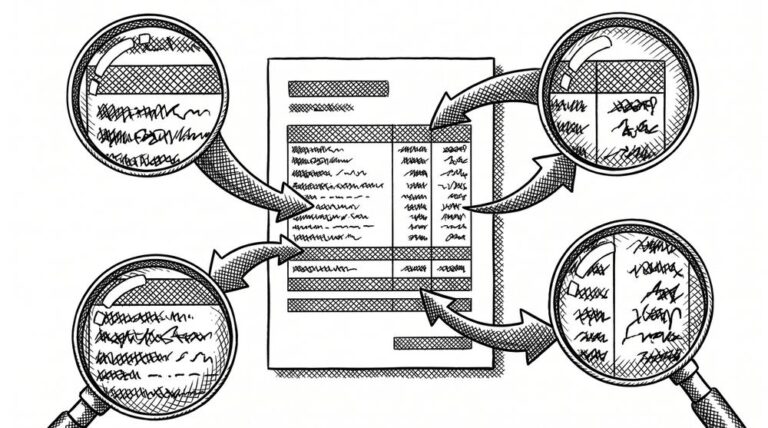
Pen drawing of a document with arrows pointing to magnified details showing wrong values.

Incorrect Transaction Data After Bank Statement Conversion: The 2-Minute Spot-Check

Pen drawing of two identical documents side by side, representing duplicate transactions after a conversion.

Duplicate Transactions After Bank Statement Conversion: The 30-Second Find
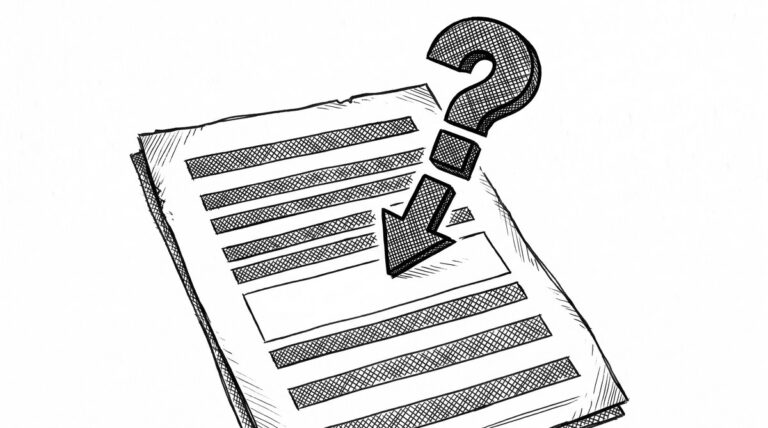
Pen drawing of a document with a question mark and an arrow pointing to a missing row, representing the question of where the missing transaction went.

Missing Transactions After Bank Statement Conversion: The 60-Second Diagnosis

How to Check Converted Bank Statement Data: A 5-Point Validation

Pen drawing of a horizontal conveyor belt with a rectangular document moving along it toward a final endpoint, representing the QuickBooks import processing path.

Import Bank Transactions into QuickBooks: The Exact Steps

Pen drawing of an open laptop with a small structured data file visible on the screen, representing the QuickBooks software tool.

Convert a Bank Statement to QuickBooks: The QBO Path

Pen drawing of a database cylinder shape with three stacked horizontal ellipses and six horizontal lines representing stored data rows.

Bank Statement CSV Format: The Complete Specification

Pen drawing of a wide document at the top with sides narrowing to a narrow file at the bottom, showing data being filtered from PDF to CSV.

Convert PDF Bank Statement to CSV: The Complete Workflow

Pen drawing of a document on the left with four arrows extending to the right, each pointing to a different destination: a spreadsheet, a ledger book, a JSON symbol, and a database cylinder.

Bank Statement Data Extraction: Fields, Use Cases, and Outputs

Pen drawing of a large magnifying glass hovering over a close-up of four transaction rows on a document, showing detailed examination of a bank statement PDF.

Extract Transactions from a PDF Bank Statement: A Practical Guide
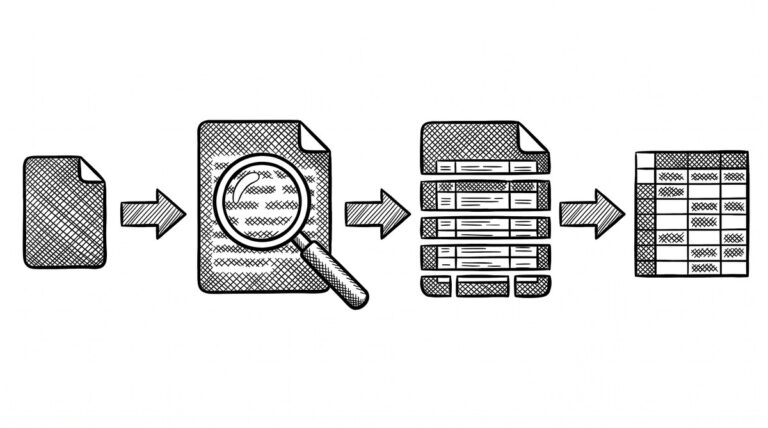
Pen drawing of a four-stage pipeline: a bank statement document enters stage one, then stage two, then stage three, then stage four, with arrows between each stage.

Extract Transactions from a Bank Statement: The Four-Step Mechanism
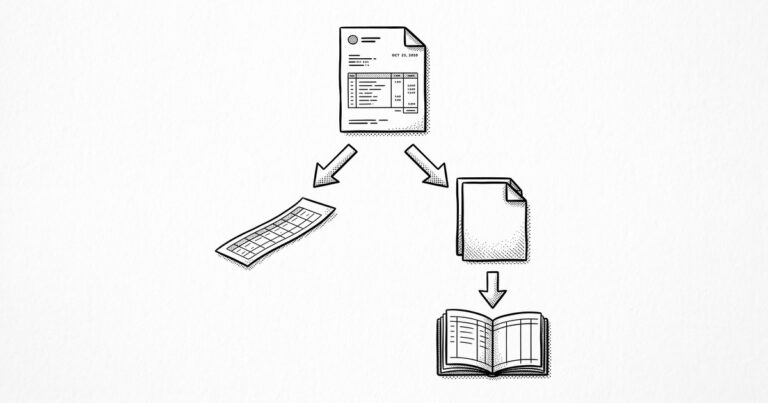
Pen drawing decision tree showing a bank statement PDF at the top, branching to CSV on the left and QBO on the right, with QBO connecting to a QuickBooks ledger.

Convert Bank Statement to QBO: The QuickBooks Web Connect Path

Pen drawing flow chart showing PDF on the left, a conversion process in the center, and a CSV file on the right.

Convert Bank Statement to CSV: Format, Pitfalls, and Imports
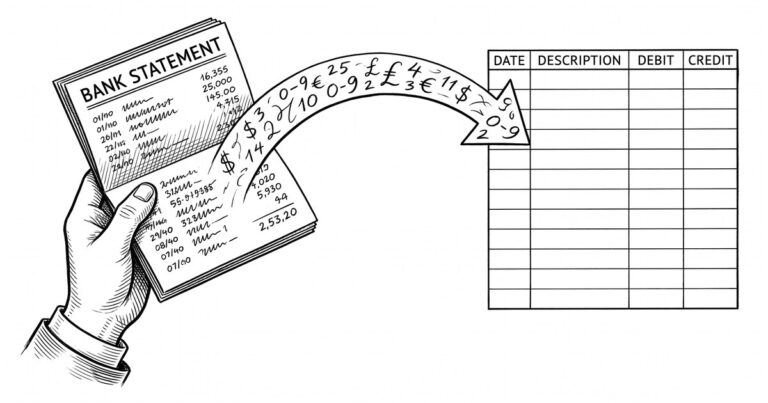
Pen drawing of a bank statement transforming into an Excel grid with four columns and a header row.

Convert Bank Statement to Excel: A Practical Guide

Bank statement converter: a hand opens a printed statement booklet and handwritten digits flow into a clean data grid.

Bank Statement Converter: What It Is, How It Works, How to Pick One
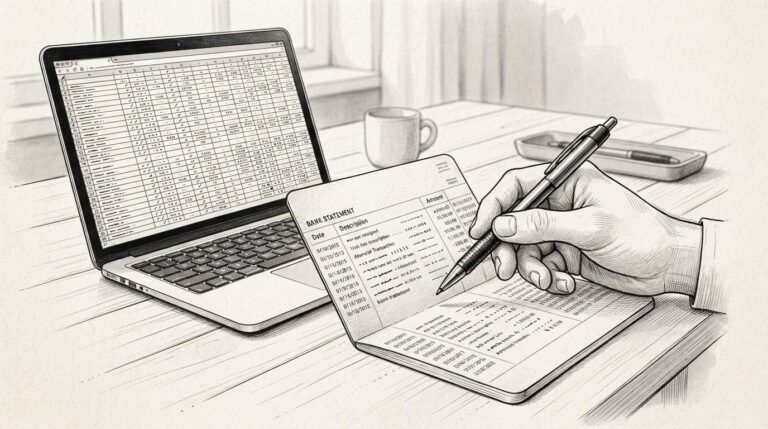
Convert Bank Statement

Convert Bank Statement: From PDF to Transaction Data You Can Actually Use

Convert a Bank Statement to a Spreadsheet

Convert a Bank Statement to a Spreadsheet

Prev
1 … 12 13 14 15

Trending

A flat-line illustration of a house with a bank statement beneath it, with a purple checkmark indicating approval
How to Prepare a 2-Month Bank Statement for a Mortgage Application: The 4-Document Checklist
A flat-line illustration of a 1099-DA form with a Bitcoin symbol in purple
What 1099-DA Reporting Means for Crypto Investors Doing Their Own Taxes
A flat-line illustration of a Wells Fargo bank statement being converted to a spreadsheet, with a green header, green gridlines, a checkmark, and a small piggy bank icon
How to Convert a Wells Fargo Bank Statement to QuickBooks Online Without Retyping
Credit card with merchant category code label next to a small shop
Complete Guide to Merchant Category Codes (MCC) on US Bank and Credit-Card Statements

EasyStatementSheet

Convert PDF bank statements to Excel and CSV. Fast, accurate, secure.

ARTICLES
Bank statement converter
Convert bank statement
Mortgage application bank statement
Bank statements federal regulations
Bank statement glossary

PRODUCT
Pricing
Supported banks
Blog
About

LEGAL
Privacy Policy
Terms of Service
Trust & Security
Security FAQ

SUPPORT
[email protected]

© 2026 EasyStatementSheet. All rights reserved. Testivo



