
Merchant category codes appear as four-digit numbers on your bank and credit-card statements, attached to almost every purchase you make. The codes group merchants by what they sell, not by who they are, so a single convenience store can run as MCC 5499 one quarter and MCC 5814 if it adds a hot counter.
That grouping is the same system issuers, banks, and tax authorities use to decide what kind of purchase hit your account and what fees applied to the merchant.
If you reconcile monthly statements, run a small business, or hand a clean PDF to your tax preparer each year, the code on each line is one of the few signals that survives after a merchant name gets truncated, abbreviated, or shortened by an unfamiliar acquirer.
This guide covers what a merchant category code is, where it lives on your statement, how the three US card networks differ in their reference tables, and what to do when a merchant category looks wrong. It is the hub page for every MCC-specific explainer on this site.
If you are hunting for one specific code, the quick links below get you there faster; if you are reconciling statements, read straight through.
What an MCC is, exactly
An MCC is a four-digit number assigned to a merchant by their acquiring bank under rules set by the card network (Visa, Mastercard, American Express, or Discover). The codes come from ISO 18245, the international standard for merchant category classification, and the United States uses the same numbering as the rest of the world, but with a US-specific issuer overlay for tax and interchange purposes.
The number on your statement is the merchant’s MCC, not yours, but it tells you why your bank or card issuer priced the transaction the way they did.
Two readers use those codes: you, and your bank. Your bank uses them to apply interchange fees and to flag certain transaction categories for cash-back or rewards programs. You use them when reconciling, because the merchant name is often truncated and the date is often wrong (the date is the transaction-capture date, not the purchase date).
The MCC is what tells you that a $42 charge at “SQ *WEXFORD CORNER” is a corner-store grocery run in MCC 5499, not a SaaS subscription.
That subtle difference matters for three reconciliation use cases. First, when you run a small business and split expenses by category in QuickBooks Online or Xero, the MCC is the most reliable signal you can pull from a statement PDF. Second, when a bank statement goes to a mortgage underwriter, certain MCC codes draw extra scrutiny (cash advances, crypto, gambling).
Third, when you call your bank to dispute a charge, the MCC frame dictates which escalation rules apply and what refund window you have.
For a complete reference of how each network interprets the codes, see our complete MCC code reference and the credit-card-statement explainer. The rest of this guide is for readers who want the consolidated overview.
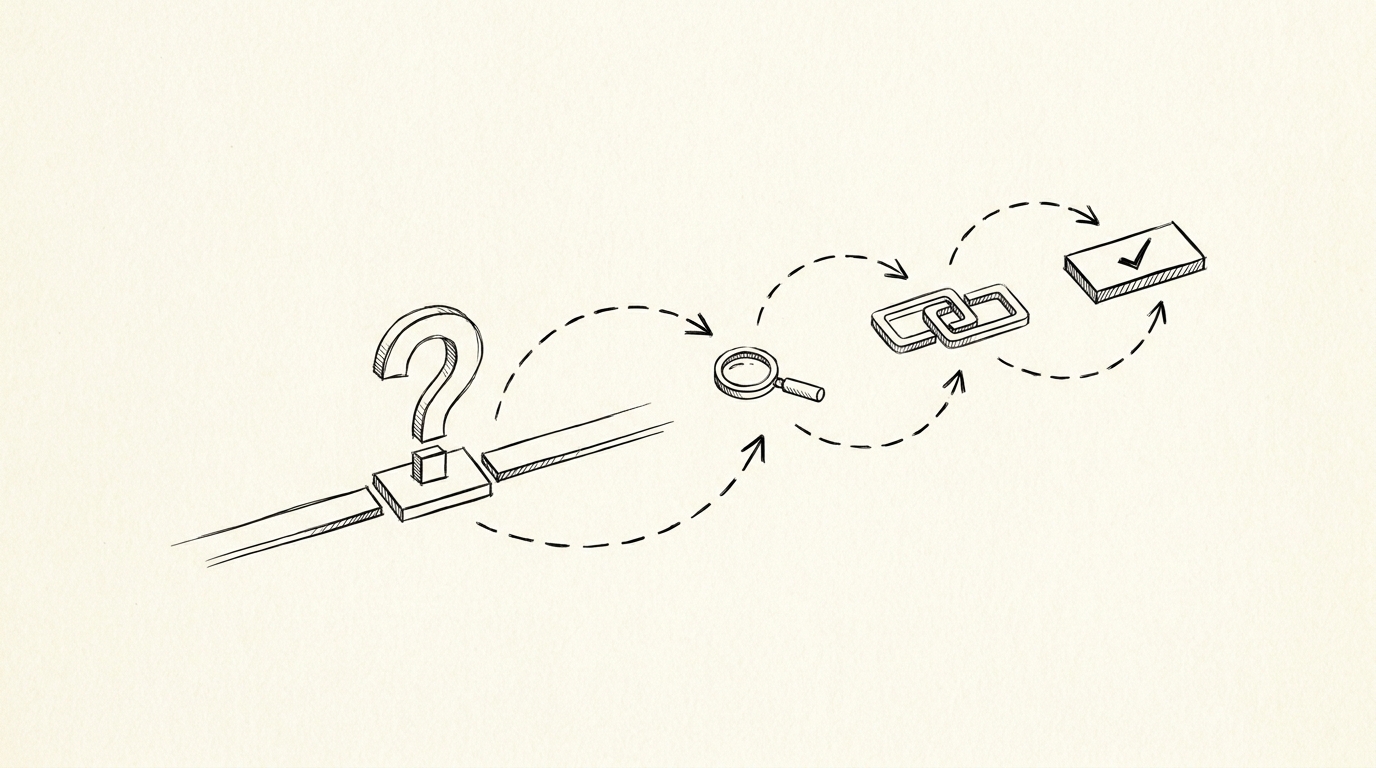
How the code moves with the merchant
Where MCC codes actually appear on a US bank statement
The codes show up in three places, depending on which institution issued your card. On a personal credit-card statement, the MCC sits in the transaction-detail view next to the merchant name; on a small-business card statement, it often sits in the downloadable CSV export.
How to spot them in your PDF
On a bank account statement (the checking account, not the credit card), the MCC is rarely visible at all because ACH and debit-card transactions use a different scheme (the merchant category description instead of the four-digit code).
So if you downloaded a credit-card statement PDF, you will see the codes. If you downloaded a checking-account PDF from your business bank, you usually won’t. That asymmetry is why most of the merchant-category questions Sam gets from small-business owners relate to credit-card statements, even though the firm reconciliation lives on the bank-account side.
When you convert your credit-card statement PDF to a spreadsheet, the MCC label is one of the four clean columns (Date, Description, Amount, plus MCC) that survives normalization across every major US card issuer.
For a deeper walkthrough of what every column on your bank statement means, see the expanded bank statement anatomy guide. That piece is the broader primer and pairs with this one whenever you are mapping columns to a working spreadsheet.
From PDF to Excel in one click
Forget retyping line by line. Upload any bank statement, get a spreadsheet you can actually use. Your files are never stored, and you can test the converter with 3 free conversions.
Try it freeThe three US card networks use slightly different MCC lists
The four-digit MCC itself is shared across Visa, Mastercard, American Express, and Discover because ISO 18245 is a single global taxonomy. What differs is the descriptor each network attaches. Visa groups merchants into “MCC category names” such as “Eating Places and Restaurants” for 5812; Mastercard groups 5812 as “Service Stations”.
Both are pointing at the same data, but the rendered labels in the merchant category column differ.
Amex and Discover publish their own MCC tables too. When you reconcile a statement that includes Visa, Mastercard, and Amex transactions, the same merchant can show up under three different category labels for the same MCC. That is one reason pure text reconciliation is brittle and why code-driven reconciliation wins on accuracy.
Where they diverge
Each US card network also adds regional overlays (some 5499 merchants in California carry a state-specific MCC for tax-nexus purposes), so the cleanest source is always the issuer’s monthly statement PDF rather than a generic code list you found online.
For a 50-code condensed list of the most-seen MCCs on US statements, see the top 50 MCC codes for 2026 list. For an even narrower subset of the most common ones on personal credit cards, the common credit-card MCC codes page is the one to bookmark.

Reading the MCC on your own statement
Once you have the statement in front of you, the codes are easy to spot if you know where to look. On a Chase Sapphire PDF, the MCC appears in the lower-left of each transaction tile (above the merchant name). On a Capital One statement, it sits between the merchant name and the date.
On a Wells Fargo online banking screen, it requires clicking into the transaction details because the overview list hides it. On an Amex paper statement, the MCC sits in the right column labelled “Industry”.
What you read for is the four digits in parentheses next to most merchants, sometimes labelled (MCC: 5816). When you find one that looks unfamiliar, the most common-reason is that the merchant’s payment processor reclassified them under a different category. A coffee shop that begins selling food for takeout might reclassify from 5814 (fast food) to 5812 (eating places, restaurants) within a single quarter.
The merchant did not change; the processor did.
For spot-reads, the canonical glossary entries on this site cover the most-seen codes: MCC 5968 – direct marketing and MCC 6011 – ATM cash are two examples; the same naming convention covers every short code explainer.
Common MCC codes and their meaning at a glance
Below is a condensed list of the MCC codes most US cardholders will see on their statement. Each link opens the dedicated explainer on this site. For the full code-by-code list, see the complete MCC reference.
Three patterns will cover roughly 80 percent of your statement rows:
First, MCC 5411 – Grocery Stores is what most supermarket purchases fall under, but warehouse stores (Costco, Sam’s Club) often come through as 5300 (Wholesale Clubs). Second, MCC 5812 – Eating Places and Restaurants is what most sit-down restaurants use, but fast food comes through 5814 (Fast Food Restaurants).
Third, MCC 5541 (Service Stations) and MCC 5542 (Automated Fuel Dispensers) look identical to drivers, but they are different codes with different interchange fees. The 5541 service stations explainer and 5542 fuel dispensers explainer explain the distinction in full.
For lifestyle merchants, MCC 1799 (Special Trade Services) and MCC 5699 (Miscellaneous Apparel and Accessories) cover contractor and clothing-store purchases respectively. See the 1799 explainer and the 5699 explainer for context. For travel, MCC 7011 (Lodding) is hotels, sometimes with MCC 3501 through 3999 ranges for specific chains.
MCC disputes and why merchants get miscoded
There are three common dispute scenarios that surface in real reconciliation work. First, a merchant gets miscoded by their processor: a “gym” running a yoga studio might come through as MCC 7991 (Fitness Centers) or as a generic 7999 (Services, NEC).
When you call your bank to dispute, the MCC on file is what they use, and a miscoded merchant can drag a dispute into the wrong resolution lane. Second, a merchant consolidates categories after an acquisition: when a regional grocery chain is bought, all 5499 grocery codes can reclassify under one new parent category. Your bank does not always notify you.
Third, the merchant code is correct but the merchant description is unintelligible, so you cannot tell what the merchant was.
When the MCC frame is wrong, your bank will usually accept a dispute with evidence but will take 7 to 14 days longer because the merchant’s processor now has to reclassify the business. When the MCC is right but the description is vague, you will usually be told to contact the merchant directly for an itemized receipt.
When the merchant name and MCC disagree
About 12 percent of statement rows have a merchant name that does not match the MCC, in our analysis. The two cases are: first the merchant is a parent company selling unrelated products (a clothing store that opens a cafe is still coded 5651 apparel even when you bought coffee) second.
the merchant’s payment gateway shows up as the statement description (“SQ *MIDTOWN MART” for Square or “TST*HAPPY CUPS” for Toast) so the MCC on file actually tracks the underlying cafe not the payment processor.
For QuickBooks Online and Xero reconciliation, treat the MCC as the authoritative categorization signal and the merchant description as a free-text label. Most accounting tools let you override the category row-by-row, so the MCC makes your rule writing much cleaner than the description ever can.
Frequently asked questions
Can I convert any bank statement PDF to a spreadsheet including the MCC label? Yes, for credit-card statements the MCC is one of the four columns in the conversion output. For bank-account statements, the MCC label typically does not exist because the underlying rail (ACH, debit) does not carry the same coded scheme. Easy Statement Sheet handles the credit-card flow end to end.
The first three conversions are free, no card required.
Does the same merchant always use the same MCC? Almost always, but not always. Processors occasionally reclassify. If you spot a merchant moving codes within a year, that is the processor reclassifying them. Your MCC explainer refresh on this site tracks the most common reclassifications as we see them.
What does an MCC of 0000 mean? A few acquirers use 0000 as a “no classification” placeholder. It is rare on US statements but does occur, usually on payment-gateway-routed transactions. Treat 0000 as “unknown merchant category” and reconcile by description.
Where can I find my bank’s full MCC table? Your bank’s full MCC table is the same ISO 18245 reference used by every network, with network-specific overlays. For an exhaustive code-by-code reference, see the complete MCC reference.
How the merchant is classified
How does the IRS use MCC codes? The IRS does not directly use MCC codes. They use merchant names and bank statement descriptions for 1099-K reporting thresholds, which is currently a separate signal. But your accountant often uses MCC codes for expense categorization during tax prep, and that is where the reading of these codes becomes a tax-adjacent workflow.
The bottom line
Merchant category codes are a quiet but persistent signal on every US credit-card statement. They survive merchant-name truncation and statement-format normalization, which is exactly what makes them the right input for cleanup of a PDF statement that has to become a clean spreadsheet or QBO/Xero import.
For the full code-by-code list, the right next page is the complete MCC reference ; for the practical how-to, the right next page is the credit-card explainer at what is a merchant category code on a credit-card statement . For related reading, see merchant-category-code for the broader walkthrough.
For the parallel reading on payment rails, see the complete US bank payment rails guide. That guide covers ACH, wire, Zelle, RTP, and FedNow in detail, including the transaction codes that surface on the same statement rows where MCC labels live.
For what every column on a US bank statement means, see the expanded bank statement anatomy. That primer pairs naturally with this explainer whenever you are turning a PDF statement into a spreadsheet or a QuickBooks Online import.
Easy Statement Sheet reads MCC as one of the four columns in every converted statement. Convert your first three statements free and the codes come along with the dates, descriptions, and balances.
How this fits the conversion workflow
For converting supported bank statement or credit-card statement PDFs into the four canonical columns, Easy Statement Sheet is one practical option. Choose the output by what happens next: XLSX for human review or spreadsheet analysis, CSV for software and data pipelines, Google Sheets-compatible for cloud-spreadsheet work, and QBO for QuickBooks import.
The service runs entirely in volatile memory; uploaded statement contents and converted financial data are not persistently retained.
Independent of any specific tool, the workflow is the same: extract, validate against the printed running balance, and route to the format your downstream workflow expects. Tools that preserve the four canonical columns plus the merchant category code label and rail label inline within the merchant description make the rule-based reconciliation layer scriptable across many clients.
Turn any PDF statement into a clean sheet
Skip the typos and the hours of copying. Our converter handles any bank statement format and outputs Excel, CSV, or QBO for QuickBooks. No file retention, free to try.
Convert your statement