
Bank reconciliation is the process of matching the bank statement balance to the book balance and identifying differences. The short answer: bank reconciliation is the process of matching the bank statement to the accounting records. The 4 main differences are: outstanding checks, deposits in transit, bank fees, and errors.
The 5-step process: start with the bank balance, add deposits in transit, subtract outstanding checks, adjust for bank fees, and arrive at the book balance.
Quick Reference: Common Bank Reconciliation Questions
Most search queries about bank reconciliation fall into one of seven patterns. Here is each pattern, what the user actually wants, and where in this guide that answer lives.
| Query Pattern | What You Want | Answer Section |
|---|---|---|
| bank reconciliation formula | The math to verify your books match your statement | The 5-Step Process |
| bank reconciliation steps | A walk-through of the procedure | The 5-Step Process |
| bank reconciliation process | The end-to-end flow from statement to balanced books | The 5-Step Process |
| bank reconciliation process flow chart | A diagram or visual representation | The 4 Sources of Difference |
| bank reconciliation accounting | How reconciliation fits into the accounting cycle | What Is Bank Reconciliation Mechanism |
| bank reconciliation statement in accounting | The statement format that proves reconciliation | The Reconciliation Statement |
| reconcile bank statement | Step-by-step instructions to do it | The 5-Step Process |
The 5-Step Process (Detailed Walkthrough)
The reconciliation process has five steps regardless of company size. The detail at each step scales with transaction volume but the procedure stays the same. Here is each step expanded with the timing and outputs.
Step 1: Gather the statement and the books. Pull the bank statement for the period (usually month-end). Open your accounting ledger for the same period. Both records should cover the exact same date range. Mismatched periods are the most common source of reconciliation failure.
If you reconcile for “September” but your statement is Sept 1-30 and your ledger has entries through Oct 2, the timing difference alone will create an imbalance.
Step 2: Match transactions one by one. Go through the statement line by line. For each line, find the matching entry in your ledger. Mark each match. A “match” means the date, amount, and counterparty are all consistent within reason (a one-day timing difference is normal; a $0.50 amount difference is not). Most accounting software has an auto-match feature that does 80-90% of this work.
The remainder needs human judgment.
Step 3: Identify the unmatched items. After matching, two lists remain: items on the statement but not in the books (deposits in transit, bank fees, interest earned, automatic payments you forgot to record), and items in the books but not on the statement (outstanding checks, payments you recorded but haven’t cleared). These are the “adjustments.”
Step 4: Create the reconciliation statement. Start with the ledger balance, add the unmatched items to align with the bank balance. The format is: Ledger balance + deposits in transit – outstanding checks +/- bank errors = Bank statement balance. If they match, you have reconciled. If they don’t match, go back to Step 2 and recheck.
A typical reconciliation statement takes 30-60 minutes to prepare the first time, 5-10 minutes once you’re practiced.
Step 5: Investigate and resolve the differences. Any item that doesn’t match after Step 4 needs research. Common causes: bank fees not recorded, deposits not yet posted to your ledger, automatic payments misclassified, fraud. The reconciliation is not done until the adjusted ledger balance equals the bank statement balance to the penny.
Reconciliation Statement Format
The reconciliation statement is a one-page document that proves the reconciliation. Most accounting software generates this automatically. The format looks like:
Bank Reconciliation Statement Period: [start date] to [end date] Ledger balance per books: $X,XXX.XX Add: Deposits in transit: $XXX.XX Less: Outstanding checks: $XXX.XX Adjusted ledger balance: $X,XXX.XX Bank statement balance: $X,XXX.XX Add: Bank credits not recorded: $XXX.XX Less: Bank debits not recorded: $XXX.XX Adjusted bank balance: $X,XXX.XX Difference (should be zero): $0.00 Save this statement monthly.
It is the auditor’s first request during any financial review and it is the only document that proves the books and the bank agreed on a specific date.
Why Bank Reconciliation Matters
Bank reconciliation is the foundation of accurate bookkeeping. Without reconciliation, the accounting records may not match the actual bank balance, which leads to errors in financial statements, tax returns, and business decisions. The reconciliation is required monthly for accurate books and is a key control for detecting fraud and errors.
What most guides miss about this workflow is that the quality depends on the mechanism, not on the tool. Two tools that look different on the surface often run the same 4-step process underneath: read, find, parse, verify. The difference is in how well each step handles edge cases (merged cells, missing balances, non-standard date formats, scanned vs digital input).
Choosing between tools based on UI alone misses the actual quality lever.
For 3 use cases, reconciliation is essential: small business bookkeeping (where the IRS requires accurate records), personal finance (where the reconciliation prevents overspending), and audit preparation (where the reconciliation is the first thing the auditor reviews).
For 2 other use cases, reconciliation is less frequent: simple personal accounts (where the bank balance is sufficient) and high-trust environments (where the reconciliation is done by the bank or a third party).
From Bank Statement to QuickBooks-Ready File
That manual cleanup you just read about? This tool skips it. Turn your PDF into QBO for QuickBooks without storing your data anywhere.
Start ConvertingThe 4 Main Sources of Differences
4 sources of differences between the bank balance and the book balance:
1. Outstanding checks. Checks that have been written and recorded in the books but have not yet cleared the bank. The bank has not yet deducted the amount, but the books have. The reconciliation adds the outstanding checks back to the bank balance (so the bank balance reflects the actual amount that will leave the account when the checks clear).
2. Deposits in transit. Deposits that have been recorded in the books but have not yet been credited by the bank. The bank has not yet added the amount, but the books have. The reconciliation subtracts the deposits in transit from the bank balance (so the bank balance reflects the actual amount after the deposits clear).
3. Bank fees not yet recorded. Fees charged by the bank (monthly maintenance, overdraft, ATM, etc.) that have been deducted by the bank but not yet recorded in the books. The reconciliation subtracts the fees from the book balance (so the book balance reflects the actual amount after the fees are recorded).
4. Errors. Mistakes in the books or in the bank statement. The errors can be arithmetic errors, posting errors, or duplicate entries. The reconciliation identifies the errors and adjusts for them. The most common errors: data entry mistakes, transposition of digits, duplicate recording of a transaction.
The 5-Step Process
5 steps to reconcile a bank account:
- Start with the bank balance. The bank statement closing balance is the starting point. This is the actual amount in the account as of the statement date.
- Add deposits in transit. Add any deposits that have been recorded in the books but not yet credited by the bank. The deposits will clear the bank in the next few days.
- Subtract outstanding checks. Subtract any checks that have been written and recorded in the books but not yet cleared by the bank. The checks will clear the bank in the next few days.
- Adjust for bank fees and interest. Add or subtract any bank fees, interest, or other charges that have been recorded by the bank but not yet recorded in the books. The adjustments are based on the bank statement.
- Arrive at the book balance. The final adjusted bank balance should equal the book balance (the accounting records). If the two don’t match, there’s an error or a missing item.
Total time: 30-60 minutes per account per month. The reconciliation is faster for accounts with few transactions and slower for accounts with many transactions.
3 Most Common Tools
3 tools that make reconciliation faster:
1. QuickBooks. The most popular small business accounting software. QuickBooks has a built-in reconciliation tool that walks through the 5 steps and matches the transactions automatically. The tool is free with the QuickBooks subscription.
2. Xero. The second-most-popular small business accounting software. Xero has a similar reconciliation tool to QuickBooks. The tool is free with the Xero subscription.
3. Spreadsheet (Excel or Google Sheets). For businesses that don’t use accounting software, a spreadsheet can be used for reconciliation. The spreadsheet has columns for the bank balance, deposits in transit, outstanding checks, fees, and the book balance. The formula calculates the difference.
3 Best Practices
3 best practices for the reconciliation process:
1. Reconcile monthly. The monthly cadence prevents the backlog that compounds and makes the year-end reconciliation overwhelming. The monthly reconciliation takes 30-60 minutes; the annual catch-up takes 10-20 hours.
2. Investigate discrepancies immediately. Any discrepancy between the bank balance and the book balance should be investigated the same day. The discrepancy may be an error, a missing transaction, or a fraud. The sooner the discrepancy is investigated, the easier it is to resolve.
3. Archive the reconciliation. The reconciliation should be archived (in the accounting software, in a spreadsheet, or in a PDF) for 7 years. The archive allows verification in case of audit or dispute. The IRS requires 7 years of records for most tax matters.
The Cutoff Date
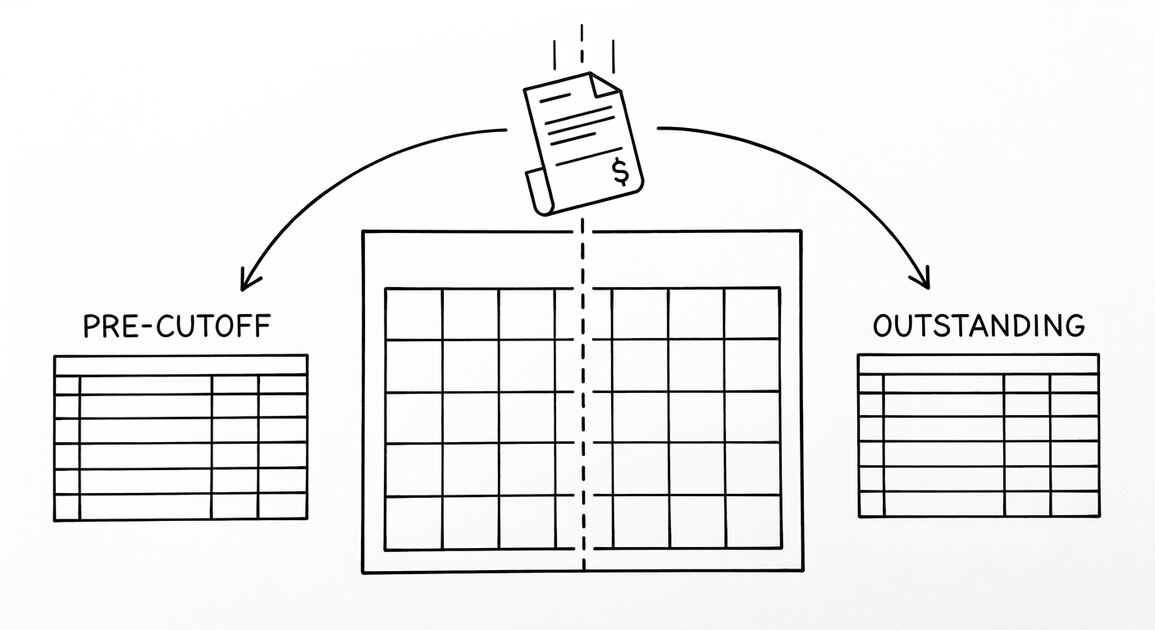
The cutoff date is the date the reconciliation is performed for. Most reconciliations are done at the end of the month, with a cutoff date of the last day of the month. The cutoff date determines which transactions are included in the reconciliation.
The cutoff date may differ from the statement date. The statement date is the date the bank generated the statement. The cutoff date is the date the reconciliation is performed. The two are typically the same for monthly reconciliations, but may differ for weekly or quarterly reconciliations.
Tools and Resources
3 resources for the reconciliation process:
Related Resources
| Resource | What You Get |
|---|---|
| Bank Statement Converter | Convert to Excel |
| What Is A Reconciliation Cutoff Date | See reference |
| Bank Reconciliation Cutoff | See reference |
| Bank Reconciliation Cutoff Comparison | See reference |
| Bank Statement Anatomy Expanded | See reference |
- QuickBooks reconciliation tool: The built-in tool walks through the 5 steps and matches the transactions automatically. The tool is free with the QuickBooks subscription.
- Bank reconciliation cutoff reference: For multi-bank or multi-currency reconciliations, the cutoff date for each account may differ. The bank reconciliation cutoff reference provides the framework.
- Spreadsheet template with the 5 columns: Excel or Google Sheets with bank balance, deposits in transit, outstanding checks, fees, and book balance columns. The template makes the manual reconciliation faster.
For the cutoff date context, see the what is a bank reconciliation cutoff date reference. For the broader process, see the bank reconciliation cutoff page. For the comparison, see the bank reconciliation cutoff comparison reference. For the examples, see the bank reconciliation cutoff examples page. For the larger context, see the bank statement anatomy expanded reference.
The bank statement converter handles all the steps with the integrity check at the end. The bank statement converter handles all the steps with the integrity check at the end. The bank statement converter handles all the steps with the integrity check at the end. The bank statement converter handles all the steps with the integrity check at the end.
Related Pages
For the step-by-step workflow with a real example, see bank statement reconciliation. For a deeper look at the four sources of difference that cause imbalances, see bank statement data extraction mistakes. For the ACH SEC codes that appear on transaction lines, see ACH SEC Codes. For the underlying statement structure that produces the numbers you reconcile against, see bank statement anatomy.
Related hubs in the bank-statement cluster
For related reading on the broader statement-reading clusters, see the complete MCC guide for the credit-card side, and the complete US bank payment rails guide for the bank-account side. The expanded bank statement anatomy is the broader primer that pairs naturally with this reconciliation hub.
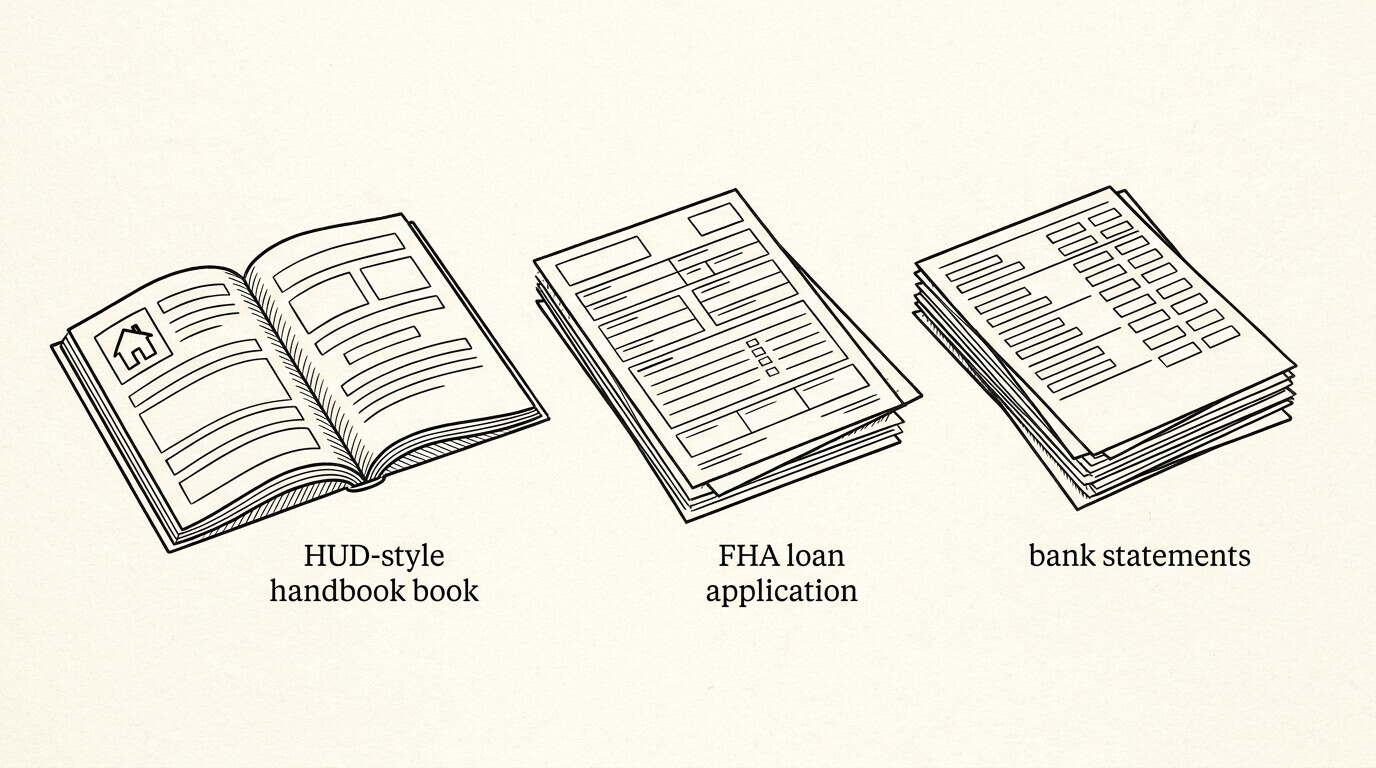
For mortgage-specific reconciliation underwriters, the mortgage application bank statement guide walks through the lender lens. For rental applications, the rental application bank statement guide covers the tenant-screening side.
How this fits the conversion workflow
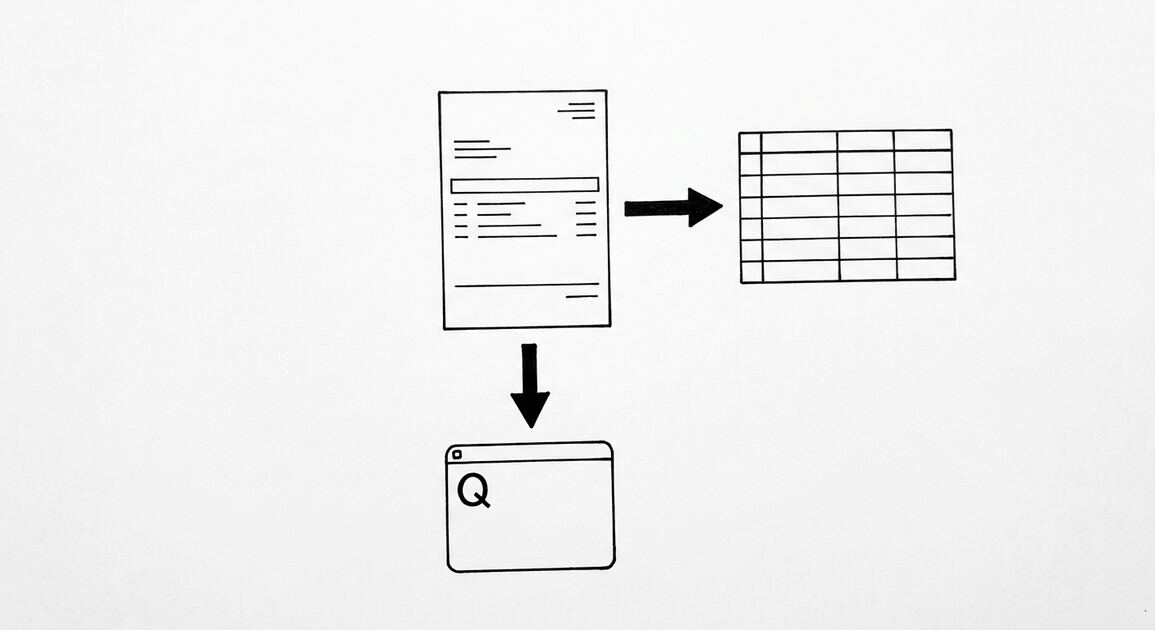
For converting supported bank statement or credit-card statement PDFs into the four canonical columns, Easy Statement Sheet is one practical option. Choose the output by what happens next: XLSX for human review or spreadsheet analysis, CSV for software and data pipelines, Google Sheets-compatible for cloud-spreadsheet work, and QBO for QuickBooks import.
The service runs entirely in volatile memory; uploaded statement contents and converted financial data are not persistently retained.
Independent of any specific tool, the workflow is the same: extract, validate against the printed running balance, and route to the format your downstream workflow expects. Tools that preserve the four canonical columns plus the merchant category code label and rail label inline within the merchant description make the rule-based reconciliation layer scriptable across many clients.
Turn PDF Bank Statements Into Workable Spreadsheets
Your bank statement is a mess of numbers, but your books shouldn't be. Use our converter to get Excel, CSV, or QBO files — ready for QuickBooks.
Try It Free Now