
You see “ACH,” “POS,” “NSF,” or “ADB” on your statement and don’t know what it means. This guide decodes every abbreviation you’ll encounter on a US bank statement — what it stands for, what it looks like in context, and whether you need to act on it.
Quick Answer: Banks use 100+ abbreviations to fit transaction descriptions into tight spaces. They fall into 5 groups: transaction types (how money moved), fees (what the bank charged), status codes (where a transaction stands), bank-specific codes (unique to one bank), and crypto/fintech codes (newer platforms). Most are harmless. A few — NSF, OD, LIQ — signal problems that need attention. This guide covers all of them.
The 5 categories of bank statement abbreviations
Before the list, understand the structure.

Every abbreviation on your statement serves one of these purposes:
| Category | Purpose | Examples | Action needed? |
|---|---|---|---|
| Transaction type | How money moved | ACH, POS, WIRE, BILL PAY | No — informational |
| Fee | What the bank charged | NSF, OD, ATM, WIRE FEE | Yes — review, possibly dispute |
| Status code | Where a transaction stands | PEND, POST, HOLD, ADJ | Monitor — may change |
| Bank-specific | Unique to one bank’s system | Varies by bank | Check that bank’s guide |
| Crypto/fintech | Newer platform codes | STAKE, SWAP, FIAT | Verify against exchange records |
If you see an abbreviation you don’t recognize, identify its category first. That tells you whether to ignore it, monitor it, or act on it.
Top 50 abbreviations A–Z
The most common abbreviations on US bank statements, alphabetically. Each includes what it stands for, what it looks like on a statement, and what to do.
| Abbr | Full term | What it looks like | What to do |
|---|---|---|---|
| ACH | Automated Clearing House | ACH CREDIT, ACH DEBIT, ACH PMT | No action — standard electronic transfer |
| ADJ | Adjustment | ADJ CREDIT, ADJ DEBIT | Verify what was corrected; if unexplained, call bank |
| ATM | Automated Teller Machine | ATM WITHDRAWAL, ATM DEPOSIT | No action — standard cash transaction |
| AVAIL | Available Balance | AVAIL BAL $X,XXX.XX | Informational — your spendable balance |
| ADB | Average Daily Balance | ADB $X,XXX.XX | Used for interest/fee calculations; verify if fees seem high |
| BILL PAY | Bill Payment | BILL PAY TO [NAME] | No action — online bill payment |
| CCR | Credit Card Payment | CCR PMT TO [CARD] | No action — credit card bill paid |
| CHK | Check | CHK #1234, CHECK PAID | Verify check number matches your records |
| CR | Credit | CR $XXX.XX | Money coming in — verify source |
| DB | Debit | DB $XXX.XX | Money going out — verify merchant |
| DEP | Deposit | DEP, MOBILE DEP, BRANCH DEP | No action — money coming in |
| DI | Deposit Item | DI RETURNED | A deposited check bounced — act immediately |
| DM | Debit Memo | DM $XXX.XX | Bank-initiated debit — verify reason |
| EFT | Electronic Funds Transfer | EFT CREDIT, EFT DEBIT | No action — electronic transfer |
| FEE | Fee | FEE, MONTHLY FEE, SERVICE FEE | Review fee type; dispute if erroneous |
| FNB | First National Bank (or other bank name) | FNB [transaction] | Bank-specific prefix — no action |
| FRD | Fraud | FRD CLAIM, FRD CREDIT | Fraud was reported and resolved — verify |
| FWT | Federal Wire Transfer | FWT IN, FWT OUT | Wire transfer — verify amount and recipient |
| HLD | Hold | HLD $XXX.XX | Temporary hold — will clear in 1–3 days |
| INT | Interest | INT EARNED, INT PAID | Interest income or expense — verify rate |
| IRA | Individual Retirement Account | IRA CONTRIB, IRA DIST | Retirement transaction — verify tax treatment |
| LIQ | Liquidation | LIQ, LIQ COLL | Collateral was seized — act immediately |
| MOB DEP | Mobile Deposit | MOB DEP CHECK | Deposit via mobile app — verify cleared |
| MSC | Miscellaneous | MSC $XXX.XX | Vague category — ask bank for detail |
| NSF | Non-Sufficient Funds | NSF FEE, NSF RETURN | Fee charged or check bounced — act to cover |
| OD | Overdraft | OD FEE, OD PROTECT | Account went negative — review and replenish |
| PEND | Pending | PEND DEBIT, PEND CREDIT | Transaction not finalized — wait 1–3 days |
| POS | Point of Sale | POS DEBIT [MERCHANT] | In-store purchase — verify merchant name |
| POST | Posted | POSTED DEBIT | Transaction finalized — no further action |
| PMT | Payment | PMT TO [NAME] | Payment sent — verify recipient |
| PR | Principal Payment | PR PMT $XXX.XX | Loan principal paid down — verify balance |
| PYMT | Payment | PYMT [VENDOR] | Alternate spelling of PMT — same meaning |
| REV | Reversal | REV $XXX.XX | A prior transaction was reversed — verify |
| RFND | Refund | RFND FROM [MERCHANT] | Money returned — verify amount matches expectation |
| SAV | Savings Account | SAV TRANSFER, SAV DEP | Transfer to/from savings — verify |
| SC | Service Charge | SC $XXX.XX | Bank fee — review type and dispute if needed |
| SD | Stop Payment | SD CHK #1234 | You requested a check not be paid — verify |
| STMT | Statement | STMT FEE | Paper statement fee — consider going electronic |
| SWP | Sweep | SWP TO [ACCOUNT] | Automatic transfer between accounts — verify |
| TAX | Tax | TAX WITHHOLDING | Tax-related transaction — verify for tax prep |
| TFR | Transfer | TFR TO [ACCOUNT] | Internal transfer — verify source/destination |
| TRF | Transfer | FR TO [ACCOUNT] | Alternate spelling of TFR — same meaning |
| TXN | Transaction | TXN #[NUMBER] | Generic transaction reference — no action |
| WDL | Withdrawal | WDL $XXX.XX | Cash withdrawn — verify amount |
| WIRE | Wire Transfer | WIRE IN, WIRE OUT | High-value transfer — verify recipient and fee |
| WTHD | Withholding | WTHD TAX | Tax withheld — verify for tax prep |
From Bank Statement to QuickBooks-Ready File
That manual cleanup you just read about? This tool skips it. Turn your PDF into QBO for QuickBooks without storing your data anywhere.
Start ConvertingHow to decode an abbreviation you don’t recognize
If an abbreviation isn’t in the list above, use this sequence:
-
Check the transaction amount and date first. The abbreviation is a label, not the transaction itself. A $5,000 “MSC” on the same date as your rent payment is likely rent — not a mystery fee.
-
Look at the column position. If the abbreviation is in the description column, it’s a transaction type. If it’s in a separate “code” or “type” column, it’s a status or fee code.
-
Search the bank’s website. Most banks publish a list of statement codes. Search “[bank name] statement transaction codes PDF.”
-
Call the bank with the exact line. Read them the date, amount, and abbreviation. They can tell you in 30 seconds what it means.
-
If it’s a fee, ask for a waiver. Banks refund NSF, OD, and service fees more often than people expect — especially the first time.
When an abbreviation hides a problem
Most abbreviations are informational. These three signal action:
NSF (Non-Sufficient Funds) — A check or payment attempted to clear but there wasn’t enough money. The bank charges a fee (typically $25–$35) and the payment bounces. If you see NSF, cover the amount immediately and contact the payee to arrange alternate payment. Repeated NSF flags can trigger account closure.
OD (Overdraft) — The bank covered a payment that exceeded your balance, but charges a fee. Unlike NSF, the payment went through. Review your balance monitoring — most banks offer free low-balance alerts. If this is your first OD, call and ask for a fee refund.
LIQ (Liquidation) — The bank seized collateral (usually from a secured loan or margin account) to cover a debt. This is serious. If you didn’t authorize the underlying loan, it may be fraud. If you did, contact the bank immediately to discuss repayment terms.
Crypto and fintech abbreviations
Newer platforms use their own codes. Common ones:
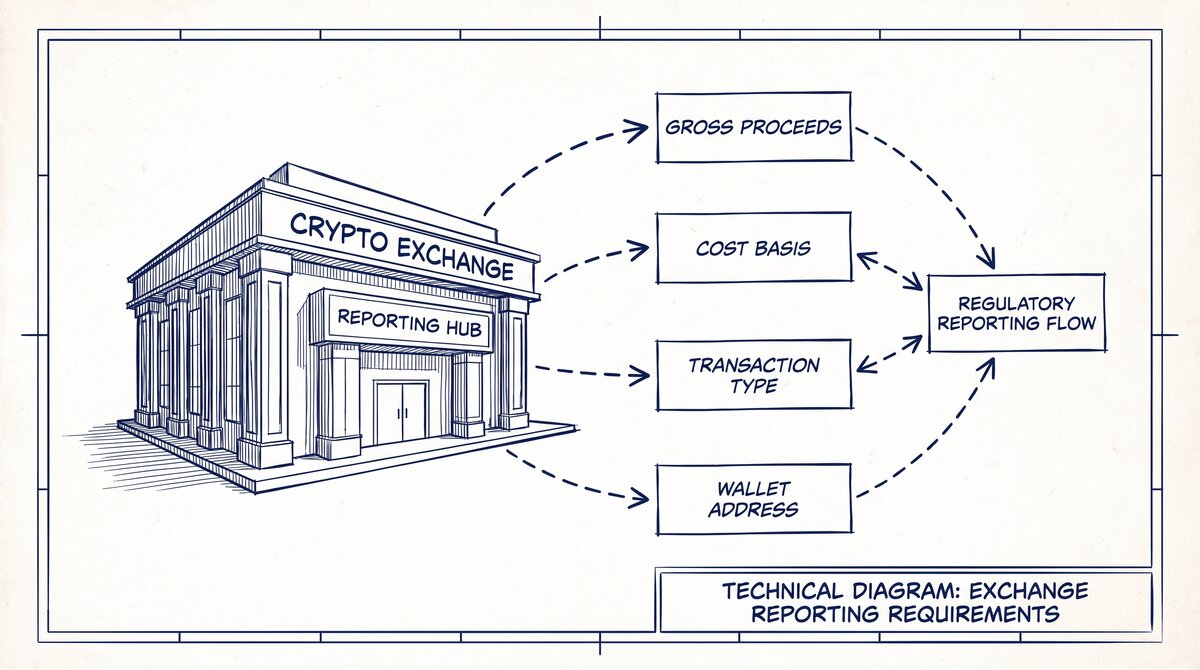
| Platform | Code | Meaning |
|---|---|---|
| Coinbase | STAKING REWARD | Earned from staking crypto |
| Coinbase | FIAT CONVERSION | Crypto sold for USD |
| Kraken | ROLL | Staking or lending reward |
| Binance | DISTRIBUTION | Airdrop or reward distribution |
| PayPal | PYMT | Payment sent or received |
| Venmo | PYMT | Peer-to-peer payment |
| Zelle | ZELLE [name] | Instant bank-to-bank transfer |
| Cash App | CASH APP [name] | Peer-to-peer payment |
| Chime | SPOT ME | Overdraft protection triggered |
| Robinhood | DIV | Dividend received |
| Robinhood | STOCK LEND | Stock lent out for income |
If you see a crypto-related abbreviation you don’t recognize, check the platform’s transaction history directly — bank descriptions are often truncated versions of the platform’s internal labels.
What to do next
- If you’re reconciling a statement and found an abbreviation that doesn’t match your records, see Verify a Converted Bank Statement Before Import for the 7-point check.
- If you’re preparing a statement for a loan or rental application, see Bank Statement for Mortgage Brokers for the review workflow.
- If you need to convert a PDF statement to Excel or QuickBooks, see Convert Bank Statement to Excel: The 6-Link Mechanism.
From Bank Statement to QuickBooks-Ready File
That manual cleanup you just read about? This tool skips it. Turn your PDF into QBO for QuickBooks without storing your data anywhere.
Start Converting