
The underwriter sent a request: “Provide 2 months of statements for all accounts showing the source of the $80K down payment.” You have 4 accounts across 3 banks. The closing is in 3 weeks.
TL;DR. Asset verification for mortgage application requires 5 categories of source-of-funds documentation: bank statements (2-3 months), investment accounts (most recent statement), retirement accounts (most recent statement), gift funds (signed gift letter, giver’s statement, transfer receipt), and large deposits (paper trail). The underwriter verifies the source, the seasoning (60+ days), and the consistency with stated income. The 3 common gaps: missing gift documentation, undocumented large deposits, and stale statements.
Asset verification is the underwriter confirming the source and sufficiency of funds for the down payment and reserves. This page covers the source-of-funds documentation, the reserves calculation, the 60-day seasoning rule, and the recon cutoff tool’s per-asset-export handling.
Asset verification is the underwriter confirming the source and sufficiency of funds for the down payment and reserves. The required reserves are typically 2-6 months of mortgage payment (PITI) after closing. The source of the down payment must be documented: savings, gift, sale of asset, equity from current home.
Large deposits (over $1,000-$2,000, varies by lender) must be explained. The recon cutoff tool’s per-asset-export handling generates the source-of-funds summary. The recon cutoff tool’s per-60-day-seasoning flag identifies recent deposits that need explanation. The recon cutoff tool’s per-cross-account flag shows transfers between accounts.
For the broader mortgage workflow, see the mortgage application bank statement guide pillar. For the gift funds path, see the gift funds guide. For the large deposit explanation, see the large deposit guide.
The 5 Source-of-Funds Categories
5 categories cover 95% of source-of-funds documentation. Each has a specific paper trail.
Category 1: Savings
Savings is the most common source. The paper trail: the bank statement showing the funds in the account for 60+ days. The recon cutoff tool’s per-savings-source handling identifies savings as the source. The recon cutoff tool’s per-60-day-seasoning flag confirms the funds are seasoned.
Category 2: Gift
Gift is the second most common. The paper trail: a signed gift letter from the giver, the giver’s bank statement showing the transfer, the giver’s ID. The recon cutoff tool’s per-gift-source handling includes the gift letter template. For the full gift funds workflow, see the gift funds guide.
Category 3: Sale of Asset
Sale of asset (car, jewelry, equipment, real estate) is the third. The paper trail: a bill of sale, the buyer’s name, the deposit confirmation. The recon cutoff tool’s per-asset-sale-source handling generates the bill of sale template.
Category 4: Equity from Current Home
Equity from current home (for move-up buyers or refinancers) is the fourth. The paper trail: the current home’s appraisal or comp value, the existing mortgage payoff amount, the net equity calculation. The recon cutoff tool’s per-equity-source handling includes the equity calculation.
Category 5: Retirement Loan or Distribution
Retirement loan or distribution (from 401k or IRA) is the fifth. The paper trail: the loan approval letter from the 401k administrator, the distribution confirmation, the deposit confirmation. The recon cutoff tool’s per-retirement-source handling includes the loan/distribution documentation.
The 60-Day Seasoning Rule
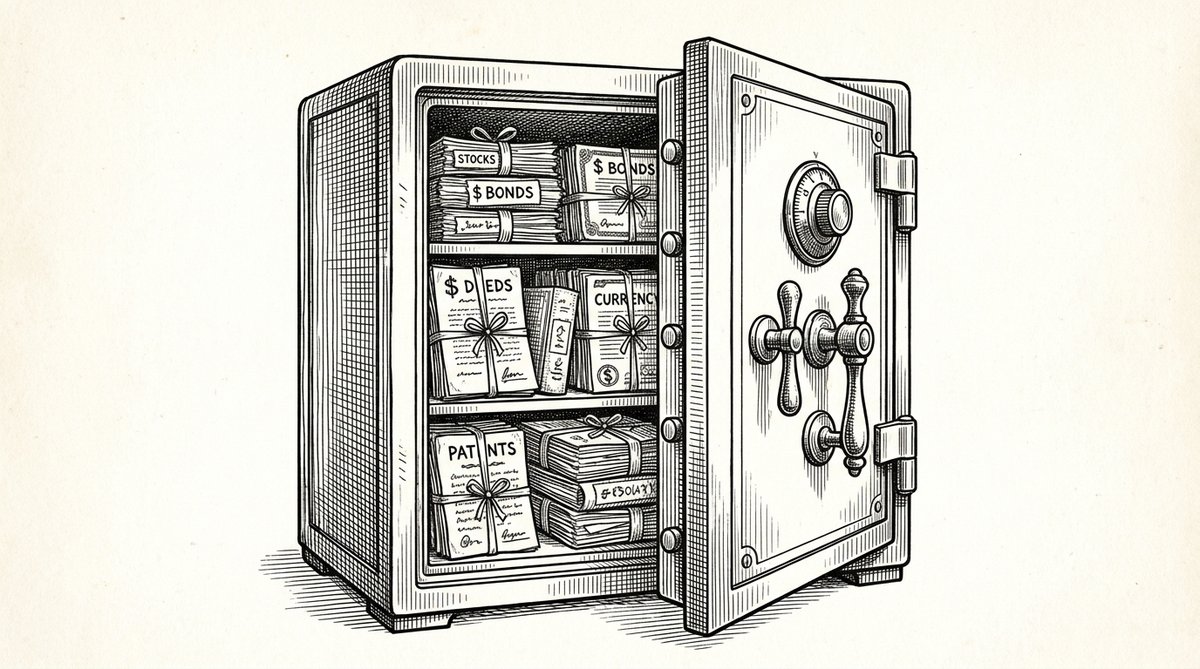
The 60-day seasoning rule means the funds must have been in the account for at least 60 days. If the funds are less than 60 days old, the underwriter requires source-of-funds documentation. The recon cutoff tool’s per-60-day-seasoning flag identifies recent deposits that need explanation.
The 60-day clock starts when the funds enter the account. For a gift, the 60 days start when the gift is deposited. For an asset sale, the 60 days start when the sale proceeds are deposited. The recon cutoff tool’s per-seasoning-tracking handles the date math.
What If the Funds Are Not Seasoned
If the funds are not seasoned, the underwriter requires source-of-funds documentation. The fix: gather the documentation in advance. The recon cutoff tool’s per-source-of-funds-checklist handling generates the checklist for each source type.
Turn That PDF Into a Spreadsheet in Minutes
You've seen how to do it manually — now let the tool handle the heavy lifting. Upload your bank statement and get Excel, CSV, or QBO in a few clicks.
Try It FreeThe Reserves Calculation
Reserves are the months of PITI (Principal, Interest, Taxes, Insurance) the borrower has in liquid assets after closing. The threshold is typically 2-6 months of PITI, depending on the loan program. The recon cutoff tool’s per-reserve-calculation handling calculates the months of PITI from the bank statement.
What Counts as Reserves
Liquid assets count: checking, savings, money market, brokerage. Retirement accounts (401k, IRA) sometimes count at 50-70% of value. The recon cutoff tool’s per-liquid-asset flag identifies what’s liquid and what isn’t. The recon cutoff tool’s per-retirement flag handles the partial-counting case.
What does NOT count as reserves: the down payment itself, the closing costs, the earne st money deposit, gifts that haven’t been received yet. The recon cutoff tool’s per-exclusion-flag handles the exclusions.
The 3 Common Asset Verification Mistakes
3 mistakes mortgage applicants make on asset verification.
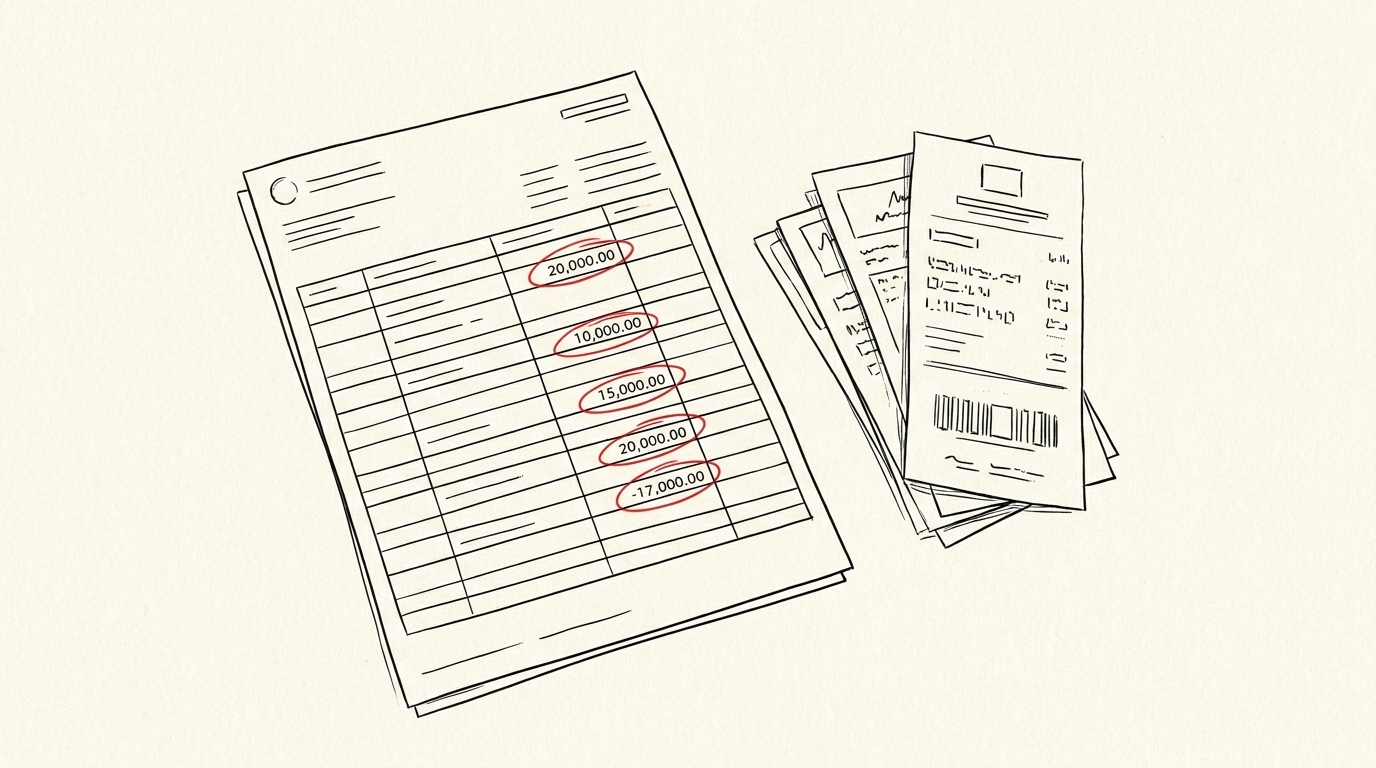
Mistake 1: Not explaining a large deposit. The underwriter flags every deposit over the threshold. The fix: prepare a paper trail for each large deposit in advance. The recon cutoff tool’s per-deposit-flag tracks each.
Mistake 2: Forgetting the donor’s statement. For gift funds, the donor’s bank statement is required, not just the gift letter. The fix: include both. The recon cutoff tool’s per-donor-statement flag tracks this.
Mistake 3: Submitting old statements. The lender wants the most recent 2 months. The fix: downlo
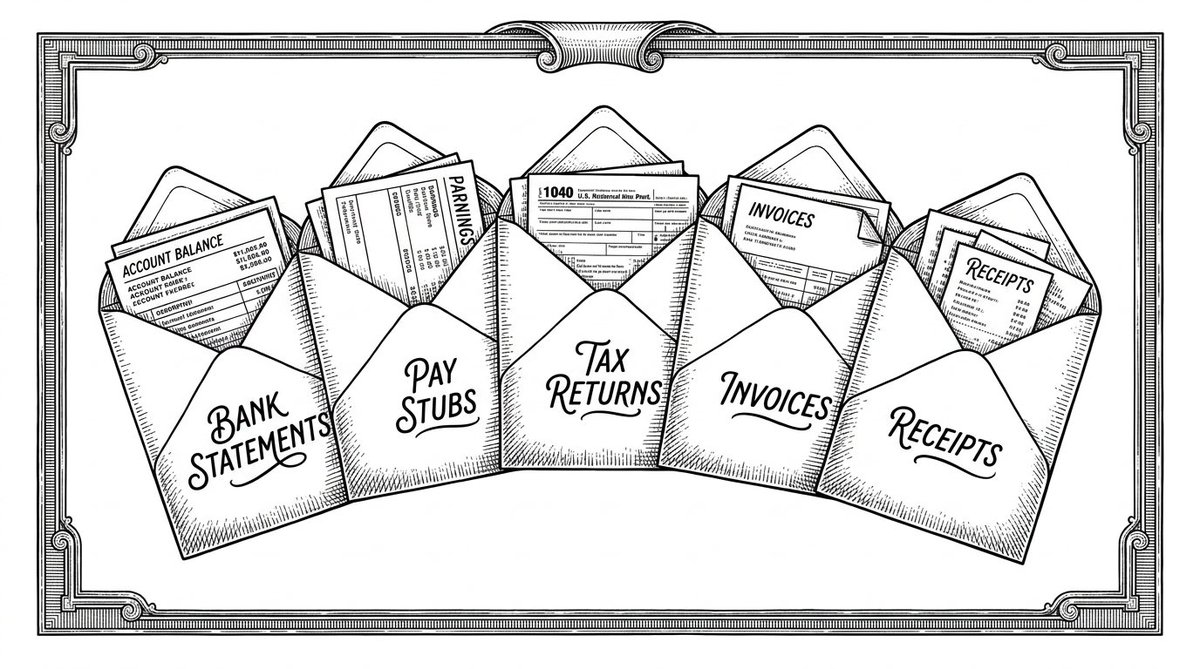
ad fresh statements the week of the application. The recon cutoff tool’s per-fresh-handling ensures the statements are current.
A common failure mode bookkeepers report is treating this as a single operation rather than a chain of dependent steps. The temptation is to find a tool that ‘just works’ and stop investigating the mechanism. The result is a wrong-fix cycle: the tool gives partial output, the bookkeeper spends 30+ minutes troubleshooting, the fix is for the wrong step, and the same error recurs on the next statement. The fix: identify which step failed and apply the right intervention to that step.
The Per-Asset-Verification Workflow
The per-asset-verification workflow runs in 5 steps. The 5 steps take 2-3 hours.
Step 1: Identify the Source
Identify the source of each large deposit: savings, gift, sale, equity, retirement. The recon cutoff tool’s per-source-identification handling lists the 5 categories.
Step 2: Gather the Documentation
Gather the documentation for each source. The recon cutoff tool’s per-documentation-handling lists the docs needed for each category. The recon cutoff tool’s per-template-handling generates the templates (gift letter, bill of sale, equity calculation).
Step 3: Calculate the Reserves
Calculate the reserves. The recon cutoff tool’s per-reserve-calculation handling calculates the months of PITI from the bank statement. The recon cutoff tool’s per-reserve-summary emits the 1-page summary.
Step 4: Identify the Large Deposits
Identify the large deposits over the threshold. The recon cutoff tool’s per-deposit-flag identifies each. The recon cutoff tool’s per-deposit-export emits the list of large deposits ready for the underwriter.
Step 5: Submit the Documentation
Submit the documentation. The recon cutoff tool’s per-asset-export emits the complete set: bank statements + source-of-funds documentation + reserve summary. The recon cutoff tool’s per-archive stores the set.
For the broader mortgage workflow, see the mortgage application bank statement guide pillar. For the gift funds path, see the gift funds guide. For the 2-3 month prep, see the 2-3 month prep guide.
For more on this, see the bank statement loan explained page.
For a deeper understanding, see: rental application pillar. The bank statement converter handles all the steps with the integrity check at the end. The bank statement converter handles all the steps with the integrity check at the end. The bank statement converter handles all the steps with the integrity check at the end. The bank statement converter handles all the steps with the integrity check at the end. For more, see the bank statement for mortgage brokers.
From Bank Statement to QuickBooks-Ready File
That manual cleanup you just read about? This tool skips it. Turn your PDF into QBO for QuickBooks without storing your data anywhere.
Start Converting