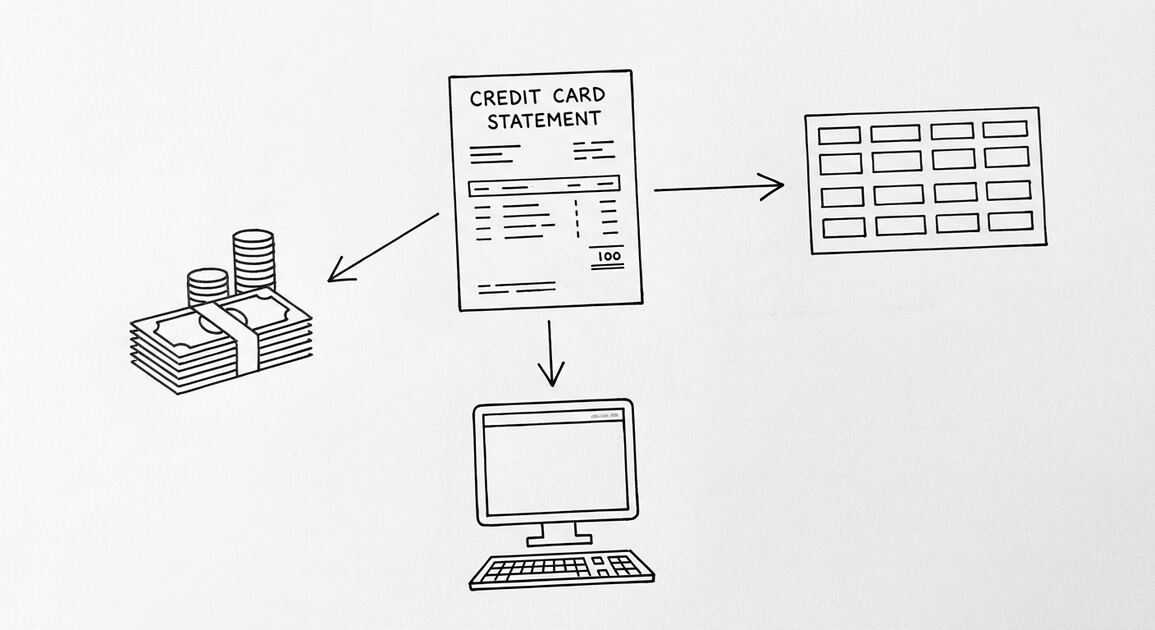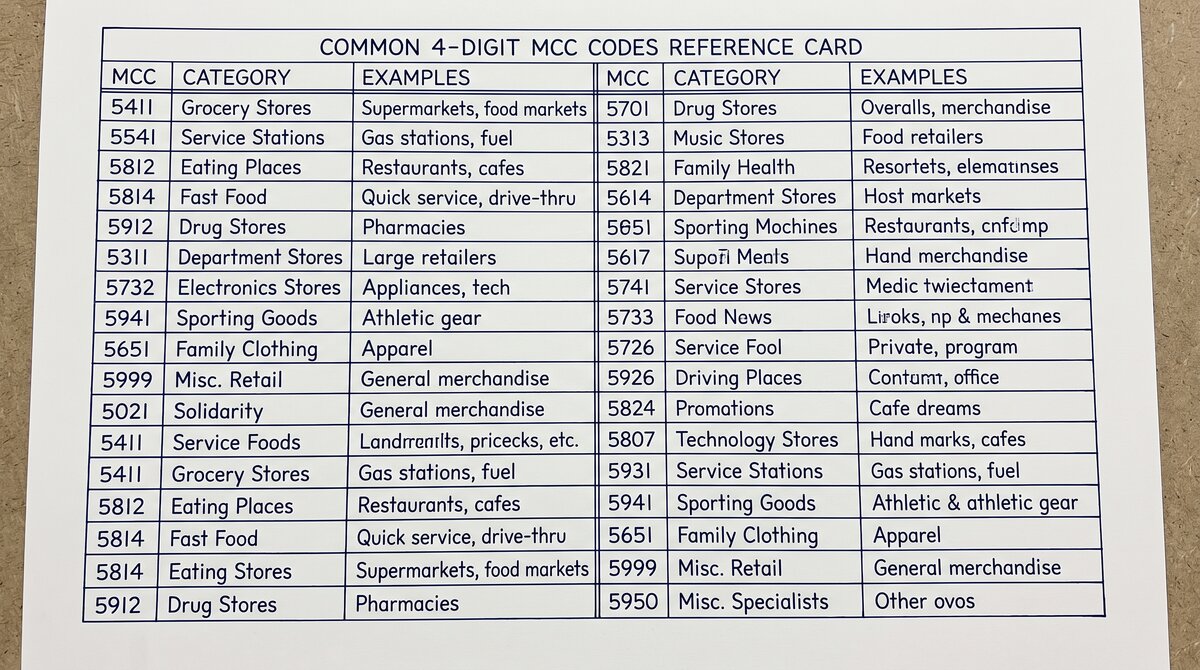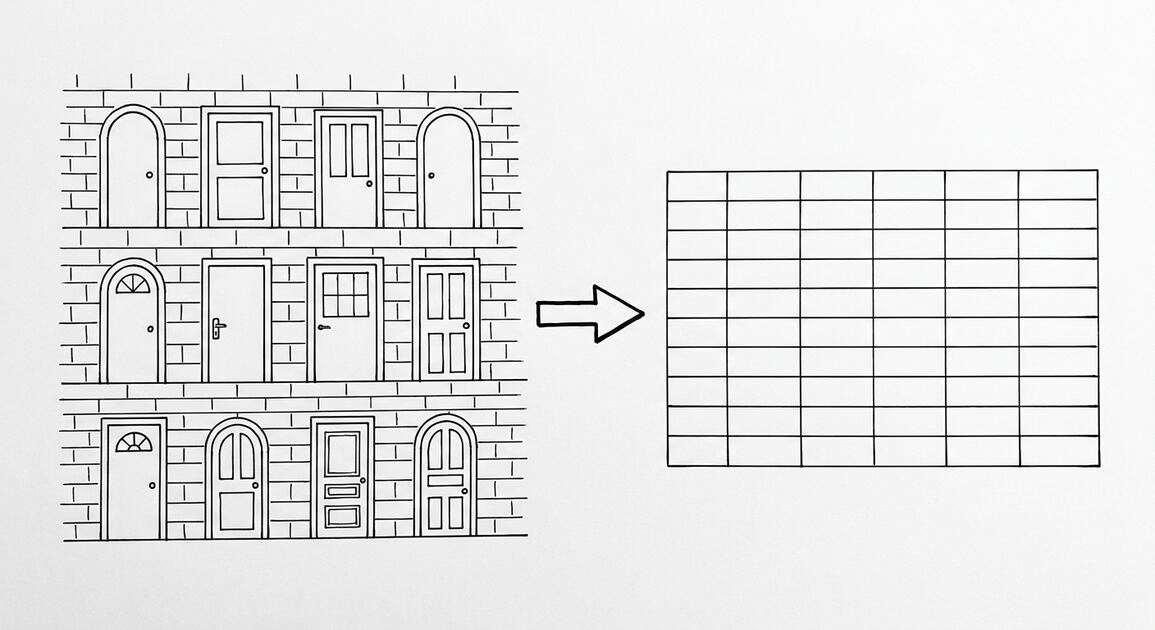

This page is the directory of credit union statement export, by credit union. It tells you what each credit union gives you (PDF, OFX, or QFX), where the download button lives in the online portal, and what to do with the file after you download it.
TL;DR. Credit union statement export varies by institution but follows 3 patterns: web download (most common, CSV or PDF), in-branch request (PDF or printed), API access (some larger credit unions). The 4 standard columns are Date, Description, Amount, Balance. Credit unions typically use 1 of 4 core banking platforms (Fiserv, Jack Henry, FIS, custom), each with its own export format. A converter handles the variation.
The detailed export guides for 10 major US credit unions are linked below, organized by cycle behavior and the format each credit union supports.
Major US credit unions offer 12 to 60 months of monthly PDF statements and 12 to 24 months of combined OFX or QFX. Credit unions generally have different export limits than big banks. Navy Federal has 60-month PDF history, the longest. Most cap at 24 months.
Credit union statement cycles are usually anchored to the day the account was opened, similar to Ally Bank. Different members have different cycle dates. The cycle date is visible in the credit union’s app or online portal.
For specific credit unions, see the guides below. For the broader conversion workflow, see the converter guide.
Why Every Credit Union Has a Different Export Flow
There is no federal rule that says credit unions must offer a standard export format. Each credit union builds its own online portal, and the download button is whatever the portal team decided to ship. That is why the experience is so different from credit union to credit union.
What most guides miss about this workflow is that the quality depends on the mechanism, not on the tool. Two tools that look different on the surface often run the same 4-step process underneath: read, find, parse, verify. The difference is in how well each step handles edge cases (merged cells, missing balances, non-standard date formats, scanned vs digital input). Choosing between tools based on UI alone misses the actual quality lever.
What you can rely on: every major US credit union offers some way to download a statement. The format and the steps vary. The 5 formats you will encounter are PDF, CSV, OFX, QFX, and QBO, each with different tradeoffs.
- PDF is the most common. It is what you see when you open the statement in your browser. It is also the hardest to convert because the data is locked inside a layout.
- CSV is rare among credit unions. Only Navy Federal business accounts offer CSV. Most credit unions do not.
- OFX is the open banking standard. It opens in QuickBooks, Xero, Sage, and most accounting software. A converter that handles OFX can also turn it into an Excel file.
- QFX is Intuit’s proprietary version of OFX. It is the same data format, but with an Intuit-specific wrapper. It works in QuickBooks. Other accounting software may need a converter.
- QBO is QuickBooks’ own format. No major US credit union offers QBO directly. Chase and Wells Fargo banks offer it, but credit unions do not.
What File Format Each Credit Union Gives
Here is the quick reference. Use this if you already know your credit union and just want the format. The detailed steps for each credit union are in the sections below.
- Navy Federal Credit Union (NFCU): PDF (60 monthly) and OFX (combined). No CSV for personal accounts.
- State Employees Credit Union (SECU): PDF (24 monthly) and QFX (combined). No CSV.
- Pentagon Federal Credit Union (PenFed): PDF (24 monthly) and QFX (combined). No CSV.
- Boeing Employees Credit Union (BECU): PDF (24 monthly) and OFX (combined). No CSV.
- America First Credit Union: PDF (24 monthly) and QFX (combined). No CSV.
- SchoolsFirst Credit Union: PDF (24 monthly) and OFX (combined). No CSV.
- Golden 1 Credit Union: PDF (24 monthly) and QFX (combined). No CSV.
- Digital Federal Credit Union (DCU): PDF (36 monthly, longest) and QFX (24 combined, longest). No CSV.
- Alliant Credit Union: PDF (24 monthly) and QFX (combined). No CSV.
- First Tech Federal Credit Union: PDF (24 monthly) and OFX (combined). No CSV.
Turn That PDF Into a Spreadsheet in Minutes
You've seen how to do it manually — now let the tool handle the heavy lifting. Upload your bank statement and get Excel, CSV, or QBO in a few clicks.
Try It FreeNational Credit Unions: The Top 3
The three largest US credit unions (Navy Federal, SECU, PenFed) cover roughly 19M+ members. Each has a different export flow, and the differences matter when you have a deadline.
Navy Federal Credit Union (NFCU)
NFCU’s export flow is the most generous. The “Account Activity” page gives you a single combined file covering whatever date range you pick, up to 18 months. The OFX is the open standard. You can choose PDF for up to 60 months.
The 60-month PDF history is the longest of any major US credit union. The 18-month OFX covers most mortgage and refi history requests in a single download. NFCU’s business accounts have a separate login with 24 months of OFX and 12 months of CSV, which is the only CSV download in the credit union space.
Detailed steps: Navy Federal Credit Union export guide.
State Employees Credit Union (SECU)
SECU’s export flow is regional. The “Account History” page gives you a single combined QFX file covering up to 12 months. The PDF download gives you 24 months of monthly statements.
SECU has no monthly fees on any account, which is the credit union’s signature feature. The QFX is the Intuit version of OFX, so QuickBooks users get a clean path. The 12-month QFX limit is shorter than most credit unions.
Detailed steps: SECU export guide.
Pentagon Federal Credit Union (PenFed)
PenFed’s export flow is similar to SECU. The “Account History” page gives you a single combined QFX file covering up to 12 months. The PDF download gives you 24 months of monthly statements.
PenFed is one of the largest credit unions by assets ($30B+), serving military, government employees, and defense contractors. PenFed Realty is a separate entity with its own export flow. The 12-month QFX limit and 24-month PDF limit are the same as SECU.
Detailed steps: PenFed export guide.
Regional Credit Unions: BECU, America First, SchoolsFirst, Golden 1
The regional credit unions serve specific geographies or industries. They tend to offer 24 months of PDF and 12-18 months of OFX or QFX.
Boeing Employees Credit Union (BECU)
BECU’s export flow is the cleanest among regional credit unions. The “Account History” page gives you a single combined OFX file covering up to 18 months. The PDF download gives you 24 months of monthly statements.
The 18-month OFX history is better than SECU and PenFed (12-month QFX). BECU serves Washington state residents and Boeing employees, with 1.3M+ members. The OFX is the open standard that any accounting software can read.
Detailed steps: BECU export guide.
America First Credit Union
America First’s export flow matches BECU’s. The “Account History” page gives you a single combined QFX file covering up to 18 months. The PDF download gives you 24 months of monthly statements.
America First is the largest credit union in Utah, with 1.3M+ members. The credit union serves UT, ID, and NV residents. The 18-month QFX limit and 24-month PDF limit are the same as BECU.
Detailed steps: America First export guide.
SchoolsFirst Credit Union
SchoolsFirst’s export flow is regional. The “Account History” page gives you a single combined OFX file covering up to 12 months. The PDF download gives you 24 months of monthly statements.
SchoolsFirst is a California-only credit union for school employees (teachers, administrators, support staff), with 1.2M+ members. The 12-month OFX limit is shorter than BECU and America First.
Detailed steps: SchoolsFirst export guide.
Golden 1 Credit Union
Golden 1’s export flow matches America First’s. The “Account History” page gives you a single combined QFX file covering up to 18 months. The PDF download gives you 24 months of monthly statements.
Golden 1 is the largest credit union in the Sacramento region, with 1.1M+ members. The credit union now extends membership to California and Washington resi
dents.
Detailed steps: Golden 1 export guide.
Online-First Credit Unions: DCU, Alliant, First Tech
The online-first credit unions have broader membership criteria and newer portals. They tend to have cleaner export flows than regional credit unions.
Digital Federal Credit Union (DCU)
DCU’s export flow has the longest history of any major credit union. The “Account History” page gives you a single combined QFX file covering up to 24 months. The PDF download gives you 36 months of monthly statements.
The 24-month QFX and 36-month PDF are the best among major US credit unions, beating most banks. DCU is based in Massachusetts, with 1M+ members, and is online-first (no physical branches).
Detailed steps: DCU export guide.
Alliant Credit Union
Alliant’s export flow matches Golden 1’s. The “Account History” page gives you a single combined QFX file covering up to 18 months. The PDF download gives you 24 months of monthly statements.
Alliant is an online credit union with 800K+ members, no monthly fees on most accounts, and a high-yield savings product. The credit union was originally for United Airlines employees, now extends to anyone who joins a qualifying organization.
Detailed steps: Alliant export guide.
First Tech Federal Credit Union
First Tech’s export flow is the same as BECU’s. The “Account History” page gives you a single combined OFX file covering up to 18 months. The PDF download gives you 24 months of monthly statements.
First Tech is based in Beaverton, OR, with 720K+ members, primarily serving the tech industry (Intel, HP, and others). The credit union is one of the largest tech-focused credit unions in the US.
Detailed steps: First Tech export guide.
What to Do If Your Credit Union Is Not on This List
If your credit union is not on this list, the export flow follows the same pattern. Log into the online portal, find “Statements” or “Documents” in the account menu, look for a download button. If the credit union offers a download, it is usually one of the 5 formats above.
Three fallback options for credit unions that do not offer a download at all:
- Use the credit union’s mobile app. Some credit unions (especially smaller ones) have a download feature in the app that is missing from the desktop portal. Worth a try before giving up.
- Request a statement by phone. You can call the credit union’s member services and ask them to mail you a CSV. Some credit unions will do this. Some will not. Some will only send a PDF.
- Convert the screen view. If all else fails, the credit union’s portal will at least show your transactions in a table. You can copy and paste from the table into Excel, then clean up the formatting. This is the worst option, but it works.
A common failure mode bookkeepers report is treating this as a single operation rather than a chain of dependent steps. The temptation is to find a tool that ‘just works’ and stop investigating the mechanism. The result is a wrong-fix cycle: the tool gives partial output, the bookkeeper spends 30+ minutes troubleshooting, the fix is for the wrong step, and the same error recurs on the next statement. The fix: identify which step failed and apply the right intervention to that step.
The 3 Things to Do After You Download
You have the file. Now what? Three steps to get from download to clean Excel.
- Open the file and check the first 5 transactions. If the date column shows “01/05/2025” instead of “2025-01-05”, your file uses a non-standard date format. Note it. If the description column has 30-character truncation, note it. These are the quirks your converter needs to handle.
- Run a converter if the file is PDF. If you downloaded PDF (and most credit unions give PDF), you need a converter. A good converter reads the PDF and produces a clean CSV or Excel file with the transactions extracted. The conversion takes 10 to 30 seconds per statement.
- Reconcile the converted file against the original. Open the PDF next to the Excel file. Count the transactions in each. If the counts match, you are done. If not, find the gap and convert again with different settings. The 2am test: if you cannot reconcile in 5 minutes, the converter is not right. Find a different one.
For QuickBooks users, the cleanest path is to download QFX (if your credit union offers it) or use a converter that produces a QuickBooks-ready file. The QuickBooks-specific conversion guide covers the import dance for QFX and QBO.
For the broader conversion workflow, our general guide to converting bank statements to Excel covers the 5-point validation check and the 3 things to do after every conversion. If you have multiple credit unions to convert at once, see our batch conversion guide.
For a broader view across all US banking entities, our bank-statement-converter guide covers the major banks, credit cards, and credit unions in one map. For the related credit union statement export: military, community, and employer cus page, see the linked article.
For deeper understanding, see: Credit Union Statement Specifics.
Turn any PDF statement into a clean sheet
Skip the typos and the hours of copying. Our converter handles any bank statement format and outputs Excel, CSV, or QBO for QuickBooks. No file retention, free to try.
Convert your statement