
Your lender wants 2 months of bank statements by next Friday. You have 3 bank accounts, a brokerage, and a 401k. The mortgage is pre-approved, and missing this deadline kills the rate lock.
The 2-3 month prep is the standard mortgage application timeline. This page covers the prep window, the rate lock deadline, the multi-account prep, and the recon cutoff tool’s batch download handling.
Fannie Mae / Freddie Mac require 2 months; FHA similar; jumbo lenders often want 3-6 months. The 2-month window must be the most recent 2 months. Old statements are not accepted. All accounts must be disclosed: checking, savings, brokerage, retirement (sometimes). The statements must be consecutive (no gaps). A gap is a red flag.
The recon cutoff tool’s batch download handles multiple accounts in one go. The recon cutoff tool’s per-window handling tracks the dates. The recon cutoff tool’s per-rate-lock-countdown tracks the days until the rate lock expires. For most rate locks (30-60 days), the prep window is 1-2 weeks of focused work.
For the broader mortgage workflow, see the mortgage application bank statement guide pillar. For the self-employed path, see the self-employed mortgage guide. For the asset verification, see the asset verification guide.
The 2-3 Month Window
The 2-3 month window must be the most recent 2-3 months. For a January mortgage application, the 2-month window is November and December. For a March application, the 2-month window is January and February. The recon cutoff tool’s per-window handling tracks the most recent 2-3 months automatically.
The 2-3 month statements should be consecutive, with no gaps. A gap (e.g., November and January, no December) is a red flag. The recon cutoff tool’s per-statement handling flags gaps automatically.
Why 2 Months and Not 3 or 6
2 months is the minimum Fannie Mae, Freddie Mac, and FHA accept. Some jumbo lenders want 3-6 months. Self-employed applicants need 12-24 months. The 2-month prep covers the standard W-2 applicant. The 3-6 month prep covers jumbo and self-employed.
The Rate Lock Deadline
The rate lock is the lender’s agreement to hold a specific interest rate for a period (typically 30-60 days). The rate lock has a deadline. Missing the deadline means the rate goes back to the market rate, which might be higher.
The recon cutoff tool’s per-rate-lock-countdown handling tracks the days until the rate lock expires. The countdown is visible in the application dashboard. The recon cutoff tool’s per-prep-time-estimate handling estimates the time needed for the prep, based on the number of accounts and the statement type.
The 30-Day vs 60-Day Rate Lock
30-day rate locks are cheaper but tighter. 60-day rate locks are more expensive but give more time. Most lenders offer both. The recon cutoff tool’s per-lock-period handling adjusts the prep timeline. For a 30-day lock, the prep must be done in 2-3 weeks. For a 60-day lock, the prep can be 4-5 weeks.
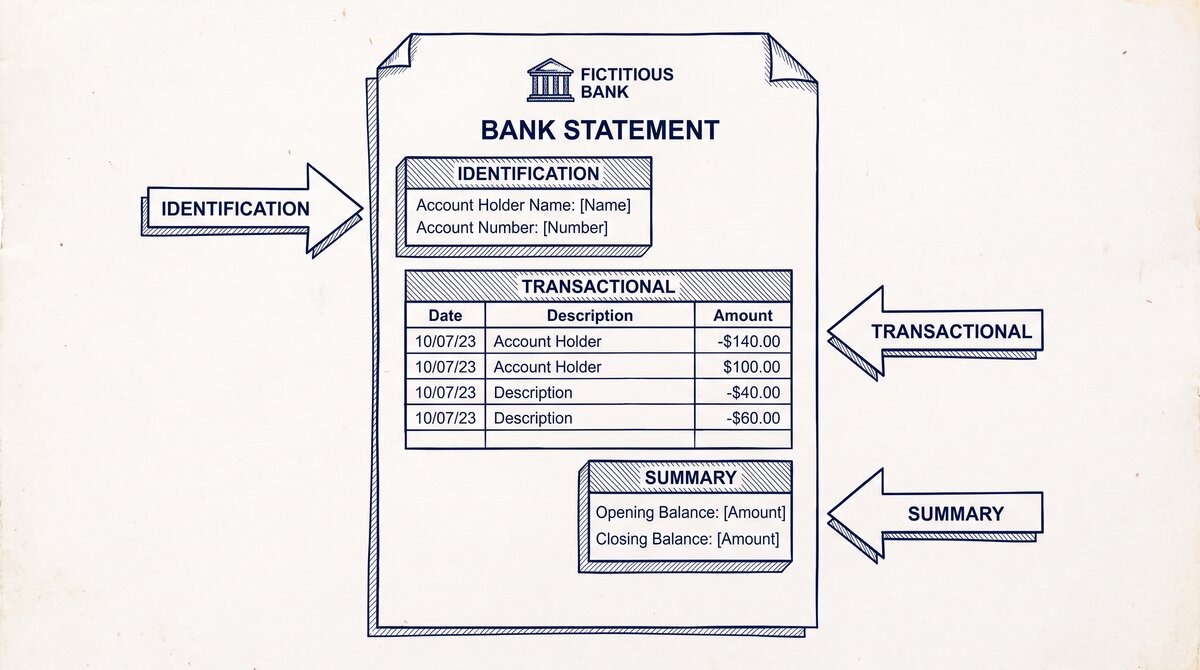
Turn any PDF statement into a clean sheet
Skip the typos and the hours of copying. Our converter handles any bank statement format and outputs Excel, CSV, or QBO for QuickBooks. No file retention, free to try.
Convert your statementThe Multi-Account Prep
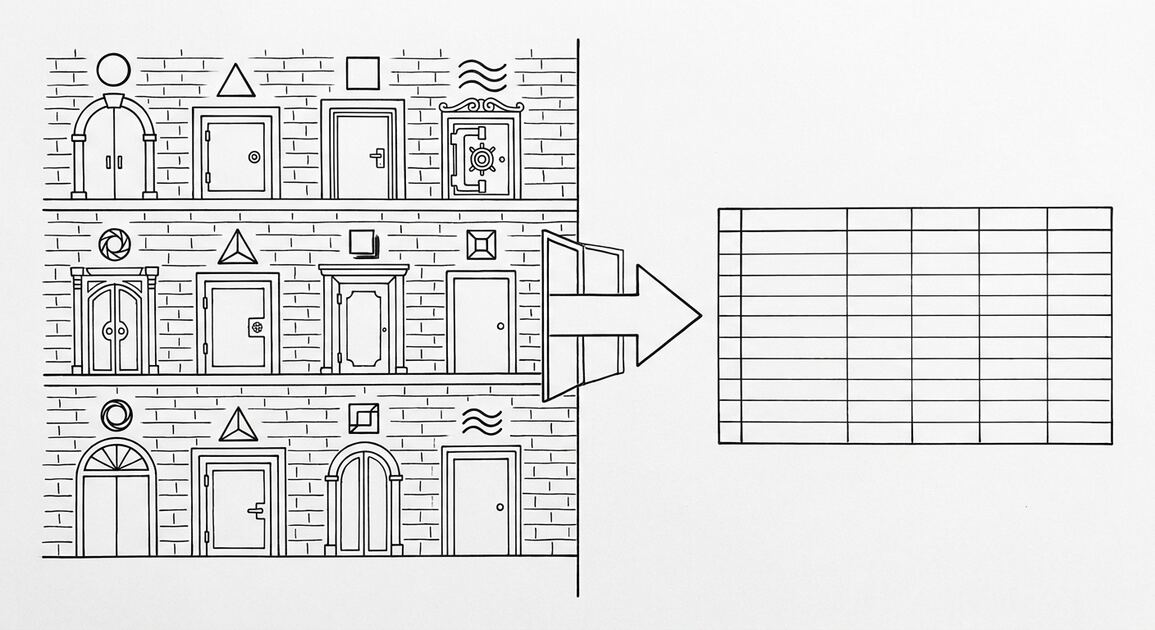
The multi-account prep is the most common scenario: 1-2 checking accounts, 1-2 savings accounts, 1 brokerage, sometimes a 401k. The lender wants each account separately, even if they’re at the same bank. The recon cutoff tool’s batch download handles multiple accounts from the same bank in one go.
The 4 Most Common Account Types
4 account types cover 95% of mortgage prep. Each has a different download path and a different conversion.
Checking. The most common. The lender wants the most recent 2-3 months. The recon cutoff tool’s per-checking handling reads the checking statement.
Savings. Often combined with checking in the same bank. The recon cutoff tool’s per-savings handling reads the savings statement. The reserves are calculated from savings (and other liquid accounts).
Brokerage. Shows the account value, the holdings, and any recent trades. The recon cutoff tool’s per-brokerage handling extracts the relevant data (account value, recent trades).
Retirement (401k, IRA). Sometimes counted at 50-70% of value toward reserves. The recon cutoff tool’s per-retirement flag handles the partial-counting case.
The Download Workflow
The download workflow runs in 5 steps. The 5 steps take 1-2 hours for a 4-account borrower.
Step 1: Log Into Each Account
Log into each bank’s online portal. Use the credentials and 2FA. The recon cutoff tool’s per-bank handling lists the login URL and the 2FA flow for each bank.
Step 2: Navigate to Statements
Find the Statements or Documents section. The recon cutoff tool’s per-bank handling lists the navigation path. Chase is in the Documents tab. Wells Fargo is in the Statements and Documents tab. Bank of America is in the Documents tab.
Step 3: Select the 2-3 Month Window
Select the most recent 2-3 months. The recon cutoff tool’s per-window handling flags if the selected window is not the most recent 2-3 months. The recon cutoff tool’s per-month handling ensures the months are consecutive.
Step 4: Download as PDF
Download each statement as PDF. The recon cutoff tool’s per-format handling reads the PDF. The recon cutoff tool’s per-page handling extracts the transaction list from the PDF.
Step 5: Verify and Organize
Open each PDF and verify the date range, the ending balance, and the transaction list. The recon cutoff tool’s per-verify handling checks the 3 fields. The recon cutoff tool’s per-archive handling organizes the verified statements in the underwriter’s preferred order.
The Common Prep Mistakes
3 mistakes mortgage applicants make on the 2-3 month prep.
Mistake 1: Downloading from the wrong account. Some applicants have 2-3 Chase accounts. Downloading from the wrong account is a common mistake. The fix: verify the account number on the statement matches the account you want. The recon cutoff tool’s per-account handling checks the account number.
Mistake 2: Forgetting the brokerage statement. The brokerage statement is the most-overlooked document. The lender wants the brokerage statement showing the account value, the holdings, and any recent trades. The recon cutoff tool’s per-brokerage flag tracks this.
Mistake 3: Downloading only 1 month. Some applicants download only the most recent month. The lender wants 2-3 months. The fix: download the full 2-3 month window. The recon cutoff tool’s per-window handling ensures the full window.
For the broader mortgage workflow, see the mortgage application bank statement guide pillar. For the self-employed path, see the self-employed mortgage guide. For the asset verification, see the asset verification guide. For the related mortgage prep and documentation: the 2-3 month bank statement window page, see the linked article. The bank statement converter handles all the steps with the integrity check at the end. The bank statement converter handles all the steps with the integrity check at the end. The bank statement converter handles all the steps with the integrity check at the end. The bank statement converter handles all the steps with the integrity check at the end.
From Bank Statement to QuickBooks-Ready File
That manual cleanup you just read about? This tool skips it. Turn your PDF into QBO for QuickBooks without storing your data anywhere.
Start Converting