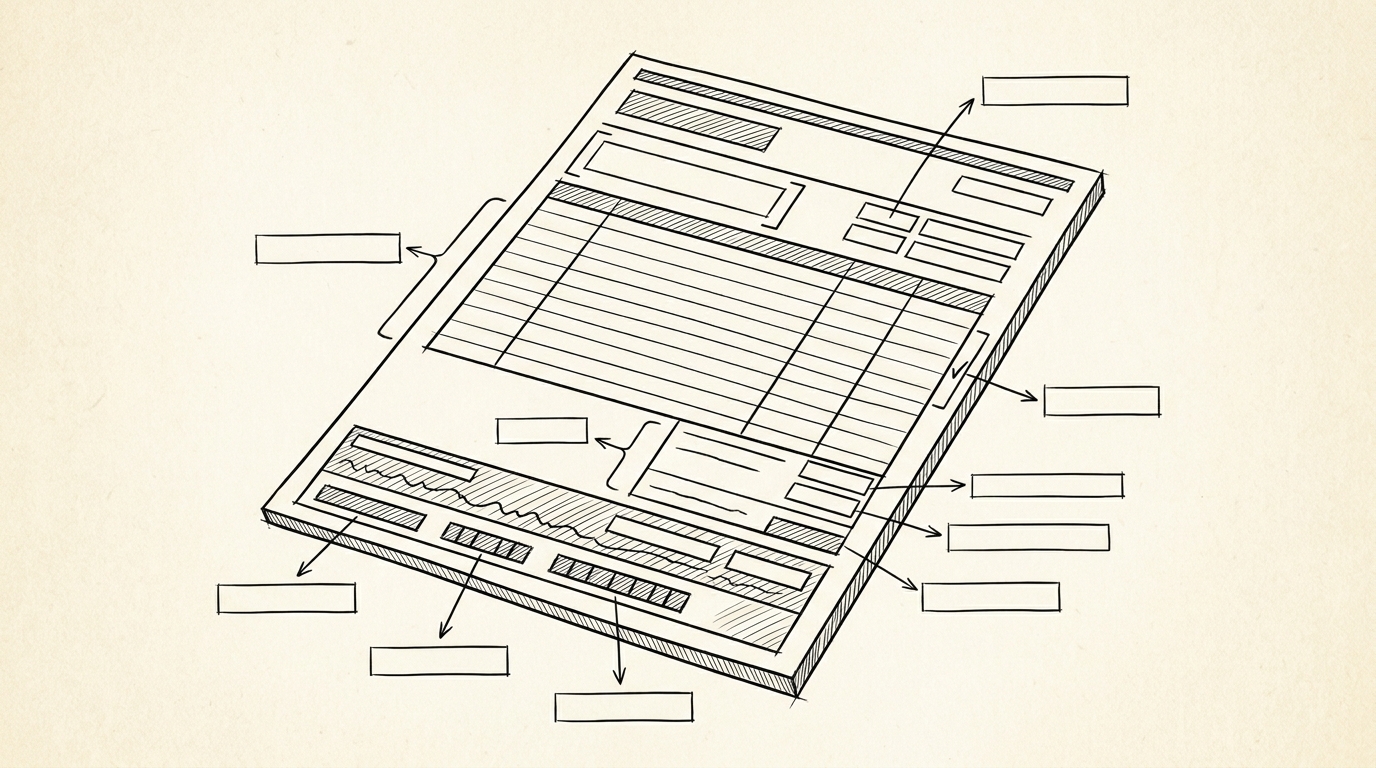

A $50 charge at the gas station shows up as 5541 on the credit card statement. That 4-digit code is the Merchant Category Code, and it determines the rewards rate, the IRS category, and the budget group. A freelancer looks at their credit card statement to categorize expenses for Schedule C. The merchant descriptor says ‘OFFICE DEPOT #1234’. The MCC field shows 5943.
The IRS Schedule C has ‘Office Expense’ as line 18. Mapping MCC 5943 to line 18 is the standard tax categorization.
For the broader credit card to Excel workflow, see the credit card to Excel guide.
The Definition of Merchant Category Code
A Merchant Category Code (MCC) is a 4-digit code assigned by the card network (Visa, Mastercard, American Express, Discover) to each merchant that accepts the network’s cards. The code classifies the type of business the merchant operates, from grocery stores to airlines to restaurants.
What most guides miss about credit card statements is that the quality depends on the mechanism, not on the tool. Two tools that look different on the surface often run the same 4-step process underneath: read, find, parse, verify. The difference is in how well each step handles edge cases (merged cells, missing balances, non-standard date formats, scanned vs digital input).
Choosing between tools based on UI alone misses the actual quality lever.
MCCs are standardized across the card networks. The same merchant gets the same MCC regardless of which network processes the transaction. This standardization is what makes MCCs useful for rewards programs, tax categorization, and spend analytics.
How MCC Works on a Credit Card Statement
MCC is assigned when the merchant sets up their card processing. The merchant’s payment processor assigns the code based on the merchant’s primary business activity. The MCC does not change with each transaction; it is tied to the merchant account.
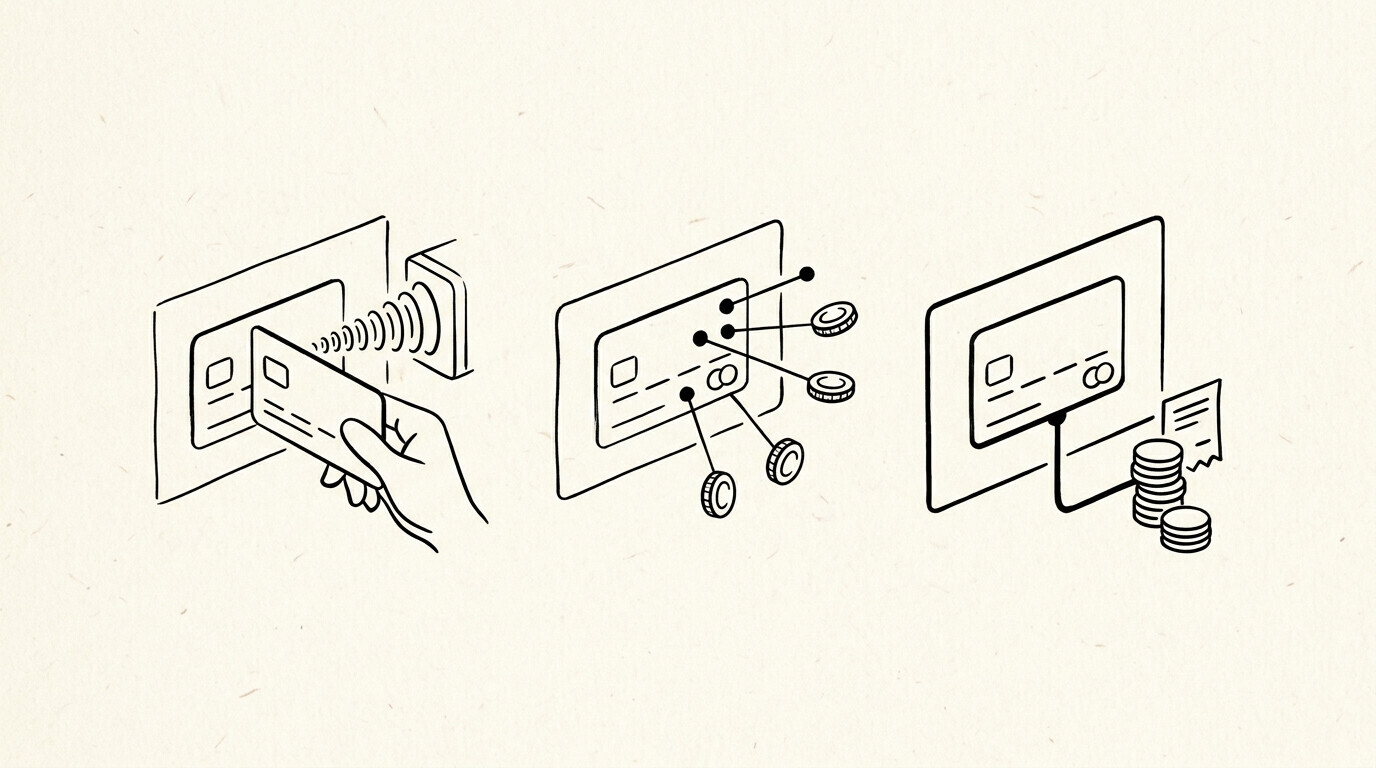
On a credit card statement, the MCC is usually invisible to the cardholder. Consumer statements show the merchant descriptor (‘STARBUCKS #1234 SEATTLE WA’), not the MCC code. The MCC is in the underlying transaction data, accessible to the issuer and to merchants that process the transaction.
Where MCC appears
MCC appears in the card network’s transaction data, in the merchant’s payment processor records, and in the issuer’s transaction log. It does not appear on the standard consumer credit card statement. It is available through the issuer’s transaction API (for online tools that pull transaction details) and through some rewards program dashboards.
From Bank Statement to QuickBooks-Ready File
That manual cleanup you just read about? This tool skips it. Turn your PDF into QBO for QuickBooks without storing your data anywhere.
Start ConvertingThe 10 Major MCC Categories
There are approximately 600 MCC codes in active use. Most consumer spending falls into 10 major categories. The table below lists the codes that account for the majority of credit card spend.
| MCC | Category | Common merchants |
|---|---|---|
| 5411 | Grocery stores | Whole Foods, Trader Joe’s, Safeway |
| 5541 | Service stations | Shell, Chevron, BP |
| 5812 | Eating places, restaurants | Most sit-down restaurants |
| 5814 | Fast food restaurants | McDonald’s, Starbucks, Chipotle |
| 5311 | Department stores | Target, Walmart, Macy’s |
| 5943 | Stationery, office supplies | Office Depot, Staples |
| 5999 | Miscellaneous retail | Amazon (most transactions), specialty stores |
| 7011 | Lodging | Hotels, motels |
| 4111 | Local passenger transport | Uber, Lyft, taxis |
| 4121 | Taxicabs and limousines | Traditional taxi services |
How MCC Determines Rewards Rates
Most rewards credit cards offer higher rewards (3x points, 4% cash back) on specific MCC categories. The card issuer sets the rewards rate based on the MCC of each transaction, not on the merchant descriptor.
A typical travel rewards card offers 3x points on flights and hotels (MCC 3000-3999 for airlines, MCC 7011 for lodging) and 1x points on everything else. A cardholder who buys an airline ticket from a travel agency that uses a different MCC (e.g., 4722 for travel agencies) may not get the 3x rate.
How MCC Maps to IRS Schedule C
The IRS does not have an official MCC-to-Schedule-C mapping. The mapping is established by accounting practice and by tax software defaults. The table below shows the most common mappings for self-employed expense categorization.
| MCC range | Schedule C line | Category |
|---|---|---|
| 5411, 5499 | Line 18 (Office expense) or Line 22 (Supplies) | Groceries for home office, office supplies |
| 5541 | Line 9 (Car and truck expenses) or Line 22 (Supplies) | Fuel for business vehicle |
| 5812, 5814 | Line 24b (Meals) | Business meals (50% deductible) |
| 5943 | Line 18 (Office expense) | Office supplies |
| 7011 | Line 24a (Travel) | Business travel lodging |
| 4111, 4121 | Line 24a (Travel) or Line 9 (Car expenses) | Local transportation for business |
Common Confusion Points
A common failure mode bookkeepers report is the MCC being confused with the merchant descriptor. The descriptor is ‘STARBUCKS #1234’, the MCC is 5814. They are different data points. The descriptor is the human-readable name. The MCC is the network’s classification.
A second confusion is the rewards rate. The cardholder expects 4x on ‘dining’ because the merchant name sounds like a restaurant. The MCC is 5812 (full-service restaurant), which is on the dining list, so the 4x applies. The cardholder expects 4x on a ‘fast casual’ place, but the MCC is 5814 (fast food), which is on a different rewards list.
The rates can differ even within the same general category.
Common MCC Codes Reference (Most-Searched)
The 15 most-searched MCC codes with their categories, common confusion points, and what to watch for. Use this as the lookup table when you see an unfamiliar code on a statement.
| MCC | Category | Notes |
|---|---|---|
| 5411 | Grocery Stores | Most-searched MCC. Includes supermarkets, grocery stores, and food stores. Most credit cards give bonus rewards on 5411. 7+ imp on “5411 mcc code” query. |
| 5812 | Eating Places, Restaurants | Includes restaurants, bars, pubs, and fast food. Common confusion: 5812 vs 5813 (bars) vs 5814 (fast food). |
| 5541 | Service Stations | Gas stations. Common confusion: 5541 vs 5983 (fuel dealers) vs 5172 (petroleum products). |
| 7011 | Lodging – Hotels, Motels, Resorts | Hotels. Common confusion: 7011 (lodging) vs 7012 (timeshare) vs 7032 (recreation). |
| 4111 | Local and Suburban Commuter Transportation | Includes public transit, taxis, ride-shares. Most cards give bonus on 4111. |
| 4121 | Taxicabs and Limousines | Taxi-specific. 4111 is broader (commuter transit), 4121 is taxi-specific. Common confusion: 4121 vs 4111. |
| 5311 | Department Stores | Department stores. Common confusion: 5311 (dept stores) vs 5399 (general merchandise) vs 5499 (food stores). |
| 5943 | Stationery, Office Supplies | Office supply stores. Common confusion: 5943 (stationery) vs 5944 (jewelry) vs 5945 (toys). |
| 5968 | Direct Marketing – Continuity/Subscription | Subscription services. 5968 is the most-searched subscription MCC. Common confusion: 5968 vs 5969 (other direct marketing) vs 7311 (advertising). |
| 6011 | Financial Institutions – Automated Cash Disbursements | ATM cash withdrawals. 6011 is ATM-specific. Common confusion: 6011 (ATM) vs 6012 (financial institution) vs 6051 (quasi-cash). |
| 6300 | Insurance Sales, Underwriting, and Premiums | Insurance premiums. Common confusion: 6300 (insurance) vs 6381 (insurance premiums) vs 6399 (insurance other). |
| 4900 | Utilities – Electric, Gas, Water, Sanitary | Utility bills. Common confusion: 4900 (electric/gas/water) vs 4814 (telecommunications) vs 4899 (cable/satellite). |
| 4722 | Travel Agencies and Tour Operators | Travel agencies. Common confusion: 4722 (travel agencies) vs 4511 (airlines) vs 7011 (lodging). |
| 4112 | Passenger Railways | Train travel. Common confusion: 4112 (railways) vs 4111 (commuter transit) vs 4131 (bus lines). |
| 3000-3999 | Airline codes range | United, American, Delta, Southwest, etc. 4511 is the airline MCC. 3000-3999 is the merchant-specific airline code range. |
For the full MCC list (3000-9999), see the complete MCC code reference. The 15 codes above are the most commonly searched and the most commonly seen on credit card statements.
How to Find Your MCC on a Bank Statement
The MCC appears in 3 places on a typical credit card statement: (1) in the transaction description for the merchant, (2) in the merchant detail when you click the transaction in online banking, (3) in the merchant category summary at the end of the statement. The MCC is typically a 4-digit number near the merchant name. The exact format varies by bank.
For Chase credit cards. The MCC appears in the transaction detail view. Click any transaction → “View Details” → the MCC is listed under “Merchant Information” or “Category Code.” Chase uses 4-digit ISO 18245 MCCs.
For Bank of America. The MCC appears in the transaction detail. Click any transaction → “More Details” → look for “Merchant Category” or “MCC.” Bank of America uses 4-digit MCCs.
For Capital One. The MCC appears in the transaction detail view. Click any transaction → “Transaction Details” → the MCC is listed under “Merchant Information.” Capital One uses 4-digit MCCs.
For American Express. The MCC appears in the “Merchant Information” section of the transaction detail. Amex uses 4-digit ISO 18245 MCCs, same as Visa and Mastercard.
For Citi. The MCC appears in the transaction detail view. Click any transaction → “View Details” → look for “Merchant Category” or “MCC.” Citi uses 4-digit MCCs.
MCC and Rewards: How to Maximize Bonus Categories
Credit card rewards programs use the MCC to determine which transactions get bonus points. The 3 most common bonus MCCs:
Dining (MCC 5812, 5813, 5814). Most cards give 3-4x points on dining. 5812 is the main dining MCC, but 5813 (bars) and 5814 (fast food) are also typically included. Check your specific card’s terms for the exact list.
Gas (MCC 5541). Most cards give 3-4x points on gas. 5541 covers service stations (gas stations with repair services). 5983 covers fuel dealers (truck stops, marinas). Some cards include both, some only 5541.
Travel (MCC 3000-3999 for airlines, 7011 for hotels, 4111 for transit). Most travel cards give 3-5x points on travel. The specific MCCs vary by card issuer. Check the card’s bonus category terms.
Common mistake: Assuming a merchant is in the bonus category based on what it sells, not based on its MCC. A restaurant coded as 5812 gets dining bonus. A restaurant coded as 5499 (misc food stores) does not. The MCC, not the product, determines the category.
MCC vs IRS Schedule C: The Mapping for Self-Employed
Self-employed people using business credit cards need to map MCCs to IRS Schedule C categories. The MCC on the statement determines the expense category. The mapping is not 1-to-1 (multiple MCCs can map to one Schedule C line), but here are the most common ones:
| MCC | Schedule C Line |
|---|---|
| 5411, 5499 (grocery) | Cost of Goods Sold (Line 4) or Office Expense (Line 18) |
| 5812, 5813, 5814 (dining) | Meals (Line 24b), 50% deductible |
| 5541, 5983 (gas/fuel) | Car & Truck Expenses (Line 9) or Travel (Line 24a) |
| 7011, 7012 (lodging) | Travel (Line 24a) |
| 5943, 5111, 5021 (office supplies) | Office Expense (Line 18) |
| 5734, 5735 (software) | Other Expenses (Line 27a) or Office Expense (Line 18) |
| 4814, 4899 (phone/internet) | Utilities (Line 25) |
| 4111, 4121, 4131 (transit) | Travel (Line 24a) or Car & Truck Expenses (Line 9) |
The mapping is not always obvious. A software purchase (MCC 5734) might be Office Expense or Other Expenses depending on whether it’s for a specific client engagement or general business. Use professional judgment and keep documentation.
The Excel and Accounting Treatment
The Excel file from a converter shows the merchant descriptor, not the MCC code. For merchants that need the MCC for categorization, the issuer’s transaction API or a manual lookup is required.
For most home and small business use, the merchant descriptor is enough to categorize the transaction. For tax prep, Schedule C categorization works off the merchant name, not the MCC. The MCC is useful for rewards optimization and for spend analytics at a category level.
For the broader credit card statement workflow, see the credit card to Excel guide. For the parent pillar, see the credit card conversion guide.
For a deeper understanding, see: credit card statement pillar . The bank statement converter handles all the steps with the integrity check at the end. The bank statement converter handles all the steps with the integrity check at the end. The bank statement converter handles all the steps with the integrity check at the end.
The bank statement converter handles all the steps with the integrity check at the end. For more, see the merchant category code guide .
Related reading
The condensed overview of the entire MCC system is the complete MCC guide. For the full code-by-code reference, the complete MCC code reference covers every MCC 0001 through 9999 across all US card networks.
For what every other column on a US bank statement means when an MCC appears, see the expanded bank statement anatomy. For related reading on consumer card networks, see the complete US bank payment rails guide.
How credit-card statements present the MCC label
On a US credit-card statement the MCC label appears in one of three places depending on the issuer. Chase and Amex typically render it inline with the merchant name. Capital One hides it inside the transaction-detail view that opens when you click on a transaction. Wells Fargo’s online banking screen places it under a separate column called Merchant Category.
What you read for is the four-digit number in parentheses after the merchant name. When a code looks unfamiliar, the most common cause is that the merchant’s payment processor has reclassified them under a different category. The complete MCC guide covers the four most common reclassification scenarios in detail.
On a converted statement, the MCC flows through as one of the four columns (Date, Description, Amount, Merchant Category). That makes monthly reconciliation audits much faster because the MCC label survives a merchant-name truncation.
When you call your bank to dispute a charge, ask what MCC the merchant has on file with their acquirer rather than what MCC your statement shows. The two can disagree because the dispute process looks at the merchant-side code. Knowing the difference lets you anchor the conversation.
From Bank Statement to QuickBooks-Ready File
That manual cleanup you just read about? This tool skips it. Turn your PDF into QBO for QuickBooks without storing your data anywhere.
Start Converting