
A rental application bank statement verifies an applicant’s income, savings, and spending patterns for a landlord. The short answer: rental application bank statements serve 3 purposes for the landlord: verify income, verify savings, and verify spending patterns. The 4-step workflow: download the statements, convert to Excel, extract the income and large deposits, and prepare the qualification summary.
The 3 most common mistakes: missing statements, large unexplained deposits, and overdrafts that suggest financial instability.
Why Rental Application Bank Statements Matter
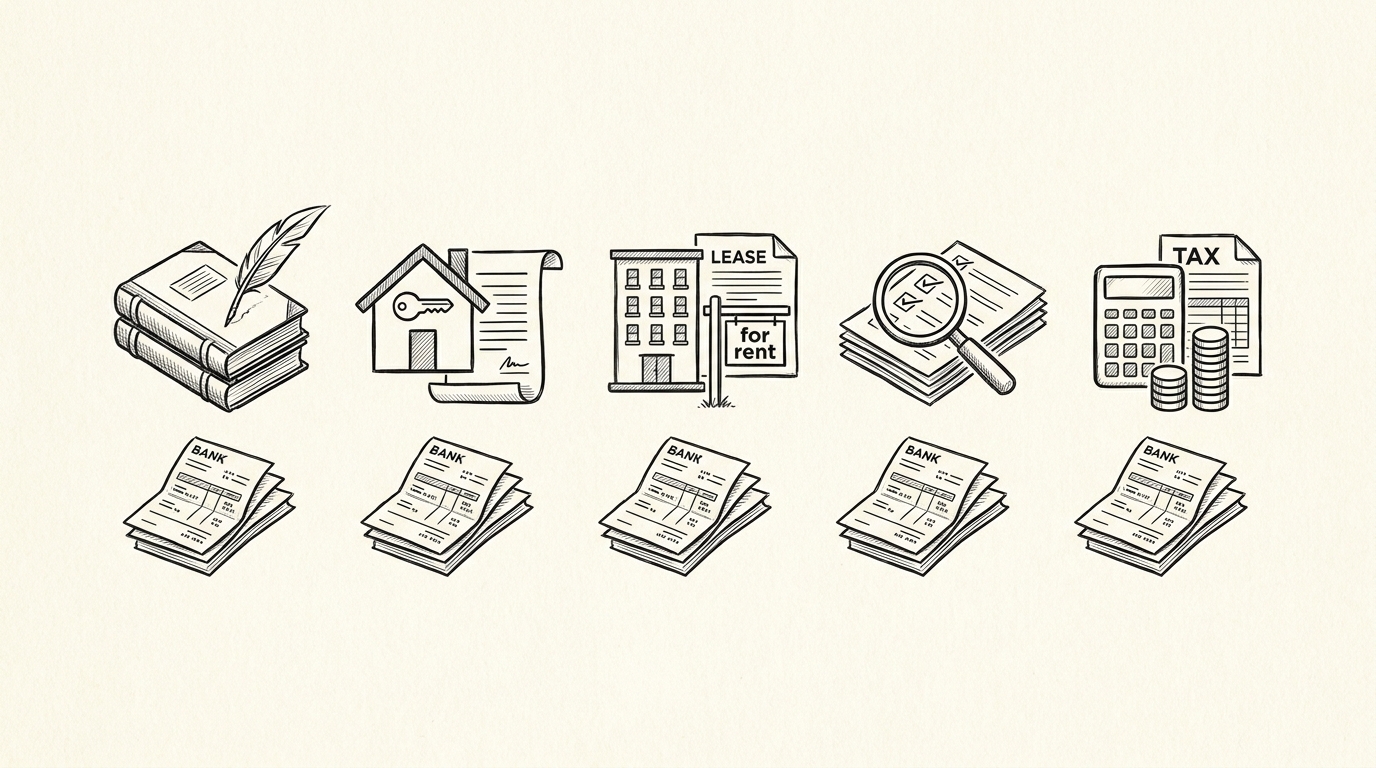
A rental application bank statement is one of the 4 most important documents in a rental application. The other 3 are: pay stubs (current income), tax returns (long-term income), and ID verification (identity).
The bank statement provides the most complete picture of the applicant’s financial situation because it shows actual deposits (not just reported income), the balance trend (savings behavior), and the spending pattern (debt and lifestyle).
For landlords, the bank statement is the source of truth for “can this tenant pay the rent?” The income is verified against the deposits, the savings provide a buffer for unexpected expenses, and the spending pattern shows whether the applicant is financially responsible. The bank statement is the document that most often leads to approval or denial.
For the broader rental context, see the bank statement for rental application guide.
The 3 Purposes of the Bank Statement
3 purposes the landlord uses the bank statement for:
1. Verify income. The deposits show the actual income. Most landlords require income of 2.5-3x the monthly rent. For a $2,000/month apartment, the income requirement is $5,000-6,000/month. The bank statement shows whether the applicant meets this requirement.
1.5 Verify savings. The balance trend and the closing balance show the savings. Most landlords require 3-6 months of rent in reserves. For a $2,000/month apartment, the savings requirement is $6,000-12,000. The bank statement shows whether the applicant has this cushion.
1.7 Verify spending patterns. The transaction table shows the spending pattern. The landlord looks for: excessive debt (multiple credit card payments), gambling transactions, large cash withdrawals, and other red flags. The spending pattern is a qualitative judgment, not a hard threshold, but it influences the approval decision.
Easy Statement Sheet reads this signal through the four-column conversion. Start Converting
Turn PDF Bank Statements Into Workable Spreadsheets
Your bank statement is a mess of numbers, but your books shouldn't be. Use our converter to get Excel, CSV, or QBO files — ready for QuickBooks.
Try It Free NowThe 4-Step Workflow
4 steps to prepare bank statements for a rental application:
- Download 2-3 months of statements. The standard requirement is 2-3 months for checking accounts and 1-2 months for savings accounts. The download is 1-3 minutes per statement.
- Convert each PDF to Excel. The conversion is 2-5 minutes per statement. The Excel file has 4 columns: date, description, amount, balance. The bank statement converter handles the conversion with no upload.
- Extract the income and large deposits. The income is the total of recurring deposits (typically every 1-2 weeks for payroll). Large deposits are any single deposit over $1,000 that’s not the regular payroll. The extraction uses Excel filters and SUMIF formulas.
- Prepare the qualification summary. The summary shows: total monthly income (average of last 2-3 months), total savings (current balance), and any large deposits (which need explanation). The summary is 1-2 pages and is provided to the landlord along with the statements.
Total time: 30-60 minutes per applicant. For the verification step, see the rental income verification reference.


3 Most Common Mistakes
3 mistakes that lead to rental application denial:
1. Missing statements. The applicant provides 2 months of statements but the landlord requires 3. The application is incomplete and the landlord rejects it. The fix: always provide 1-2 months more than required, just in case.
2. Large unexplained deposits. The statement shows a $10,000 deposit 3 weeks before the application. The landlord asks for the source. If the applicant can’t provide documentation (gift letter, sale of stock, etc.), the landlord assumes the deposit is a loan or temporary, and the application is denied.
The fix: have documentation ready for any large deposit, or wait 60-90 days after a large deposit to apply.
3. Overdrafts. The statement shows multiple overdrafts or NSF fees in the last 2-3 months. The landlord concludes the applicant is living paycheck-to-paycheck and may not be able to pay rent consistently. The fix: avoid overdrafts for 60+ days before applying, or have enough savings to cover the rent for 3-6 months.
3 Ways to Improve Approval Chances
3 things an applicant can do to improve the chance of approval:
1. Maintain consistent income. The income should be regular (weekly, bi-weekly, or monthly) and consistent (similar amounts each period). The fix: if income varies (freelance, commission, tips), provide 6-12 months of statements to show the long-term average.
2. Build savings. The closing balance should be 3-6 months of rent. The fix: set up automatic transfers to savings and avoid drawing it down. The savings are a buffer for the landlord.
3. Avoid large unexplained deposits. Any large deposit in the 60 days before applying needs documentation. The fix: large deposits should be planned (gift letter from a family member, sale of stock with the brokerage statement showing the sale, etc.). Random large deposits without documentation are red flags.
The Landlord’s Decision Framework
3 factors the landlord uses to make the approval decision:
1. Income ratio. The monthly income divided by the monthly rent should be 2.5-3.0x. For a $2,000/month apartment, the income should be $5,000-6,000/month. The income is the strongest factor: most landlords deny if the ratio is below 2.5x.
2. Savings cushion. The closing balance divided by the monthly rent should be 3-6 months. For a $2,000/month apartment, the savings should be $6,000-12,000. The savings are a buffer for unexpected expenses (job loss, medical bill, etc.).
3. Spending pattern. The transaction table is reviewed for red flags: excessive debt, gambling, large cash withdrawals, and other concerns. The pattern is a qualitative judgment but matters for borderline applications.
The 3 factors are the standard framework. Some landlords weight them differently (some care more about income, some care more about savings), but the framework is consistent across the industry.
The 2-Month vs 3-Month Statement Question
Some landlords require 2 months, some require 3. The 3-month requirement is more common in competitive markets. The 2-month requirement is more common in less competitive markets or for shorter-term leases.
The right preparation: always have 3 months of statements ready, even if the landlord only requires 2. The 3 months provide a better picture of the income consistency and savings trend. The 3-month set is the maximum most landlords ask for; older statements are rarely required.
For the broader context, see the 2-month prep and the rental application pillar references.
Joint Applications and Multiple Tenants
For joint applications (multiple tenants on the same lease), the bank statements of all tenants are typically required. The income is summed across the tenants, and the savings are considered separately for each tenant. The combined income must meet the 2.5-3x threshold; the savings are a per-tenant consideration.
For example, a $2,500/month apartment with 2 tenants: each tenant must have $3,125-3,750/month in income (totaling $6,250-7,500 for the household), and each should have $7,500-15,000 in savings. The combined qualification is the standard.
For the joint application context, see the joint rental application reference.
Tools and Resources
3 tools that make the rental application preparation faster:
Related Resources
| Resource | What You Get |
|---|---|
| Bank Statement Converter | Convert to Excel |
| Rental Income Verification | See reference |
| 2-Month Prep | See reference |
| Joint Rental Application | See reference |
| Rental Application Pillar | See related |
- Browser-based converter: The bank statement converter handles the PDF-to-Excel step in 2-5 minutes with no upload.
- Spreadsheet template with income/savings columns: Excel or Google Sheets with the income, savings, and large deposit columns pre-built. The template makes the qualification summary faster.
- Cloud storage for the application package: Google Drive, Dropbox, or OneDrive for the PDFs, the Excel files, and the qualification summary. The application package should be a single folder that can be shared with the landlord.
For the conversion step, see the bank statement converter page. For the income verification, see the rental income verification reference. For the 2-month prep, see the 2-month prep guide. For the joint application context, see the joint rental application reference. For the broader context, see the rental application pillar guide.
Easy Statement Sheet reads this signal through the four-column conversion. Try It Free
Related: complete rental application bank statement guide
This topic is one node in the broader rental-application bank-statement cluster on this site. he consolidated hub, covering landlord and tenant perspectives, security deposits, joint applications, and edge cases like international renters or self-employed applicants, lives in the complete rental application bank statement guide.
For related reading on the broader statement-reading clusters, see the complete MCC guide and the complete US bank payment rails guide. he expanded bank statement anatomy pairs naturally with this hub.
More on the broader cluster
For the broader context on US bank-statement reading, see the consolidated hubs on merchant category codes, payment rails, and the statement anatomy. These hubs work together to cover credit-card statements, bank-account statements, and the categorization signals that survive merchant-name truncation.
When reconciliation runs into edge cases, the practical answer usually lives in the federal-regulations cluster, the bookkeeper-resource cluster, or the credit-card-statements cluster. Each offers a domain-specific take on the same underlying signal.
Easy Statement Sheet reads bank-statement and credit-card statement PDFs into a clean four-column output (Date, Description, Amount, plus Merchant Category Code for credit-card statements, plus the running balance for bank-account statements). Files are never stored.
The first three statement conversions are free, no card required. Plans start at $15 per month. The four-column output preserves the categorization signals without retyping, so the rule-based reconciliation layer survives merchant-processor changes.
Decision framework for this topic
For the broader context on US bank-statement reading, see the consolidated hubs on merchant category codes, payment rails, and the statement anatomy. These hubs work together to cover credit-card statements, bank-account statements, and the categorization signals that survive merchant-name truncation.
Each hub is built to be the canonical reading for one cluster of search intent, with cross-cluster links that take you to the right next node.
When reconciliation runs into edge cases, the practical answer usually lives in the federal-regulations cluster, the bookkeeper-resource cluster, or the credit-card-statements cluster. Each offers a domain-specific take on the same underlying signal. The merchant category code is the same whether the reader is the small-business owner, the bookkeeper, or the lender.
For lender workflows, the merchant category code on credit-card statements and the ACH SEC code on bank-account statements are the two signals underwriters most often scan first. Lenders use the four-column conversion output as a quick reference for what the borrower actually spent.
Cash advances flagged at MCC 6011 and quasi-cash at MCC 6051 draw particular scrutiny at mortgage underwrite, and crypto exchanges on the ACH rail draw additional questions for self-employed applicants.
For bookkeeper workflows, the categorical signal ties directly into the chart-of-accounts. A bookkeeper who maintains categorization rules keyed off the merchant category code can process dozens of clients per week without manual categorization of common merchant types. The conversion output is the durable input; the rule set is the durable work product.
Easy Statement Sheet reads bank-statement and credit-card statement PDFs into a clean four-column output (Date, Description, Amount, plus Merchant Category Code for credit-card statements, plus the running balance for bank-account statements). Files are never stored. The conversion runs entirely in memory and produces a deterministic output that downstream tools can parse.
The first three statement conversions are free, no card required. Plans start at $15 per month. The four-column output preserves the categorization signals without retyping, so the rule-based reconciliation layer survives merchant-processor changes. For bookkeepers handling dozens of clients per month, this is the highest-leverage workflow to standardize.
Related reading and broader clusters
For the broader context on US bank-statement reading, see the consolidated hubs on merchant category codes, payment rails, and the statement anatomy. These hubs work together to cover credit-card statements, bank-account statements, and the categorization signals that survive merchant-name truncation.
Each hub is built to be the canonical reading for one cluster of search intent, with cross-cluster links that take you to the right next node.
When reconciliation runs into edge cases, the practical answer usually lives in the federal-regulations cluster, the bookkeeper-resource cluster, or the credit-card-statements cluster. Each offers a domain-specific take on the same underlying signal. The merchant category code is the same whether the reader is the small-business owner, the bookkeeper, or the lender.
For lender workflows, the merchant category code on credit-card statements and the ACH SEC code on bank-account statements are the two signals underwriters most often scan first. Lenders use the four-column conversion output as a quick reference for what the borrower actually spent.
Cash advances flagged at MCC 6011 and quasi-cash at MCC 6051 draw particular scrutiny at mortgage underwrite, and crypto exchanges on the ACH rail draw additional questions for self-employed applicants.
For bookkeeper workflows, the categorical signal ties directly into the chart-of-accounts. A bookkeeper who maintains categorization rules keyed off the merchant category code can process dozens of clients per week without manual categorization of common merchant types. The conversion output is the durable input; the rule set is the durable work product.
Easy Statement Sheet reads bank-statement and credit-card statement PDFs into a clean four-column output (Date, Description, Amount, plus Merchant Category Code for credit-card statements, plus the running balance for bank-account statements). Files are never stored. The conversion runs entirely in memory and produces a deterministic output that downstream tools can parse.
The first three statement conversions are free, no card required. Plans start at $15 per month. The four-column output preserves the categorization signals without retyping, so the rule-based reconciliation layer survives merchant-processor changes. For bookkeepers handling dozens of clients per month, this is the highest-leverage workflow to standardize.
Turn That PDF Into a Spreadsheet in Minutes
You've seen how to do it manually — now let the tool handle the heavy lifting. Upload your bank statement and get Excel, CSV, or QBO in a few clicks.
Try It Free