
You see “ZELLE” or “Zelle payment” on your bank statement and want to know what it means, what it costs, and whether the IRS will tax it. Zelle is one of the most-used peer-to-peer payment networks in the United States, with over 2,000 partner banks and 600 million+ transactions processed in 2024.
Yet many people who use Zelle every week have never read the fine print on how it appears on their bank statement.
Quick Answers: Zelle is a peer-to-peer payment network owned by Early Warning Services (a consortium of major U.S. banks) that lets users send money between bank accounts in minutes, typically free for retail customers. On a bank statement, Zelle transactions appear as “ZELLE,” “ZELLE PAYMENT TO,” “ZELLE PAYMENT FROM,” or the user’s contact name/email. Starting in 2025, Zelle payments over $600 per year to a single recipient may trigger IRS reporting via Form 1099-K, and the IRS treats payments over $5,000 as potentially taxable income under Notice 2023-74.
What is Zelle and who runs it?
Zelle is a peer-to-peer (P2P) payment network launched in 2017 by Early Warning Services, a fintech company owned by Bank of America, Capital One, JPMorgan Chase, PNC, Truist, U.S. Bank, and Wells Fargo.
Zelle is built into the mobile apps of over 2,000 U.S. banks and credit unions, which is why most users access it through their existing banking app rather than a separate Zelle-branded app.
Behind the scenes, Zelle uses the RTP network for many bank-to-bank transfers, the ACH network for some transfers (when RTP is not available between two banks), and direct bank-to-bank integrations for the largest member banks. From the user’s perspective, the experience is the same: enter an email or phone number, choose an amount, confirm, and the recipient gets the money in minutes.
From the recipient’s bank statement perspective, the line item varies depending on which underlying rail was used.
Zelle is not a bank, does not hold your money, and does not charge consumer fees for standard transfers. The company makes money through premium features sold to small businesses (like payment requests and scheduled payments), interchange fees on Zelle-enabled debit card transactions at certain retailers, and data-sharing arrangements with partner banks.
How does a Zelle payment actually move money?
When you send $100 via Zelle to a friend’s email address, your bank debits your account and the recipient’s bank credits their account. The settlement typically happens in minutes through one of two paths. Path one: both banks are RTP-connected, and the transfer settles over RTP in seconds.
Path two: one or both banks lack RTP, and the transfer falls back to ACH, which means it may take 1-3 business days. Most Zelle transfers in 2024-2025 settle via RTP because the largest banks (which dominate Zelle traffic) are RTP-connected.
From your bank’s perspective, a Zelle transaction is just another outbound or inbound transfer: your bank sends an instruction over the appropriate rail, and the receiving bank does the same on its side. Zelle itself acts as the directory that maps emails and phone numbers to bank accounts, plus the fraud and risk management layer on top. The money never sits in a Zelle account.
Turn PDF Bank Statements Into Workable Spreadsheets
Your bank statement is a mess of numbers, but your books shouldn't be. Use our converter to get Excel, CSV, or QBO files — ready for QuickBooks.
Try It Free NowWhat does Zelle look like on a bank statement?
Zelle transactions appear on bank statements with a variable labeling pattern that depends on the bank. Common descriptors include “ZELLE,” “ZELLE PAYMENT TO,” “ZELLE PAYMENT FROM,” “ZELLE TRANSFER,” “EARLY WARNING ZELLE,” or the recipient’s name/email address. The transaction posts to the recipient’s balance within minutes for most banks, or within 1-3 business days if the underlying rail is ACH rather than RTP.
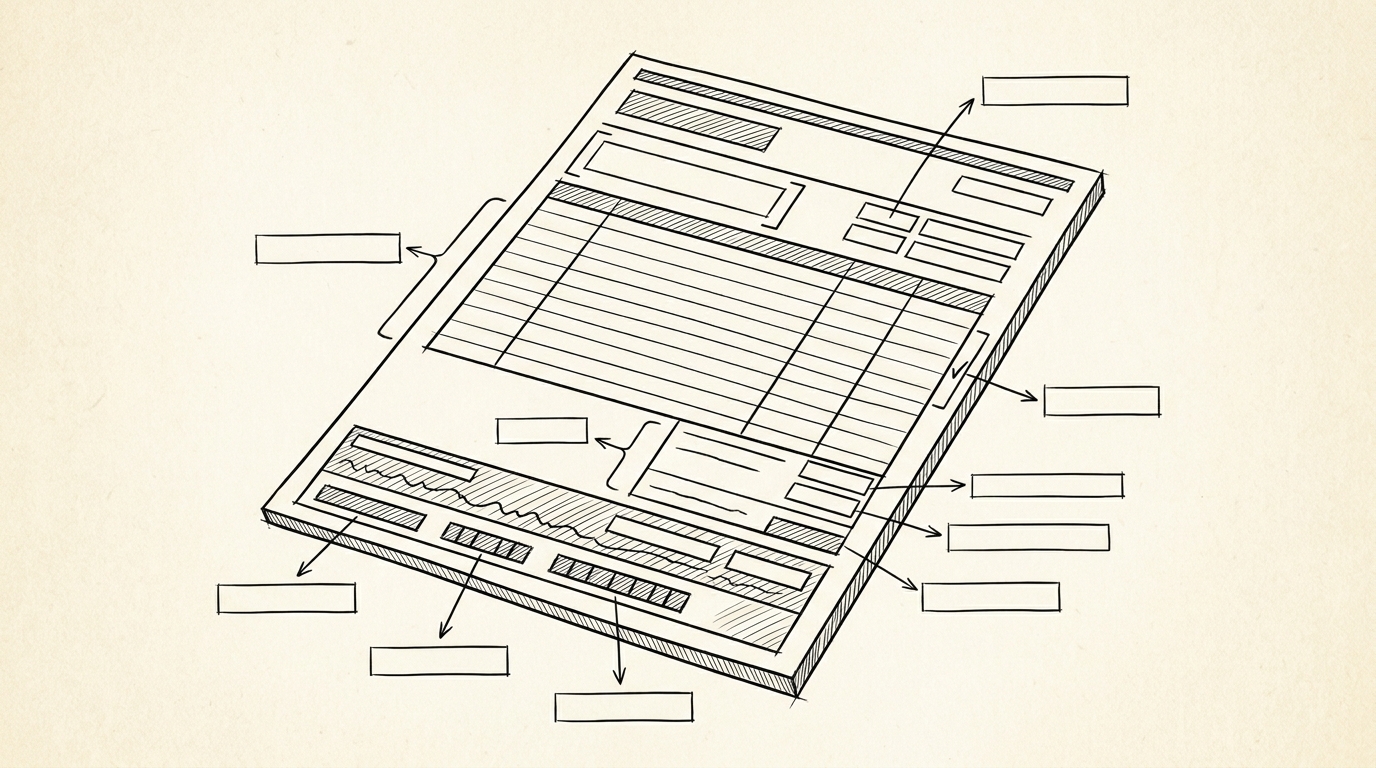
Three details distinguish a Zelle line from a regular transfer on a statement. First, the description usually contains “ZELLE” or a recognizable Zelle branding element. Second, the recipient or sender name is often included in the description, so you can identify who sent or received the payment without cross-referencing a separate app.
Third, Zelle transactions are typically free on both ends for retail customers, so the amount column matches the actual transfer amount without a sender fee.
For bookkeepers reconciling converted bank statements, Zelle lines need to be categorized separately from generic bank transfers because Zelle has different tax implications, different reversal rules, and different fraud liability than ACH or wire.
The IRS treats Zelle payments the same as other electronic payments for income reporting purposes, but specific thresholds and Form 1099-K reporting rules apply differently for Zelle vs other P2P platforms.
What are the Zelle send limits per bank?
Zelle send limits are set by individual banks, not by Zelle itself. Common retail customer limits in 2025 are: Bank of America $3,500 per day, Chase $4,000 per day or $10,000 per month (depending on account type), Wells Fargo $3,500 per day, Capital One $5,000 per day, PNC $2,000 per day, Truist $2,500 per day, U.S. Bank $2,500 per day, Citi $5,000 per day.
Business accounts typically have higher limits, often $25,000 to $100,000 per day.
If you hit your Zelle send limit, the transfer will fail and you will see a bank-specific error message in your banking app. Common workarounds include using a different transfer method (ACH or wire) for amounts over the Zelle limit, asking the recipient to send a Zelle request (which sometimes has different limits than user-initiated sends), or upgrading to a business account with higher limits.
Zelle itself does not publish a cross-bank limit calculator because each bank sets its own.
How does the IRS treat Zelle payments in 2025 and 2026?
The IRS treats Zelle payments the same as cash, checks, ACH, and wire for income tax purposes. If you receive a Zelle payment as income (for a sale, a service, rent, etc.), it is taxable income regardless of the payment method. If you receive a Zelle payment as a gift or reimbursement from a friend, it is generally not taxable.
The distinction is the nature of the transaction, not the payment method.
Form 1099-K reporting for Zelle has changed multiple times. The American Rescue Plan Act of 2021 lowered the 1099-K reporting threshold to $600 for any payment processor, but the IRS repeatedly delayed enforcement. For tax year 2025, the IRS treats the threshold as $2,500 (delayed enforcement) and for 2026 and beyond, $600.
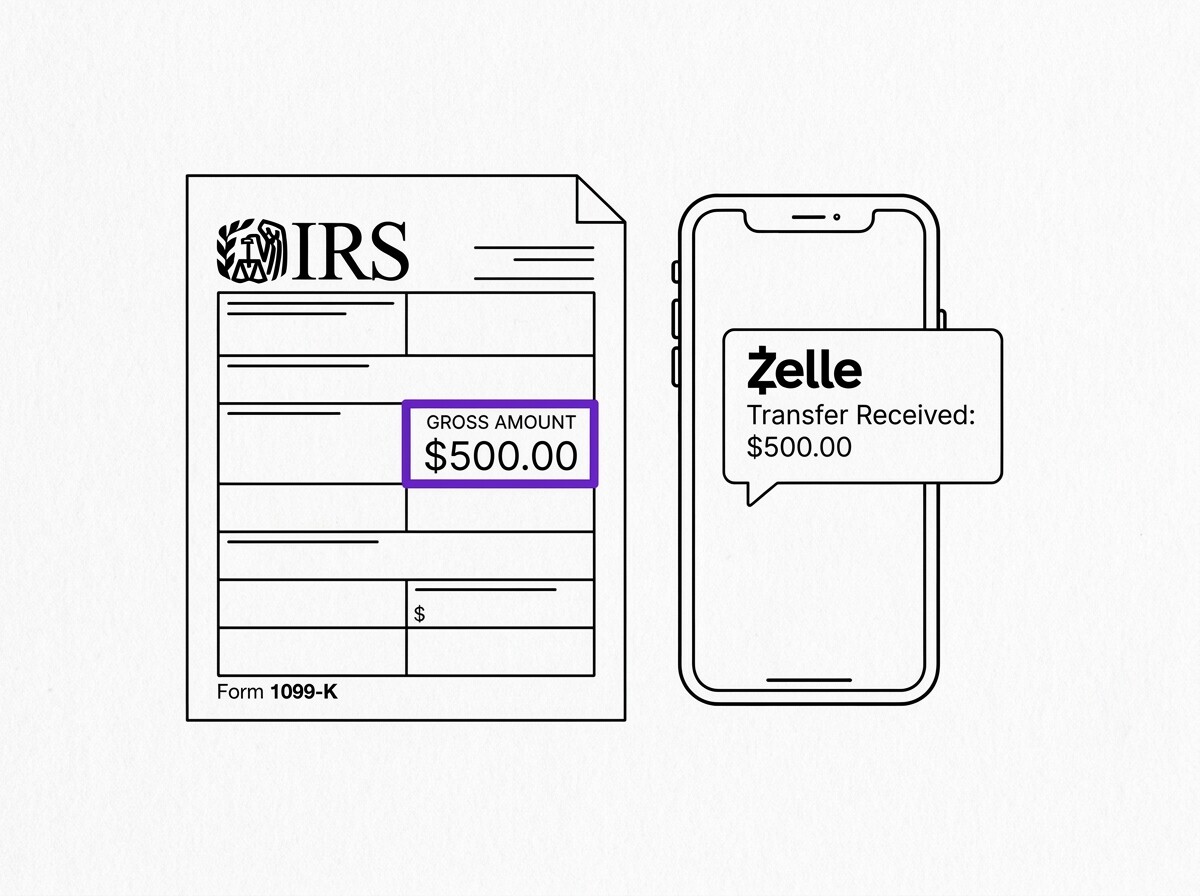
Starting in 2026, Zelle payments over $600 to a single recipient in a year may generate Form 1099-K from the bank or from Zelle directly.
Separately, IRS Notice 2023-74 (October 2023) clarified that payments over $5,000 received through Zelle, Venmo, PayPal, and other payment apps may be treated as taxable income subject to backup withholding if the payer and recipient are engaged in a trade or business.
The $5,000 threshold is much lower than the 1099-K threshold, which means business users of Zelle should track all Zelle receipts even below the 1099-K threshold for tax reporting purposes.
What about Zelle scams and fraud liability?
Zelle was designed for sending money to people you know and trust, and the system explicitly disclaims liability for “authorized payments,” which means if you voluntarily sent money to a scammer, Zelle and your bank are generally not required to refund you.
The Consumer Financial Protection Bureau (CFPB) has issued multiple guidance documents clarifying that banks may voluntarily refund scam victims, but the legal obligation is limited.
The most common Zelle scams in 2024-2025 are: (1) “accidental overpayment” scams where a fake buyer sends a fake Zelle payment and asks the seller to refund the difference (2) “bank impersonation” scams where the scammer pretends to be your bank and asks you to Zelle money to “verify” your account.
(3) “romance and marketplace” scams where a buyer or romantic partner sends money and then asks for goods or additional money in return. All three exploit the speed and irreversibility of Zelle.
The best protection is to treat Zelle like cash: never send money to someone you have not met in person, never accept a Zelle payment as proof of identity or account verification, and if someone asks you to Zelle money to “fix” a banking issue, hang up and call your bank’s official number directly.
Zelle transfers cannot be reversed once acknowledged, which is why the network requires registration and confirmation before sending.
How does Zelle compare to Venmo, PayPal, and Cash App?
Zelle, Venmo, PayPal, and Cash App are four peer-to-peer payment networks that compete for U.S. consumer use cases. Zelle is fastest (minutes), free for retail users, and integrated into 2,000+ bank apps, which makes it the dominant choice for bank-to-bank transfers.
Venmo is owned by PayPal, has a social feed component, charges 0% for debit-funded transfers and 3% for credit-funded transfers, and processes over 300 million transactions per year. PayPal is the oldest of the four, charges 0% for friends-and-family transfers from bank or PayPal balance but 2.9% plus $0.30 for goods-and-services transfers, and is widely accepted by online merchants.
Cash App is owned by Block, charges 0% for standard transfers but 1.5% for instant deposits, and has a strong presence among younger users.
The choice between them comes down to three factors: speed (Zelle wins), social/merchant features (Venmo and PayPal win), and cost (all four are free for retail bank-funded transfers). For business use cases, PayPal has the strongest merchant tools, Venmo has strong business profile features for small sellers, Zelle is increasingly used for business-to-consumer payouts, and Cash App is the least business-friendly.
Most U.S. adults use at least two of the four, and the four are functionally interchangeable for simple person-to-person payments.
How do Zelle transactions appear differently on a converted PDF bank statement?
Most modern bank statement converters recognize “ZELLE” lines correctly as of 2025 and categorize them as instant electronic transfers with same-day settlement.
The three behavioral changes to internalize when reviewing a converted statement are: Zelle credits are typically final within minutes (not pending for 1-3 days), Zelle debits are irrevocable once acknowledged (similar to wires), and Zelle transactions may appear with the recipient’s name or email as part of the description rather than a generic “TRANSFER” label.
If your reconciliation tool flags a Zelle line as a discrepancy, the most common causes are: (1) timing mismatch (Zelle credit cleared same day, your system expected ACH timing), (2) misclassification (treated as Venmo or PayPal instead of Zelle), or (3) missing recipient identifier (the statement line shows “ZELLE” without a recipient name, making it hard to match to an invoice or contact).
All three are fixable with a one-time categorization rule update.
Zelle continues to expand: in 2024-2025, Zelle added small-business payment request features, expanded to credit unions beyond the original bank consortium, and integrated with payment terminals for in-person retail transactions. If you have not used Zelle yet, your bank likely supports it and you can activate it inside your existing banking app without creating a separate account.
See also: Zelle in context
This explainer is part of the payment rails coverage on this site. The consolidated overview of ACH, wire, Zelle, RTP, and FedNow for US banks now lives in the complete US bank payment rails guide, which is the modern hub for the topic.
For parallel reading on the merchant category codes that flow over the card-network rails, see the complete MCC guide. For what every column on a US bank statement means and where the rail labels appear, see the expanded bank statement anatomy.
Output format: which one matches the destination?
Picking the right output format is a separate decision from picking the right converter.
XLSX for human spreadsheet review. CSV for downstream scripts and tools. Google Sheets-compatible for shared cloud review. QBO for QuickBooks.
The four canonical columns are preserved across every format. What differs is how the downstream consumer expects the rows.
For a side-by-side rule of thumb that maps destination to format, see the decision framework on the output format pillar.
Read the full output format decision framework
From PDF to Excel in one click
Forget retyping line by line. Upload any bank statement, get a spreadsheet you can actually use. Your files are never stored, and you can test the converter with 3 free conversions.
Try it free