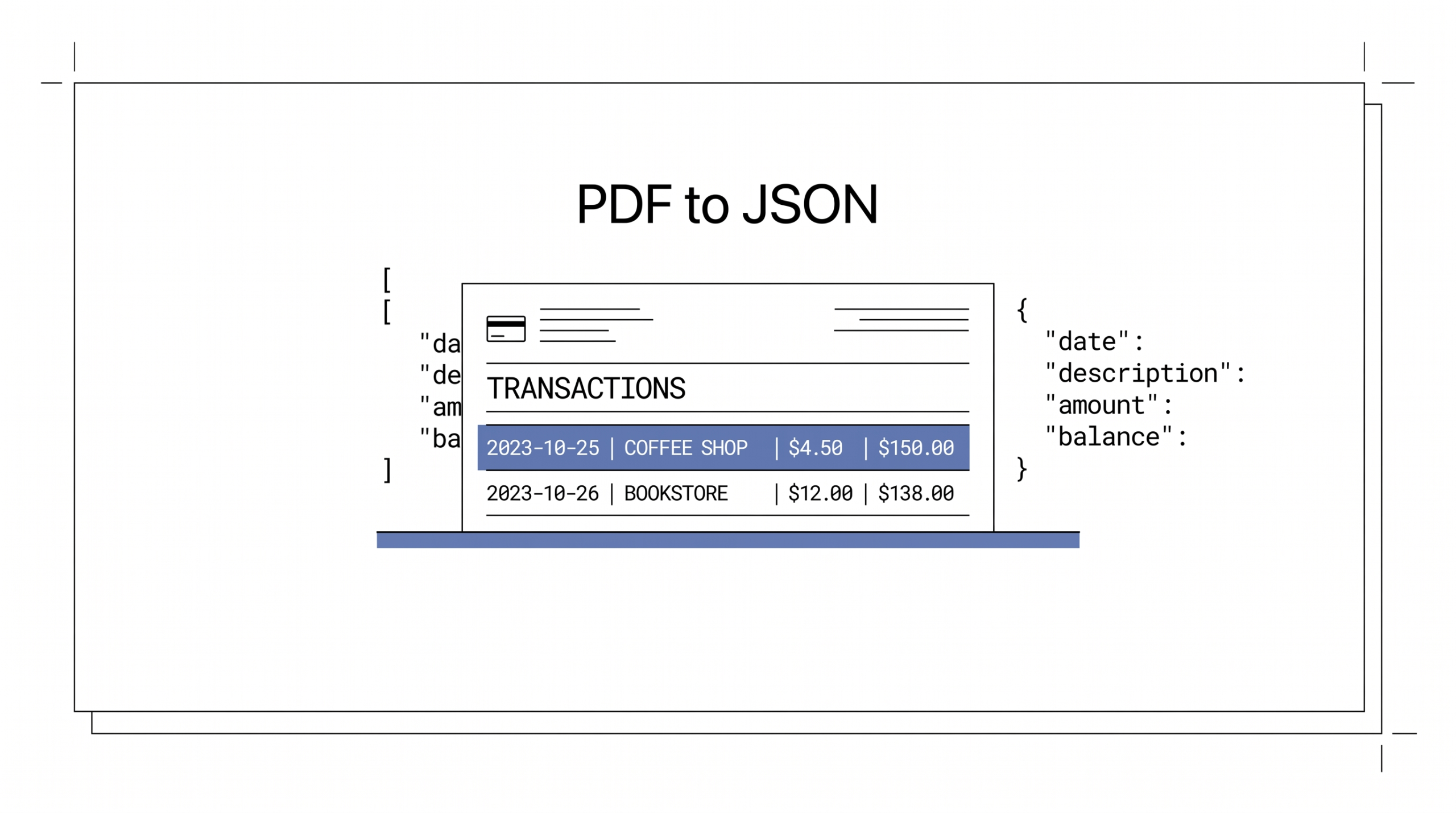

Convert Bank Statement to JSON output, A Developer’s Workflow
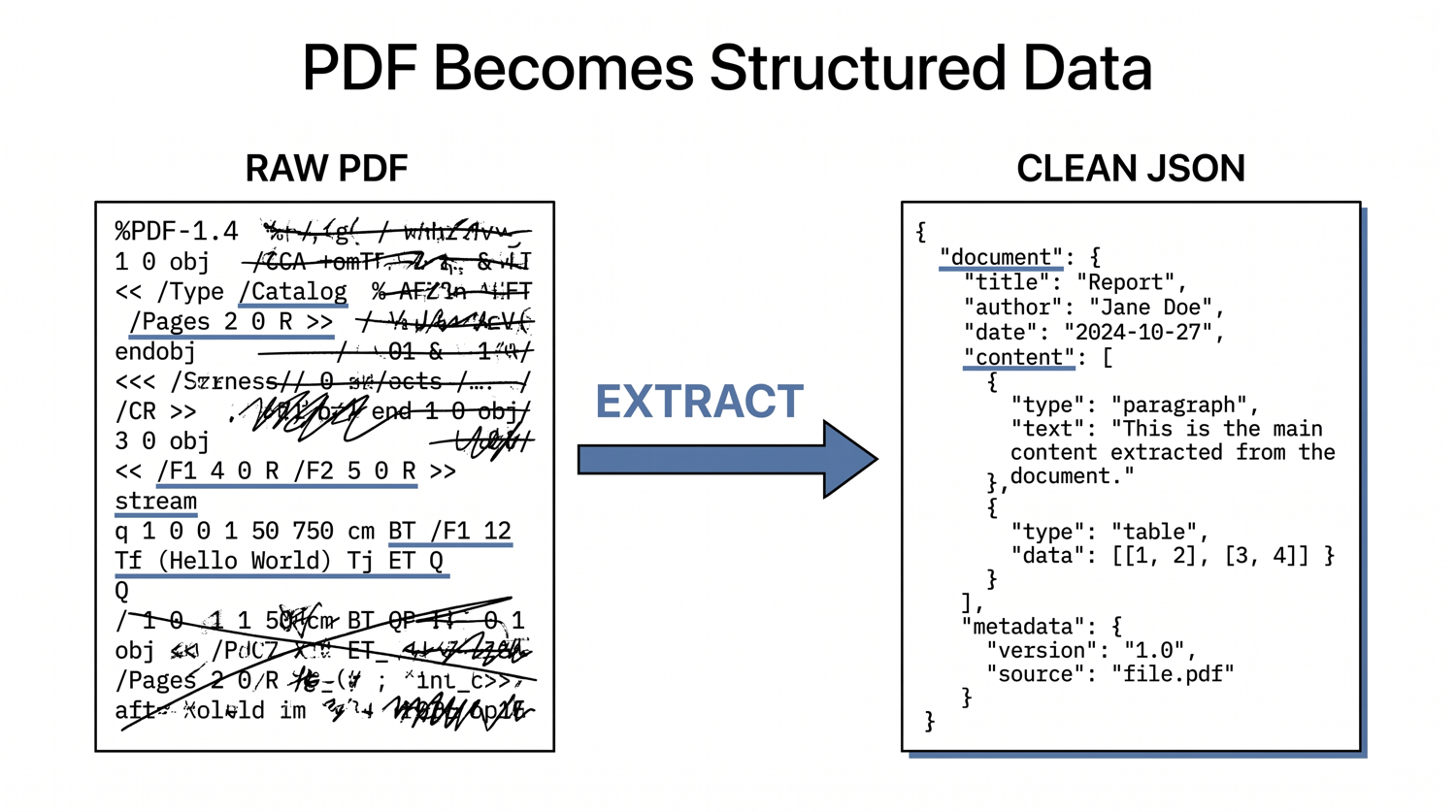
You have a Chase statement PDF that needs to land as JSON in a downstream application, and you want a clean shape that won’t break when the bank tweaks the layout next quarter. Or you’re building a fintech feature that ingests statements from 30+ banks, and you need a canonical JSON schema that handles all of them without endless format-specific parsers.
Or you’re running a personal finance app and need each transaction as a structured object with proper types. The path from a bank PDF to clean JSON runs through four practical approaches, ordered by complexity, and a small set of validation rules that catch errors before they hit production.
Quick Answers: A bank statement PDF can be converted to JSON using (1) Python libraries like pdfplumber or tabula-py for digital PDFs with clean tables, (2) how OCR works for bank statements + format-specific parsing for scanned PDFs, (3) LLM-based extraction (GPT-4o with vision) for complex layouts without format-specific code, or (4) production APIs like Fintract or Veryfi for $0.05-0.50 per statement with 99%+ accuracy. The canonical JSON shape is: a top-level object with account metadata, statement period, opening and closing balances, and a transactions array where each entry has date, description, amount (signed number, positive=credit, negative=debit), and balance. ISO 8601 dates, typed fields, and a validation rule (opening_balance + sum(transactions) = closing_balance) prevent most downstream calculation errors.
What does the canonical JSON schema for bank statements look like
Before choosing an extraction approach, lock in the JSON shape. Without a schema, every consumer reinvents field names and types, and downstream code breaks whenever the conversion tool or the bank changes format. A canonical schema has four top-level sections:
| Section | Fields | Type |
|---|---|---|
| account | bank_name, account_number_masked, account_type, currency | object |
| statement_period | start_date, end_date | object (ISO 8601 dates) |
| balances | opening_balance, closing_balance | object (signed numbers) |
| transactions | date, posted_date, description, amount, currency, balance, type, mcc, reference | array of objects |
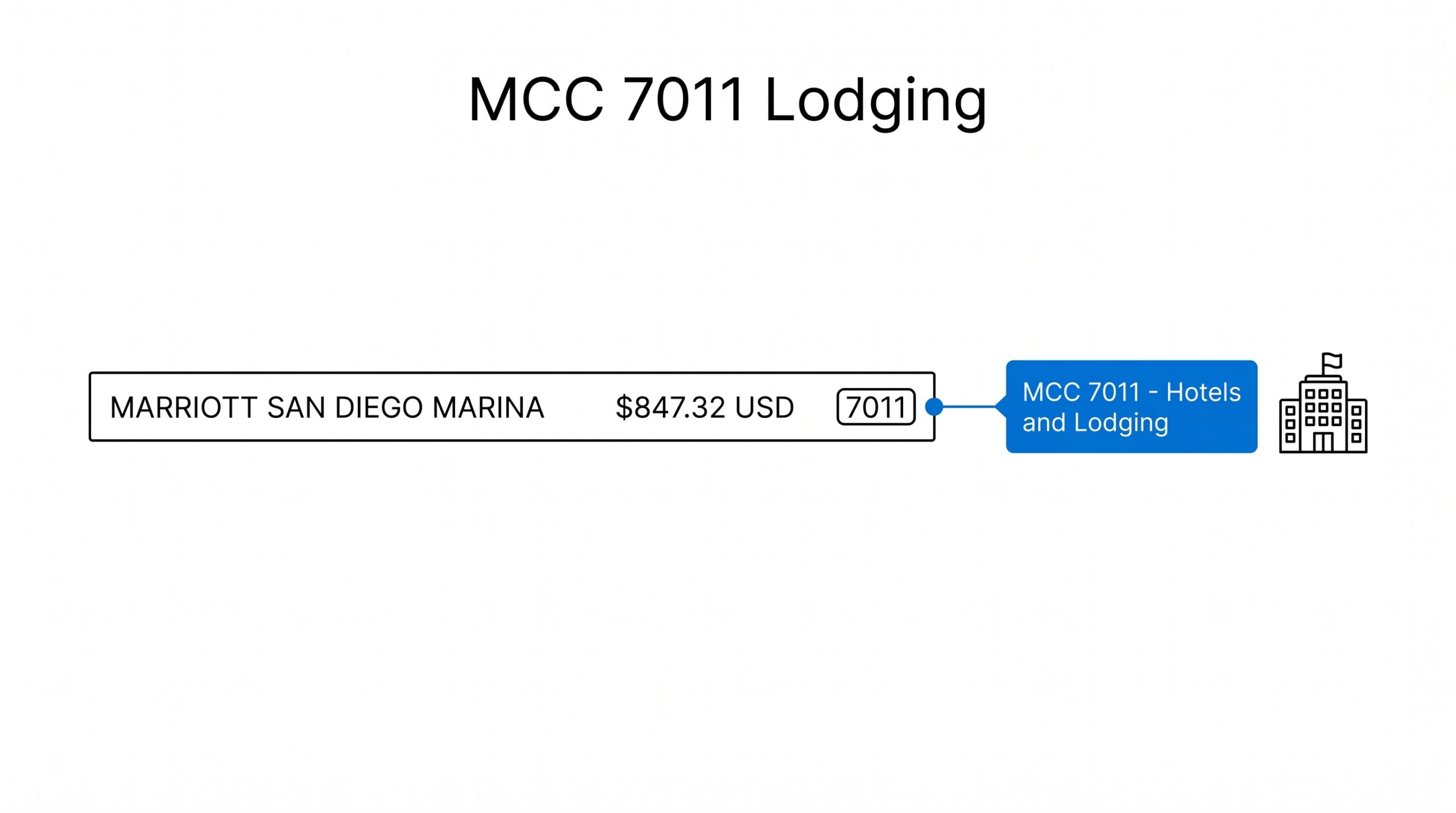
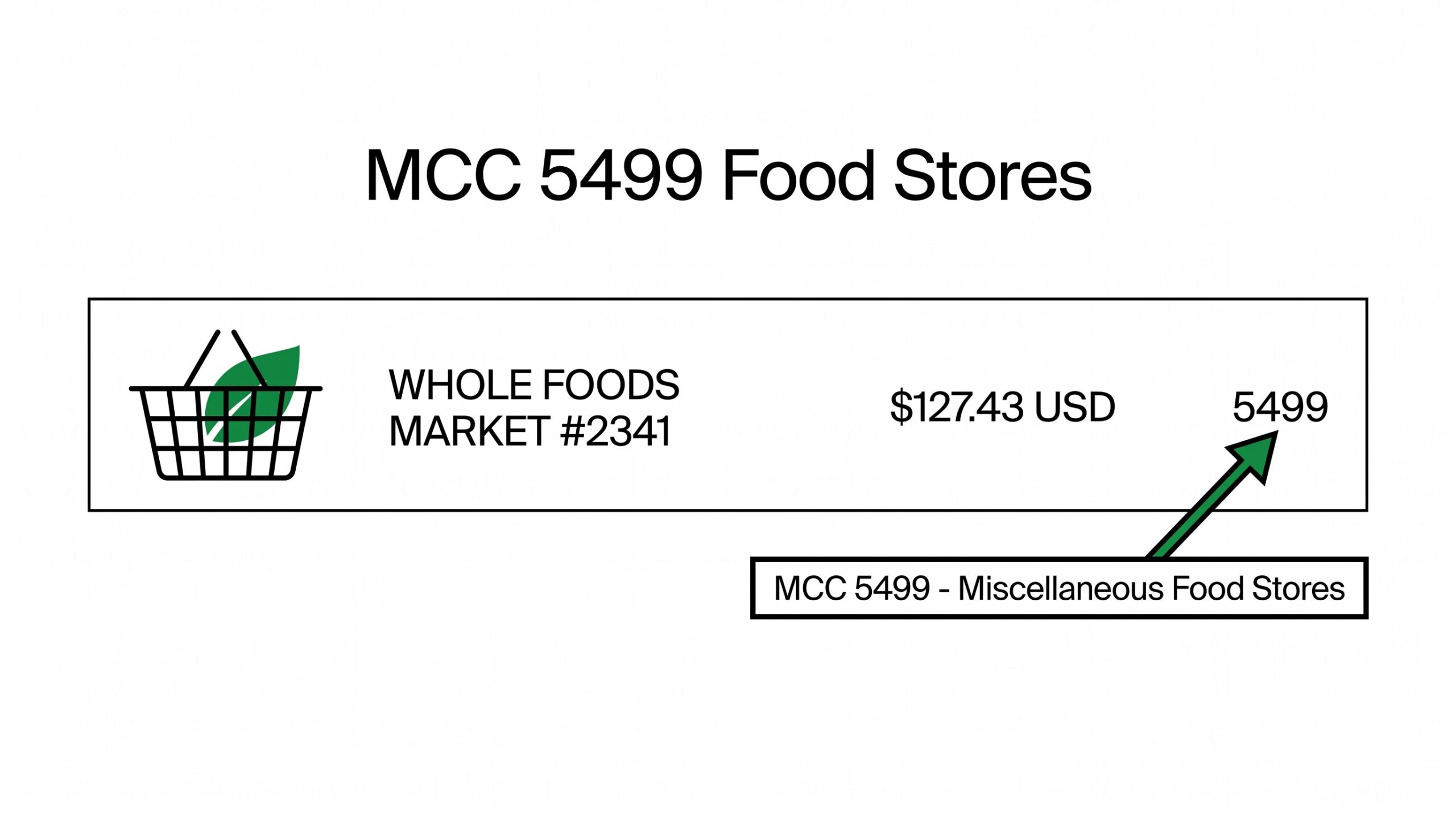
Field conventions matter. Use ISO 8601 for every date (YYYY-MM-DD), not the bank’s native format. Use signed numbers for amounts where positive means credit (money in) and negative means debit (money out). Mask the account number to last 4 digits for privacy. Include the MCC code when the source provides it.
This shape is the union of Plaid Schema conventions, ISO 20022 financial messaging, and MT940 SWIFT conventions, close enough to industry standards that any downstream consumer can adapt with a thin translation layer.
The transactions array is the highest-value section. Each entry should have a `description` field (the bank’s text label), an `amount` field (the signed number), a `balance` field (the running balance after this transaction), and ideally a `type` field (debit, credit, fee, interest, transfer).
For recurring transaction matching, a `reference` field (check number, wire reference, or transaction ID) helps when the same transaction appears on multiple statements.
From Bank Statement to QuickBooks-Ready File
That manual cleanup you just read about? This tool skips it. Turn your PDF into QBO for QuickBooks without storing your data anywhere.
Turn PDF Bank Statements Into Workable Spreadsheets
Your bank statement is a mess of numbers, but your books shouldn’t be. Use our converter to get Excel, CSV, or QBO files — ready for QuickBooks.
Turn PDF Bank Statements Into Workable Spreadsheets
Your bank statement is a mess of numbers, but your books shouldn't be. Use our converter to get Excel, CSV, or QBO files — ready for QuickBooks.
Try It Free NowWhich approach fits your situation: free, DIY, LLM, or production API
From simple to production-ready:
- Python libraries (free, digital PDFs only). pdfplumber for tables with visible gridlines. tabula-py for tables without gridlines. ~2-3 hours of setup, accuracy ~98% on known bank formats. No scanned PDF support.
- OCR + format-specific parsing (free, handles scans). Tesseract or PaddleOCR to convert scanned pages to text, then a regex-based parser per bank format. Accuracy 90-95%. Maintenance burden grows with every new bank format.
- LLM-based extraction (no format-specific code). GPT-4o with vision reads the PDF as images, extracts structured data per your prompt. ~$0.10 per statement. Accuracy 95-98%, occasional hallucinations on small numbers.
- Production APIs (paid, production-ready). Fintract, Veryfi, ClearStaq, Docsumo, Ocrolus. $0.05-0.50 per statement, 99%+ accuracy, handles password-protected PDFs and 100+ bank formats. Webhook-based async pattern.
The right approach depends on volume, format diversity, and budget. For prototypes and one-off extractions, Python libraries are fine. For production across multiple banks, an API is the practical choice.
When do Python libraries work, and what does the code look like
For digital-native PDFs with gridline tables, pdfplumber is the simplest path:
Open the PDF, iterate through pages, extract the table, skip the header row, and write each transaction as a dict. The basic shape: date, description, amount, balance per row. Most bank statements have clean table structures; pdfplumber handles them with high accuracy. For tables without visible gridlines (most modern bank PDFs), tabula-py with stream mode works.
The downside: this is format-specific. Each bank has slightly different table layout, so a Chase parser doesn’t work for Wells Fargo. Building parsers for 30+ banks takes weeks. The right approach is to start with the 5-10 banks your customers actually use, and treat format additions as ongoing engineering work.
What about scanned PDFs that need OCR before parsing
For scanned PDFs, the pipeline is: convert each page to an image at 300 DPI, run OCR (Tesseract is free; PaddleOCR has better accuracy for handwriting), then parse the text using a format-specific regex or state machine.
OCR text is messy. The date might be “03/15/2025” or “Mar 15 2025” or “15-Mar-2025”. Amounts might have stray spaces, dollar signs in unexpected places, or be in parens for negatives. The parsing logic per bank format is the expensive part, it’s not 10 lines of code, it’s 100+ lines of edge cases per bank.
For bookkeepers or finance ops teams with a few specific banks, building a format-specific parser is manageable. For product teams supporting arbitrary customer banks, this approach doesn’t scale.
Why do some teams use LLMs with vision for bank extraction
Multimodal LLMs (GPT-4o, Claude 3.5 Sonnet, Gemini Pro Vision) read a PDF rendered as images and extract structured data per a prompt. The workflow: convert each page to a high-resolution image, send the image with a prompt asking for JSON output, parse the response.
The advantage: no format-specific code. The LLM has seen enough bank statements that it recognizes most layouts and extracts transactions correctly. The cost: ~$0.10 per statement for 3-5 page documents. The risk: hallucinations on small numbers. The model might read $1,250.00 as $1,250.50 if the PDF is unclear, and you’d have no way to know without manual review.
For production, pair LLM extraction with the validation rule below (opening + sum = closing). When reconciliation fails, retry with a different prompt or fall back to OCR + parser. This combination gets you 95-98% accuracy with the LLM doing the heavy lifting and the validation rule catching the errors.
When does it make sense to switch from DIY to a paid API
For production fintech and lending applications, a dedicated bank statement API is the right choice. Fintract at $0.05/page, Veryfi at $0.10/statement, ClearStaq at $0.10-0.30/statement, Ocrolus at $0.50-2.00/statement (includes fraud detection). All return canonical JSON with bank detection, transaction extraction, and balance reconciliation already done.
The API pattern: upload a PDF, get a job ID, poll for completion (typically 10-30 seconds), retrieve the JSON result. Most APIs also offer webhook delivery for async workflows. The output schema varies by vendor, but most follow the four-section pattern (account, statement period, balances, transactions) with bank-specific extensions.
Trade-off: cost. At $0.10 per statement with 100 statements/day, that’s $300/month. For most fintech businesses, the cost is far less than the engineering hours saved on building and maintaining a DIY pipeline.
bank transaction validation checklist: Opening + Sum(Transactions) = Closing
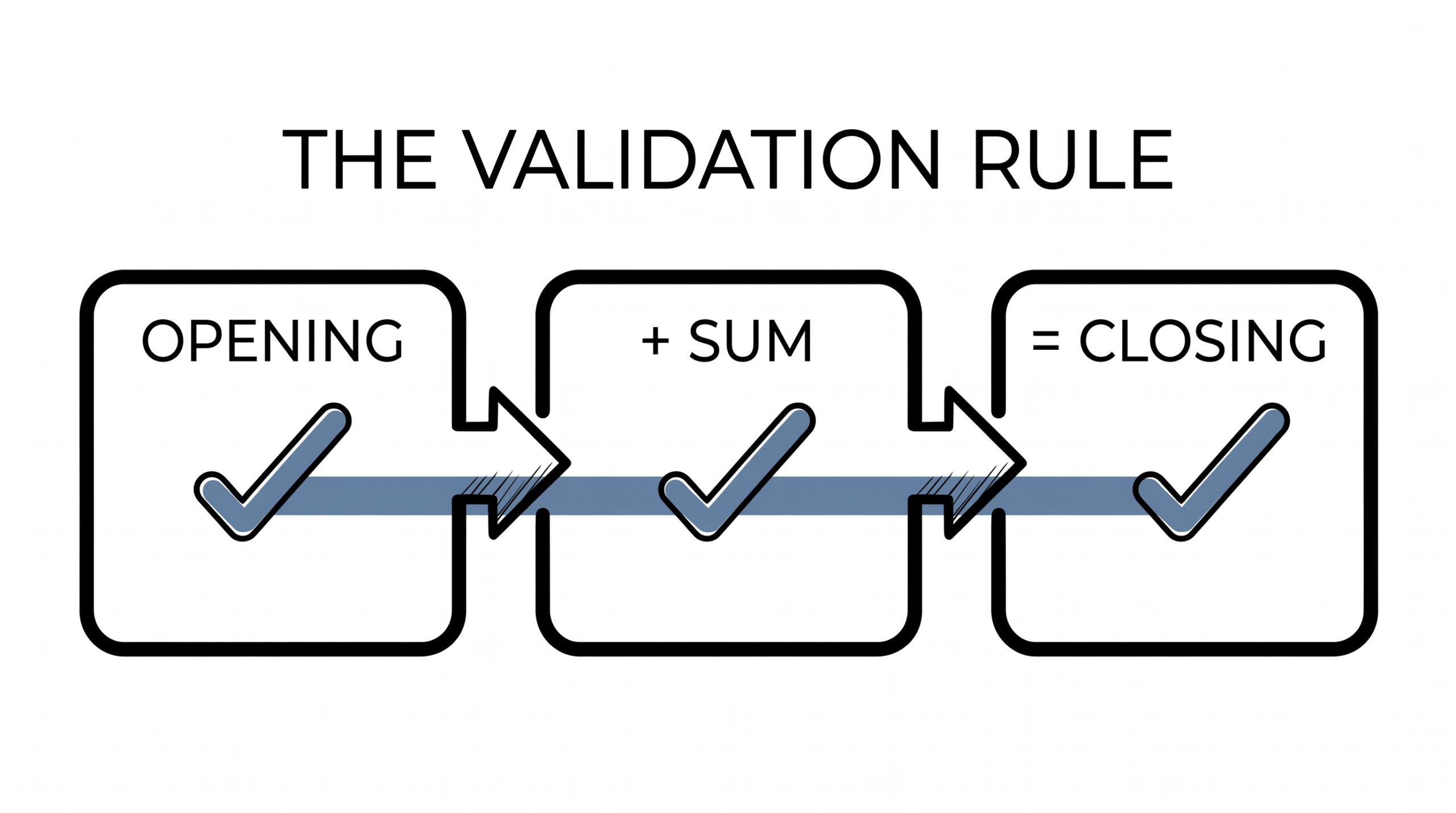
The single most important validation rule for any bank statement JSON: opening_balance + sum(transaction_amounts) = closing_balance. Run this check on every converted statement before any downstream processing.
Most extraction errors cause this check to fail. A missing transaction, a duplicated row, a sign-flipped amount, an off-by-one decimal place, all of these show up as a balance reconciliation mismatch. When the check fails, the statement is flagged for review, the specific transaction gap is identified, and the extraction is retried.
This validation is not optional. A downstream system that processes unchecked JSON will produce silently wrong reports, calculate incorrect tax estimates, or make bad lending decisions. The math is simple, the cost of skipping it is high.
What date format and currency conventions cause the most bugs
Bank statements from different countries use different date formats. US banks use MM/DD/YYYY. EU banks use DD/MM/YYYY. Some Asian banks use YYYY-MM-DD. Some banks use 2-digit years; some use 4. The classic bug: 03/04/2025 is March 4 (US) or April 3 (EU), and these are different transactions.
Never parse dates as strings. Always use ISO 8601 in the JSON output, even if the source uses a different format. Convert at extraction time. The schema says `date: “2025-03-04″` regardless of source format. This is a 30-second fix at extraction time that prevents hours of debugging later.
For multi-currency statements, include both the local amount and the converted amount in USD (or your base currency) in the transaction object. Most APIs return this. For DIY, you’ll need a daily exchange rate source and an explicit conversion step. The JSON should always carry the source currency so downstream code can choose which amount to use.
How do you keep the JSON schema stable when banks add new fields
Banks add new transaction types every year. Apple Pay Later, buy-now-pay-later services, new fee structures, embedded merchant references. If your JSON schema breaks when the bank adds a new field, your downstream system crashes.
Build the schema with optional fields and a top-level `metadata` object for bank-specific data. Real implementation: include a `raw_description` field with the unparsed bank text, plus standard fields like amount/date/currency. When a new transaction type appears, the consumer sees it in `metadata` or `raw_description` without the entire pipeline breaking.
Another common pattern: include a `schema_version` field at the top level. Increment it when you add or rename fields. Consumers can refuse to process a higher-version statement until their code is updated, preventing silent breakage. The version field is your migration checkpoint.
Bank statement JSON is one of those formats where the schema decisions made in the first month of a project affect every downstream consumer for years. The investment in a canonical schema, validation rules, and version handling pays back many times over as the system scales.
Turn PDF Bank Statements Into Workable Spreadsheets
Your bank statement is a mess of numbers, but your books shouldn’t be. Use our converter to get Excel, CSV, or QBO files — ready for QuickBooks.
Turn any PDF statement into a clean sheet
Skip the typos and the hours of copying. Our converter handles any bank statement format and outputs Excel, CSV, or QBO for QuickBooks. No file retention, free to try.
From PDF to Excel in one click
Forget retyping line by line. Upload any bank statement, get a spreadsheet you can actually use. Your files are never stored, and you can test the converter with 3 free conversions.
Try it free