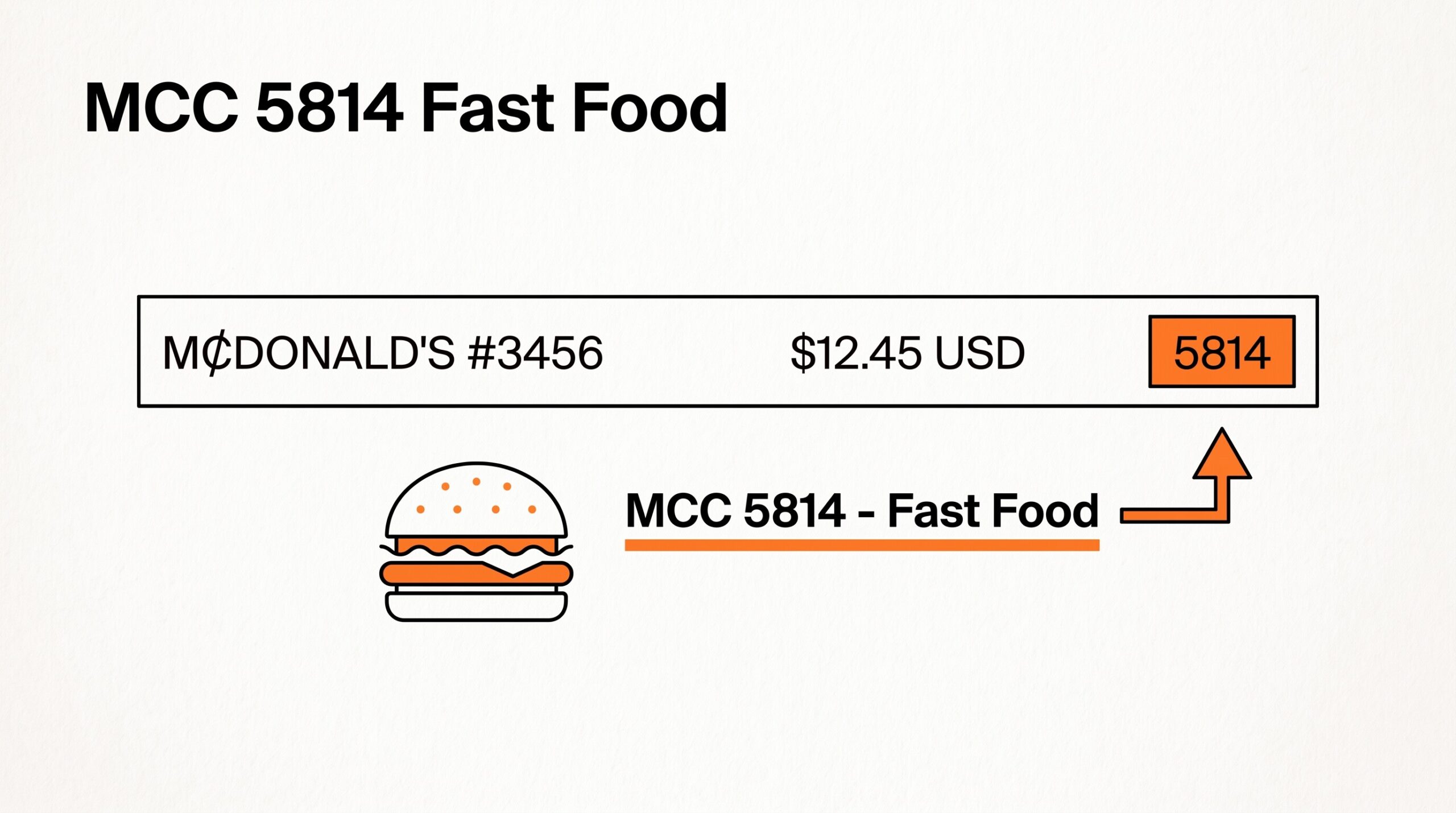

You are reviewing your business credit card statement. A $12.45 charge at “MCDONALD’S #3456” shows “5814” in the merchant code column. Below it, a $78.20 charge at “CHIPOTLE MEXICAN GRILL #145” also shows 5814, and a $134.50 charge at “THE CAPITAL GRILLE” shows “5812”. Three charges at food establishments, three different codes.
You want to know what 5814 means, how it differs from 5812 and 5411, and whether the 50% business meal deduction applies the same way.
MCC 5814 is the merchant category code that Visa, Mastercard, American Express, and Discover assign to fast food restaurants (also called Quick-Service Restaurants or QSR) under ISO 18245. The code sits inside the four-digit ISO numbering system that classifies every merchant accepting card payments. The 5814 code covers counter-service, drive-through, and food-from-the-counter dining, separate from 5812 (sit-down restaurants with table service) and 5411 (grocery stores).
Quick Answers: MCC 5814 is the ISO 18245 code for fast food restaurants (QSR), including McDonald’s, Burger King, Wendy’s, Taco Bell, and similar establishments. The code covers counter-service, drive-through, and food-from-the-counter dining. It does NOT cover sit-down restaurants with table service (those use 5812), grocery stores (5411), specialty food markets (5499), or bars (5813).
Fast casual chains like Chipotle and Panera Bread register as 5814 at some locations and 5812 at others, depending on the merchant’s acquirer registration. For self-employed individuals, 5814 charges qualify as business meals subject to the 50% deduction limit on Schedule C Line 24b, same as 5812 sit-down restaurant charges.
What MCC 5814 Covers
The 5814 code covers fast food establishments where customers order at a counter or through a drive-through and typically consume food quickly.
The most common merchants that fall under 5814 include traditional fast food chains (McDonald’s, Burger King, Wendy’s, Taco Bell, KFC, Popeyes, Arby’s), burger-focused chains (Five Guys, Shake Shack, In-N-Out, Whataburger), chicken-focused chains (Chick-fil-A, Popeyes, Wingstop), Mexican fast food (Taco Bell, Del Taco, Qdoba, Moe’s Southwest Grill), sandwich chains (Subway, Jimmy John’s, Jersey Mike’s, Firehouse Subs), and pizza chains (Pizza Hut, Domino’s, Papa John’s, Little Caesars).
Imagine you grab a $9.50 Big Mac meal at McDonald’s on a Tuesday for lunch. The merchant’s primary code is 5814. The charge appears on the credit card statement with McDonald’s as the merchant name and 5814 as the code. Whether the charge is for dine-in, drive-through, or mobile order doesn’t change the MCC; the merchant registration determines the code.
What 5814 does NOT cover is just as important as what it does. Sit-down restaurants with table service (Olive Garden, The Capital Grille, Cheesecake Factory) register as 5812 (eating places). Bars and nightclubs register as 5813 (drinking places).
Fast casual chains that have table service but no counter ordering (some Cheesecake Factory locations, Maggiano’s) may register as 5812 even if the menu is fast casual style. Grocery stores and supermarkets register as 5411. Specialty food markets and bakeries register as 5499.
For the broader recordkeeping rules around business expenses, the IRS Publication 552 covers what businesses need to retain for tax purposes.
For related codes, see the MCC 5812 eating places guide for sit-down restaurants (the most common comparison), the MCC 5499 food stores guide for specialty food markets, the MCC 5411 grocery stores guide for grocery shopping, and the MCC 5541 service stations guide for gas station food purchases.
For tracking all your charges on monthly statements, the bank transaction categorization workflow covers how to apply consistent categorization across all your MCC-coded charges.
See also: MCC 5814 in context
This explainer is one of the merchant category code guides on the site. The consolidated overview of the entire MCC system, including every US card-network overlay, lives in the complete MCC guide. The full code-by-code reference is the complete MCC code reference.
For the broader reading on what every column on a US bank statement means, including the merchant description column where MCC appears, see the expanded bank statement anatomy.
From Bank Statement to QuickBooks-Ready File
That manual cleanup you just read about? This tool skips it. Turn your PDF into QBO for QuickBooks without storing your data anywhere.
Start ConvertingOutput format: which one matches the destination?
Picking the right output format is a separate decision from picking the right converter.
XLSX for human spreadsheet review. CSV for downstream scripts and tools. Google Sheets-compatible for shared cloud review. QBO for QuickBooks.
The four canonical columns are preserved across every format. What differs is how the downstream consumer expects the rows.
For a side-by-side rule of thumb that maps destination to format, see the decision framework on the output format pillar.
Read the full output format decision framework
Turn any PDF statement into a clean sheet
Skip the typos and the hours of copying. Our converter handles any bank statement format and outputs Excel, CSV, or QBO for QuickBooks. No file retention, free to try.
Convert your statement