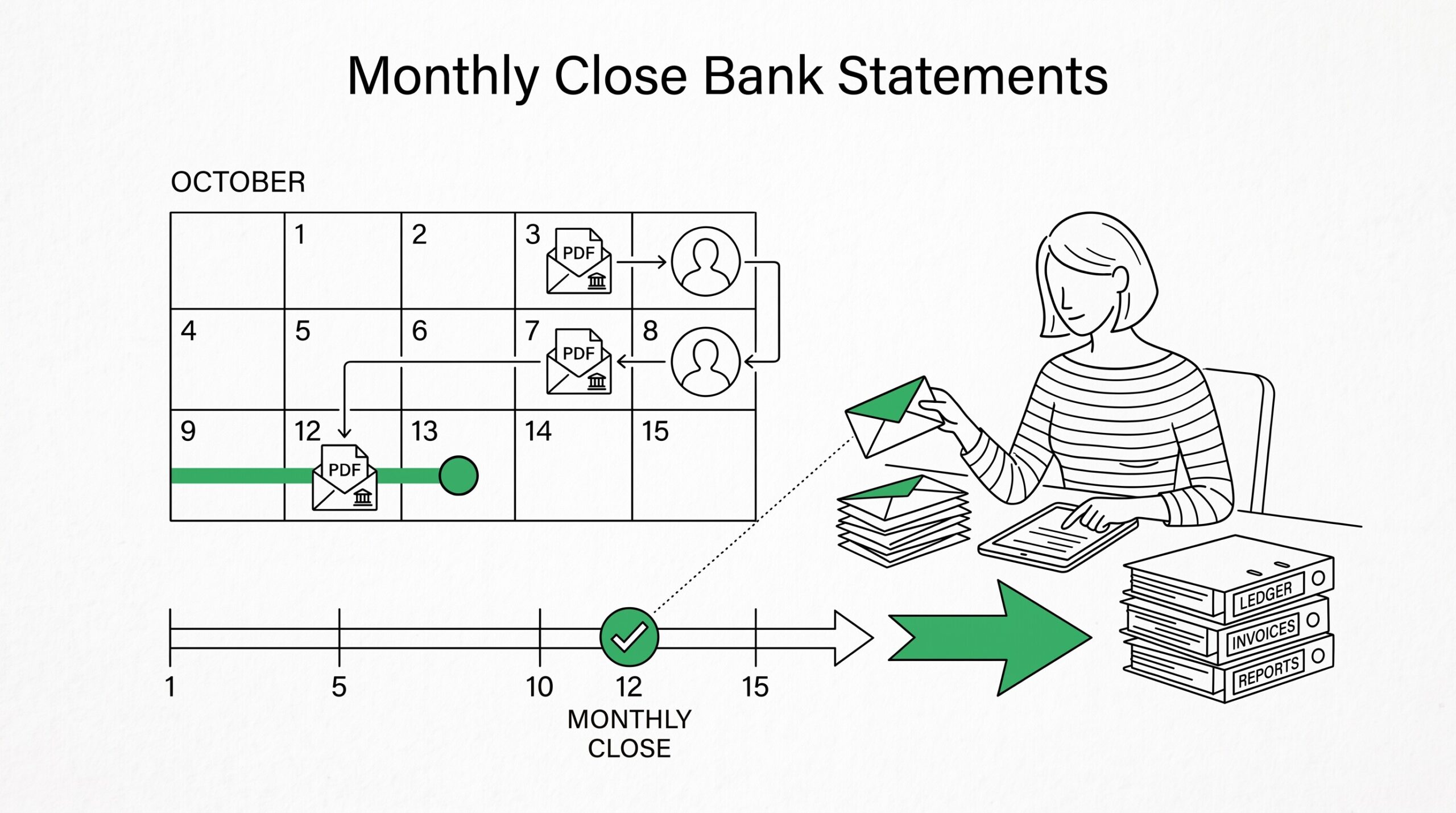

It’s the 8th of the month.
You are a bookkeeper for 3 small business clients, and each client has 5-10 bank accounts across multiple banks.
The statements arrive on different dates throughout the month, with the first batch arriving on the 2nd and the last batch arriving on the 15th. Your clients expect their books closed by the 15th of the following month. You need a workflow that converts all these statements into importable format, reconciles them, and completes the close on time, every month.
The monthly close is the recurring workflow bookkeepers run on the 5th-15th of each month, after the previous month’s bank statements arrive.
The goal is to convert all statements to a single importable format, reconcile them against the ledger, identify discrepancies, and produce the financial reports the client needs. This is a different workflow than tax preparation (which runs quarterly or annually), audit work (which runs on demand), or personal budgeting (which is daily or weekly).
Quick Answers: The monthly close conversion workflow has 6 steps: gather, convert, verify, import, reconcile, review.
Bank statements arrive on different dates (1st-15th typically), creating timing challenges for closing by a fixed deadline.
Many bookkeepers run a “pre-close” on day 7 with 95% of transactions, then finalize on day 10-12. Multi-bank conversion requires consistent column naming across all converted statements before import. The reconciliation exception report (a single CSV listing every discrepancy) is the most useful artifact for completing the close. Missing statements aren’t always missing, sometimes the bank holds them for fraud review.
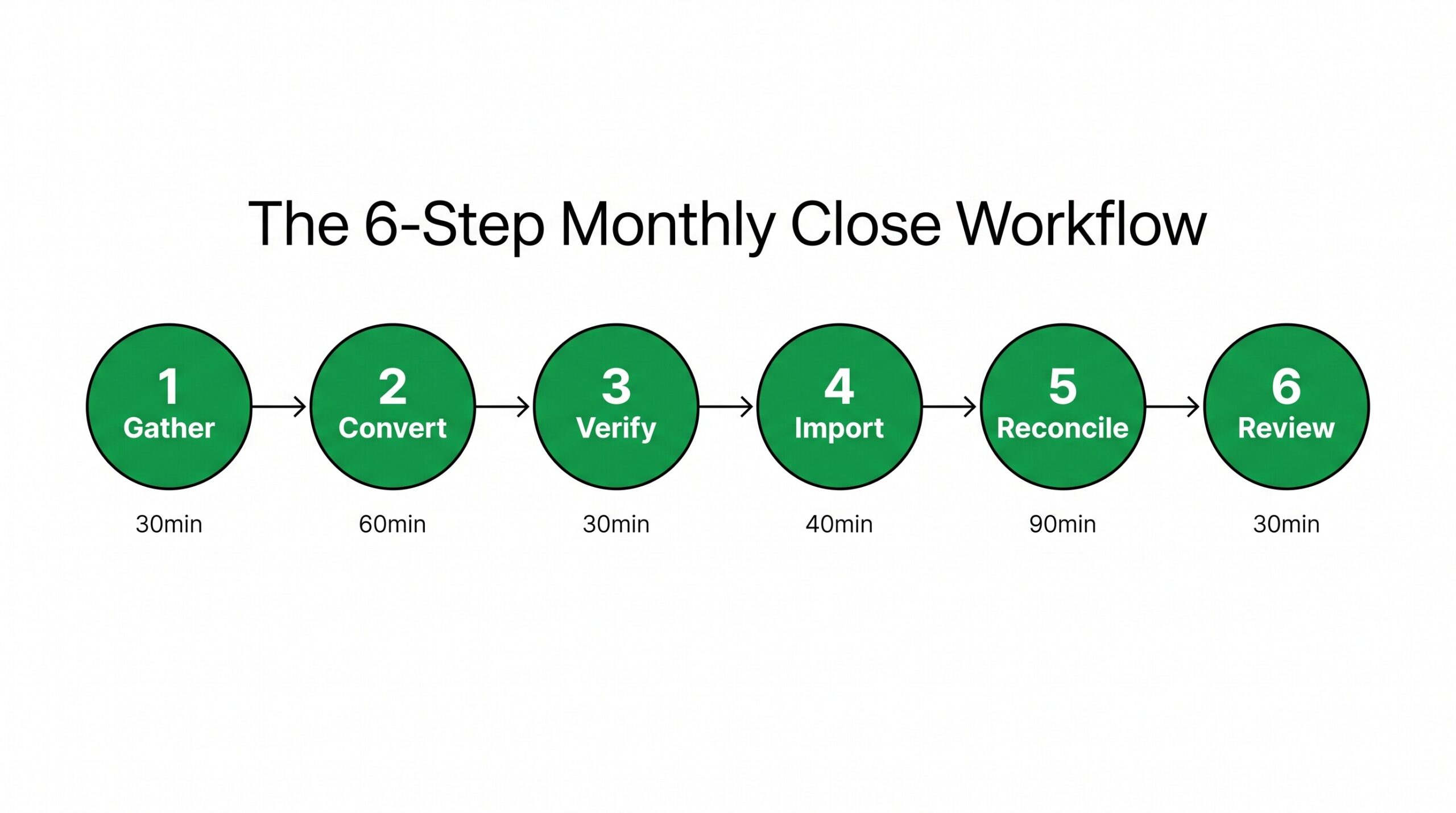
The 6-Step Monthly Close Workflow
The monthly close conversion workflow has 6 distinct steps. Each step has a typical time budget, and the total workflow usually takes 2-4 hours per client for a small business with 5-10 accounts.
Step 1: Gather all bank statements (30-60 minutes). The first step is collecting all the bank statements that arrived during the prior month. For a typical small business client, this means 5-10 PDFs across multiple banks. Create a checklist of expected accounts and mark off each one as it arrives. Missing statements need to be requested from the bank.
Step 2: Convert all PDFs to CSV or spreadsheet format (30-90 minutes). ESS reads both digital PDFs and scanned paper forms, producing one CSV per PDF. For a client with 8 accounts and 24 monthly statements (3 months × 8 accounts), the conversion produces 24 CSV files in about 30-60 minutes of total processing time.
Step 3: Verify data quality (15-30 minutes). Open each converted CSV and spot-check 3-5 transactions per account. Look for: dates in the correct format, amounts as numbers (not text strings), merchant names without extra characters, balances that match the original statement. Fix any issues before proceeding.
Step 4: Import into the accounting platform (20-40 minutes). For Xero, QuickBooks, Sage, or similar platform, each account gets a separate import. The platform may have its own format requirements (Xero requires YYYY-MM-DD dates, QBO accepts MM/DD/YYYY, etc.). Verify the import completed and the running balance matches the original statement.