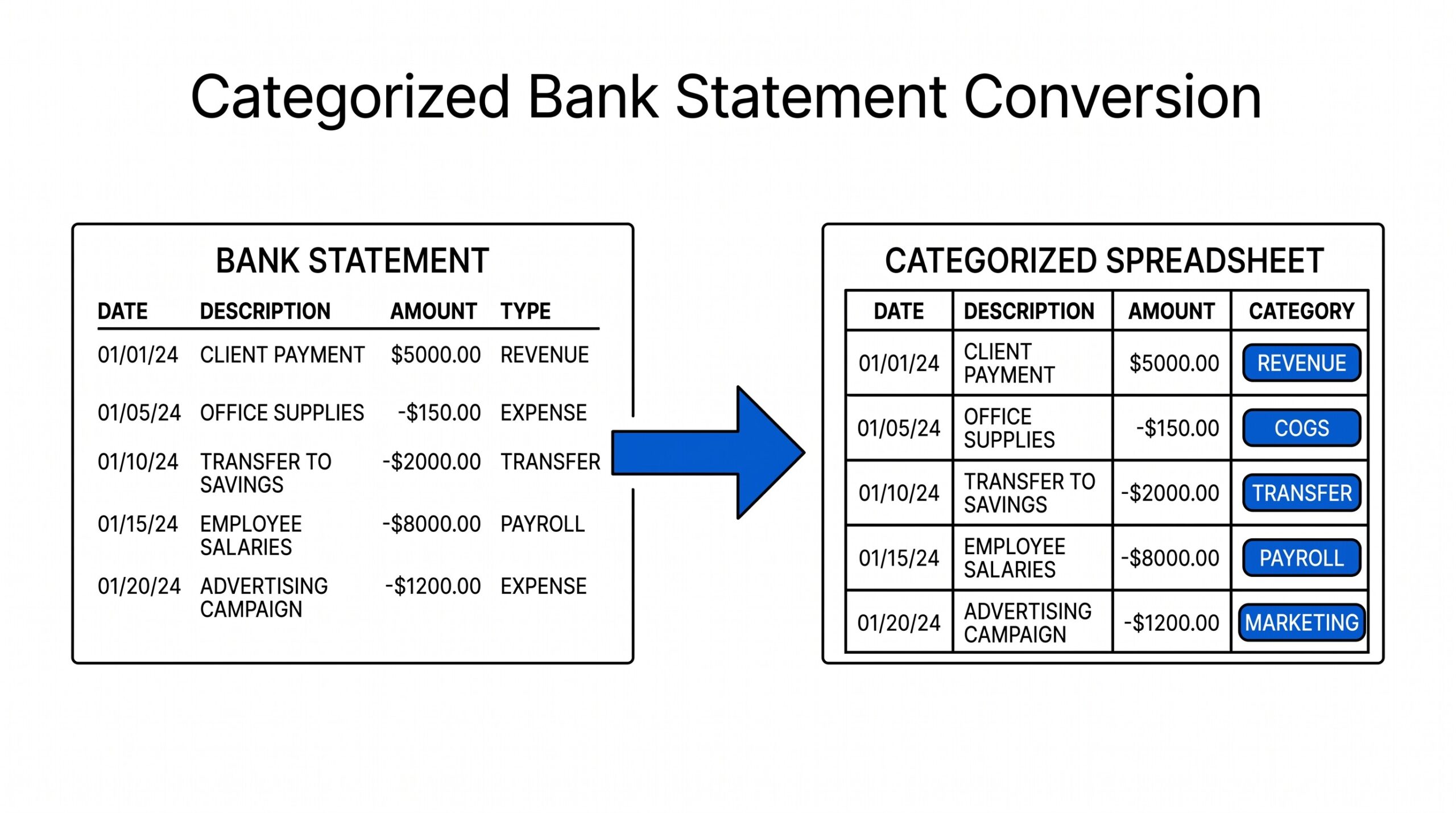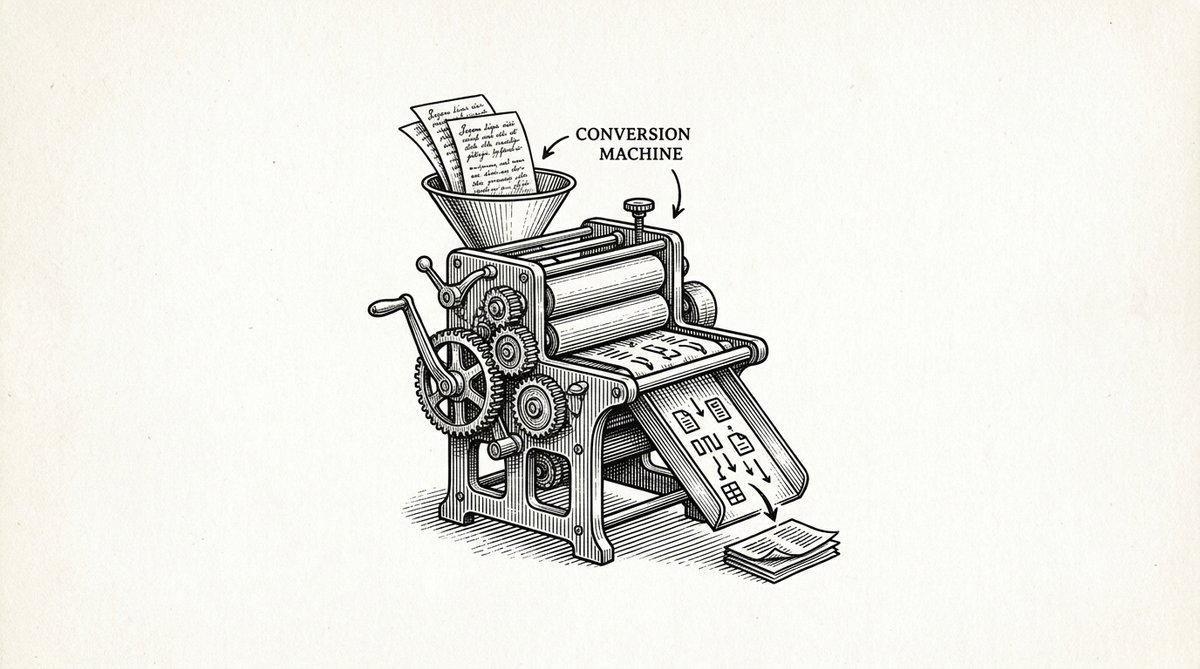

The 10-step conversion checklist catches 99 percent of bank statement conversion errors in 5 to 15 minutes. A bank statement conversion checklist (also called bank statement conversion steps, PDF to Excel checklist, or bank statement to Excel workflow) is the 10-step process that takes a bank statement PDF, monthly statement, or account statement and produces verified, import-ready transaction data. The 10 steps fall into 3 phases: pre-conversion (3 steps), conversion (3 steps), and post-conversion (4 steps). For a typical statement, the full checklist takes 5 to 15 minutes with a converter and 1 to 2 hours manually.
TL;DR. A 10-step conversion checklist catches 99 percent of conversion errors in 5 to 15 minutes. The 10 steps fall into 3 phases: pre-conversion (3 steps), conversion (3 steps), validation (4 steps). The checklist works for any bank statement in any format, from any US bank. Use a converter to handle the heavy lifting, then run the checklist to verify.
This page covers the 10 steps, the 3 phases, the 4 most common conversion errors and how the checklist prevents them, and the difference between the checklist and a longer validation workflow. If you want to skip the checklist, see the bank statement converter. For the post-conversion validation, see bank transaction validation checklist.
A bank statement conversion checklist is the 10-step process that takes a bank statement PDF and produces verified, import-ready transaction data. The 3 phases are: pre-conversion (3 steps: download, verify PDF type, check statement period), conversion (3 steps: upload, convert, download), and post-conversion (4 steps: clean, validate, dedup, verify balance).
| Phase | Steps | Time | What It Catches |
|---|---|---|---|
| Pre-conversion | 3 steps: download, verify PDF type, check period | 1 to 5 min | Wrong file, wrong account, wrong period |
| Conversion | 3 steps: upload, convert, download | 2 to 5 min | Format errors, conversion failures |
| Post-conversion | 4 steps: format, validate, dedup, verify balance | 5 to 15 min | Missing, wrong, duplicate, sign errors |
Total time: 5 to 15 minutes with a converter, 1 to 2 hours manually. The checklist prevents the 4 most common conversion errors: missing transactions, wrong amounts, wrong sign, and OCR errors on scanned statements. Each step is not just a check; it is a guard against the 4 most common conversion errors.
For the pre-conversion step (downloading the PDF), see convert bank statement. For the post-conversion validation (the 12 checks), see bank transaction validation checklist. For the conversion itself, the bank statement converter handles steps 4 to 6 automatically. The memorable line: 10 steps, 3 phases, 5 to 15 minutes with a converter, and every step has a check.
The 3 Phases of Bank Statement Conversion: Pre, During, Post
The 10 steps fall into 3 phases. Run them in order. Skipping a phase is the #1 cause of conversion errors. This matters because the phases build on each other; a missed pre-conversion check creates issues in conversion that are hard to debug.
Phase 1: Pre-Conversion (3 Steps, 1 to 5 Minutes)
The pre-conversion phase prepares the source statement for conversion. The 3 steps verify that the PDF is the right file, the right period, and the right type (digital vs scanned). Most conversion errors start here, when the wrong file or wrong period is used. This is important because the pre-conversion phase is the cheapest place to catch errors; they are easy to fix here and expensive to fix later.
Phase 2: Conversion (3 Steps, 2 to 5 Minutes)
The conversion phase does the actual work of reading the PDF and producing structured data. With a converter, this is automated. Without a converter, this is the manual retyping or copy-paste step, which takes 30 to 90 minutes.
Phase 3: Post-Conversion (4 Steps, 5 to 15 Minutes)
The post-conversion phase validates, cleans, and verifies the data. This is where the 2 to 5 percent of errors that survive conversion are caught. This matters because these errors are the ones that propagate to bookkeeping, reconciliation, and tax prep, where they cost the most to fix. The 4 steps are: format check, validation, dedup, balance verification.
Bank Statement Conversion: The 10 Steps in Detail
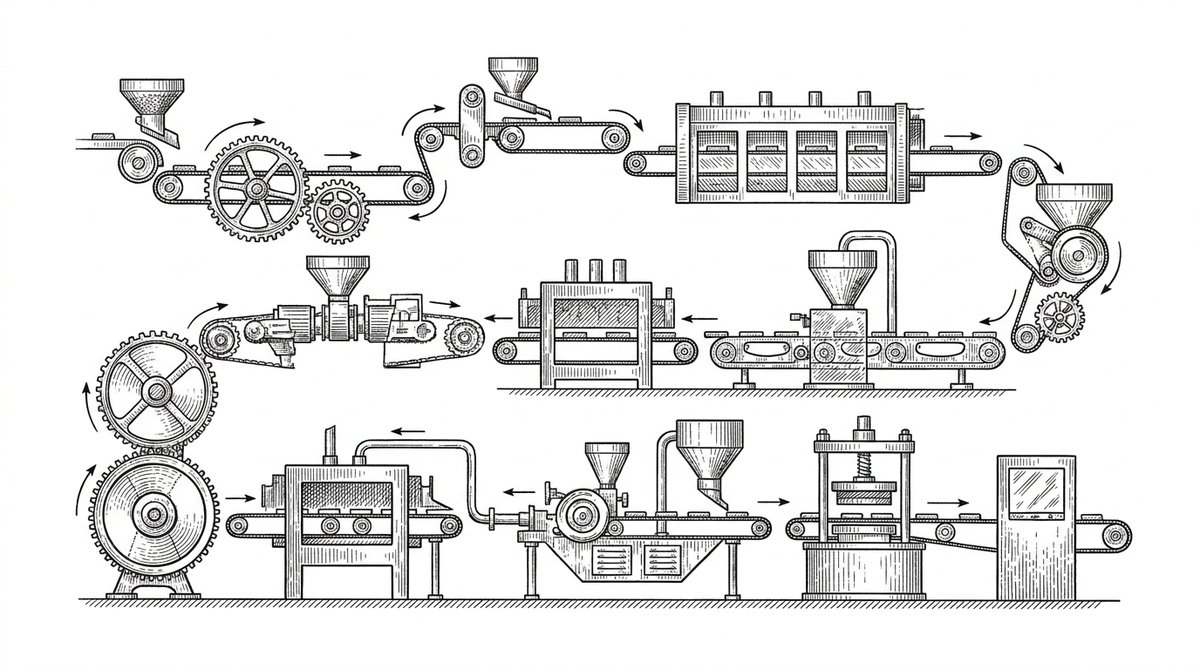
Each step has a one-line check. The cumulative time is 5 to 15 minutes with a converter.
Step 1: Download the PDF From Your Bank (1 Minute)
Check: the file is the right statement, the right account, and the right period. Fix: re-download from the bank if the file is wrong, the account is wrong, or the period is wrong. This is the most common error: using the wrong statement because the download path was clicked on the wrong account. A common failure mode is the silent “yes, this is the right file” when it is not.
Step 2: Verify the PDF Type (30 Seconds)
Check: the PDF is digital (text-based) or scanned (image-based). To check, try to select text in the PDF. If you can select and copy text, it is digital. If you cannot, it is scanned. Fix: for scanned PDFs, use a converter with OCR (e.g., the bank statement converter); for digital PDFs, any converter works. For how OCR works on bank statements, see how OCR works for bank statements.
Step 3: Check the Statement Period (30 Seconds)
Check: the period on the statement matches the period you expected. Fix: re-download if the period is wrong. This catches the second most common error: combining the wrong month’s statement with the current month’s analysis.
Step 4: Upload to the Converter (30 Seconds)
Check: the file uploaded successfully and the converter recognized the PDF. Fix: if the converter does not recognize the file, try a different converter or a manual approach. Most modern converters (including the bank statement converter) recognize 95 percent of bank statement PDFs on the first try.
Step 5: Convert the PDF (30 Seconds to 2 Minutes).
Check: the conversion completed without errors. Fix: if the conversion errors out, try a different converter or check the PDF (it may be corrupted or password-protected). For password-protected PDFs, see convert password protected bank statement.
Step 6: Download the Converted File (30 Seconds).
Check: the downloaded file is in the expected format (Excel, CSV, or QBO) and the size is reasonable (typically 5 to 100 KB for a 100-transaction statement). Fix: re-download or try a different format if the file is corrupted or the wrong format.
Step 7: Format Check (1 to 2 Minutes).
Check: the file has the 4 required columns (Date, Description, Amount, Balance) and the headers are in row 1. Fix: if the columns are missing, the conversion was incomplete; redo with a different tool. For the 4-column schema, see bank statement Excel template.
Step 8: Validation (3 to 5 Minutes).
Check: the data passes the 12 validation checks. The 3 most important are: running balance matches statement closing balance, sum of amounts equals net change in balance, and row count matches statement transaction count. Fix: if any check fails, debug per the validation guide. For the full 12-check validation, see bank transaction validation checklist.
Step 9: Dedup (2 to 5 Minutes).
Check: there are no duplicate transactions. Sort by date + amount + description, look for matches. Fix: if duplicates are found, delete the duplicates. This step is only needed if you are combining multiple statements. For the dedup workflow, see duplicate transactions after conversion.
Step 10: Balance Verification (1 to 2 Minutes).
Check: the last transaction’s running balance matches the statement’s printed closing balance. This is the single best verification. Fix: if the balances differ, walk through the transactions in order; the first balance mismatch tells you where the error is. For the full verification, see how to check converted bank statement data.
From Bank Statement to QuickBooks-Ready File
That manual cleanup you just read about? This tool skips it. Turn your PDF into QBO for QuickBooks without storing your data anywhere.
Turn PDF Bank Statements Into Workable Spreadsheets
Your bank statement is a mess of numbers, but your books shouldn't be. Use our converter to get Excel, CSV, or QBO files — ready for QuickBooks.
Try It Free Now4 Most Common Bank Statement Conversion Errors (and How the Checklist Prevents Them)
These are the 4 errors that consume the most debugging time. The checklist prevents each one with a specific step.
Error 1: Missing Transactions
Cause: the converter missed a transaction (e.g., a long description that wrapped to a new line). Prevention: the row count check (Step 7) and the running balance check (Step 10) catch missing transactions. If the row count differs from the statement, or the running balance differs, you have a missing transaction. The fix is not a re-conversion; it is a hunt for the missing amount.
Error 2: Wrong Amounts
Cause: the converter misread an amount (e.g., $123.45 read as $12,345 due to a comma or period issue). Prevention: the sum of amounts check (Step 8) catches wrong amounts. If the sum differs from the net change in balance, you have a wrong amount. The fix is mechanical: find the wrong amount, correct it.
Error 3: Wrong Sign Convention
Cause: the converter applied the wrong sign convention (e.g., debits positive instead of negative). Prevention: the running balance check (Step 10) catches wrong sign convention. If the running balance diverges, the sign is wrong. The fix is mechanical: flip the sign of all transactions (usually via an IF formula based on the description).
Error 4: OCR Errors on Scanned PDFs
Cause: the OCR misread a character (e.g., “0” read as “O”, “1” read as “l”). Prevention: the sample check (Step 8) and the running balance check (Step 10) catch OCR errors. The fix is mechanical: spot-check 5 to 10 transactions, correct any misreads.
Bank Statement Conversion: How This Differs from the Validation Checklist
This checklist is the 10-step process from PDF to import-ready data. It includes the conversion itself (steps 4 to 6) and the post-conversion validation (steps 7 to 10). The validation checklist is the 12 checks you run on the converted data. The validation checklist is a subset of this conversion checklist (steps 7 to 10 of this checklist = the 12 validation checks).
For a single statement, run this conversion checklist. For a year of statements (12), run this conversion checklist for each one, then run the combine workflow (12 statements to 1 file) per the

Start with the Workflow
The fastest path is to start with the conversion step, which produces the data that every other step needs. The bank statement converter handles the PDF-to-Excel step in 2-5 minutes, with no upload to a server. For a complete reference of the terms used throughout this article, see the bank statement glossary. For more on this, see the bank statement for small business page. For more on this, see the bank statement for freelancers page. For more on this, see the is a bank statement converter safe page. Turn That PDF Into a Spreadsheet in Minutes You've seen how to do it manually — now let the tool handle the heavy lifting. Upload your bank statement and get Excel, CSV, or QBO in a few clicks.