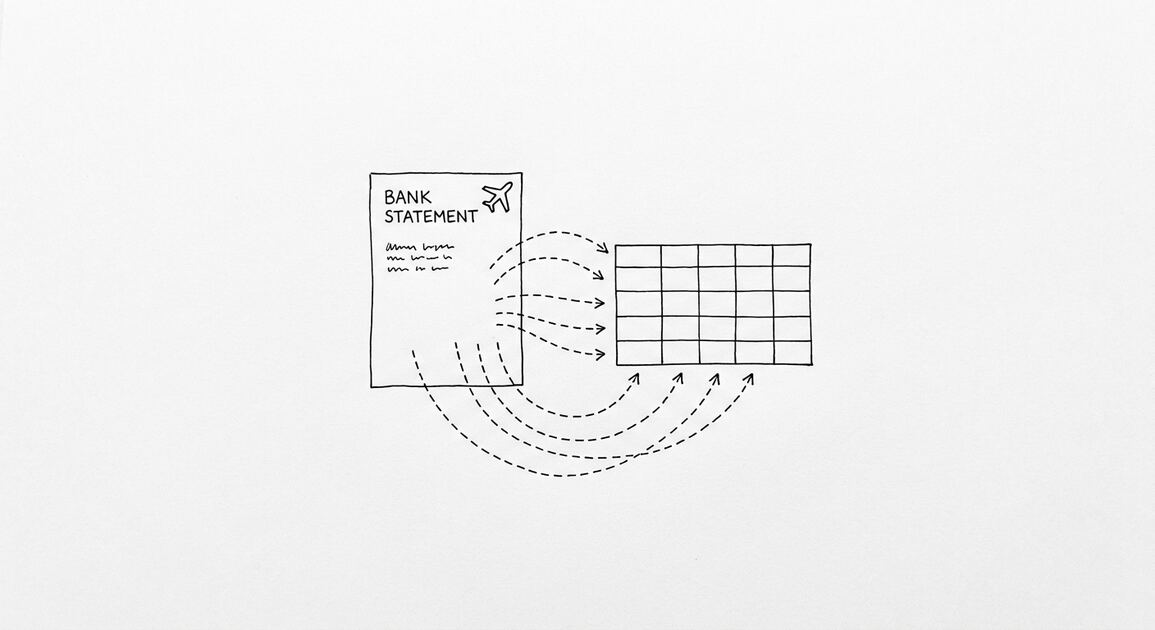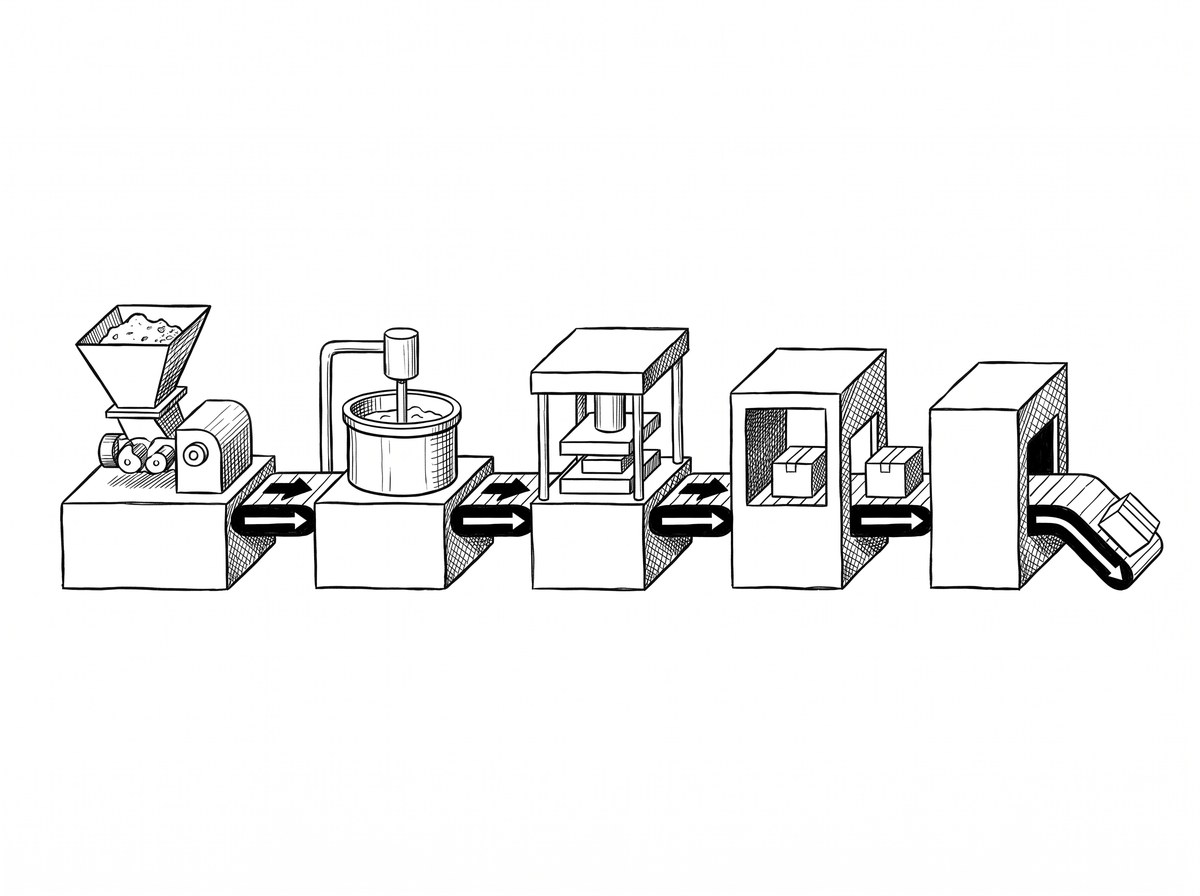

A small business bank statement is not just a record of what you spent. It’s the source document for 5 different workflows: bookkeeping, tax prep,
A statement that works for one workflow may not work for another. Understanding the 5 use cases prevents the “I have the statement but it’s not the right form” problem that delays small business loan applications by weeks.
This page is for small business owners with 3-10 employees who handle their own books or work with a bookkeeper, and for bookkeepers serving small business clients. The 5 use cases below cover what every small business statement is used for, who needs it, and what the right format is. For the technical workflow of converting statements, see the bank statement converter page. For the security question that matters for client data, see the is a bank statement converter safe guide.
TL;DR. A small business bank statement serves 5 workflows: bookkeeping (monthly close, categorization), tax prep (Schedule C, quarterly estimates), loan applications (6 months for most small business loans), owner draws (personal vs business separation), and forensic analysis (catching errors, fraud, or unusual activity). The 4 key columns are date, description, amount, balance. The 3 standard categories are business, personal, transfers. The 6-month statement requirement is the most common small business loan requirement. The 2-year retention is the IRS audit requirement. Your bank statement is the most important financial document your business produces. Treat it like the source code of your company, not like a receipt.
The 5 Use Cases for a Small Business Bank Statement
Every small business bank statement is used for 5 different workflows. Each workflow has different requirements, different formats, and different stakes.
What most guides miss about this workflow is that the quality depends on the mechanism, not on the tool. Two tools that look different on the surface often run the same 4-step process underneath: read, find, parse, verify. The difference is in how well each step handles edge cases (merged cells, missing balances, non-standard date formats, scanned vs digital input). Choosing between tools based on UI alone misses the actual quality lever.
1. Bookkeeping. The monthly close. The bookkeeper reconciles the statement against the books, categorizes each transaction, and produces the monthly financial statements. The required format: a clean spreadsheet with date, description, amount, and balance columns. The required time: within 5-15 business days of statement cycle end for most small businesses. The stakes: errors compound, and a missed category in month 1 creates a 12-month cleanup in December.
2. Tax prep. The annual filing and the quarterly estimated tax payments. The CPA uses the categorized statements to prepare the Schedule C (sole proprietor), the corporate return (S-corp or C-corp), and the quarterly Form 1040-ES (estimated taxes). The required format: 12 months of categorized statements in a single workbook. The required time: by March 15 for the corporate return, April 15 for the personal return. The stakes: missed income or miscategorized expenses trigger IRS adjustments, which can cost 20-40% in additional tax plus penalties.
3. Loan applications. The 6-month bank statement is the standard for most small business loans (SBA, conventional, alternative). The bank uses the statement to verify revenue (deposits), assess cash flow stability (consistent positive balance), and identify risk (NSF charges, overdrafts, large unexplained transactions). The required format: 6 consecutive months, all accounts, unredacted. The required time: at the loan application, not in advance. The stakes: missing 1-2 weeks of the 6-month window can delay the application by a month.
4. Owner draws. The personal use of business funds. The owner takes money out of the business for personal use, which is tracked as a draw (not an expense, not income). The required format: a clear separation between business and personal transactions, often a separate business account. The required time: continuously. The stakes: misclassifying draws as expenses (which is illegal) understates income and inflates deductions, which can trigger IRS adjustments.
5. Forensic analysis. The catch-all for unusual situations: suspected fraud, vendor disputes, employee expense violations, bank errors. The required format: the original PDF, unredacted, with all transactions visible. The required time: as needed, often urgent. The stakes: an undetected fraud can cost tens of thousands of dollars; an undetected bank error can cost the same.
The 4 Key Columns
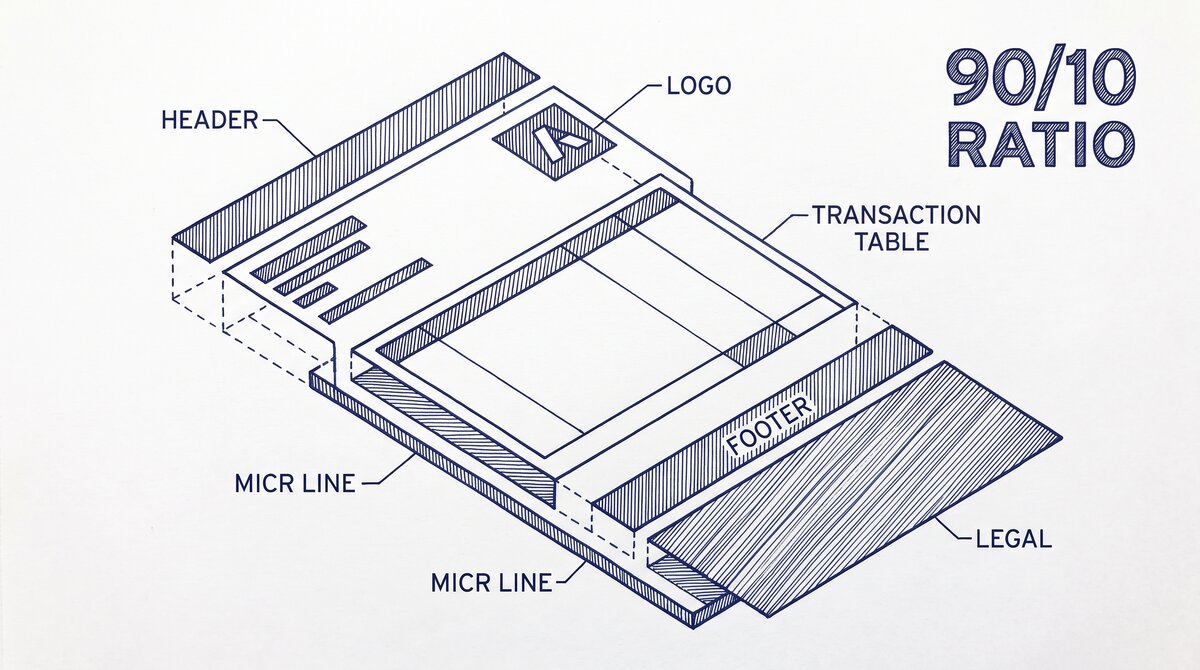
Every small business bank statement has 4 key columns. Most statements have more (transaction type, check number, category, balance brought forward), but the 4 below are the ones every workflow depends on.
Date. The date the transaction posted to the account, not the date the transaction was initiated. The date column is critical for tax prep (which tax year the income counts in), loan applications (which months the deposits cover), and forensic analysis (when the suspicious activity happened). The mismatch: many small business owners confuse transaction date (when the customer paid) with posting date (when the bank processed the payment). For most workflows, posting date is the right anchor.
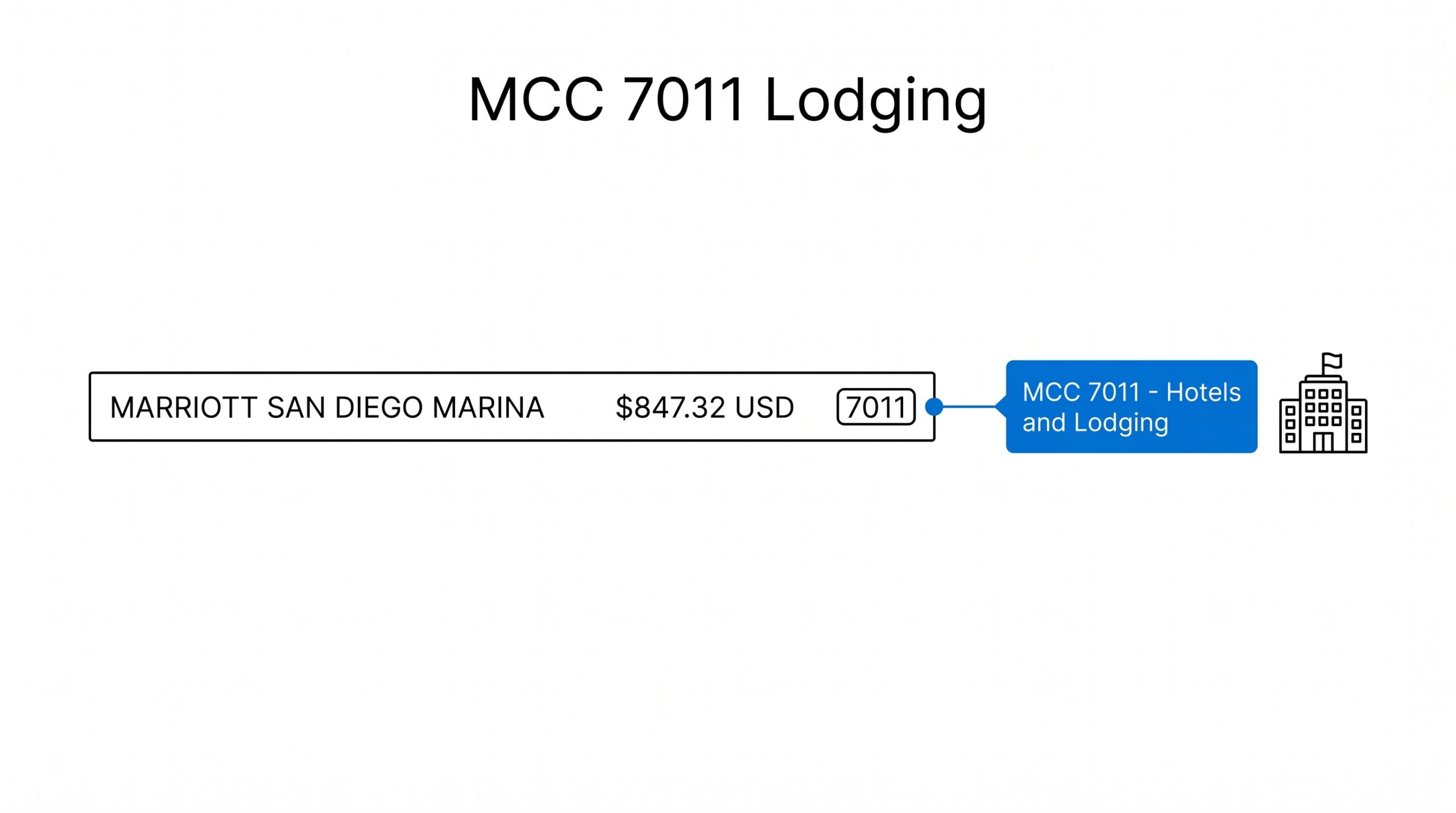
Description. The text the bank uses to identify the transaction. The description column is critical for categorization (what type of expense is this), owner draws separation (is this business or personal), and forensic analysis (who paid whom). The challenge: bank descriptions are inconsistent. Amazon might appear as “AMZN Mktp US*RT4F23” or “Amazon.com” or “AMAZON.COM*RETAIL” depending on the payment method and the bank’s processing.
Amount. The dollar value of the transaction, with negative values for outflows. The amount column is critical for tax prep (gross income, deductible expenses), loan applications (average monthly deposits, average monthly balance), and forensic analysis (large transactions). The challenge: the sign convention varies. Some banks use positive for outflows and negative for inflows, which is the opposite of accounting convention. The bookkeeper must normalize the sign.
Balance. The running balance after the transaction posts. The balance column is critical for loan applications (average daily balance, lowest balance, NSF pattern), forensic analysis (when the account went negative), and bookkeeping (reconciliation tie-out). The challenge: the running balance is sometimes called “current balance” (after the transaction) and sometimes “available balance” (after pending transactions). For loan applications, the bank typically uses current balance.
From Bank Statement to QuickBooks-Ready File
That manual cleanup you just read about? This tool skips it. Turn your PDF into QBO for QuickBooks without storing your data anywhere.
Start ConvertingThe 6-Month Statement Requirement
Most small business loans require 6 months of bank statements. The exact number depends on the loan type:
SBA loans (7a, 504, microloans): 3-12 months of statements, typically 6. The bank uses the statements to verify the business’s revenue, cash flow, and financial stability.
Conventional bank loans: 3-6 months of statements for established businesses, 12-24 months for startups. The bank uses the statements to verify the business’s ability to service the debt.
Alternative lenders (OnDeck, BlueVine, etc.): 3-6 months of statements. The lender uses the statements to underwrite based on cash flow rather than credit score.
Bank statement loans (for self-employed): 12-24 months of statements. The lender uses the statements as the primary income documentation, since the borrower cannot show W-2 wages. For the broader self-employed mortgage context, see the self-employed mortgage application page.
Line of credit and credit card applications: 3-6 months of statements. The bank uses the statements to verify the business’s revenue and existing debt service.
The 6-month standard is not arbitrary. The bank wants enough history to identify patterns: seasonal revenue, recurring expenses, average balance, growth trend. 3 months is too short to identify a pattern. 12 months is more than the bank needs. 6 months is the sweet spot for most small business loans.
A common failure mode small business owners report is pulling the wrong statement for a loan application, missing the 6-month requirement by 1-2 weeks, and getting denied because the bank wants the exact 6-month period. The fix: keep 24 months of statements on file, organized by month, ready for any time period the bank or the IRS requests. The statements are cheap to store. The delay is expensive.
The 2-Year IRS Retention Requirement
The IRS requires small businesses to retain bank statements for 3 years from the date of filing the return (or 6 years if there is a substantial understatement of income). The practical rule: keep 7 years of statements to be safe. The 2-year minimum is a common misconception; the 3-year minimum is the actual rule, and 7 years is the safe practice.
Why 7 years: the IRS can audit a return up to 3 years after filing. The audit can go back further if there is suspected fraud (6 years) or substantial understatement (6 years). Some tax situations (bad debt deductions, worthless securities) have a 7-year lookback. The 7-year retention covers all of these.
How to retain: scan the statements to PDF and store in a cloud folder organized by year and account. The PDF is the official record; the paper is a backup. The cloud folder is searchable, which makes audit responses faster. Th

e total storage for 7 years of monthly statements is approximately 200-500 MB per account, which is trivial.
The 3 Standard Categories
For bookkeeping and tax prep, every small business bank transaction falls into one of 3 categories: business, personal, or transfer. The categorization is the foundation of accurate financial statements.
Business. Income or expense related to the business. Income: customer payments, vendor refunds, investment income. Expense: rent, utilities, payroll, supplies, marketing, professional services, travel. Business transactions flow through the P&L.
Personal. Money moved between the business and the owner for personal use. Examples: owner draws, personal expenses paid from the business account, personal income deposited into the business account. Personal transactions are tracked separately from business transactions and do not flow through the P&L as income or expense. The bookkeeper must keep the personal and business accounts separate (or use a clear naming convention) to make the categorization obvious.
Transfer. Money moved between the business’s own accounts, or between accounts owned by the same person. Examples: transfer from business checking to business savings, transfer from personal checking to personal savings. Transfers are critical to identify because they are double-counted if not flagged: the deposit in one account and the withdrawal from the other both look like real activity, but they cancel out.
The 3 categories are the foundation. Most bookkeeping systems expand the 3 into 11 (income, COGS, operating expenses, payroll, taxes, owner draws, transfers, refunds, fees, capital expenses, uncategorized). For the full 11-category framework, see the bank transaction categorization page.
The 2 Common Mistakes
2 mistakes that consistently cause small business problems:
1. Mixing personal and business in the same account. When the owner uses the business account for personal purchases, those purchases should be categorized as owner draws, not as business expenses. Categorizing them as business expenses inflates the business deductions and reduces the taxable income, which is illegal. The fix: keep personal and business in separate accounts, and use the owner draws category for any personal use of business funds. The separate accounts also simplify the loan application, because the bank does not need to filter out the personal transactions.
2. Pulling the wrong statement for the wrong time period. The bank wants 6 months ending 30 days before the application date. The IRS wants 7 years of monthly statements. The bookkeeper wants the last full month. The owner pulls the wrong period and the application is delayed. The fix: standardize the statement request process. Have a checklist: which account, which time period, which format (PDF or Excel), which purpose (loan, tax, audit). The checklist takes 2 minutes and prevents 2-week delays.
The 3 Best Practices
3 best practices that prevent the 2 mistakes and the 5 use cases from breaking down:
1. Keep 24 months of statements on file, organized by month and account. The 24 months covers the 6-month loan requirement, the 12-month self-employed mortgage requirement, the 24-month alternative lender requirement, and the 7-year IRS retention. The organization: one folder per year, one subfolder per account, statements named “YYYY-MM-account-name.pdf”. The structure is searchable and audit-ready.
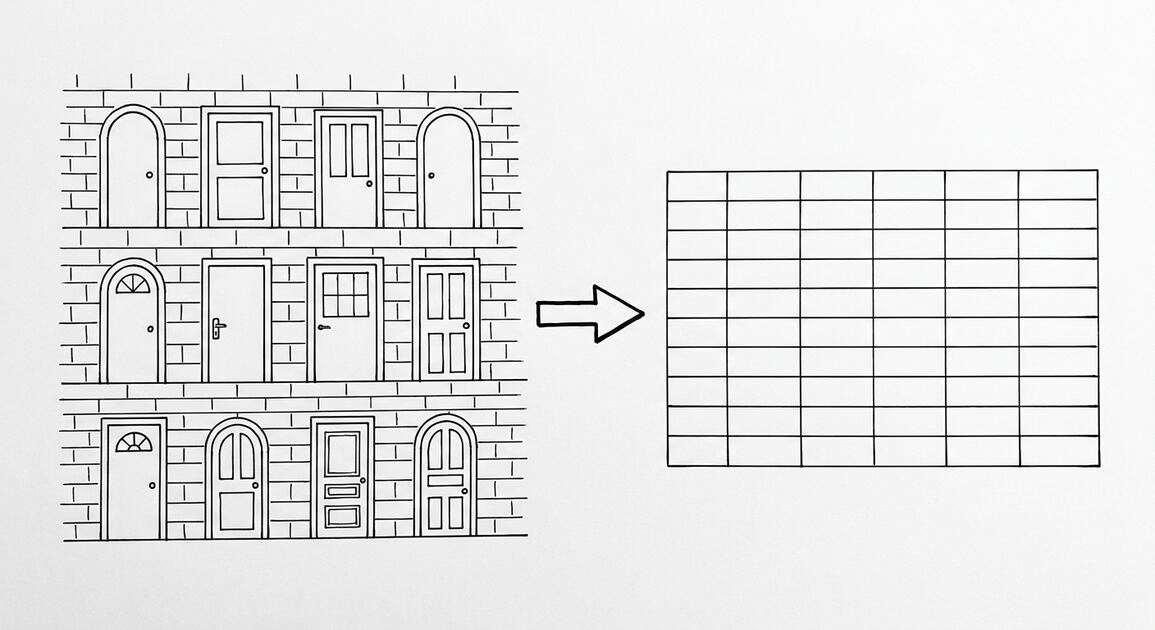
2. Convert statements to Excel within 5 business days of receipt. The conversion to Excel is the step that makes the statement usable for the 5 workflows. The conversion is also the step that catches errors (missing transactions, wrong amounts) early, when the bank can still be contacted. For the conversion workflow, see the bank statement converter and the conversion checklist.
3. Reconcile monthly, not annually. Monthly reconciliation catches errors within 30 days, when the bank can still be contacted and the bookkeeping is still current. Annual reconciliation catches errors up to 12 months old, when the bank may have purged the records and the financial statements for the year are already closed. The difference: monthly is 2 hours of work per month. Annual is 24 hours of work in January. The 2 hours per month is the right investment.
Start with the Converter
The first step for most small business owners is to get the statement into a usable format. The bank statement converter handles the PDF-to-Excel conversion, with no upload to a server. The output is ready for the 5 workflows above.
For the loan application workflow specifically, the mortgage application bank statement guide walks through the 6-month requirement and what lenders look for.
For more on this, see the lending and tax glossary page.
Turn That PDF Into a Spreadsheet in Minutes
You've seen how to do it manually — now let the tool handle the heavy lifting. Upload your bank statement and get Excel, CSV, or QBO in a few clicks.
Try It Free