
Classifying accounts is the quiet backbone of bookkeeping. Every transaction that lands in your bank account has to be sorted into the right bucket before it can become a profit and loss statement, a tax return, or a clean file for your preparer.
When the buckets are wrong, the totals are wrong, and the errors compound downstream.
This guide walks through the on-site 11-category taxonomy, the accounting methods that determine when income and expense are recognized, and the 1099 reporting rules that flow from accurate classification. It is written for the small business owner who does their own books and hands a clean file to a tax preparer each year.
What account classification actually means
Account classification is the act of assigning each transaction to a category that reflects what it is. A payment to a vendor is an expense. A deposit from a client is income. A transfer between your own accounts is neither, and must be tagged so it does not inflate income or expense.
The reason this matters is that your financial statements are only as good as the categories behind them. A miscategorized expense understates profit. A miscategorized transfer overstates revenue. Both distort the numbers your preparer uses to file.
Why small businesses get this wrong
Most errors come from speed, not malice. A bank statement PDF arrives, the owner scrolls through it, and a few deposits get coded as income that were actually transfers or refunds. The fix is a consistent method applied every month, not a one-time cleanup.
The 11-category on-site taxonomy
The taxonomy used on this site is published in the article Bank Transaction Categorization: The 11 Standard Categories and How to Use Them. That article lists all 11 categories and the workflow for assigning them.
Rather than invent a parallel list here, this guide treats that taxonomy as the single source of truth and builds on it.
For a walkthrough of applying the categories to a real statement, see How to Categorize Bank Statement Transactions. For a workflow that includes conversion and categorization together, see Convert Business Bank Statement with Categorization.
The principle that makes the taxonomy work is consistency. Pick one category for each kind of transaction and use it every month. If a subscription is an expense in January, it stays an expense in December. Mixed treatment is what breaks year-end reconciliation.
How to keep categories consistent across months
Write the rule down in one place, a simple list mapping vendors and transaction types to categories. When a new vendor appears, add it to the list before coding the transaction. Review the list quarterly so it does not drift.
Turn That PDF Into a Spreadsheet in Minutes
You've seen how to do it manually — now let the tool handle the heavy lifting. Upload your bank statement and get Excel, CSV, or QBO in a few clicks.
Try It FreeAccounting methods: cash versus accrual
The category you assign is only half the picture. The other half is when you recognize the income or expense. According to IRS Publication 538 (Rev. January 2022), every taxpayer must use a consistent accounting method.
Under the cash method you generally report income in the tax year you receive it and deduct expenses in the tax year in which you pay them.
Under the accrual method you generally report income in the tax year you earn it regardless of when payment is received, and deduct expenses in the tax year you incur them.
The method you choose must be applied consistently. You cannot switch between cash and accrual mid-year to flatter a result. If you are unsure which method fits your situation, consult your tax professional before filing.
Why the method affects classification
Under cash basis, a December invoice paid in January is January income. Under accrual basis, that same invoice is December income because that is when it was earned. The category is the same in both cases; only the timing changes.
Your bank statement categories must therefore be tagged with dates that match the method your preparer applies.
Information reporting: the 1099 family
Once accounts are classified, the next question is who you must report to the IRS.
Any person engaged in a trade or business, including a corporation, partnership, individual, estate and trust, who makes reportable transactions during the calendar year must file information returns to report those transactions to the IRS and furnish a copy of the information returns to recipients.
That obligation is driven by classification. A payment coded as rent, prizes and awards, or other income triggers a 1099-MISC. A payment coded as nonemployee compensation triggers a 1099-NEC. A card or third party network settlement triggers a 1099-K. A digital asset sale through a broker triggers a 1099-DA.
Form 1099-MISC thresholds
Form 1099-MISC applies at the following thresholds, per the IRS. At least 10 dollars in royalties or broker payments in lieu of dividends or tax-exempt interest.
At least 600 dollars in rents, prizes and awards, other income payments, medical and health care payments, crop insurance proceeds, cash payments for fish, cash from a notional principal contract, payments to an attorney, and fishing boat proceeds. At least 5,000 dollars in direct sales of consumer products for resale outside a permanent retail establishment.
Form 1099-NEC deadline
Form 1099-NEC is used to report nonemployee compensation and is due to the IRS by January 31 of the year following the tax year, whether filed on paper or electronically. Plan your classification and reconciliation so the contractor payments are clean well before that date.
Form 1099-K
Form 1099-K covers payment card and third party network transactions, per the IRS. If you accept payments through a card processor or a third party network, those settlements are reported to you on a 1099-K, and your classified categories should reconcile to the amounts on that form.
Form 1099-DA
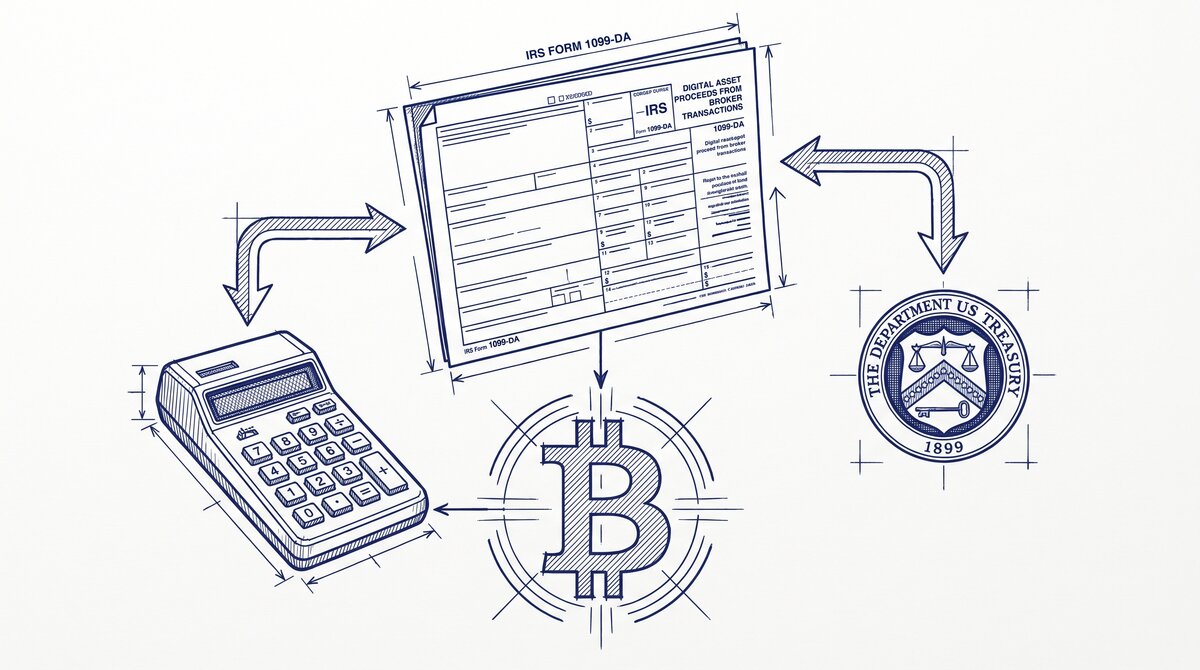
Form 1099-DA is used to report digital asset proceeds from broker transactions, per the IRS. Recent developments for Form 1099-DA include the following, per the IRS. Form 1099-DA was excluded from the Combined Federal/State Filing Program for tax year 2025, dated 07-JAN-2026.
Corrections to the 2025 Instructions for Form 1099-DA addressed de minimis rules for reporting certain sales of digital assets and optional reporting methods, also dated 07-JAN-2026. Notice 2024-57, 2024-29 I.R.B. 67 also applies. For the official source, see the IRS page about Form 1099-DA.
Keeping classification clean month to month
The single biggest lever is a monthly workflow. Reconcile the bank statement against your categories before the next statement arrives. Tag transfers, split mixed payments, and resolve uncategorized items while the memory is fresh. The article Bookkeeper Monthly Workflow: Bank Statement covers that cadence, and Complete Guide: Bookkeeper Bank Statement Workflow expands it.
Two details that trip people up. First, the difference between ledger balance and available balance, which is explained in What Is the Difference Between Ledger and Available Balance. Classify against the ledger balance, not the available balance, or pending items will distort your month. Second, multi-month catch-up work, where several statements land at once.
When you are catching up several months
Process statements in chronological order and classify each one before moving to the next. Do not batch-code a whole quarter at once, because the context that tells you what a deposit was fades quickly. If you convert PDF statements to a spreadsheet first, the categorization step becomes a sorting exercise rather than a retyping exercise.
Where conversion fits in
Classification assumes you have the transactions in a workable format. If your bank only gives you a PDF, converting it to Excel or CSV is the first step, and the categorization step comes after.
A balance-verified conversion reconciles each row against the bank’s printed running balance, so you are not classifying transactions that contain typos introduced by manual retyping.
Easy Statement Sheet converts bank statement PDFs to Excel, CSV, Google Sheets, or QBO with balance verification, plans from 15 dollars per month, and a free tier of 3 conversions with no card. The product does not file taxes or advise on compliance; it produces the clean file you hand to your preparer.
Practical checklist before year end
Run through this list in December so January is not a scramble. Reconcile every month of the year against categories. Confirm your accounting method matches what you used last year. Tally contractor payments against the 1099-NEC threshold. Tally rent, prizes, and other income against the 1099-MISC thresholds. Confirm card and network settlements against your 1099-K.
Confirm digital asset broker proceeds against your 1099-DA. Resolve every uncategorized item.
Consult your tax professional for anything that affects a filing. This guide is informational and does not constitute tax advice.
Common classification mistakes and how to fix them
Most bookkeeping errors are classification errors. They are easy to make and easy to fix once you know what to look for. Here are the five most common ones.
Personal expenses mixed into business accounts. Owners often pay for coffee or supplies on a personal card and forget to reimburse. Move those to Owner Draw or Owner Contribution. Never leave them in operating expense accounts.
Loan payments recorded as expense. Only the interest portion is an expense. The principal reduces the loan liability. Split every payment into principal and interest using the amortization schedule.
Deposits recorded as income. A loan deposit, a capital contribution, or a transfer between accounts is not revenue. Tag these as transfers or liability increases. Otherwise your profit looks inflated.
Uncategorized catch-all accounts. An Uncategorized Income or Uncategorized Expense account is a signal that you skipped a decision. Clear it monthly. Every transaction deserves a real category.
Mismatched 1099 categories. Payments to contractors must hit a 1099-tracked expense account. If you pay a vendor from a generic expense account, the 1099 report will miss them. Review the vendor list before January.
Year-end classification review checklist
Run this checklist every December. It takes about two hours for a small business and prevents most January surprises.
Reconcile every bank and credit card account through November. Any unreconciled item is a classification waiting to happen. Do not carry unreconciled balances into the new year.
Review the chart of accounts for unused or duplicate categories. Merge duplicates. Archive accounts with no activity in twelve months. A clean list makes next year faster.
Confirm every contractor paid over six hundred dollars has a W-9 on file. Match those vendors to a 1099-tracked expense account. Prepare the 1099-NEC forms before the January deadline.
Verify that fixed assets purchased this year are capitalized, not expensed. Check depreciation schedules. Small errors here distort profit for years.
Print a profit and loss by month. Look for spikes in any category. Investigate anything that moved more than twenty percent from the prior year. Document the reason.
From PDF to Excel in one click
Forget retyping line by line. Upload any bank statement, get a spreadsheet you can actually use. Your files are never stored, and you can test the converter with 3 free conversions.
Try it free