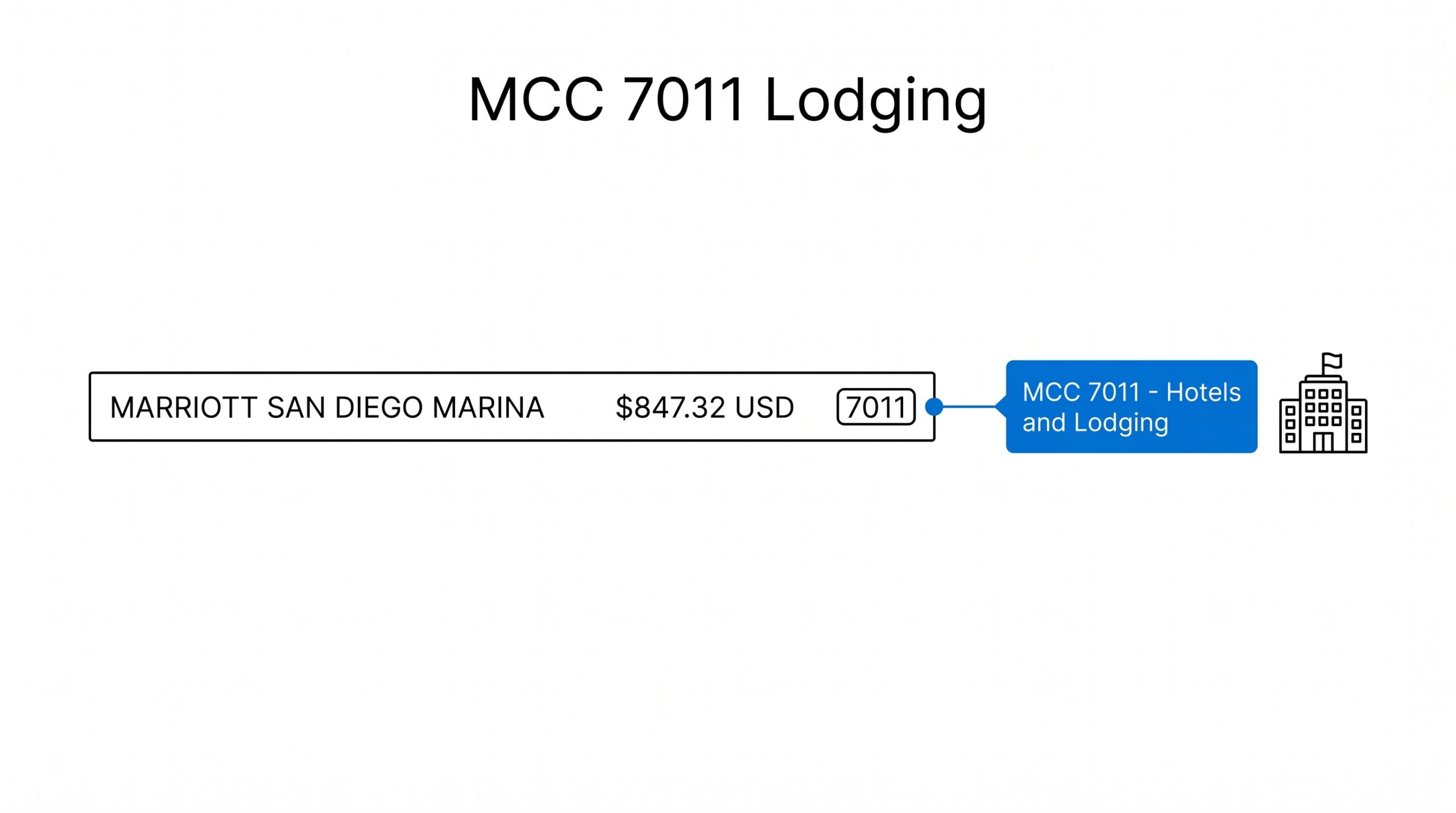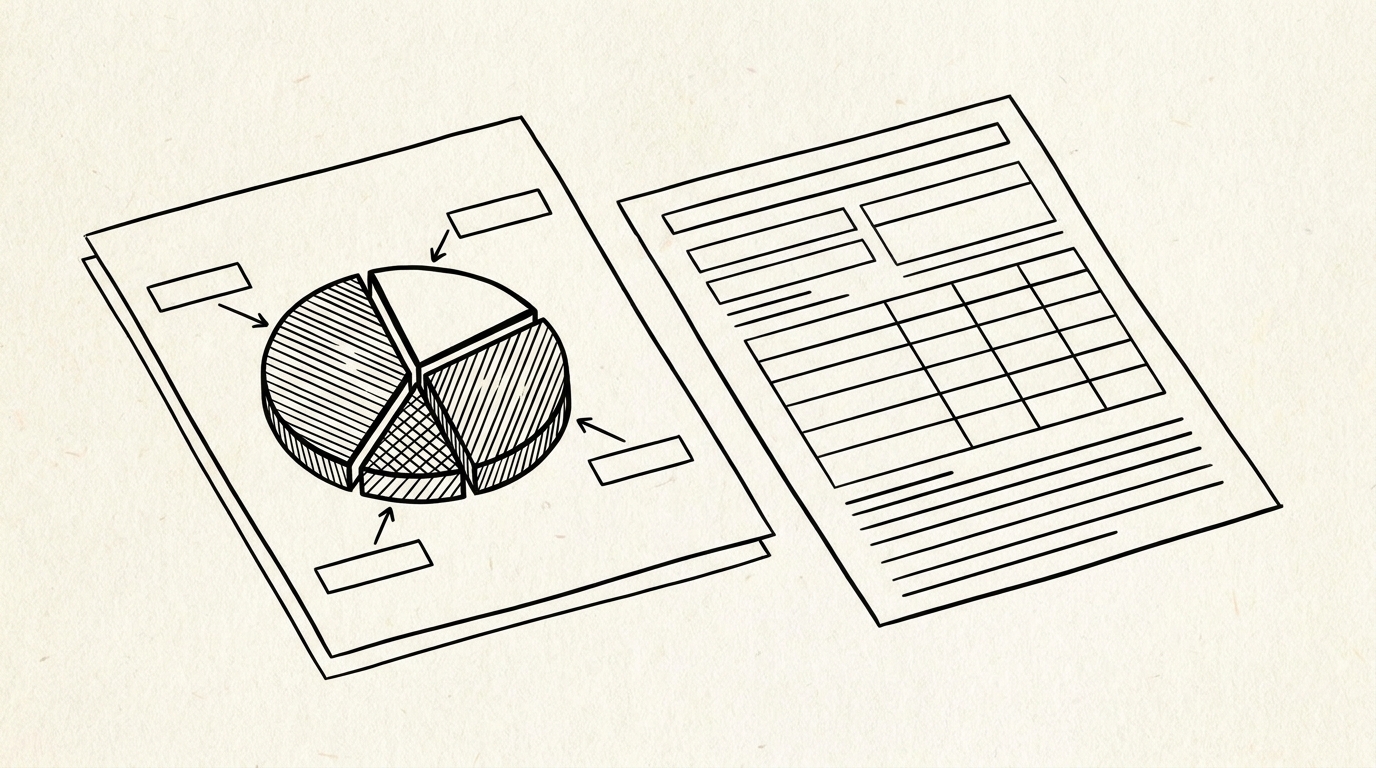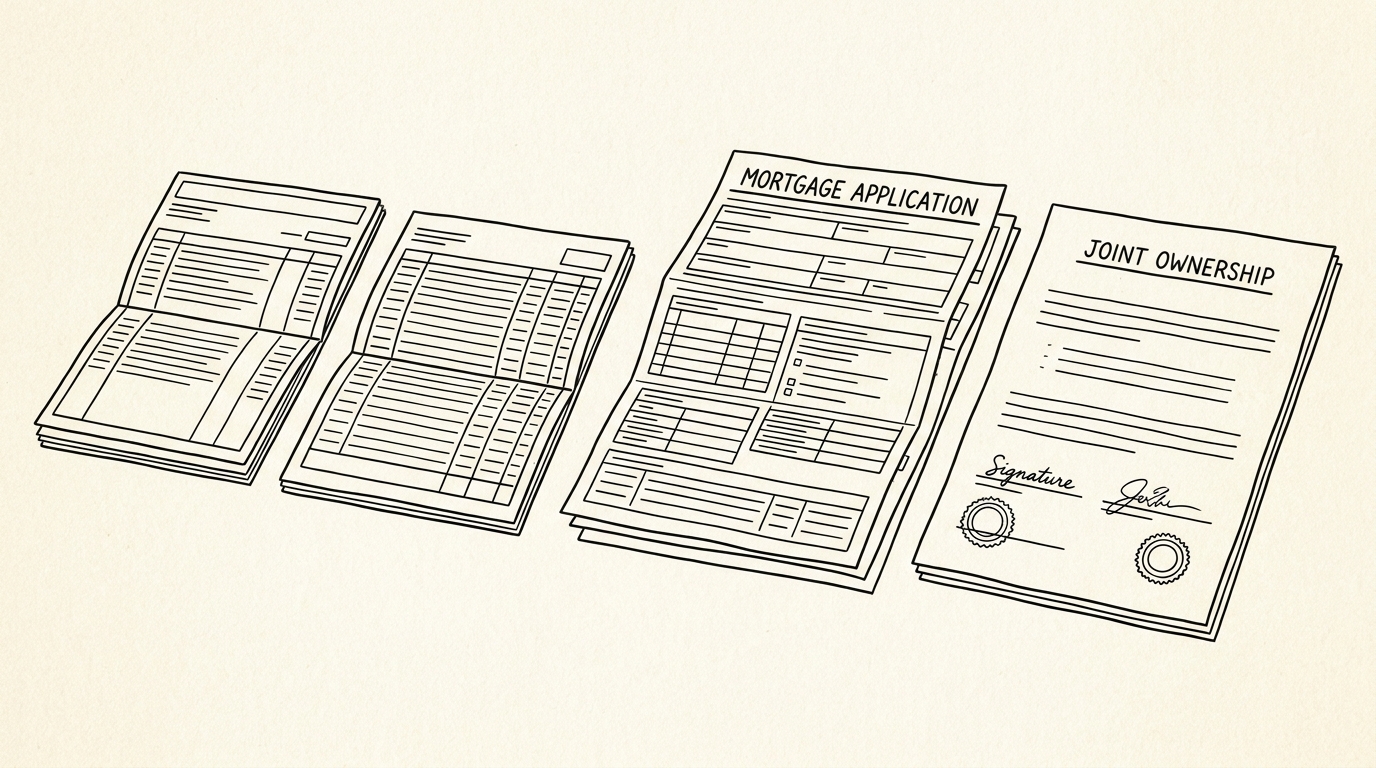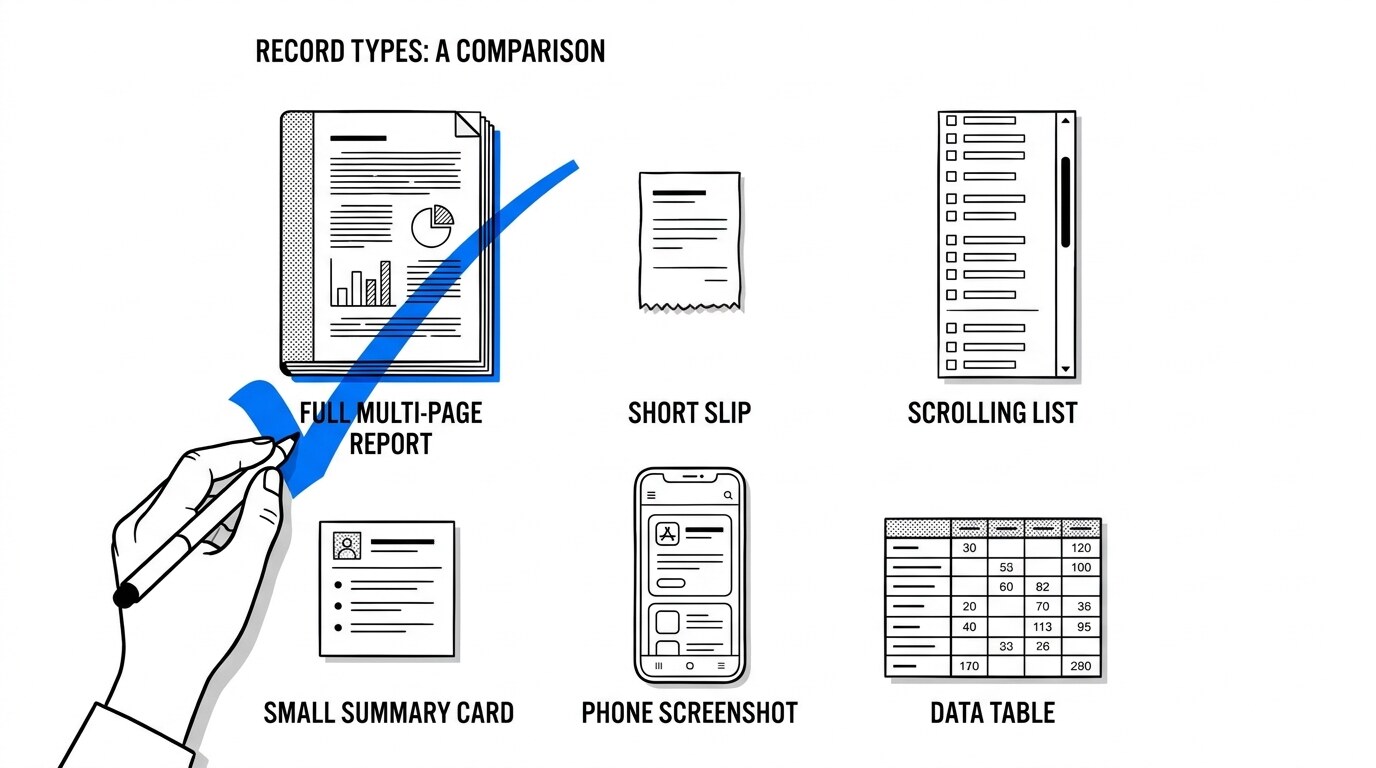

Your client says they sent the bank statement. What they actually sent might be a full PDF, a screenshot of the app, a scrollable transaction list, or a short printout of the last ten transactions. Those four things look similar in an email and behave completely differently once you try to turn them into a set of books.
Quick Answers: A bank can hand you six different kinds of account record, and they are not interchangeable. The full statement PDF is the only one that carries a closed statement period, a stated closing date, and an opening balance, which makes it the only reliable source for a reconciliation. A transaction history is a live rolling view, so it changes after you open it and cannot be tied to a period. A mini statement shows recent transactions only. An account summary shows balances with no line items. A screenshot is a picture, not a record. An export file is machine-readable but often partial. For conversion and reconciliation, ask for the full statement PDF.
Why the record type decides whether the work is possible
Getting a usable transaction list out of the right document is the first half of the work, covered in converting a bank statement to CSV. Most problems that look like data problems are actually record-type problems.
A bookkeeper opens a document expecting a full period of activity and finds only the last ten transactions, or expects a fixed period and finds a live list that shifted overnight. Neither is a conversion failure. The source document simply was not the right artifact for the task.
The reason the distinction matters comes down to three things a reconciliation depends on: a defined period, a stated ending figure, and a stable version that does not change after you read it. A record that has all three can be reconciled and, where required, handed to a third party as evidence.
A record missing any one of them cannot be closed out, no matter how accurately its lines are extracted.
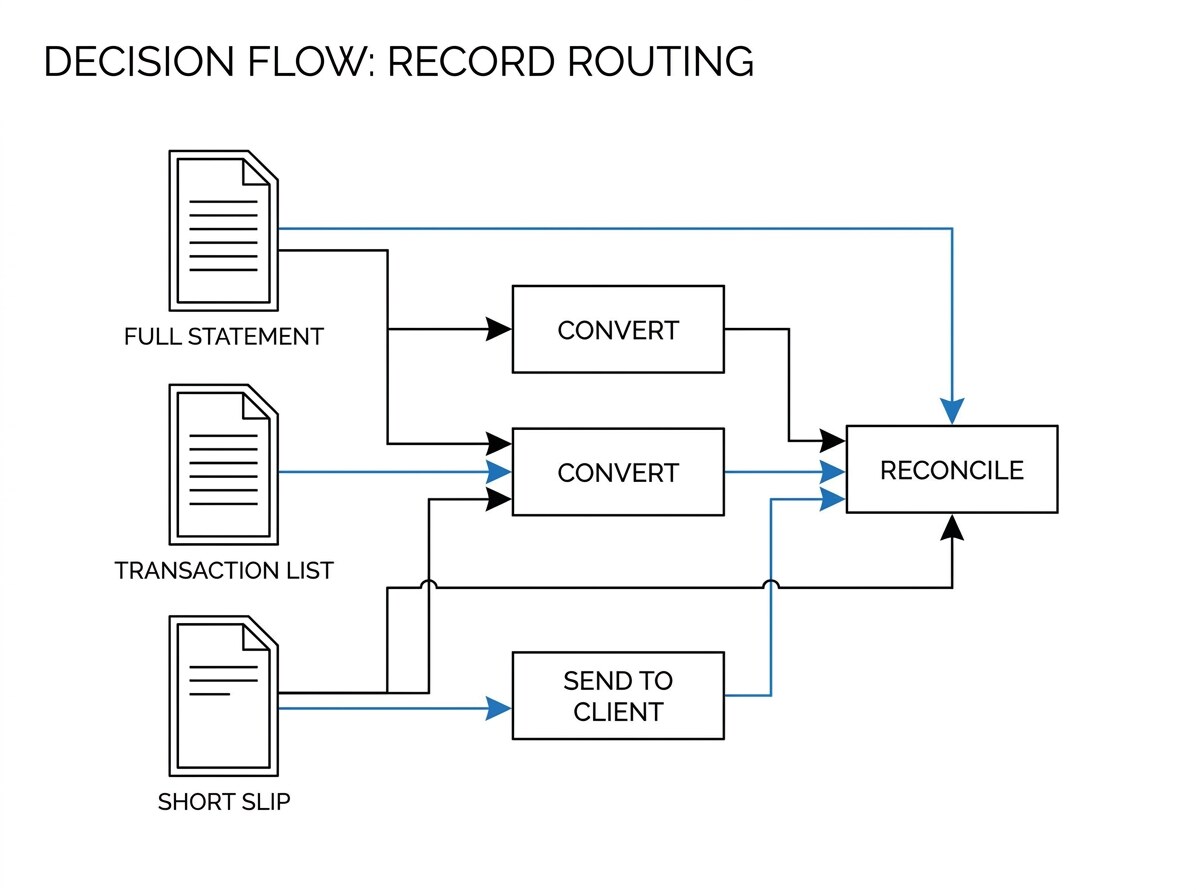
The six record types you will actually receive
1. Full statement PDF
The complete record for one closed period. It normally states the account identifier, the statement period start and end dates, an opening balance, every posted transaction for that period, fees and interest, and a closing balance. It is issued at a cycle close rather than generated on demand, which is what makes it stable.
This is the only record type that supports a complete reconciliation. Because it names its own period and its own ending figure, you can compare a stated closing balance against your ledger and account for the difference. It is also the only version that tends to carry enough line-item detail to reconstruct a full month of activity.
If you need to know what each section of that document is called, how a bank statement is laid out covers the standard structure.
2. Mini statement
A short summary of the most recent handful of transactions, often five to ten, sometimes with a current balance and no period at all. Some institutions offer it through online banking or as an instant print, and it is designed for a quick balance check rather than for record-keeping.
A mini statement is not a substitute for a full statement in any accounting task. Because it covers an open-ended recent window rather than a defined period, there is no way to say what it is the period-end record of.
If a client sends one when a period close is needed, the practical move is to request the full statement for the same period rather than trying to reconstruct the missing lines from another source.
3. Online transaction history
The live, rolling activity view inside online banking or a mobile app. It usually covers a window you choose, commonly several months, and it updates continuously. Recent activity may appear before it has fully posted, and entries can shift, settle, or disappear as a transaction completes its lifecycle.
This is genuinely useful for checking current activity and for spotting a transaction you did not expect. It is a poor reconciliation source, for one reason: it has no closed period. The difference between a bank statement and a transaction history comes down to exactly this: one is a closed record, the other is a live view.
A reconciliation is an assertion about a specific range of dates ending on a specific day, and a live view cannot make that assertion because the content keeps moving.
4. Account summary
A balance-level record. It typically shows an opening balance, total deposits, total withdrawals, fees, interest, and a closing balance, with no individual transaction lines. For a bank account with modest activity it is close to the full picture, which is exactly why it slips through as an acceptable substitute until someone asks where a specific transaction went.
An account summary cannot be converted into a transaction list because the line items are not present. It can confirm a total, and it can support a high-level reasonableness check on a set of books, but it cannot produce the detail that categorization, matching, and reconciliation each depend on. The specific fields that a full statement carries are listed in bank statement fields explained.
5. Screenshot or app image
A picture of a balance, a list, or a summary, usually sent from a phone. It is the most common thing a well-meaning client sends, because it takes seconds and it looks like proof. It is also the weakest record type in practical terms.
A screenshot carries no period statement, no stated closing date, and no guarantee of completeness, since the person capturing it chose which rows were visible. Where a third party needs a document, a screenshot is generally not accepted. It also tends to be the hardest format to read reliably, because text rendered at phone resolution introduces frequent character errors when it is captured.
6. Exported data file
A download from online banking in a structured format, most often CSV, and sometimes a banking interchange format such as OFX or QFX. This is the most useful of the non-statement records, because the data is already separated into fields rather than laid out visually for reading.
The limitation is coverage. Online banking exports frequently return a limited history, sometimes only a recent window, and they may not include every field a statement would show, such as a running balance, the original description, or reference details.
The practical check is to compare the export against the statement for the same period and confirm the totals and transaction count line up before relying on it.
From Bank Statement to QuickBooks-Ready File
That manual cleanup you just read about? This tool skips it. Turn your PDF into QBO for QuickBooks without storing your data anywhere.
Start ConvertingWhich record to use for which task
| Task | Record that works | Why |
|---|---|---|
| Converting into a transaction list | Full statement PDF | Carries every posted line for a defined period |
| Reconciling a closed period | Full statement PDF | Only this type states the period and the ending figure |
| Building books for a new client | Full statement PDF per period | One document per month keeps periods clean |
| Checking current activity | Online transaction history | Fastest view of what is happening now |
| Confirming a total quickly | Account summary | Balances without needing line items |
| Handing evidence to a third party | Full statement PDF | Period, dates, and issuer identity are all present |
Once the record is right, the mechanics of closing the period are covered in how bank reconciliation works. One practical rule covers most of the table above. If the record states a period and an ending figure, it can be closed out. If it does not, it can be looked at but not finished.
What to ask for when the record is wrong
Asking for a replacement record is much cheaper than repairing a reconciliation. The request that resolves most cases is specific about the artifact, not just the document. Rather than asking for the bank statement, ask for the complete statement PDF for the named months, downloaded from the statements section of online banking.
Naming the months matters as well, because clients frequently believe a rolling view is equivalent. If someone has sent a transaction history, the reply is usually that the full statement for those specific months is available in the same statements menu, under a different option than the activity view they used. In many cases the client can retrieve it themselves in under a minute.
For banks that only retain a limited period online, it is worth confirming early how far back the client can reach, because a catch-up engagement depends on knowing the earliest available month before quoting the scope.
Where a period is genuinely unavailable, it is usually better to begin the books from the earliest available statement and document the gap as a known opening limitation than to leave a silent hole in the records.
Why this matters more for recurring work than for one-offs
A single mis-sent document costs an hour. The same mistake repeated every month becomes the reason a bookkeeper stops trusting the intake process and starts checking every file by hand, which is the outcome that destroys the value of automating the conversion at all.
The fix is a standing instruction to the client, given once. Ask for the full statement PDF for the period, downloaded from the statements section, and tell them that screenshots and activity views cannot be used for the books. Clients generally comply once the reason is stated, because the alternative is a follow-up conversation every month anyway.
Turn any PDF statement into a clean sheet
Skip the typos and the hours of copying. Our converter handles any bank statement format and outputs Excel, CSV, or QBO for QuickBooks. No file retention, free to try.
Convert your statement