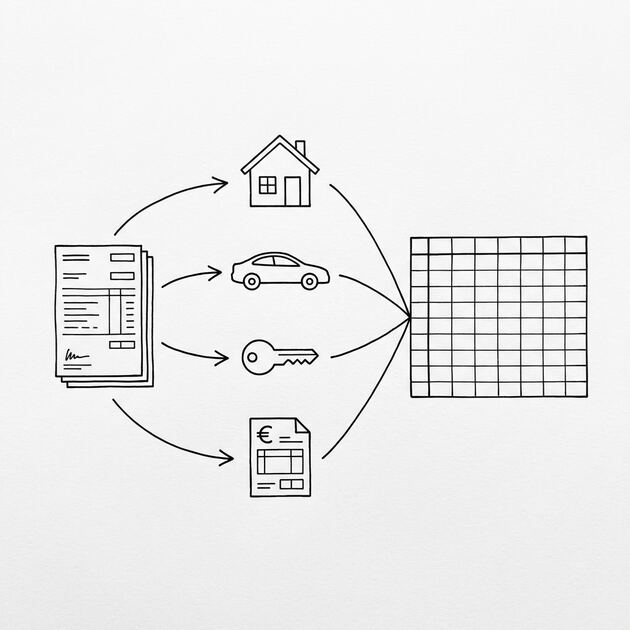

This page is the directory of bank statement applications. It tells you which statements each application needs (2-3 months for most, 12-24 months for self-employed), what format the recipient expects, and how to convert without losing the data.
The detailed guides for mortgage, self-employed tax, loan, and rental applications are linked below, organized by the time range and the format the recipient expects.
Most applications want 2 to 3 months of bank statements. Self-employed tax filers need 12 to 24 months. Mortgage applications for self-employed borrowers need 24 months plus. The format varies: lenders usually accept PDF or Excel, landlords want PDF or printout, the IRS wants a clean record.
The conversion is the same regardless of the use case: PDF to Excel, then clean up the formatting, then submit. The differences are in the time range and the formatting standards the recipient expects. A mortgage underwriter looks for consistency. A landlord looks for income. The IRS looks for completeness.
For specific use cases, see the guides below. For the broader conversion workflow, see the converter guide.
What the Bank Statement For Applications Actually Is
For most applications, the bank statement is one of two things: proof of income, or proof of cash reserves. The lender, landlord, or tax authority wants to see that you have the money you say you have, and that the money is consistent over time.
What most guides miss about this workflow is that the quality depends on the mechanism, not on the tool. Two tools that look different on the surface often run the same 4-step process underneath: read, find, parse, verify. The difference is in how well each step handles edge cases (merged cells, missing balances, non-standard date formats, scanned vs digital input). Choosing between tools based on UI alone misses the actual quality lever.
The format matters. A PDF statement is the official document, but it is hard to search, hard to filter, and hard to verify. An Excel or CSV file is editable, searchable, and easy to verify. Most lenders and landlords accept either. Some require a specific format. Some want both.
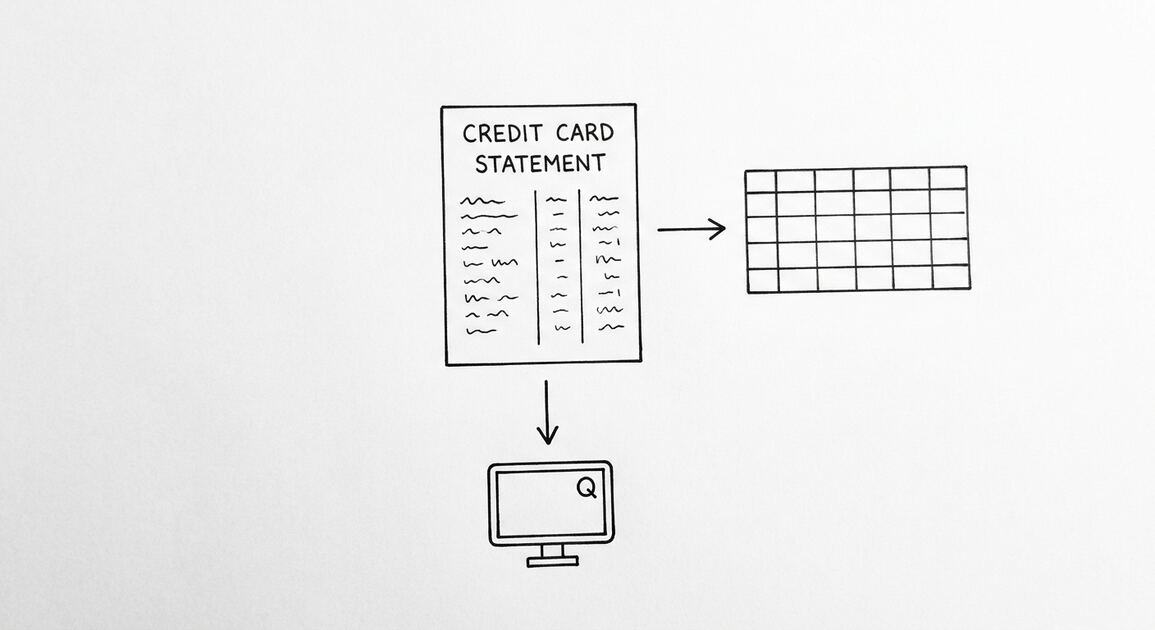
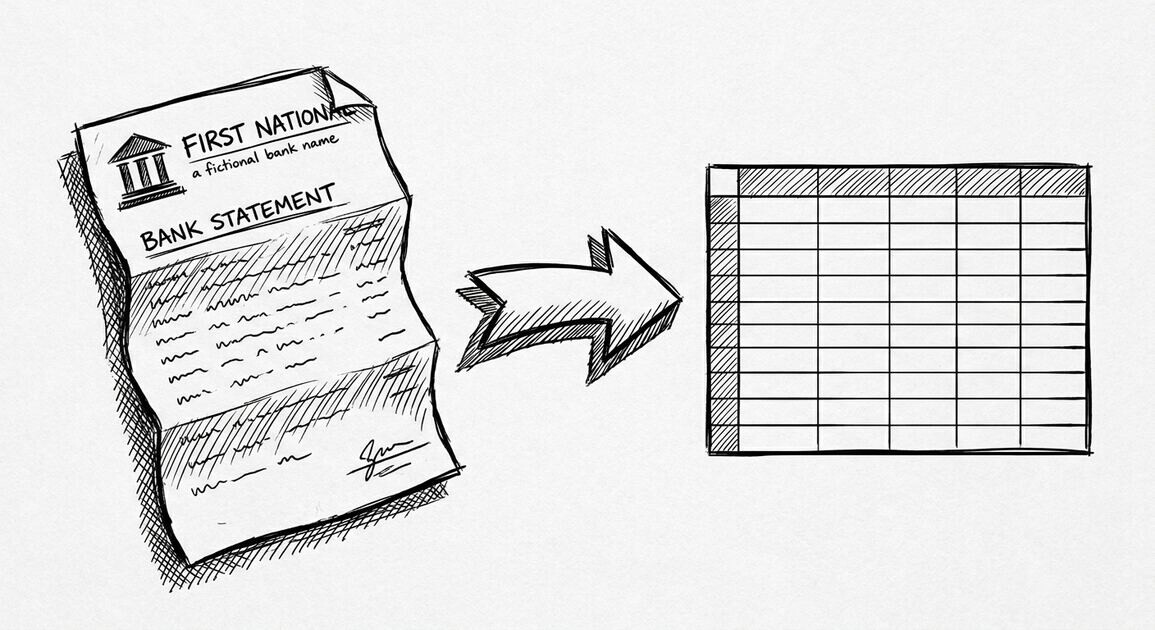
The conversion is the step that turns the official PDF into a usable file. Without conversion, the recipient is stuck with a 30-page PDF and no way to check the math. With conversion, the recipient can sum the deposits, verify the balance, and run automated checks.
What Lenders Look For
Mortgage lenders, auto lenders, and personal loan lenders all look for the same things: consistent deposits, low overdrafts, a healthy savings pattern, and no signs of financial distress. The bank statement is the evidence.
A lender who sees 2 months of statements will look for: monthly deposits that match the stated income, no large unexplained withdrawals, no bounced checks, a savings balance that is stable or growing. A lender who sees 12 months will look for consistency over time, not just the most recent 2 months.
The conversion makes these patterns visible. A PDF hides the totals. An Excel file with a SUM column shows the totals. The lender can see the pattern in 30 seconds.
What the IRS Looks For
For self-employed tax filers, the bank statement is part of the income and expense record. The IRS wants to see that the reported income matches the deposits, and that the reported expenses match the withdrawals.
For audit-proof tax preparation, the bank statement needs to be clean: dates in a standard format, descriptions that match the bookkeeping categories, amounts that match the reported income. The conversion gets the data into a format that the tax software can match against the bookkeeping entries.
Which Statements Each Application Needs
Different applications want different things. The chart below covers the four main use cases for bank statements.
- Mortgage: 2 to 3 months of statements for most borrowers. 12 to 24 months for self-employed borrowers. Every account where the down payment, closing costs, or reserves are held. Some lenders want 60 days of statements for every account listed on the application.
- Loan (auto, personal): 2 to 3 months of statements. The lender wants to verify the stated income and check for signs of financial distress.
- Rental: 2 to 3 months of statements plus 2 to 3 pay stubs. The landlord wants to verify the income covers the rent (usually 2.5x to 3x the monthly rent).
- Self-employed tax filing: 12 to 24 months of statements. The IRS wants to see the full year of income and expenses, and to verify that the reported amounts match the deposits and withdrawals.
For each use case, the conversion follows the same pattern: PDF to Excel, then clean up the formatting, then submit. The differences are in the time range and the formatting standards.
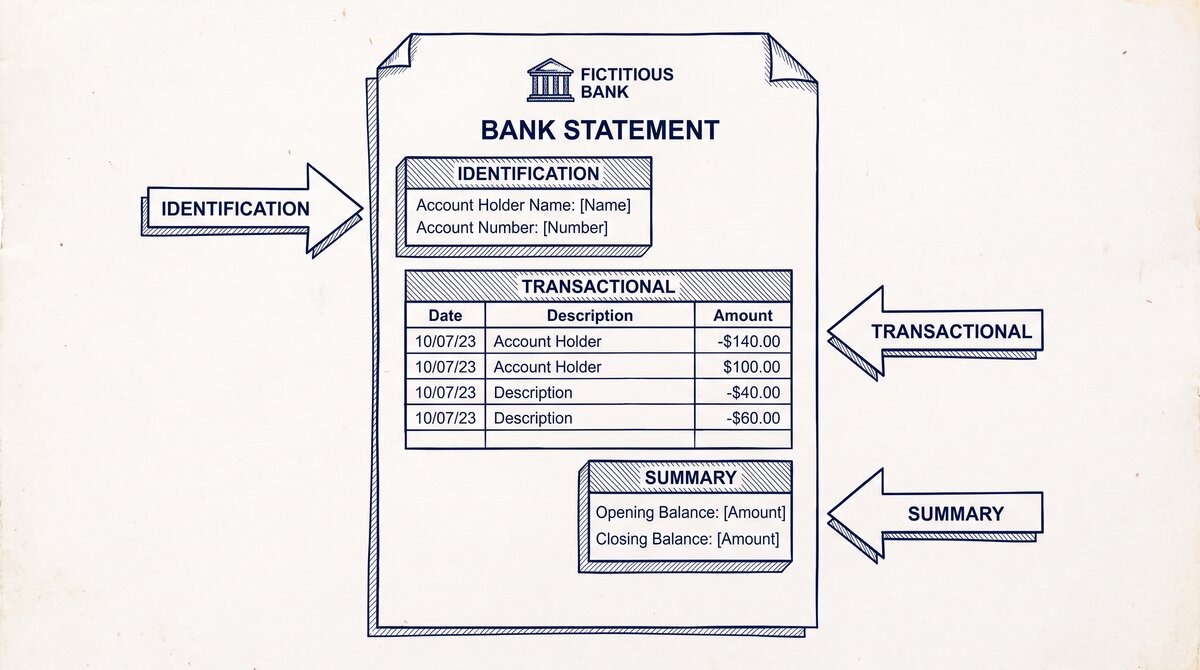
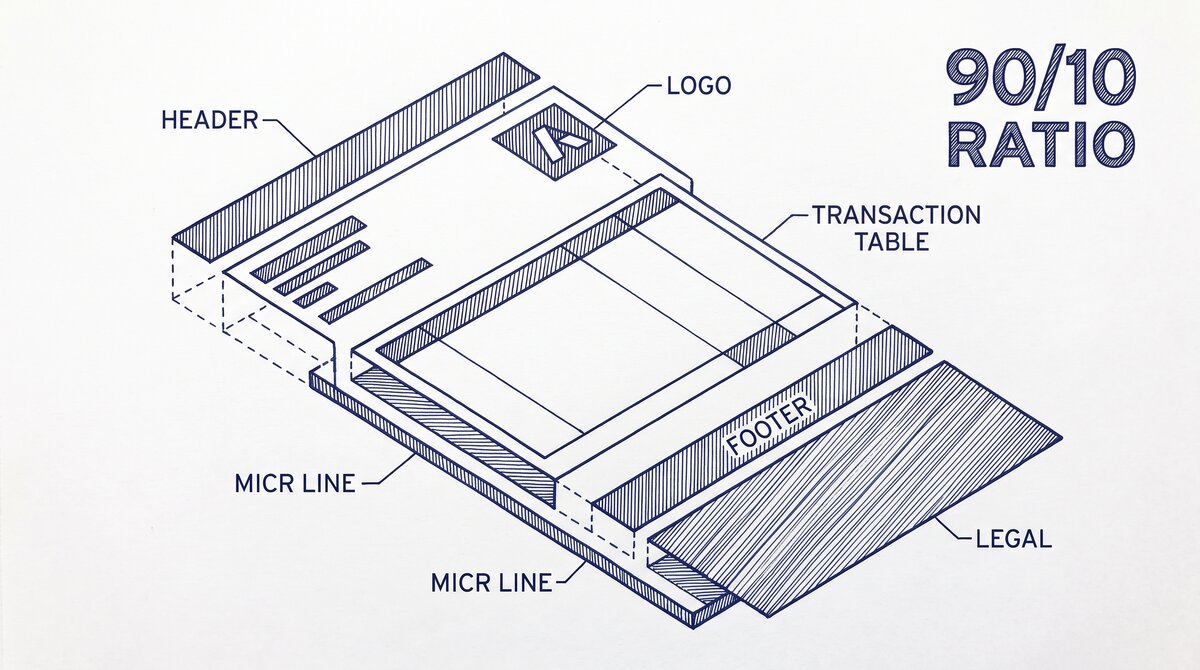
Turn any PDF statement into a clean sheet
Skip the typos and the hours of copying. Our converter handles any bank statement format and outputs Excel, CSV, or QBO for QuickBooks. No file retention, free to try.
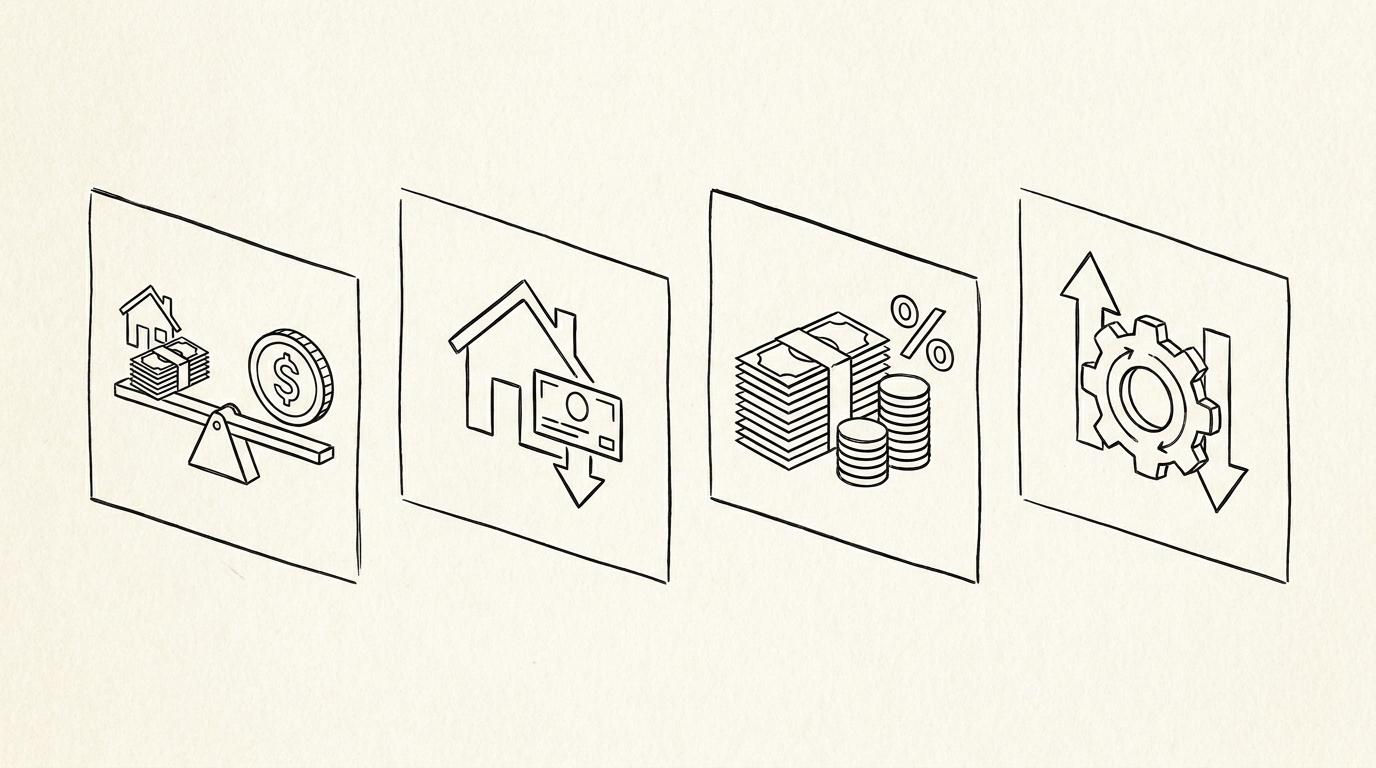
Convert your statementThe 4 Use Cases Covered in This Guide
Each use case has its own detailed guide, linked below. The guides cover the specific requirements for that application, the format the recipient expects, and the conversion step-by-step.
Bank Statement for Mortgage Application
A mortgage application needs 2 to 3 months of bank statements for most borrowers, more for self-employed. The lender wants to verify the down payment, the closing costs, the reserves, and the income.
The detailed guide covers the time range, the format, the conversion step-by-step, and the 3 things the underwriter looks for first. Mortgage lenders are the strictest on format, so getting the conversion right matters.
Detailed steps: bank statement for mortgage application guide.
Bank Statement for Self-Employed Tax Filing
Self-employed tax filers need 12 to 24 months of bank statements for income verification, expense tracking, and audit protection. The bank statement is the source of truth for what came in and what went out.
The detailed guide covers the Schedule C requirements, the audit triggers, the conversion to a tax-software-ready format, and the 5 categories of expenses to track. Self-employed filers benefit most from the conversion because the bank statement is the raw data for the entire tax return.
Detailed steps: bank statement for self-employed tax filing guide.
Bank Statement for Loan Application
Auto loans, personal loans, and small business loans typically need 2 to 3 months of bank statements. The lender wants to verify the income, check for overdrafts, and confirm the cash flow.
The detailed guide covers the differences between loan types (auto is more lenient, small business is stricter), the format the lender expects, and the conversion step-by-step. Loan applications are usually faster than mortgages, but the conversion step is the same.
Detailed steps: bank statement for loan application guide.
Bank Statement for Rental Application
Rental applications need 2 to 3 months of bank statements plus 2 to 3 pay stubs. The landlord wants to verify the income covers the rent (usually 2.5x to 3x).
The detailed guide covers the income-to-rent ratio, the format landlords prefer, the conversion step-by-step, and the 2 things landlords flag immediately (overdrafts and large unexplained withdrawals). Rental applications are the easiest of the four, but the conversion still matters for clarity.
Detailed steps: bank statement for rental application guide.
How to Convert a Bank Statement for Any Application
The conversion is the same regardless of the application. PDF to Excel in 30 seconds. The differences are in the time range and the formatting standards.
- Log into your bank or credit union. Download the statement PDFs for the time range the application needs (2 months, 12 months, 24 months, etc.).
- Open EasyStatementSheet. Drag the PDFs into the upload area. The conversion is automatic.
- Choose your output format. Excel (.xlsx) for most applications. CSV for upload to tax software. QBO for QuickBooks.
- Download the converted files. Each PDF becomes a clean Excel file with Date, Description, Amount, and Balance as separate columns.
- Verify the first 5 transactions. The date format should match your bank’s standard (MM/DD/YYYY or YYYY-MM-DD). The descriptions should be intact (no chopped characters). The amounts should match the original PDF exactly.
- Submit. Attach the Excel files to the application, or upload the CSV to your tax software, or import the QBO into QuickBooks.
The whole flow takes about 30 seconds per statement once you have the PDF. Without conversion, it is 30 to 60 minutes of manual data entry per statement. The conversion saves the time and eliminates the manual entry errors.
Excel vs CSV vs QBO for Applications
Excel (.xlsx) is the most common format for applications. Lenders, landlords, and tax authorities all accept Excel. The file is editable, searchable, and easy to verify. Most applicants submit Excel because it is the most flexible.
CSV (.csv) is the raw data format. Tax software (TurboTax, H&R Block, TaxAct) accepts CSV uploads. Bank statement CSV files are the fastest way to get bank data into tax software. The CSV has the same columns as Excel but without the formatting.
QBO (.qbo) is the QuickBooks-specific format. For self-employed filers who use QuickBooks Self-Employed, the QBO file imports directly. The QBO has the same data as CSV but with QuickBooks-specific fields that match the bookkeeping categories.
For most applications, Excel is the safest bet. The lender or landlord can open it without special software. The tax software accepts CSV. The QuickBooks user gets QBO. Pick the format that matches the recipient.
Common Mistakes That Get Applications Rejected
Five mistakes that get bank statement applications rejected or flagged. Each one is fixable once you know the pattern.
Mistake 1: Submitting the PDF instead of the converted file. The application portal has a place to upload the statement. The applicant uploads the PDF because that is what the bank gave them. The reviewer cannot search the PDF. The reviewer has to manually read every page. The application sits in the queue for days while the reviewer works through the PDF.
The fix: convert the PDF to Excel first. The reviewer can search, filter, and sum the transactions in 30 seconds. The application moves through the queue faster.
Mistake 2: Submitting only 1 month when the application needs 2 to 3. The lender wants 2 to 3 months. The applicant submits the most recent month because that is the most relevant. The lender rejects the application for insufficient documentation. The applicant has to resubmit with the additional months.
I learned this the hard way the first time I helped a friend with a mortgage application. We submitted the most recent statement because that was the freshest data. The underwriter rejected it for “insufficient documentation of funds.” We had to spend another week downloading the older statements, which delayed the closing by 10 days.
The fix: read the application requirements carefully. Submit the full time range the application asks for. If the application is ambiguous, submit 3 months to be safe.
Mistake 3: Submitting statements that do not match the accounts on the application. The applicant lists 3 bank accounts on the application. The applicant submits 2 bank statements. The reviewer flags the missing third account. The application is delayed while the applicant gathers the third statement.
The fix: list every account where the down payment, closing costs, or reserves are held. Submit a statement for every account. The reviewer cross-references the application to the statements.
Mistake 4: Submitting statements with redacted or chopped descriptions. The conversion tool chops long descriptions to fit a column. The reviewer cannot read the full description. The reviewer flags the statement as incomplete.
The fix: use a conversion tool that preserves the full description. EasyStatementSheet keeps the full description in the Description column. Verify the first 5 transactions before submitting.
Mistake 5: Submitting the wrong time range for self-employed tax filing. The self-employed filer submits 3 months of statements for the tax year. The IRS wants 12 months. The audit is triggered because the deposits do not match the reported income for the missing 9 months.
The fix: for self-employed tax filing, submit 12 to 24 months of statements. The full tax year is the minimum. The previous tax year is a useful reference.
What to Do If Your Bank Does Not Provide a Downloadable Statement
Some banks do not offer a downloadable statement. The statement is view-only in the online portal. The applicant has to print to PDF or use a screen-scraping tool.
Three fallback options for banks without a download button:
- Print to PDF. Open the statement in the bank’s portal. Use the browser’s print function (Ctrl+P or File > Print). Choose “Save as PDF” as the printer. The PDF is the converted statement.
- Request by phone. Call the bank’s customer service. Ask them to email the statement as a PDF. Most banks will do this. Some will only mail a paper statement.
- Use a screen-scraping tool. Tools like Plaid, Finicity, or MX can pull bank statement data via API. The output is usually CSV or JSON, which converts to Excel easily. The downside is the setup time and the cost (most are paid services).
For most applicants, the print-to-PDF option is the fastest. The output is a standard PDF that any conversion tool can handle.
The 2am Test for Application Conversions
If you are converting bank statements for an application at 2am because the deadline is tomorrow, here is the flow that works.
- Log into your bank. Download the statement PDFs for the time range the application needs. Most banks let you download 12 to 24 months at once.
- Open EasyStatementSheet. Drag the PDFs into the upload area. The conversion is automatic.
- Choose Excel (.xlsx) as the output format. Excel is the safest for most applications.
- Download the converted files. Open the first one. Verify the first 5 transactions: dates, descriptions, amounts.
- Submit. Attach the Excel files to the application portal. The application is complete.
If the conversion produces a file with merged cells, broken dates, or chopped descriptions, the conversion tool is not right. Try a different one. The output should be a clean Excel file with no formatting artifacts.
For the broader bank statement conversion workflow, our bank-statement-converter guide covers the major banks, credit cards, and credit unions in one map. The application conversion is one of the use cases for the converted file. The other use cases are tax filing, accounting, and personal record-keeping.
From Bank Statement to QuickBooks-Ready File
That manual cleanup you just read about? This tool skips it. Turn your PDF into QBO for QuickBooks without storing your data anywhere.
Start Converting