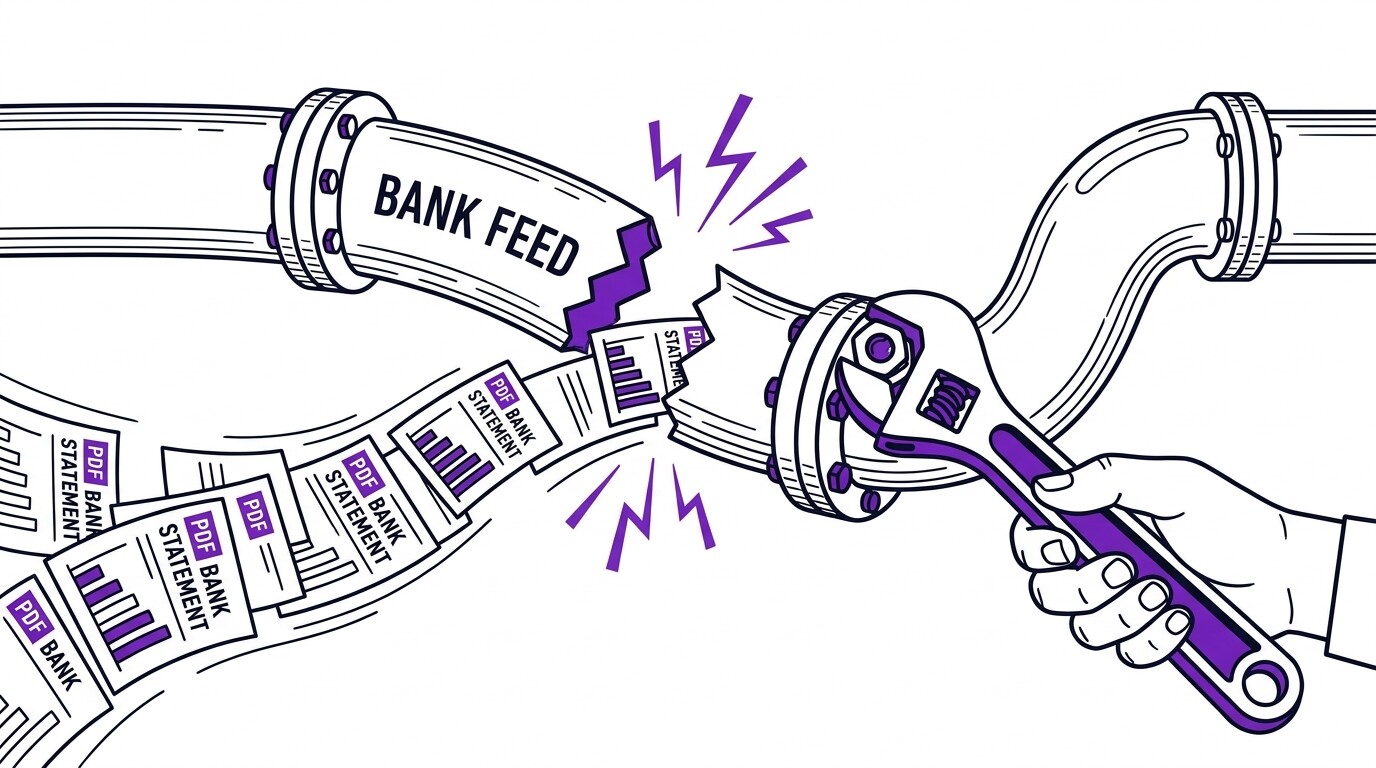

You opened your client’s QuickBooks file, and the bank feed shows “Disconnected.” The last sync was 6 weeks ago. Maybe the feed has a 30-day gap where transactions appeared but didn’t actually clear. Maybe the feed stopped pulling entirely 6 weeks ago.
Whatever the form, you now have a client’s books where some transactions are correct and some are not, and the bank statement PDF is the only reliable source.
Quick Answers: Cleaning up bank-feed gaps requires a 4-step workflow: (1) diagnose the gap (what’s missing, from when, in which direction), (2) get bank statements as PDF for the gap period, (3) convert PDFs to CSV/Excel using a tool like EasyStatementSheet, (4) reconcile the converted transactions against existing bookkeeping records to find duplicates, missing entries, and discrepancies. A typical 90-day feed gap across one account takes 2-4 hours to clean up. Most feed gaps are caused by bank-side authentication expiring, OAuth re-authorizations not completing, or the bank changing its API without notice to third-party tools. The fix is usually straightforward once you have the gap period identified.
What causes bank feed gaps?
Bank feed gaps fall into four categories: complete disconnection (the feed stopped working entirely at some point and is not currently active), partial gap (the feed works but has a known missing window), stale data (the feed shows transactions but hasn’t updated in days or weeks), and match errors (the feed pulls transactions but they don’t match the bookkeeping records cleanly).
Each cause has a different fix.
Complete disconnection is the most common cause. It happens when the OAuth token between QuickBooks and the bank expires or is revoked, when the bank’s API changes its authentication requirements, when the bank merges with another institution and the API is migrated, or when the client’s online banking password changes and the connection is broken.
The bank’s customer support can usually re-establish the connection, but the gap period (from disconnection to reconnection) requires manual reconciliation.
Partial gaps are typically caused by maintenance windows, API rate limits, or transactional posting delays. If the bank’s API was down for 3 days, those 3 days of transactions may not appear in QuickBooks even though they posted to the bank.
The fix is to download the missing period’s statements and reconcile manually.
Stale data usually means the feed is connected but is not syncing. This can be a QuickBooks-side issue (a bug, a scheduled maintenance, a rate limit) or a bank-side issue (API change, authentication change).
The fix is to disconnect and reconnect, which forces a fresh sync, but the resulting sync may still miss recent transactions if the bank’s API is the problem.
Match errors are the trickiest cause. The feed pulls transactions, but QuickBooks cannot match them to existing records cleanly. This can be because of date mismatches, amount mismatches, payee name variations, or duplicate transaction entries.
The cleanup involves identifying which transactions are missing, which are duplicates, and which are simply mismatched and need manual matching.