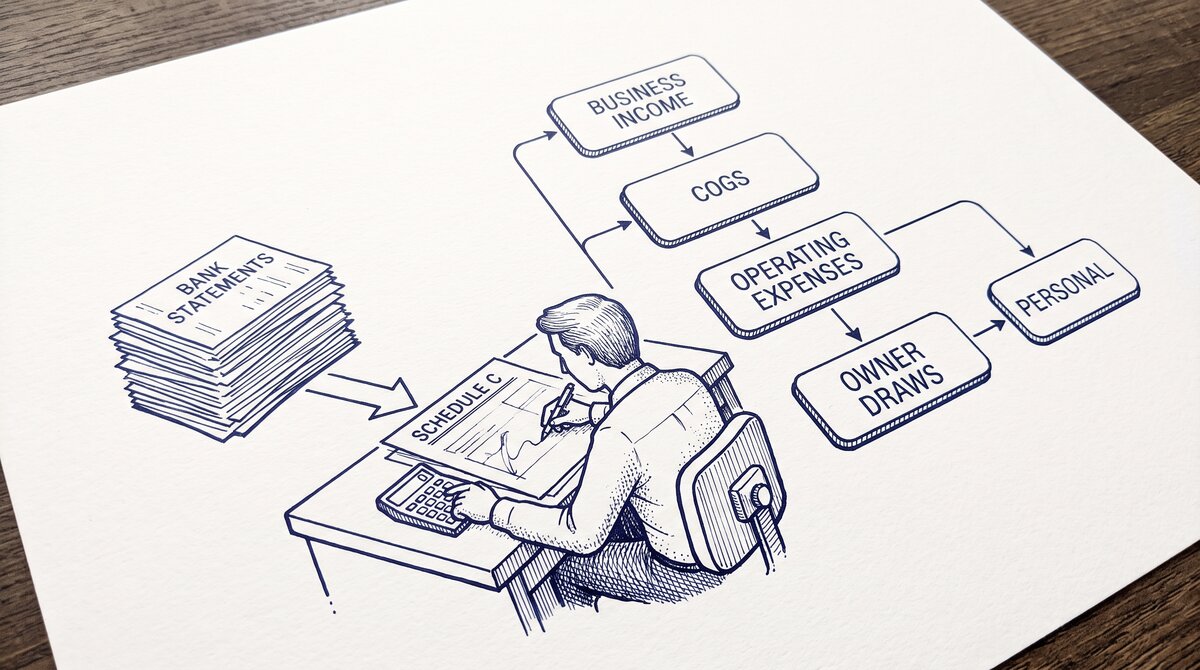

A PDF bank statement is the digital version of the paper statement. PDFs are easier to store, search, share, and convert to spreadsheets.
The short answer: download the PDF from your bank’s online portal (or request a paper copy mailed to you), keep both formats if needed for legal purposes, and use the PDF for analysis, sharing, and conversion. PDFs have been the standard since the 2000s, and most banks have phased out paper statements entirely for retail customers.
TL;DR. PDF bank statements are digital, searchable, and convertible to Excel. Paper statements are physical, harder to store, and require scanning for digital use. The 5 differences: storage (digital vs physical), searchability (Ctrl+F vs manual scan), sharing (email vs mail), conversion (2-5 minutes vs 30-60 minutes), and legal acceptance (both accepted). The 3 cases where paper is required: some legal proceedings, some international tax filings, and some state-level documents. The 3 best practices: download PDF monthly, store in cloud folder, keep 7 years.
What Is a PDF Bank Statement
A PDF (Portable Document Format) bank statement is a digital file that replicates the paper statement. The PDF is generated by the bank’s system at the end of the statement cycle and made available through the online banking portal. The PDF is typically 50-500 KB for a 2-5 page personal statement, and 1-5 MB for a 10-30 page business statement.
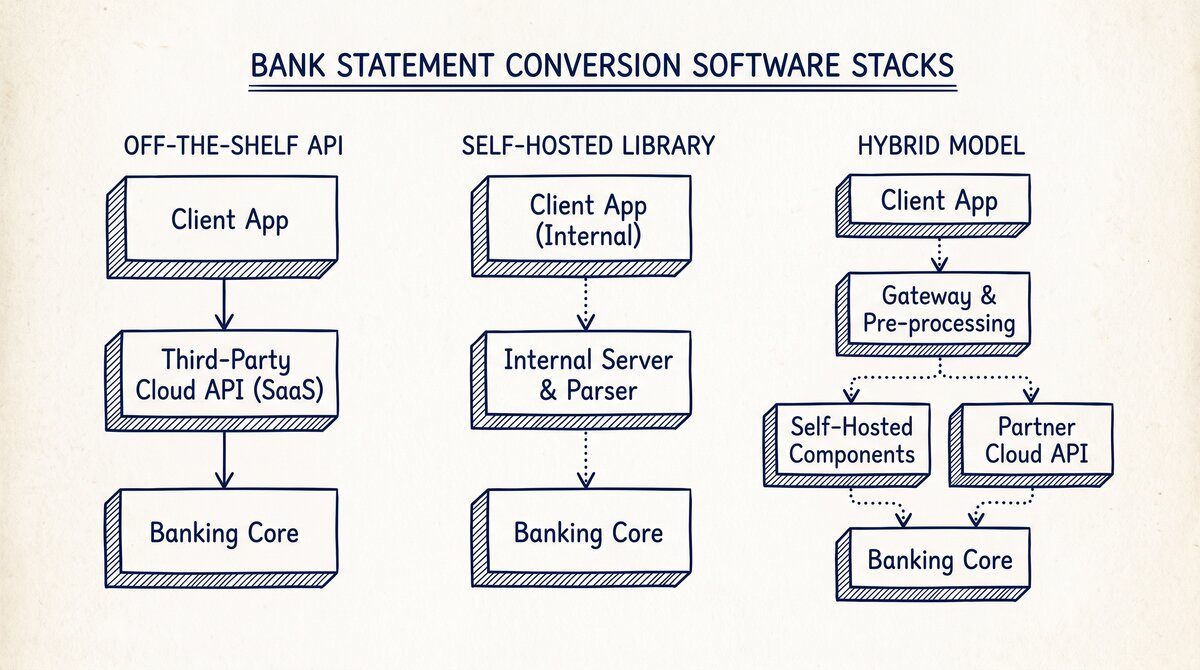
What most guides miss about this workflow is that the quality depends on the mechanism, not on the tool. Two tools that look different on the surface often run the same 4-step process underneath: read, find, parse, verify. The difference is in how well each step handles edge cases (merged cells, missing balances, non-standard date formats, scanned vs digital input). Choosing between tools based on UI alone misses the actual quality lever.
The PDF has 2 layers:
- Text layer: The actual text of the statement (header, transaction descriptions, footer). The text is searchable (Ctrl+F), copyable, and accessible to screen readers.
- Visual layer: The layout, fonts, colors, logos, and formatting. The visual layer makes the PDF look like the paper statement.
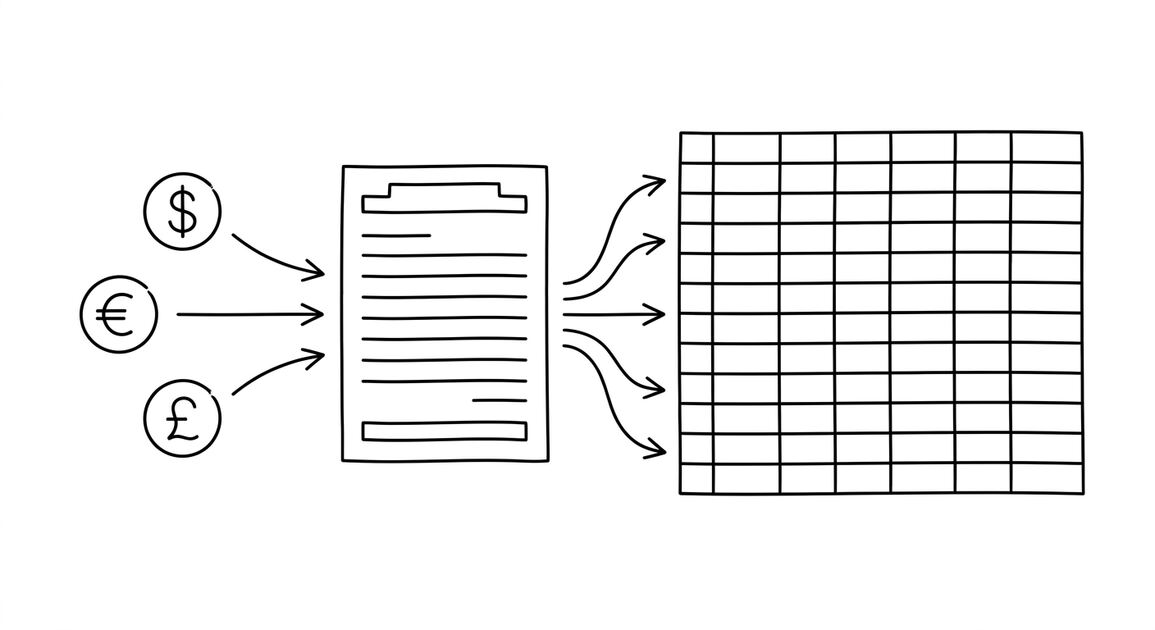
The text layer is what makes the PDF useful for analysis. A converter reads the text layer and extracts the transactions to a spreadsheet. A PDF without a text layer (a scanned image) requires OCR first, which is slower and less accurate.
What Is a Paper Bank Statement
A paper bank statement is the physical document mailed to the account holder at the end of the statement cycle. The paper is typically 8.5×11 inches, printed on both sides, with 2-5 pages for a personal account. The paper is the original, legally-binding document.
Paper statements are still offered by most banks, but typically with a fee ($2-5 per statement) and only by request. Many banks have phased out automatic paper statements for retail customers, requiring customers to opt-in. Business customers often still receive paper statements by default.
From PDF to Excel in one click
Forget retyping line by line. Upload any bank statement, get a spreadsheet you can actually use. Your files are never stored, and you can test the converter with 3 free conversions.
Try it free5 Differences Between PDF and Paper
5 practical differences that matter for daily use:
1. Storage. PDF statements are stored in the cloud (Google Drive, Dropbox, OneDrive) or on a local computer. The cost is minimal ($0.10/month for 100 GB). Paper statements are stored in a file cabinet, drawer, or box. The cost is the physical space and the risk of loss (fire, flood, theft).
2. Searchability. PDF statements are searchable with Ctrl+F or any text search. You can find a specific transaction by date, amount, or description in seconds. Paper statements require manual scanning (reading page by page) to find a specific transaction. The search time difference: 5 seconds vs 5 minutes.
3. Sharing. PDF statements are shared via email, cloud link, or upload. The share time: 30 seconds. The recipient can use the statement immediately. Paper statements are shared via mail (USPS), courier, or hand delivery. The share time: 2-7 days. The recipient can use the statement only after delivery.
4. Conversion to spreadsheet. PDF statements are converted to Excel in 2-5 minutes with a browser-based converter. The conversion is 99% accurate for digital PDFs. Paper statements must be scanned first (creates a PDF or image), then converted with OCR. The OCR accuracy is 90-95%, with manual cleanup needed for the 5-10% of misread characters. Total time for paper: 30-60 minutes per statement.
5. Legal acceptance. PDF statements are accepted by the IRS, courts, lenders, and most other institutions. The legal acceptance is established by the E-SIGN Act (2000) and subsequent federal and state regulations. Paper statements are also accepted. Both formats are legally equivalent for most purposes.
3 Cases Where Paper Is Required
3 cases where a paper statement may be required instead of (or in addition to) a PDF:
1. Some legal proceedings. Some courts, particularly in older cases or specific jurisdictions, may require original paper documents. The requirement is rare and typically waivable. The fix: consult with your attorney about whether the PDF is sufficient or if a paper original is needed.
2. Some international tax filings. Some countries (notably France, Germany, and Japan) require paper original bank statements for certain tax filings. The requirement is being phased out but still exists for some specific forms. The fix: check the specific country’s tax filing requirements before assuming PDF is sufficient.
3. Some state-level documents. Some state and local government forms may require paper original bank statements. The requirement is rare and typically for specific transactions (real estate, large financial commitments). The fix: check the specific state or local requirements before assuming PDF is sufficient.
For 95% of personal and business banking, the PDF is the standard and accepted format. The 5% of cases where paper is required typically involve international filings, legal proceedings, or specific state requirements.
3 Best Practices for Bank Statements
3 best practices that apply whether you use PDF or paper:
1. Download PDF monthly. Set a calendar reminder to download the PDF on the 5th of each month (statements are typically available 1-3 days after the cycle ends). Save the PDF to a cloud folder named “Statements/YYYY/YYYY-MM-bankname.pdf”. The naming convention makes it easy to find any statement later.
2. Store in cloud folder. Use a cloud storage service (Google Drive, Dropbox, OneDrive) with automatic backup. The 7-year retention requires approximately 200-500 MB of storage per account. The cost is $0.10/month or less for most users.
3. Keep 7 years. The IRS retention requirement is 3 years for general filing, 6 years for underreported income, and 7 years for worthless securities. The safe practice: keep 7 years. The cost is minimal; the cost of not having records when audited is significant (potentially $10K+ in disallowed deductions plus penalties).
How to Convert Paper Statements to Digital
If you have paper statements that need to be digital, the conversion process is:
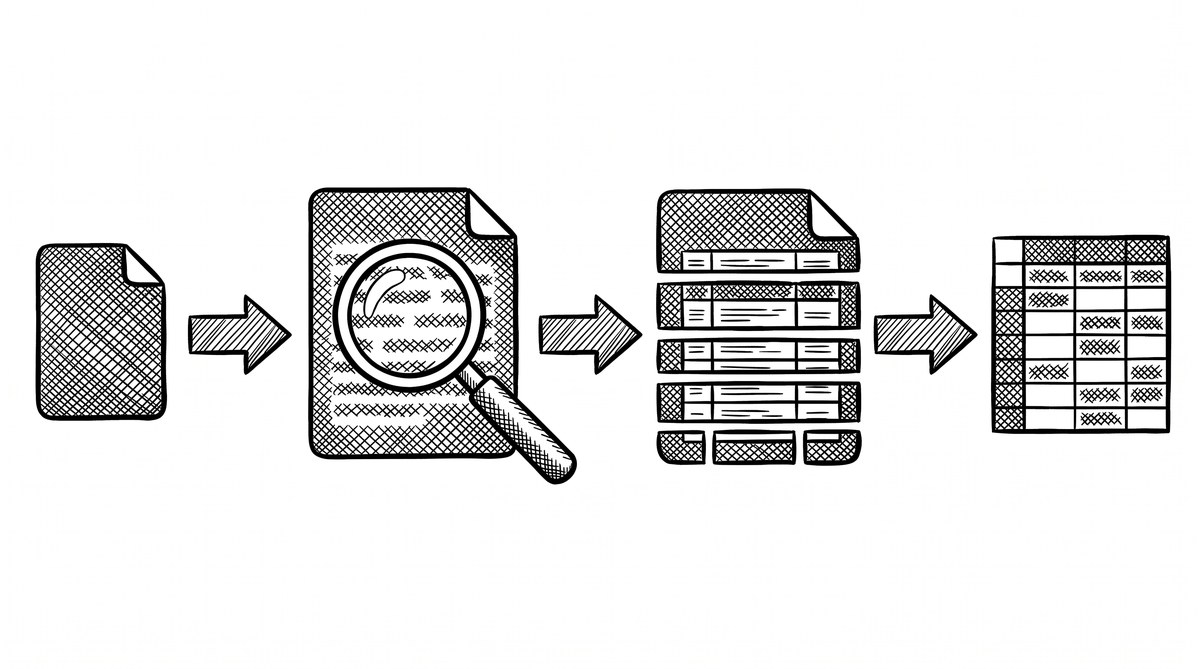
- Scan the paper statement: Use a flatbed scanner or document scanner. Scan at 300 DPI minimum (higher for faded or low-quality paper). Save as PDF. The output is a PDF with a visual layer only (no text layer).
- OCR the scanned PDF: Use an OCR tool (Adobe Acrobat, Google Drive OCR, or a free online tool) to add a text layer. The OCR reads the visual layer and adds a text layer that is searchable and copyable.
- Convert the OCR’d PDF to Excel: Use a browser-based converter to extract the transaction table to Excel. The conversion takes 5-10 minutes for a paper-derived statement (slower than a digital PDF due to OCR errors).
- Verify and clean: Compare the converted Excel to the original paper statement. Fix any OCR errors (typically 5-10% of characters). The verification takes 10-15 minutes per statement.
Total time to convert a paper statement to a clean Excel file: 30-60 minutes. The output is equivalent to a digital PDF for analysis purposes, but the original paper may still be needed for some legal purposes.
A common failure mode bookkeepers report is treating this as a single operation rather than a chain of dependent steps. The temptation is to find a tool that ‘just works’ and stop investigating the mechanism. The result is a wrong-fix cycle: the tool gives partial output, the bookkeeper spends 30+ minutes troubleshooting, the fix is for the wrong step, and the same error recurs on the next statement. The fix: identify which step failed and apply the right intervention to that step.
The Right Choice for Most People
For 95% of bank statement use cases, the PDF is the right choice. The 5 reasons:
- Free: No printing, mailing, or storage costs beyond the cloud storage fee.
- Fast: Available 1-3 days after the cycle ends, vs 5-10 days for paper.
- Searchable: Find any transaction in 5 seconds vs 5 minutes.
- Shareable: Email or cloud link in 30 seconds vs mail in 2-7 days.
- Convertible: Extract to Excel in 2-5 minutes with no manual typing.
The paper statement is still useful as a backup, but the PDF is the primary format for analysis, sharing, and conversion. For the conversion workflow, see the bank statement converter page. For the broader paper vs digital tradeoffs, see the convert old bank statements guide. For the underlying statement structure, see the bank statement anatomy reference.
Turn any PDF statement into a clean sheet
Skip the typos and the hours of copying. Our converter handles any bank statement format and outputs Excel, CSV, or QBO for QuickBooks. No file retention, free to try.
Convert your statement