Reading a bank statement takes 2-5 minutes once you know the 4 sections and the 4 key columns. The 4 sections are: header (account info),
The short answer: start with the header to confirm the account and period, then scan the transaction table for unusual items, then verify the footer totals match your expectations. The 2-5 minute read is enough for most people. For loan applications, tax audits, or detailed bookkeeping, expect 15-30 minutes.
TL;DR. To read a bank statement: (1) check the header for account number, period, opening balance, (2) scan the transaction table for unfamiliar items, (3) verify the footer totals match your expectations (deposits, withdrawals, fees, closing balance). The 4 sections: header, transaction table, footer, account info. The 4 columns: date, description, amount, balance. The 5 things to look for: recurring subscriptions, unusual large transactions, fees, NSF/overdraft, and the closing balance vs your records. The 3 mistakes: misreading the sign convention, ignoring pending transactions, and missing fees in the footer.
The 4 Sections of a Bank Statement
Every US bank statement has 4 sections, in the same order, regardless of the bank. The order is standardized by federal regulation and banking practice. Knowing the 4 sections lets you read any bank statement in 2-5 minutes.
Section 1: Header (top 15-25% of page 1). The header contains the account metadata: account holder name, account number (often partially masked for security), account type (checking, savings, money market), statement period (date range the statement covers), and opening balance (the balance at the start of the period). The header is the identity section: it tells you which account and which period this statement covers.
Section 2: Transaction Table (middle 60-75% of the statement). The transaction table is the body of the statement. It contains one row per transaction, with 4 columns: date, description, amount, and running balance. The table is the data section: it tells you what happened during the period. The number of transactions varies: 20-50 for a typical personal checking account, 50-200 for a credit card, 200-500 for a small business account.
Section 3: Footer (bottom 10-15% of the last page). The footer contains the period totals: closing balance, total deposits, total withdrawals, total fees, interest earned or charged, and year-to-date totals. The footer is the summary section: it tells you the net result of the period. The footer is also where the bank hides the fees (overdraft, monthly maintenance, ATM, wire).
Section 4: Account Info (varies by bank, often the last page). The account info section contains the customer service phone, website, mailing address, FDIC notice, error resolution procedures, and any regulatory disclosures. The account info is the contact section: it tells you how to reach the bank. Most readers skip this section, but it’s important if you have a dispute or want to verify the statement’s authenticity.
The 4 Key Columns in the Transaction Table
The transaction table has 4 standard columns, in the same order across US bank statements:
Column 1: Date. The date the transaction posted to the account. This is typically the same day the transaction was initiated, but not always. Checks can take 1-3 days to post. Card transactions typically post the same day or next day. The date format is MM/DD/YYYY in the US, DD/MM/YYYY in some other countries. The date is critical for tax prep (which year a transaction counts in) and for reconciliation (matching to your records).
Column 2: Description. The merchant name or transaction memo. The description is the bank’s attempt to identify the transaction. Common patterns: “AMAZON.COM” for Amazon purchases, “STARBUCKS #1234 SEATTLE WA” for Starbucks, “ACH DEBIT PAYPAL” for PayPal transfers. The description is truncated for long merchant names. The description is the most variable column; bank descriptions are inconsistent and may not match the merchant name exactly.
Column 3: Amount. The dollar amount of the transaction. The sign convention varies by bank: some banks use a single column with positive numbers for deposits and negative numbers for withdrawals, others use separate “Withdrawals” and “Deposits” columns, others use parentheses for negative numbers. The amount is the most important column for accounting and budgeting.
Column 4: Balance. The running balance after the transaction posts. The balance is optional in some statements and mandatory in others. The balance is critical for verification: the last row’s balance should match the closing balance in the footer. If they differ, the statement has a missing or extra transaction.
From Bank Statement to QuickBooks-Ready File
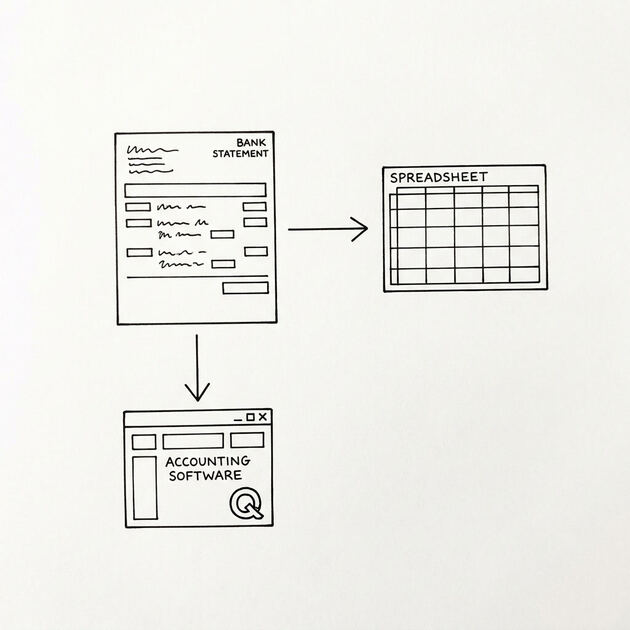
That manual cleanup you just read about? This tool skips it. Turn your PDF into QBO for QuickBooks without storing your data anywhere.
Start Converting5 Things to Look For When Reading
5 specific items to check on every statement:
1. Recurring subscriptions. Scan the descriptions for recurring merchants: Netflix, Spotify, gym, software subscriptions. Confirm each is expected and the amount is correct. Unexpected recurring charges are a common form of fraud. The fix: cancel the subscription or dispute the charge if unauthorized.
2. Unusual large transactions. Look for any transaction that’s significantly larger than the average. A $5,000 transaction in an account that typically has $200-500 transactions is a red flag. The fix: confirm the transaction is legitimate (loan, transfer, sale) or contact the bank if unauthorized.
3. Fees. Fees are often hidden in the footer, not the transaction table. Look for “Monthly Maintenance Fee”, “Overdraft Fee”, “ATM Fee”, “Wire Fee”, “Foreign Transaction Fee”. Most banks waive the monthly fee if you meet a minimum balance or have direct deposit, but the fee still appears if you don’t meet the conditions. The fix: meet the conditions to waive the fee, or switch to a no-fee account.
4. NSF or overdraft. NSF (non-sufficient funds) and overdraft fees are charged when a transaction exceeds the available balance. The fee is typically $30-$35 per transaction. Multiple NSF fees in a month can cost $150-$300. The fix: set up low-balance alerts, link a savings account for overdraft protection, or switch to an account with no overdraft fees.
5. Closing balance vs your records. The closing balance should match your records (check register, accounting software, or another statement). If the balances differ, you have a missing transaction, an extra transaction, or a recording error. The fix: reconcile the differences transaction by transaction until the balances match.
The 3 Common Mistakes
3 mistakes that consistently cause confusion:
1. Misreading the sign convention. A statement with separate “Withdrawals” and “Deposits” columns looks different from a statement with a single “Amount” column. The first shows 0 in one column and the amount in the other; the second shows positive for deposits and negative for withdrawals. A reader who expects one format and sees the other may misread the direction of the transaction (deposit vs withdrawal). The fix: look at the column headers and the first few rows to understand the convention.
2. Ignoring pending transactions. The statement only shows posted transactions. Pending transactions (those shown in online banking but not yet posted) do not appear. A reader who expected to see a $500 payment may not see it on the statement because it hasn’t posted yet. The fix: check the online banking “posted balance” vs the statement balance, and remember that pending transactions will appear on the next statement.
3. Missing fees in the footer. The transaction table may not show all fees. The monthly maintenance fee, the overdraft fee, the ATM fee are sometimes listed only in the footer summary, not in the transaction table. A reader who only looks at the transaction table may miss $20-50 in fees. The fix: read the footer for the fee summary, and verify the total fees match your expected fees.
Reading Time by Use Case
How long it takes to read a statement depends on what you’re looking for:
- 2-5 minutes for a quick check: verify the closing balance, scan for unusual items, check the fees. This is enough for most personal banking.
- 10-15 minutes for monthly budgeting: categorize each transaction, total each category, identify trends. This is enough for a monthly review.
- 20-30 minutes for tax prep: identify deductible expenses, match to income, prepare summaries. This is enough for an annual tax review.
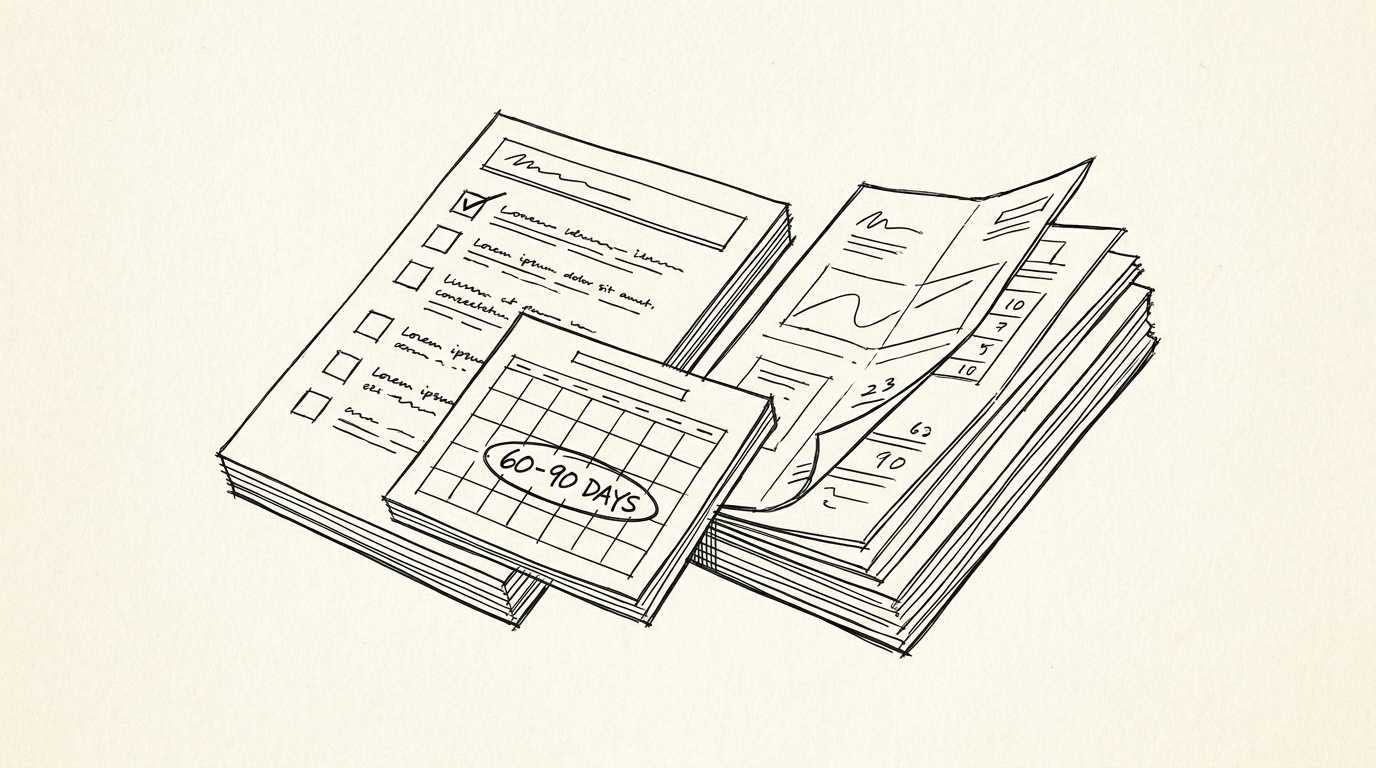
- 45-60 minutes for an IRS audit: reconcile every transaction to a source document (receipt, invoice, 1099), document any discrepancies. This is for the rare audit response.
For a quick read, the 2-5 minute estimate is enough for most people. For more detail, set aside 15-30 minutes per statement. For tax prep, plan 4-6 hours total for the year (covered in the tax preparation guide).
Tools for Faster Reading
3 tools that speed up the reading process:
- Convert to Excel first: The bank statement converter extracts the transaction table to a spreadsheet. You can then use Excel’s filter, sort, and SUMIF to analyze the data 10x faster than reading a PDF.
- Category column: Add a category column to the converted data (income, expense, transfer). Sorting by category reveals the spending pattern in seconds.
- Recurring transaction detection: Use Excel’s conditional formatting to highlight transactions with the same description and similar amount (likely a subscription). This makes subscription review fast.
For the underlying conversion, see the bank statement converter page. For the 6 components of a statement, see the bank statement anatomy guide. For the standard transaction categories, see the bank transaction categorization reference. For the broader bank statement glossary, see the bank statement glossary.
For deeper understanding, see: Bank Statement Anatomy Expanded, How Combine Statements Mechanism.
Turn any PDF statement into a clean sheet
Skip the typos and the hours of copying. Our converter handles any bank statement format and outputs Excel, CSV, or QBO for QuickBooks. No file retention, free to try.
Convert your statement