
A charge for a streaming subscription, a music track, an e-book, or a movie can land on a credit card statement with a short label that looks like technical noise. MCC 5815 is one of those labels. For a small business owner sorting expenses each month, the code is useful only once you know what sits behind it.
The Mastercard Quick Reference Booklet describes MCC 5815 as Digital Goods: Audiovisual Media Including Books, Movies, and Music. In plain terms, it covers merchants that sell digital media for watching, reading, or listening, including the streaming, music, film, and digital book categories a business owner is most likely to meet.
The label does not tell you what was purchased or who processed the payment. It tells you the kind of business that did. That distinction matters when you reconcile a statement, because several unrelated sellers can share the same code and still belong in completely different expense lines.
What MCC 5815 covers
The digital goods family splits by content rather than by delivery method. The same Mastercard booklet groups audiovisual media under 5815, games under 5816, software applications excluding games under 5817, and multi-category digital goods under 5818.

Where 5815 ends and the other digital goods codes begin
A game sold as a download falls under 5816, and the full breakdown of that code is at https://easystatementsheet.com/blog/mcc-5816-digital-goods/. A productivity application sold digitally falls under 5817. A seller that mixes several digital goods types falls under 5818.
The practical test is simple. If the buyer receives media to watch, hear, or read, 5815 is the right family. If the buyer receives something to play or run, a different code applies. For a wider explanation of how merchant category codes group activity by industry, start with https://easystatementsheet.com/blog/mcc-code-reference/.
Why the split matters when you classify an expense
Codes are assigned around the primary product a merchant sells, not around how that product is delivered. A company whose main business is digital music will carry 5815 even when a customer buys through an app or subscribes to a bundle. The seller’s main activity drives the assignment, which is why two identical codes can require different bookkeeping decisions.
Why the digital goods family is split into four codes
Digital businesses do not all look alike to payment networks. A streaming service, a game publisher, and a software vendor operate differently and carry different merchandise, so the networks describe each one separately instead of placing all online sales under a single label.
Visa explains the practical effect in its merchant data standards manual. Acquirers of digital goods merchants that qualify for MCCs 5815, 5816, 5817, or 5818 may be granted additional locations after submitting proof of additional relevant business activity, including the location of servers. The Visa merchant data standards manual is the source for that wording.
Read as a business owner, the rule shows that a digital seller can operate across several locations while still needing evidence of where the actual business activity happens. A registered address is not a substitute for proof of activity.
The card-absent rule for the EEA
Visa also states that for card-absent digital merchants in the EEA, all relevant business activity must occur within the EEA and cannot rely only on a post box or payment processing location. The principle is a reminder that a digital merchant’s footprint matters beyond its website address.
None of these rules change how you read a statement line. They explain why digital sellers are classified in detail, and why the same code can appear against unrelated sellers.
Turn That PDF Into a Spreadsheet in Minutes
You've seen how to do it manually — now let the tool handle the heavy lifting. Upload your bank statement and get Excel, CSV, or QBO in a few clicks.
Try It FreeWhy MCC 5815 appears on a credit card statement
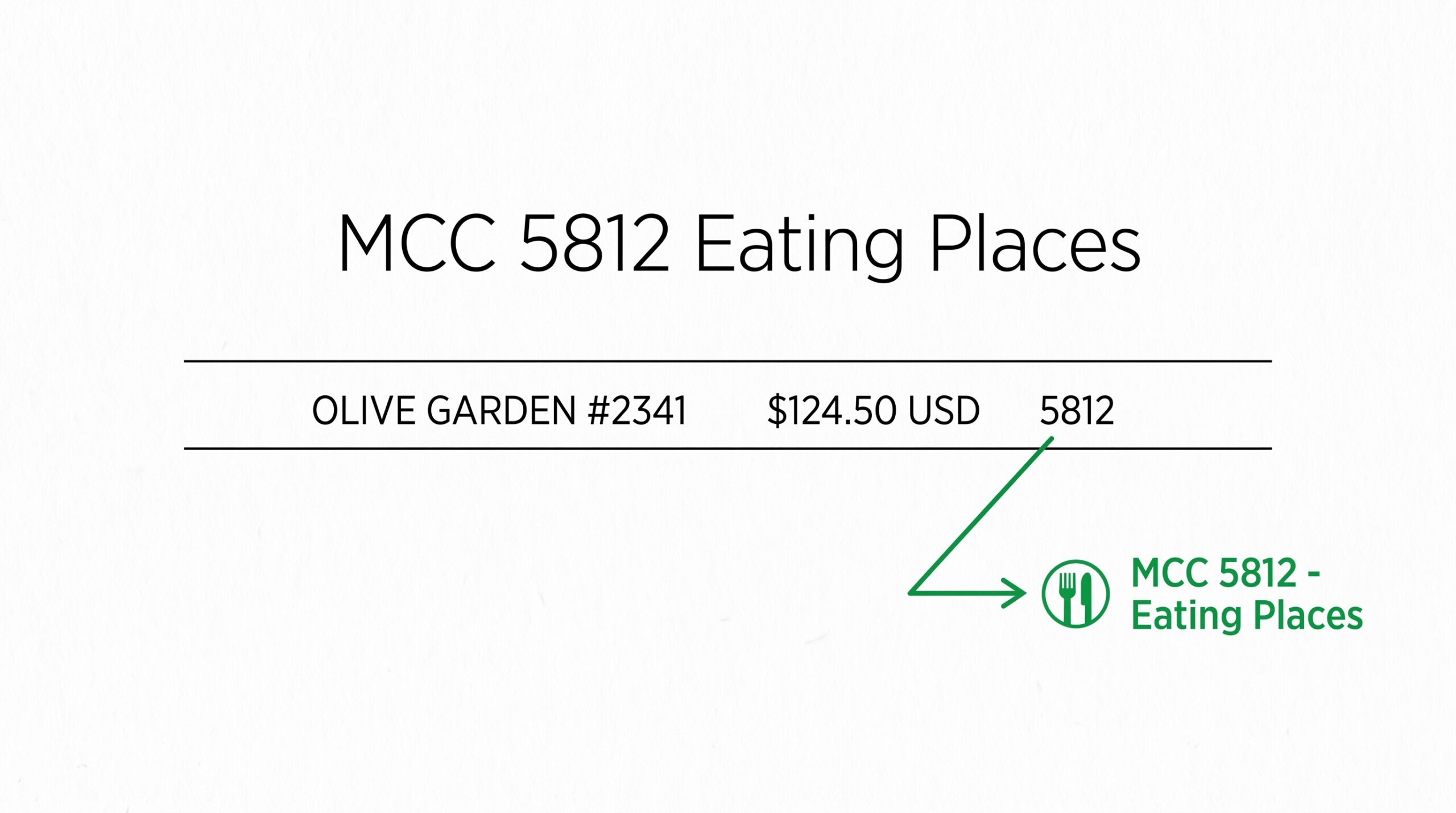
Card statements identify a merchant with a descriptor and, on many statements, a merchant category code or MCC. The MCC belongs to the merchant’s business rather than to the individual product. Two unrelated streaming platforms can both be 5815 while sharing no relationship at all.
The code therefore answers a category question, not a vendor question. The descriptor tells you who was paid. The MCC tells you what kind of business it was. You need both to file the line correctly, and you need the receipt or invoice to decide the treatment.
The surrounding wording can vary between processors and account formats, while the category stays attached to the seller’s business activity. That is why the same merchant may look different from month to month even when the charge is the same subscription.
Four checks to run on a 5815 line
Step 1: Read the descriptor text first. The merchant name is usually the fastest way to confirm the charge. Step 2: Check the date against your invoices, renewals, and subscription history.
Step 3: Decide whether the expense is business or personal. Step 4: Match the charge to a budget line such as subscriptions, marketing, or entertainment. If nothing matches, the category code on its own will not tell you what to record.
What a 5815 line tells you, and what it does not
It tells you the seller sits in the digital media business. It does not tell you whether a charge is recurring, whether you already paid it, or whether it belongs on a business return. Those answers come from your own files, and no merchant category code can replace them.
How 5815 compares with nearby book and media codes
Visa gives a clear example of how a code gets chosen. A merchant selling books, stationery, and newspapers with a smaller music CD department uses 5942, Book Stores, because book sales are the majority of the business.
When the majority product decides the code
The point is that the code follows the primary activity of the merchant. A seller that mainly sells books may not carry 5815, even when digital downloads sit in the catalog. The same reasoning is visible across the everyday codes collected in https://easystatementsheet.com/blog/common-mcc-codes-credit-card-statement/.
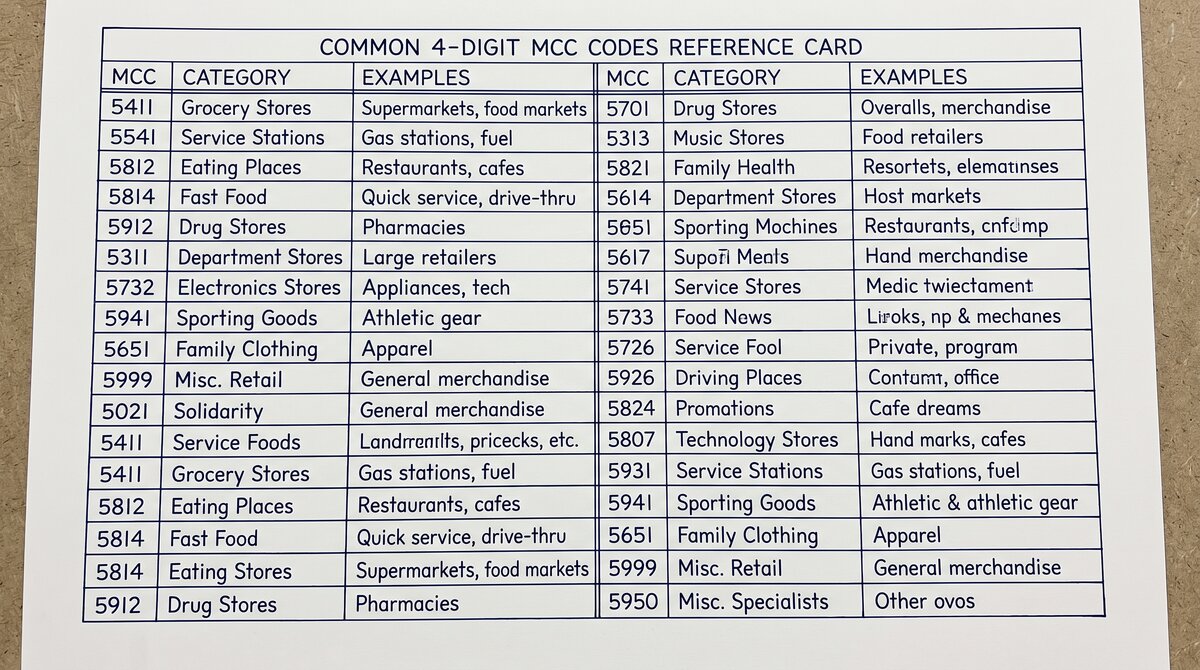
For the wider list of codes by number, including where 5815 sits among its neighbors, see https://easystatementsheet.com/blog/mcc-code-list-2026/. Keeping a reference beside you turns the search for a code into a quick lookup instead of a guessing exercise.
For sellers, the same logic runs in reverse. A business that adds digital media to a catalogue dominated by physical books keeps its book store code, while a business that becomes primarily digital can move into the 5815 family. The code tracks what the business is now, not what it started as.
5 steps to organize 5815 charges for your books
Step 1: Download the statement for the period you are reviewing and work from the file rather than the screen. Dates and running balances are easier to compare when every line sits in one view.
Step 2: List every line that carries a digital goods code, including 5815, 5816, 5817, and 5818. Group them by vendor rather than by code, so recurring subscriptions stay visible and one subscription cannot hide inside a code bucket.
Step 3: Tag each line as business or personal. A streaming service used for customer research and a personal entertainment subscription can share the same code and still need different handling in your records.
Step 4: Match recurring digital charges to a consistent category name so they roll up cleanly month after month. Consistent naming matters more than elaborate labels, especially when a bookkeeper or tax preparer picks up the file later.
Step 5: Reconcile the total against the statement balance before you hand anything off. Easy Statement Sheet checks each row against the bank’s printed running balance during conversion, so the spreadsheet you deliver adds up instead of merely looking right.
The finished file should arrive with four clean columns, Date, Description, Amount, and Balance, and it should be exportable to Excel, CSV, Google Sheets, or QuickBooks Online. That removes the retyping step that turns a statement review into an afternoon of manual data entry.
A monthly routine that keeps the review short
Most of the effort sits in the first pass. Once you have named your recurring digital vendors and agreed on a category for each one, later months need only a new-charge check.
Preparing a clean file for your bookkeeper or tax preparer
Most small business owners hand over a spreadsheet rather than a stack of PDFs, because the person receiving it usually wants to filter, sort, and match transactions against invoices. A statement converted once, with the balance preserved, gives them exactly that starting point.
What your bookkeeper actually needs from the file
Preserving the balance column is what makes the file trustworthy. Anyone can edit a running total, but a file where every line reconciles against the bank’s printed balance can be checked in seconds. That is the difference between a handover and an argument.
Files never need to be stored to get that result. Easy Statement Sheet processes conversions in memory only, so the statement PDF you upload is not kept on the server. That matters when you are handling bank records that describe your whole business.
For tax filing questions, including how specific digital subscriptions are treated, confirm with your tax professional. This article covers the category label and the record-keeping steps, not the tax treatment of any individual expense.
What to do when a 5815 charge does not match your records
An unfamiliar descriptor with a familiar code is common, and it is not a reason to panic. The code is doing its job by classifying the seller, but it cannot confirm the purchase. Start with the merchant name and the date, then look for a receipt, invoice, or subscription confirmation in your files.
When to contact the merchant and when to contact your issuer
If the amount is wrong or the purchase did not happen, gather that documentation and contact the merchant first. If the merchant confirms the charge and you still cannot find it in your records, your card issuer can pull the transaction detail for you.
For recurring charges, a quick calendar check often settles the question faster than anything else. Annual renewals and trial conversions tend to surface once a year, which is exactly when memory is weakest.
Duplicate charges deserve their own look. If two lines carry the same descriptor and amount in the same period, compare the dates and merchant records before you pay twice.
Questions owners ask about MCC 5815
Is MCC 5815 the same as MCC 5816?
No. 5815 covers digital goods that are watched, heard, or read, including books, movies, and music. 5816 covers games. The distinction matters when you split monthly spending into categories for your own reporting.
Does MCC 5815 mean the purchase is not tax deductible?
No. The code describes the merchant category, not the tax treatment of your expense. Whether a payment belongs on a business return depends on how you use it, so confirm with your tax professional before filing.
Why did the code change between statements?
A merchant can be reclassified when its main activity changes, for example when a seller moves from mostly books to mostly digital media. Because the code follows the business, a later statement can show a different number than last quarter.
Can I subtract MCC 5815 charges from my statement total myself?
Yes, when you are reconciling your own records. Keep every line intact, mark what is business and what is personal, and leave the running balance visible. A readable spreadsheet with notes is easier for someone else to check than a summary number on its own.
Does the code change if the merchant adds a new product?
Not necessarily. The code follows the primary activity of the merchant, so adding a new product usually leaves the existing code in place. A change appears when the main business itself shifts, which is why the Visa example for a book store with a smaller music department still uses 5942.
What to remember
MCC 5815 is the category label for digital goods that people watch, hear, or read: books, movies, and music. It tells you the type of merchant, not the product, not the price, and not the tax treatment of your expense. Use it as a starting point for classification, then confirm the vendor, the date, and the business purpose of every charge.
Turn any PDF statement into a clean sheet
Skip the typos and the hours of copying. Our converter handles any bank statement format and outputs Excel, CSV, or QBO for QuickBooks. No file retention, free to try.
Convert your statement