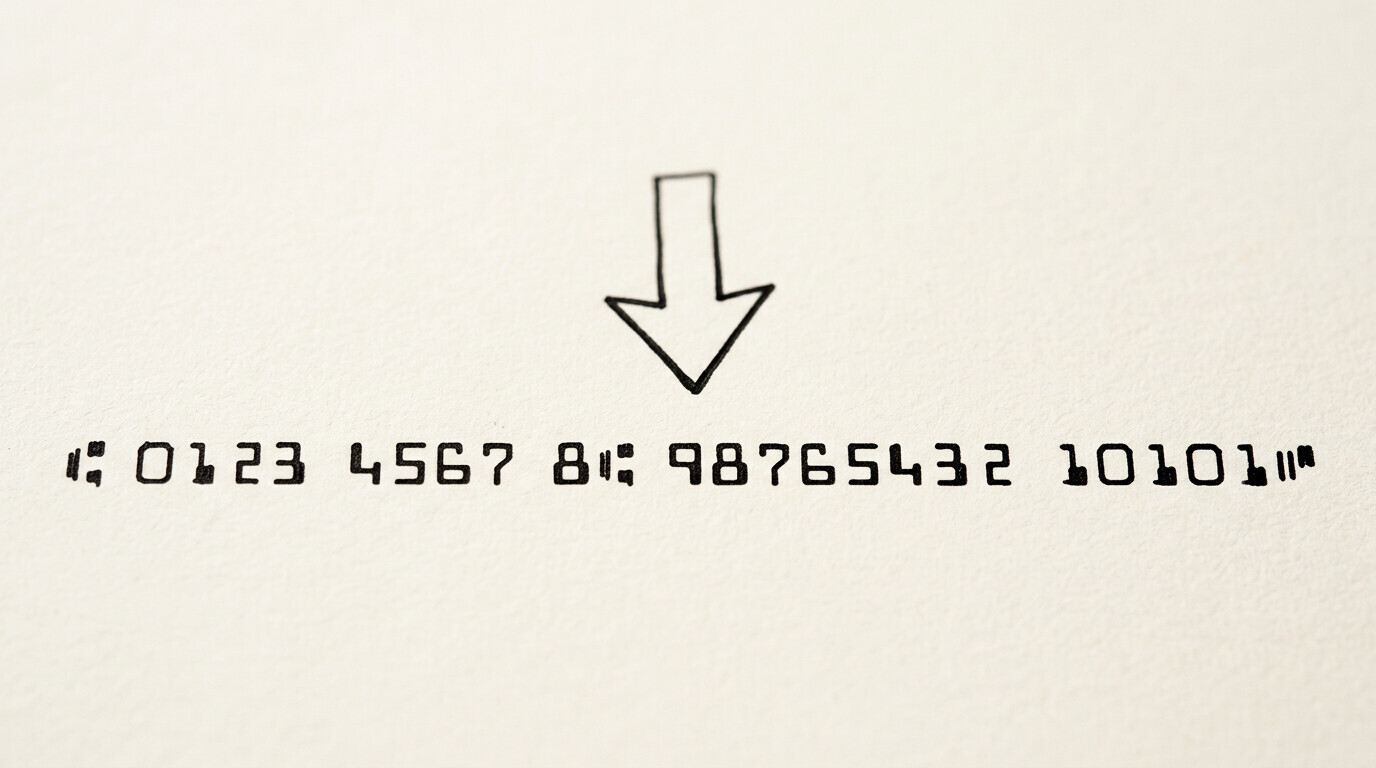

The MICR line is the row of numbers and symbols at the bottom of every check, printed in magnetic ink. It contains 3 pieces of
The magnetic ink is required because it can be read reliably even when the check is stamped, marked, or worn, which matters because every check passes through automated sorting machines that read thousands of checks per hour.
This page covers what the MICR line is, the 4 MICR characters and their shapes, why magnetic ink is used instead of regular ink, the 3 pieces of information encoded in the line, how the line is read by bank processing machines, common edge cases (damaged MICR, non-magnetic ink replacements, manual MICR entry), and how the MICR line relates to the bank statement. For a broader look at the bank statement structure, see the bank statement anatomy and the bank statement glossary.
TL;DR. The MICR line is the magnetic-ink character row at the bottom of every check. It encodes 3 pieces of information: routing number (9 digits, identifies the bank), account number (10-12 digits, identifies the specific account), and check number (4 digits, matches the check number printed on the top right). MICR uses magnetic ink because the bank’s processing machines read the line magnetically, not optically, which is faster and more reliable. The MICR characters are in the E-13B font (US standard) and use 14 unique symbols (10 digits + 4 special symbols). Edge cases: damaged or faded MICR lines may need manual entry, and counterfeit checks with non-magnetic ink are detected by the processing machines.
What the MICR Line Is
The MICR line is the row of characters printed in magnetic ink at the bottom of every check. It is part of every US personal check, business check, cashier’s check, money order, and bank draft. The line is positioned about half an inch from the bottom edge of the check and runs across most of the width. It looks like a string of numbers and symbols to a human reader, but to a bank’s processing machine, it is the most important data on the check, because it identifies where the money comes from and where it goes.
What most guides miss about this workflow is that the quality depends on the mechanism, not on the tool. Two tools that look different on the surface often run the same 4-step process underneath: read, find, parse, verify. The difference is in how well each step handles edge cases (merged cells, missing balances, non-standard date formats, scanned vs digital input). Choosing between tools based on UI alone misses the actual quality lever.
“MICR” stands for Magnetic Ink Character Recognition, which is the technology that reads the line. The bank has high-speed processing machines that run checks through at thousands per hour. Each machine has a magnetic read head (similar to a tape recorder head) that detects the magnetic properties of the ink. The machine does not need to “see” the characters optically; it senses the magnetic field each character creates, then converts that to a digital value. This is why the ink must be magnetic and why the characters must be in a specific font (E-13B in the US) the machine is trained to recognize.
The 3 pieces of information in the MICR line are: the routing number (9 digits, identifying the bank in the Federal Reserve system), the account number (typically 10-12 digits, identifying the specific account at the bank), and the check number (matching the 4-digit number printed in the top right of the check). Some checks also include the amount of the check encoded in the MICR line (called the “carriage return” position), but this is rare for personal checks and more common on commercial checks printed by accounting software.
The MICR Characters: E-13B Font and the 14 Symbols
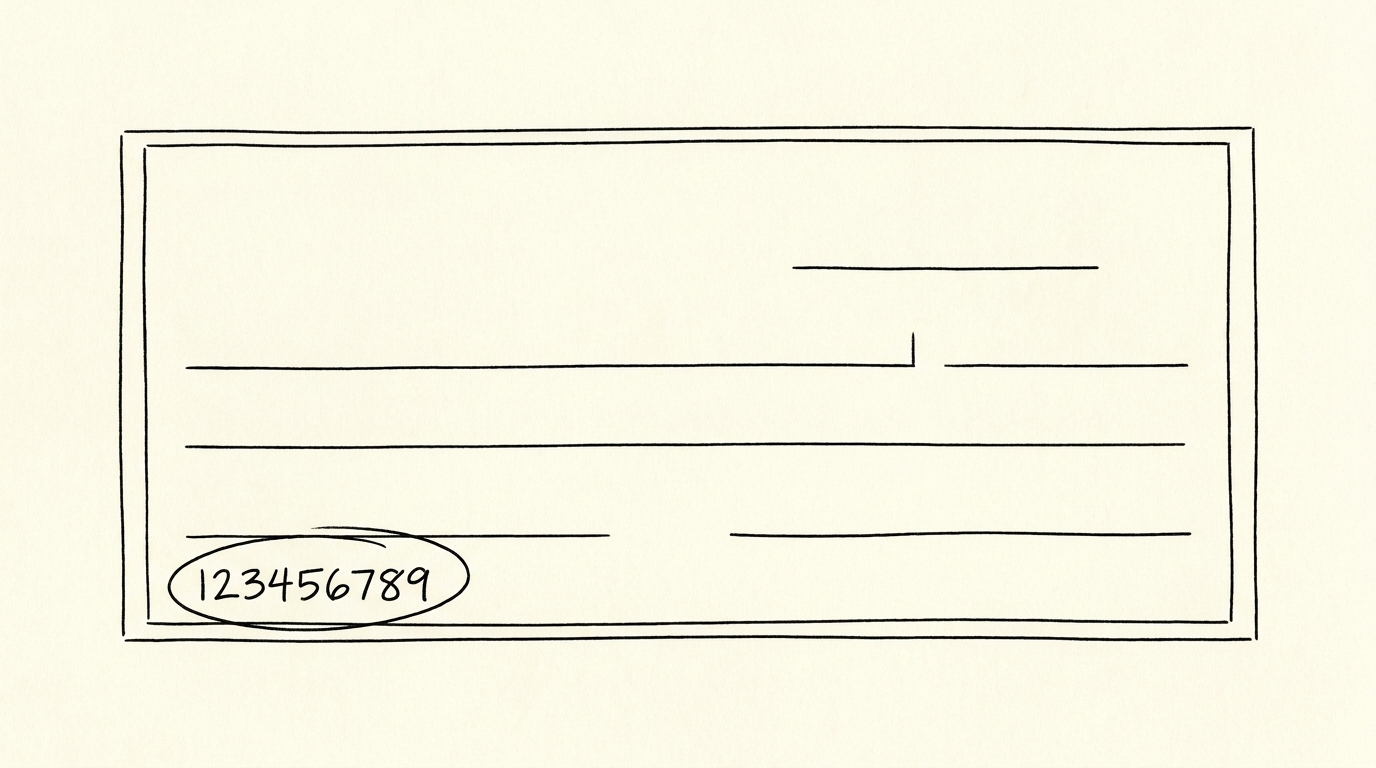
The MICR line uses the E-13B font, the US standard. The font defines 14 unique character shapes: 10 digits (0-9) and 4 special symbols. The 4 special symbols are: the transit symbol (a vertical line with 2 horizontal bars, separates the routing number from the account number), the on-us symbol (a vertical line with 1 horizontal bar, separates the account number from the check number), the amount symbol (a vertical line with a small notch, marks where the amount is encoded if present), and the dash symbol (separates sections of the routing number on some checks).
The E-13B font was chosen because each character has a unique magnetic signature. The bank processing machine can reliably distinguish a “0” from a “1” or an “8” even when the check is slightly damaged, smudged, or stamped over, because the magnetic field shape is different for each character. This is the core advantage of magnetic ink over visual recognition: magnetic reading is more reliable than optical character recognition (OCR) in the high-speed, high-volume check processing environment.
The international standard is CMC-7, used in Europe, South America, and parts of Asia. CMC-7 uses a different character set and is not compatible with E-13B. Checks printed in the US with E-13B cannot be processed by CMC-7 machines and vice versa. For US banks processing US checks, E-13B is universal. For checks that need to be processed internationally, the routing and account numbers are typically converted to SWIFT/IBAN formats at the originating bank, not printed in a different MICR font.
Turn That PDF Into a Spreadsheet in Minutes
You've seen how to do it manually — now let the tool handle the heavy lifting. Upload your bank statement and get Excel, CSV, or QBO in a few clicks.
Try It FreeWhy Magnetic Ink: The Processing Speed and Reliability
Magnetic ink is required because the US check processing system processes over 11 billion checks per year at speeds of thousands per hour per machine. Optical recognition (OCR) at those speeds is unreliable because check surfaces vary (some glossy, some matte, some with watermarks, some with backgrounds), and OCR errors are unacceptable for financial transactions. Magnetic reading, by contrast, is reliable because the magnetic property is independent of the visual surface, which is why the MICR line can be read even when the check is stamped, signed, marked, or has a coffee stain on it.
The cost of magnetic ink is higher than regular ink, which is why only the MICR line uses it. A standard check has the rest of the text printed in regular ink (the payee line, the date line, the signature line, the memo line, the bank name and logo). Only the bottom MICR row uses the special magnetic ink. For the broader context of how the check is read by the bank, see the MICR line mechanism page.
Counterfeit checks are a related concern. Most counterfeit checks use regular ink to fake the MICR line, which the bank’s processing machine detects immediately because the magnetic read head cannot sense the field. The check is rejected and routed to a manual review queue. This is why even a visually perfect counterfeit check is almost always caught at the first processing step, which matters because it limits the practical value o f check fraud to the small window before the check is processed.
The 3 Pieces of Information in the MICR Line
The MICR line encodes 3 pieces of information in a specific order. The 9-digit routing number comes first, then the account number, then the check number, with the special MICR symbols separating each section. A typical MICR line looks like this: ⑆021000021⑆1234567890⑈1001⑊. The first ⑆ symbol marks the start of the routing number, 021000021 is the routing number (in this case, the routing number for Chase in New York), the second ⑆ is actually the transit symbol, 1234567890 is the account number, ⑈ is the on-us symbol, 1001 is the check number, and ⑊ is the end-of-check symbol.
The 9-digit routing number breaks down further: the first 2 digits (02 in the example) are the Federal Reserve district, the next 2 (10) are the Federal Reserve branch, the next 4 (0000) are the specific bank, and the 9th (1) is the checksum. For more on routing numbers, see the routing number definition.
The account number portion is set by the bank, and the length varies (typically 10-12 digits for personal accounts, can be longer for business accounts). The account number is sensitive: anyone who has the routing number AND the account number can initiate an ACH debit from the account (with limitations, since the ACH system has fraud controls). For the broader security context,
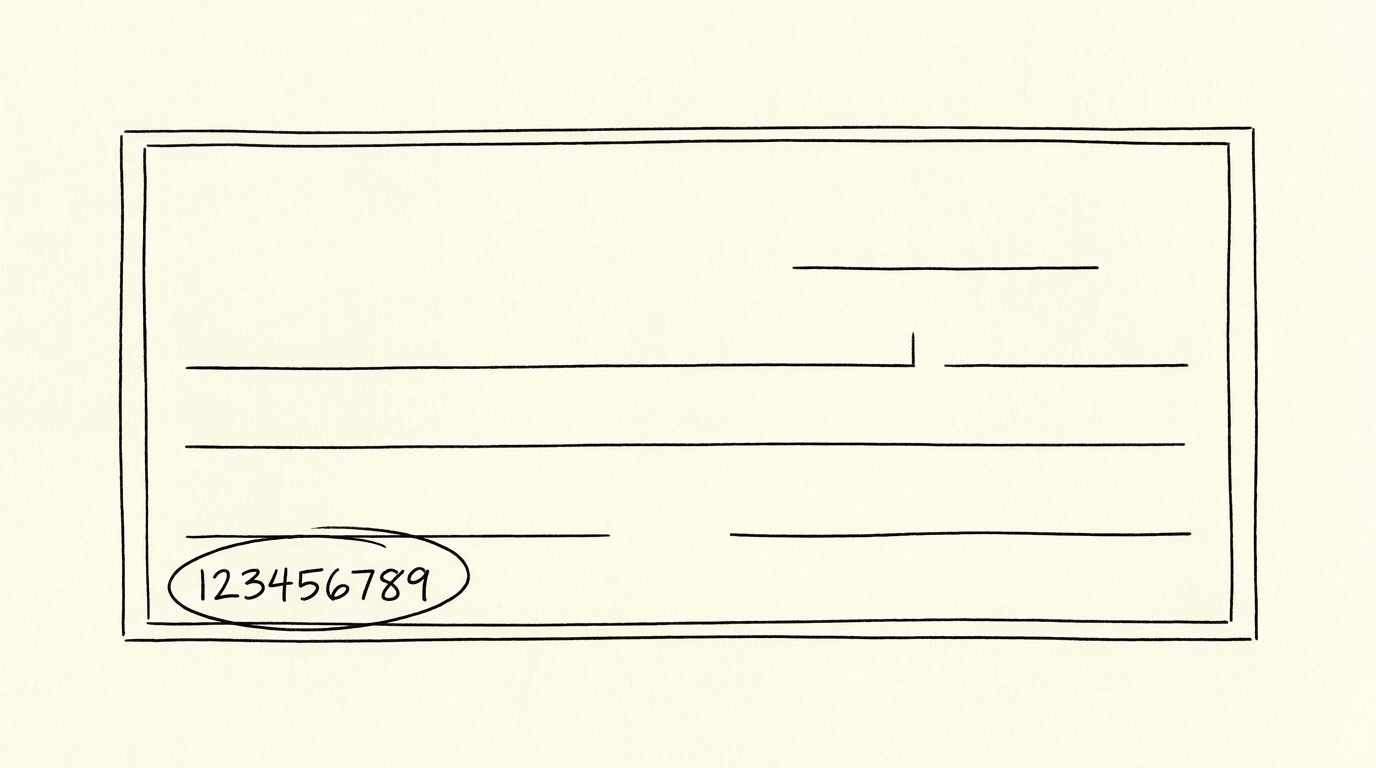
see the account number definition.
MICR Edge Cases: Damaged, Faded, and Non-Magnetic Ink
3 edge cases that can disrupt MICR line reading:
1. Damaged or faded MICR. Checks that have been through the wash (literally, accidentally put through a washing machine) often have a faded or smudged MICR line. The magnetic ink can lose its magnetic properties if the check is exposed to a strong magnetic field (speakers, magnetic clasps, industrial equipment). Damaged MICR lines are sent to a manual review queue where a human reads the visible numbers and enters them into the system. The check is processed, just with a delay of 1-2 days.
2. Non-magnetic ink. Some inkjet printers and most home printers do not use true magnetic ink, so home-printed checks (used by some small businesses) may not have a magnetically readable MICR line. Banks that accept home-printed checks typically have a manual review process for them, which adds processing time. For business checks printed in volume, MICR toner cartridges and MICR-specific printers are required to produce a machine-readable line.
3. Counterfeit checks with non-magnetic ink. As mentioned above, counterfeit checks almost always have a non-magnetic MICR line, which the bank’s machine detects at processing. The check is rejected and routed to the fraud department. This is one of the reasons check fraud is rare at scale: even visually convincing counterfeits fail at the first machine-read step.
MICR and the Bank Statement
The MICR line does not typically appear on the bank statement itself, but the information encoded in the MICR line does. The bank statement shows the routing number at the top (in the account holder information section, often next to the bank’s address) and the account number on each transaction line (or in the account summary section). For any check that cleared during the statement period, the bank statement may show an image of the check with the MICR line visible, which is useful for bookkeepers and loan officers verifying the account.
For a bookkeeper reconciling the statement, the routing number and account number on the statement should match the customer’s records. A mismatch can indicate a fraudulent statement (where the numbers were changed to redirect funds) or a bank merger (where the routing number changed but the account number stayed the same). For the full reconciliation process, see the bank reconciliation cutoff and the bank statement conversion checklist.
A common failure mode bookkeepers report is treating this as a single operation rather than a chain of dependent steps. The temptation is to find a tool that ‘just works’ and stop investigating the mechanism. The result is a wrong-fix cycle: the tool gives partial output, the bookkeeper spends 30+ minutes troubleshooting, the fix is for the wrong step, and the same error recurs on the next statement. The fix: identify which step failed and apply the right intervention to that step.
Start with the Workflow
The fastest path is to start with the conversion step, which produces the data that every other step needs. The bank statement converter handles the PDF-to-Excel step in 2-5 minutes, with no upload to a server.
For a complete reference of the terms used throughout this article, see the bank statement glossary.
From PDF to Excel in one click
Forget retyping line by line. Upload any bank statement, get a spreadsheet you can actually use. Your files are never stored, and you can test the converter with 3 free conversions.
Try it free