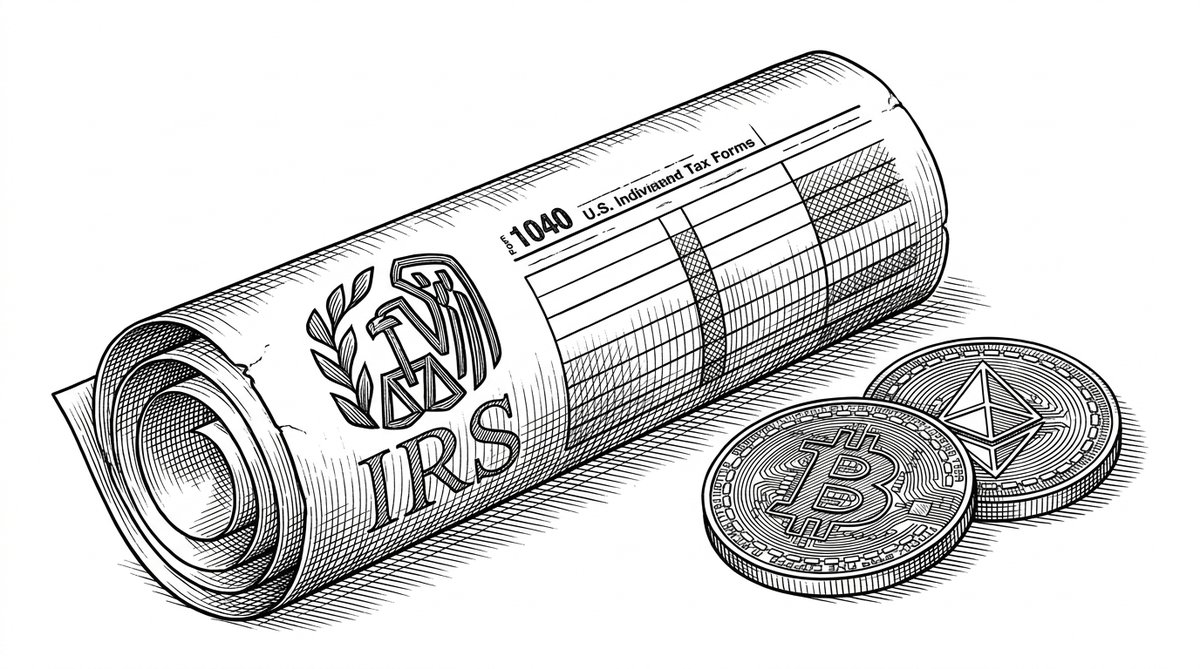
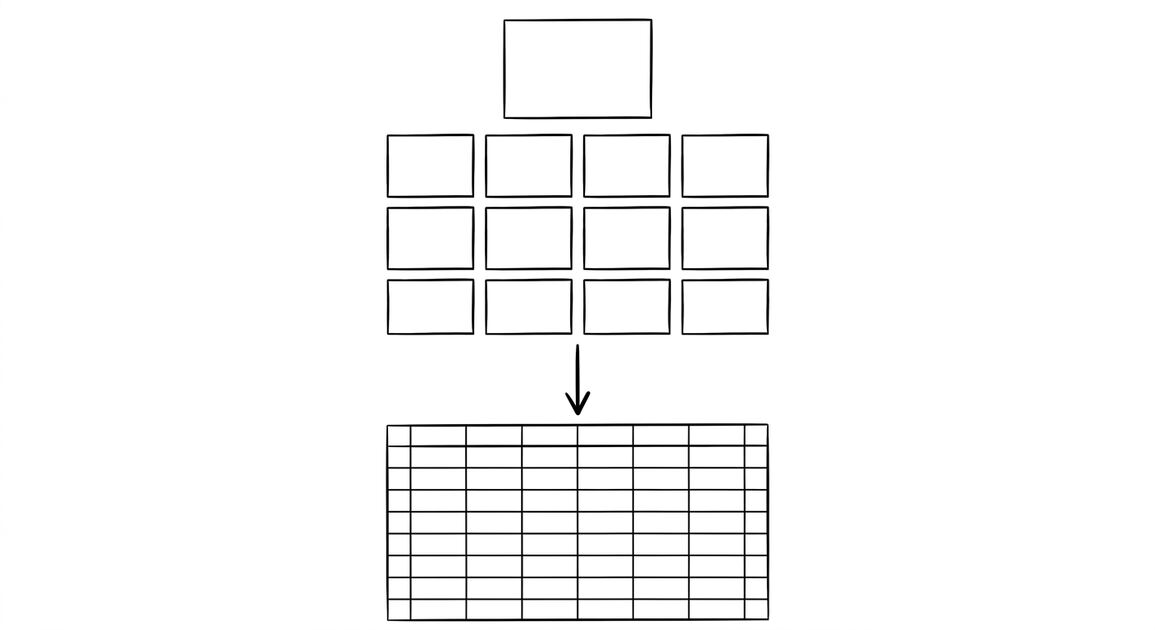
Crypto tax statement preparation is the process of collecting exchange reports, choosing a cost basis method, calculating gains and losses, and reporting on the tax return. This page is the directory of crypto tax statement preparation. It covers the 4-step workflow, the 5 most common cost basis scenarios, the 1099-DA reporting change for 2025, and the 9 detailed guides for each exchange and tax topic.
The 9 spokes below are the deep dives. The recon cutoff tool handles the conversion step: exchange PDF or CSV to clean Excel/CSV ready for CoinTracker, Koinly, TokenTax, or manual tax prep. The conversion is the bridge between the exchange and the tax software.
Crypto is taxed as property by the IRS. Every disposal (sale, trade, spend) is a taxable event. The 1099-DA form is new for 2025: brokers now report transactions to the IRS, not just to investors. Cost basis methods (FIFO, LIFO, HIFO, Specific ID) change your tax bill by thousands of dollars per year.
The 4-step workflow: collect, convert, calculate, file. The first step (collect) is asking each exchange for a tax document or transaction export. The second step (convert) is taking the exchange’s PDF or CSV and turning it into a clean file the tax software can read. The third step (calculate) is the tax software’s job. The fourth step (file) is the IRS submission.
The recon cutoff tool handles the conversion step. The 9 detailed guides below cover each exchange and each tax topic. For the broader conversion workflow, see the crypto exchange statement conversion guide. For the general bank statement conversion, see the bank statement converter guide.
The 4-Step Crypto Tax Workflow
The crypto tax workflow has 4 steps. The first two (collect and convert) eat about 50% of the time. The second two (calculate and file) are where the actual tax work happens.
What most guides miss about crypto tax reporting is that the quality depends on the mechanism, not on the tool. Two tools that look different on the surface often run the same 4-step process underneath: read, find, parse, verify. The difference is in how well each step handles edge cases (merged cells, missing balances, non-standard date formats, scanned vs digital input).
Choosing between tools based on UI alone misses the actual quality lever.
Steps 1 and 2: Collect and Convert
Collection is asking each exchange for a tax document or transaction export. The format depends on the exchange. For Coinbase, the format is a Tax Report CSV. For Kraken, the format is a Ledger CSV. For Gemini, the format is an Account Statement CSV. For Robinhood, the format is a Tax Document PDF. The recon cutoff tool handles all four formats.
Conversion is turning the exchange’s PDF or CSV into a clean file the tax software can read. The recon cutoff tool’s per-exchange handling reads each exchange’s format and emits a standardized Excel or CSV file. The conversion handles 5 things: parsing the exchange-specific format, normalizing date formats, normalizing sign conventions, removing duplicate transactions, and outputting to the tax software’s import format.
The recon cutoff tool’s batch upload handles 50 statements in one go. The conversion takes about 30 seconds per exchange once the workflow is set up. The first two steps (collect and convert) eat about 50% of the total time.
Steps 3 and 4: Calculate and File
Calculation is the tax software’s job. CoinTracker, Koinly, TokenTax, and others read the converted file, apply the chosen cost basis method (FIFO, LIFO, HIFO, Specific ID), and generate the IRS forms. The recon cutoff tool’s output is the input to this step. The calculation takes minutes for a typical 500-transaction year.
Filing is the IRS submission. The tax software generates Form 8949 (Sales and Other Dispositions of Capital Assets) and Schedule D (Capital Gains and Losses). For staking, airdrops, mining, and interest income, the forms are Schedule B (Interest) or Schedule C (Business Income). The recon cutoff tool’s archive feature stores all of this for the audit trail.
Cost basis is the original price you paid for an asset. When you sell, the gain is the sale price minus the cost basis. The cost basis method you choose changes your tax bill. The 5 most common scenarios.
Scenario 1: Single Lot, Single Sale
You bought 1 BTC at $40,000 and sold 1 BTC at $50,000. The cost basis is $40,000. The gain is $10,000. The cost basis method doesn’t matter. The recon cutoff tool’s exchange export shows the lot detail in the lot ID column.
Scenario 2: Multiple Lots, Single Sale
You bought 1 BTC at $20,000, 1 BTC at $40,000, and 1 BTC at $60,000. You sold 1 BTC at $50,000. The cost basis depends on the method: FIFO says $20,000, LIFO says $60,000, HIFO says $60,000, Specific ID lets you choose. The gain ranges from $30,000 (FIFO) to $-10,000 (HIFO, a loss). The cost basis method matters a lot.
Scenario 3: Multiple Lots, Multiple Sales
You bought BTC at 5 different prices and sold at 5 different prices over the year. The cost basis method affects each sale. The recon cutoff tool’s per-transaction export shows the lot details for each sale. The tax software applies the method to each sale independently.
Scenario 4: Crypto-to-Crypto Trades
You traded BTC for ETH. The IRS treats this as a sale of BTC at the fair market value of ETH at the time of trade. The cost basis of the new ETH is the fair market value at the time of the trade. The recon cutoff tool’s exchange export shows the trade as two transactions: BTC sold, ETH bought.
Scenario 5: Staking, Airdrops, Mining
Staking rewards, airdrops, and mined crypto are income at fair market value on the day received. The cost basis of the new asset is the income amount. The recon cutoff tool’s exchange export marks these transactions with a different category (income, not capital gains).
Turn PDF Bank Statements Into Workable Spreadsheets
Your bank statement is a mess of numbers, but your books shouldn't be. Use our converter to get Excel, CSV, or QBO files — ready for QuickBooks.
The 1099-DA is the new IRS form for digital asset transactions. It replaced the informal 1099-B for crypto. Reporting started in 2025 (for 2024 transactions in some cases) and is fully phased in by 2026. The 1099-DA is filed with the IRS AND sent to the investor (you). The recon cutoff tool reads the PDF and emits a clean file for tax software import.
The 1099-DA reports: sales, exchanges, transfers (some), staking rewards, interest. The 1099-DA does NOT report cost basis (you still need to track that yo
urself). The 1099-DA mismatches with your tax return trigger IRS notices. The recon cutoff tool’s archive feature helps you match the two.
The 9 Spokes at a Glance
9 detailed guides below. Each spoke is a deep dive into one exchange or one tax topic. Read the spoke that matches your current need.
Coinbase export for taxes: the Tax Report CSV, the 1099-DA, and the recon cutoff tool’s per-Coinbase handling.
Kraken export for taxes: the Ledger CSV, the lack of 1099-DA for US users, and the per-Kraken handling.
Gemini export for taxes: the Account Statement CSV, the new 1099-DA, and the per-Gemini handling.
Transferring BTC from Coinbase to Kraken is NOT a taxable event. But trading BTC for ETH on either exchange IS a taxable event. The recon cutoff tool’s exchange export marks transfers separately from trades.
When a trader treats a trade as a transfer, the IRS notice arrives when the exchange reports the trade via 1099-DA. The recon cutoff tool’s exchange export flags the difference, so the trader can file Form 8949 correctly and avoid the underreporting notice.
Mistake 2: Wrong Cost Basis Method
The IRS default is FIFO, but HIFO often produces a lower tax bill. The catch: HIFO requires specific identification of the lot sold, which means detailed records. The recon cutoff tool’s per-transaction export includes the lot ID, which makes Specific ID possible. Without it, you’re stuck with FIFO.
Mistake 3: Forgetting Staking and Airdrops
Staking rewards, airdrops, and mined crypto are income at fair market value on the day received. The recon cutoff tool’s exchange export marks these with a different category. Forgetting them is the most common cause of IRS notices for crypto investors with staking accounts.
Mistake 4: Forgetting Crypto-to-Crypto Trades
Trading BTC for ETH is a taxable event, even if no USD was involved. The IRS treats the BTC as sold at the fair market value of ETH at the time of trade. The recon cutoff tool’s exchange export shows these as two transactions (BTC sold, ETH bought), which the tax software handles correctly.
Mistake 5: Skipping the Audit Archive
Crypto audits are increasing. The IRS has a dedicated crypto team. Skipping the audit archive is the most common cause of audit failure for crypto investors. The recon cutoff tool’s archive feature stores exchange statements, transaction histories, and the converted files. The archive is what protects you if the IRS audits 2-3 years later.
The Conversion Tool in This Workflow
The recon cutoff tool is the conversion step in this workflow. It takes a crypto exchange PDF or CSV and emits a clean Excel or CSV file ready for CoinTracker, Koinly, TokenTax, or manual tax prep. The per-exchange handling reads each exchange’s format and normalizes the output.
The tool is the same as in the bank statement workflow. The crypto tax workflow is the use case. The two are designed to work together: the recon cutoff tool handles the conversion, the tax software handles the calculation, the IRS handles the filing.
The bank feed is the dream for bank accounts. The exchange API is the dream for crypto. The reality is that both still need a conversion step. The recon cutoff tool sits in that gap, and that’s by design. For the related crypto tax workflow: from exchange statement to tax filing page, see the linked article.
This topic is part of the broader 1099-DA and crypto-tax cluster on this site. The consolidated hub for the entire topic, including the form mechanics, broker requirements, cost basis methods, reconciling to bank statements, and state-level differences, now lives in the complete 1099-DA crypto tax reporting guide.
For related reading, the complete US bank payment rails guide covers ACH and wire cash flows from crypto exchanges, and the complete MCC guide covers merchant category codes on credit-card statements. The expanded bank statement anatomy pairs naturally with this hub.
Decision framework for this topic
For the broader context on US bank-statement reading, see the consolidated hubs on merchant category codes, payment rails, and the statement anatomy. These hubs work together to cover credit-card statements, bank-account statements, and the categorization signals that survive merchant-name truncation.
Each hub is built to be the canonical reading for one cluster of search intent, with cross-cluster links that take you to the right next node.
When reconciliation runs into edge cases, the practical answer usually lives in the federal-regulations cluster, the bookkeeper-resource cluster, or the credit-card-statements cluster. Each offers a domain-specific take on the same underlying signal. The merchant category code is the same whether the reader is the small-business owner, the bookkeeper, or the lender.
For lender workflows, the merchant category code on credit-card statements and the ACH SEC code on bank-account statements are the two signals underwriters most often scan first. Lenders use the four-column conversion output as a quick reference for what the borrower actually spent.
Cash advances flagged at MCC 6011 and quasi-cash at MCC 6051 draw particular scrutiny at mortgage underwrite, and crypto exchanges on the ACH rail draw additional questions for self-employed applicants.
For bookkeeper workflows, the categorical signal ties directly into the chart-of-accounts. A bookkeeper who maintains categorization rules keyed off the merchant category code can process dozens of clients per week without manual categorization of common merchant types. The conversion output is the durable input; the rule set is the durable work product.
Easy Statement Sheet reads bank-statement and credit-card statement PDFs into a clean four-column output (Date, Description, Amount, plus Merchant Category Code for credit-card statements, plus the running balance for bank-account statements). Files are never stored. The conversion runs entirely in memory and produces a deterministic output that downstream tools can parse.
The first three statement conversions are free, no card required. Plans start at $15 per month. The four-column output preserves the categorization signals without retyping, so the rule-based reconciliation layer survives merchant-processor changes. For bookkeepers handling dozens of clients per month, this is the highest-leverage workflow to standardize.
Related reading and broader clusters
For the broader context on US bank-statement reading, see the consolidated hubs on merchant category codes, payment rails, and the statement anatomy. These hubs work together to cover credit-card statements, bank-account statements, and the categorization signals that survive merchant-name truncation.
Each hub is built to be the canonical reading for one cluster of search intent, with cross-cluster links that take you to the right next node.
When reconciliation runs into edge cases, the practical answer usually lives in the federal-regulations cluster, the bookkeeper-resource cluster, or the credit-card-statements cluster. Each offers a domain-specific take on the same underlying signal. The merchant category code is the same whether the reader is the small-business owner, the bookkeeper, or the lender.
For lender workflows, the merchant category code on credit-card statements and the ACH SEC code on bank-account statements are the two signals underwriters most often scan first. Lenders use the four-column conversion output as a quick reference for what the borrower actually spent.
Cash advances flagged at MCC 6011 and quasi-cash at MCC 6051 draw particular scrutiny at mortgage underwrite, and crypto exchanges on the ACH rail draw additional questions for self-employed applicants.
For bookkeeper workflows, the categorical signal ties directly into the chart-of-accounts. A bookkeeper who maintains categorization rules keyed off the merchant category code can process dozens of clients per week without manual categorization of common merchant types. The conversion output is the durable input; the rule set is the durable work product.
Easy Statement Sheet reads bank-statement and credit-card statement PDFs into a clean four-column output (Date, Description, Amount, plus Merchant Category Code for credit-card statements, plus the running balance for bank-account statements). Files are never stored. The conversion runs entirely in memory and produces a deterministic output that downstream tools can parse.
The first three statement conversions are free, no card required. Plans start at $15 per month. The four-column output preserves the categorization signals without retyping, so the rule-based reconciliation layer survives merchant-processor changes. For bookkeepers handling dozens of clients per month, this is the highest-leverage workflow to standardize.
Turn any PDF statement into a clean sheet
Skip the typos and the hours of copying. Our converter handles any bank statement format and outputs Excel, CSV, or QBO for QuickBooks. No file retention, free to try.
Samandya writes practical guides on converting bank statements into usable financial data, including PDF-to-Excel, CSV, and QBO files for QuickBooks. His articles help individuals, businesses, and bookkeepers review transactions, compare formats, and prepare financial documents for bookkeeping and reconciliation.