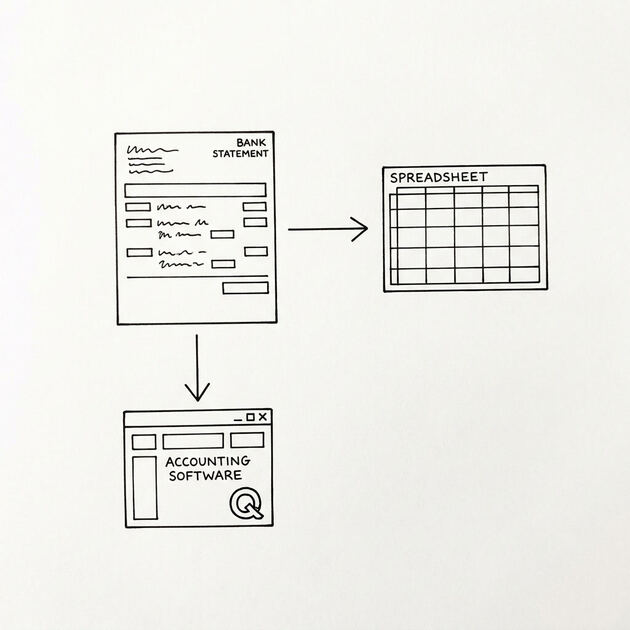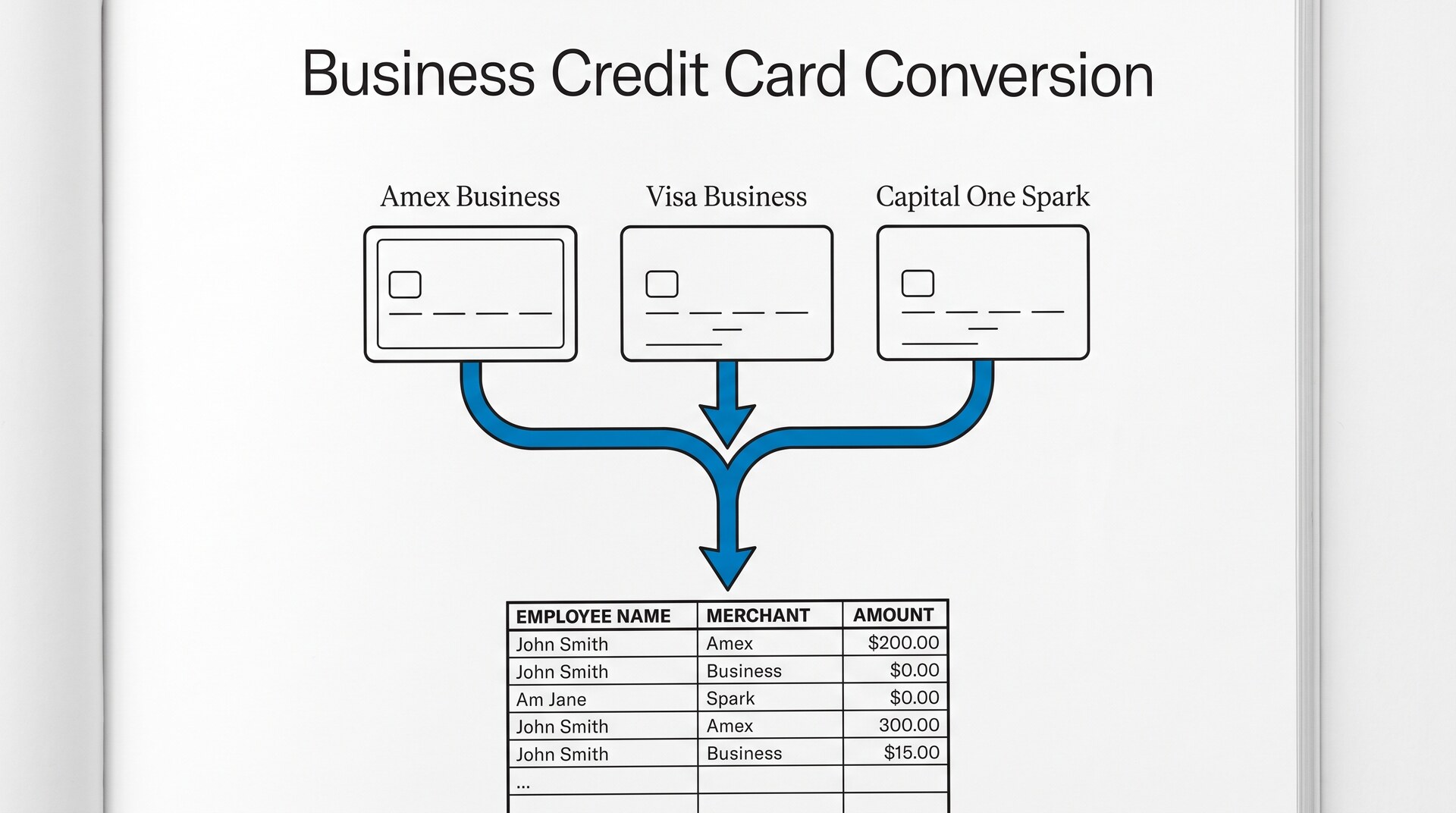

You have a year of business credit card statements from 3 different cards (Amex, Visa, Capital One) and your bookkeeper needs every transaction in Excel by category. You have 36 PDFs and 4 hours until the meeting. This article walks through the 4 pass workflow that handles multiple cards, preserves employee attribution, and outputs a file ready for QuickBooks in one step instead of three.
Quick Answers: Business credit card statements have 5 fields that personal card converters lose: employee cardholder name, merchant category code, reference number, transaction code, and tax indicator. Amex uses "Charge" not "Debit", Visa and Mastercard use standard terminology, and Capital One combines everything with a Transaction Type column. The 4-pass workflow consolidates multiple cards into one categorized Excel ready for QuickBooks in one step instead of three.
What makes business credit card statements different
Business credit card statements look like personal card statements on the surface but have 5 fields that personal cards do not. Most converters lose at least 2 of these fields, which is why the output file is incomplete even after “successful” conversion.
The 5 fields that differ:
- Employee cardholder name: business cards are issued to a company but assigned to individual employees. Each transaction row should show which employee made the charge. Personal card converters drop this field because personal cards only have one cardholder.
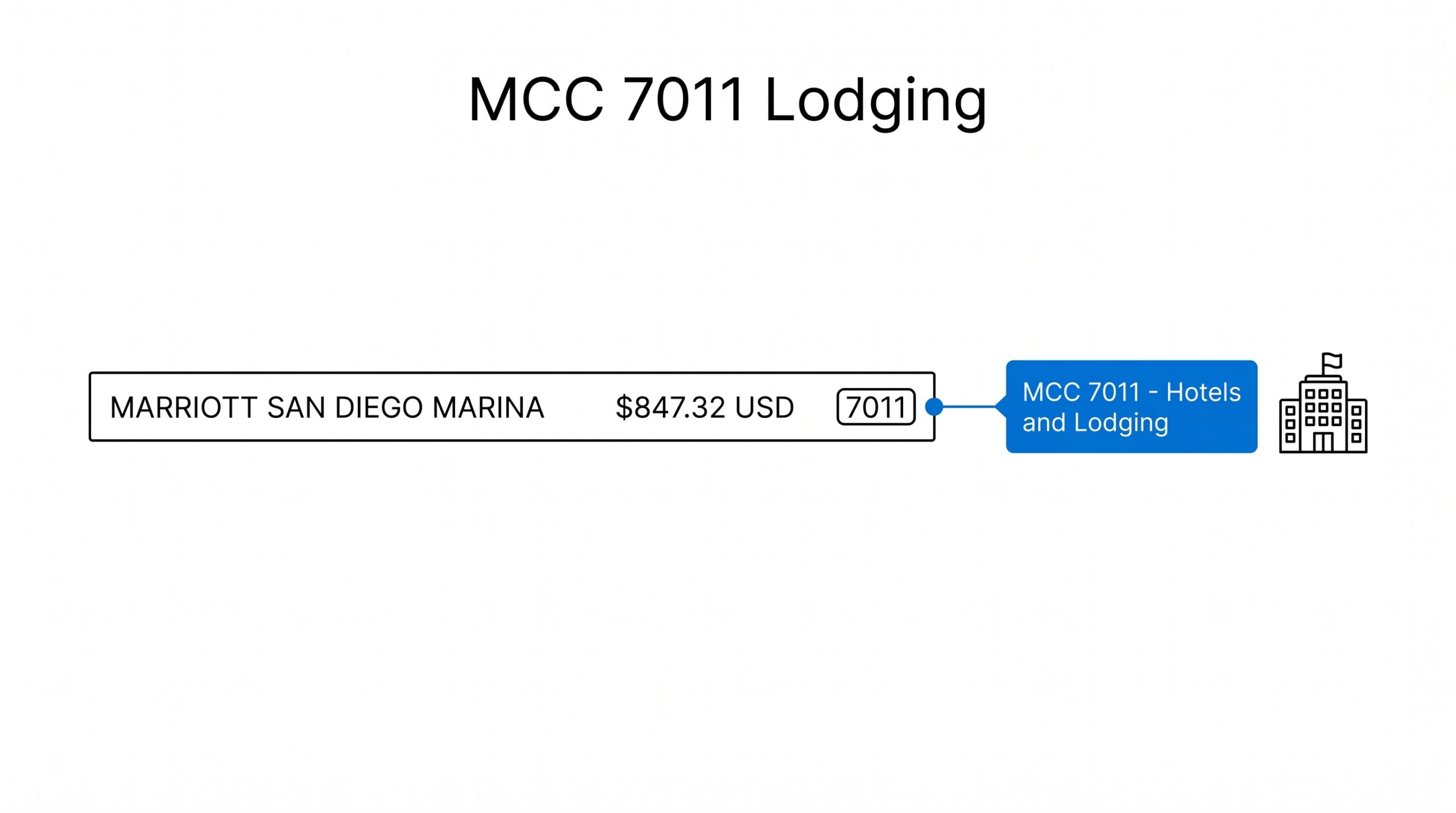
- Merchant Category Code: business card statements show the MCC for each transaction (same as the MCC that appears on the merchant’s processing statement). Personal cards often omit this field.
- Reference number: business cards generate a unique reference per transaction for dispute purposes. Personal cards use the same reference format.
- Transaction code: business cards use codes for special transaction types (recurring, installment, disputed). Personal cards treat everything as a standard charge.
- Tax indicator: some business card statements mark tax-deductible purchases with a flag. Personal cards never have this field.
If your converter drops the employee cardholder name, the output file has 36 transactions but no way to know which employee spent what. That is the most common failure mode when converting business credit card statements.
How the 3 main business card issuers format their statements
American Express, Visa/Mastercard, and Capital One each use a different statement format. A converter that works for one may not work for the others.
Amex business uses the word “Charge” instead of “Debit” for every transaction. The statement also shows a “Service Establishment” field that lists the merchant name and city. Payment information is on a separate page or in a separate portal download, not on the transaction statement. Amex business cards for travel also have a separate “Air” section with airline-specific codes.
Visa and Mastercard business use standard “Transaction” terminology. The statement shows the merchant name, the MCC code, the employee name (if the issuer includes it), and the reference number. The full statement includes the payment cycle which posts to the bank account separately.
Capital One business combines everything (charges, payments, fees) into a single transaction list with a “Transaction Type” column to distinguish them. This is helpful for full reconciliation but means the file requires filtering before importing to QuickBooks (which expects charges only).
From Bank Statement to QuickBooks-Ready File
That manual cleanup you just read about? This tool skips it. Turn your PDF into QBO for QuickBooks without storing your data anywhere.
Start ConvertingThe 4 pass workflow
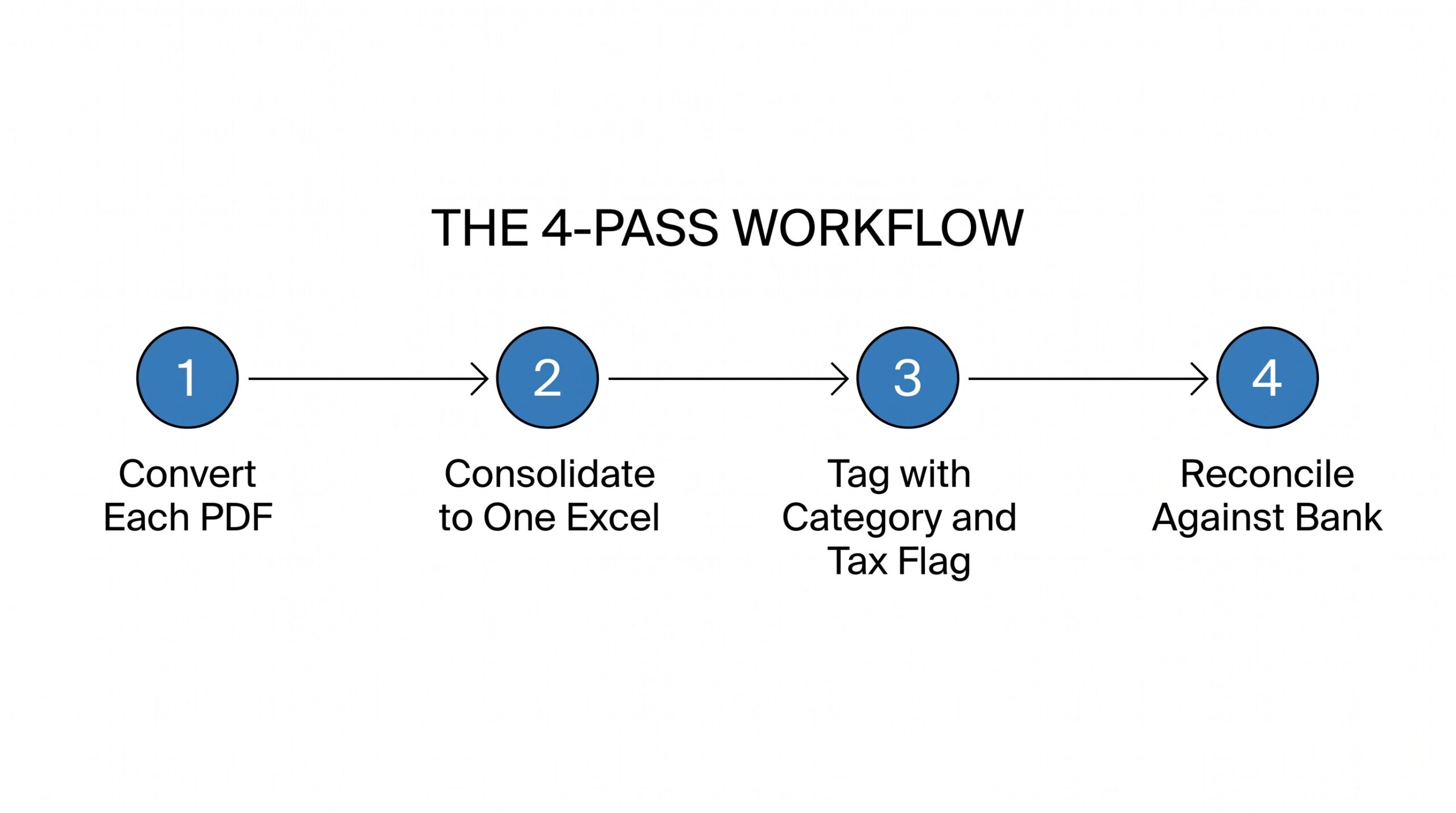
Pass 1: Convert each PDF separately
Run the converter on each business credit card PDF individually. Do not try to combine PDFs first, even if they are from the same card issuer across multiple months. Each statement has a different format that the converter learns from. Combining PDFs before conversion introduces errors that compound across pages.
What to check: each output file has all 5 of the fields above. If the employee cardholder column is empty, the converter is not built for business cards and you need a different tool.
Pass 2: Consolidate into one Excel file
Open each converted file in Excel. Add a column called “Source Card” with the card name (Amex Business, Visa Business, Capital One Spark). Copy all transactions from each file into one master workbook with this column added. For a year of monthly statements, this gives you 12 cards per employee per month in one file.
What to check: every row has the Source Card field populated. Add a “Statement Date” column with the closing date of each monthly statement, taken from the statement header. These two columns let you audit any individual transaction back to its source statement if a dispute arises.
Pass 3: Tag with category and tax flag
Add two columns: “Category” and “Tax Deductible”. For each transaction, apply your chart of accounts category (Travel, Software, Meals, Office Supplies) and whether it qualifies as a business deduction. The category column drives QuickBooks import; the tax deductible column drives year-end tax prep.
For tax flag rules: travel and meals are usually deductible at 50% (meals) or 100% (travel). Software and office supplies are 100% deductible. Client entertainment is 0% deductible. Use the IRS Publication 463 as the reference for ambiguous cases.
Pass 4: Reconcile against the bank statement
The business credit card statement shows the charges. The bank statement shows the payment to the card issuer. Reconcile by matching the payment on the bank statement to the statement balance on the card statement. The difference should be zero (or carry over from a partial-cycle statement).
For multiple cards, the reconciliation happens once per card. Each card has its own payment cycle and its own line on the bank statement.
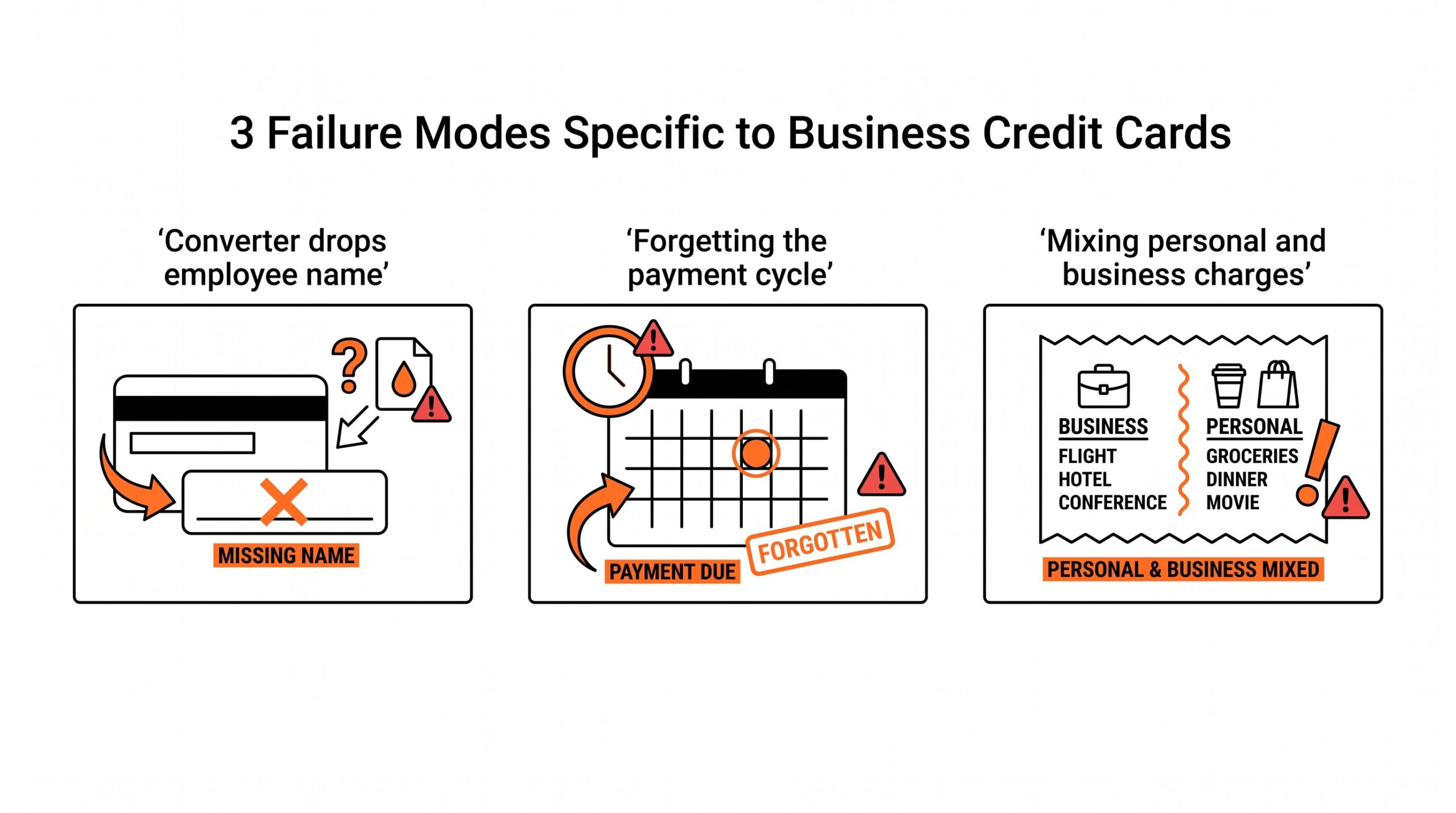
3 failure modes specific to business credit cards
Failure 1: Converting only the statement PDF without the employee names
A common mistake bookkeepers make is using a personal statement converter on a business card statement. The output looks complete (date, merchant, amount) but the employee column is missing. The bookkeeper then has to manually tag each transaction with the employee, which takes hours and creates audit risk if a transaction is misassigned.
The fix: use a converter that preserves the employee cardholder name. Verify the employee name appears in the output before consolidating across statements.
Failure 2: Forgetting the payment cycle on the bank statement
Another common mistake is treating business credit card transactions as cash transactions without the matching payment. The bookkeeper records the charges as expenses but does not record the corresponding payment from the bank account. The books show expenses but no cash outflow. The bank reconciliation fails.
The fix: always reconcile the card statement against the bank statement payment in the same period. The total of card charges (minus payments) should match the change in card balance. The bank payment should match the change in the bank account.
Failure 3: Mixing personal and business charges on the same card
A third mistake is having employees use a business card for personal purchases, even occasionally. The card statement shows everything together. The bookkeeper cannot tell which charges are business and which are personal. At tax time, the personal charges become taxable fringe benefits to the employee, and the company has to gross up the W-2.
The fix: enforce a policy that business cards are for business only. If personal charges happen, the employee reimburses the company in the same month. The bookkeeper tags any non-reimbursed personal charges as “Employee Reimbursement” in the categorization.
The small business bank statement guide covers the broader workflow for small business expense tracking. The convert bank statement to QuickBooks workflow handles the destination step once your categorized file is ready.
What most converters miss on business credit cards
Most PDF to Excel converters are built for personal bank statements. They extract the amount, date, and description, and they stop there. They do not extract the employee cardholder name. They do not preserve the MCC field. They do not handle the payment cycle separately from the charges.
For business credit cards, you need a converter that explicitly supports business card formats. The output should have the employee column as a first-class field, not as an afterthought. The payment cycle should be in a separate section or flagged with a different transaction type.
The other thing most converters miss is the vendor portal export. Amex, Visa, and Capital One all have online portals that export transactions as CSV. The portal export is usually cleaner than the PDF conversion because the data is structured already. For businesses that have access to the portal, the portal export is the better input.
When to use vendor portal export instead of PDF conversion
Most business credit card issuers offer a vendor portal (Amex @ Work, Visa IntelliLink, Capital One Manager) that lets you export transactions as CSV directly. The portal export is usually cleaner than PDF conversion because the data is structured. Use the portal export when: you have admin access to the portal, the export covers the date range you need, and the portal export includes employee name and MCC code fields. Use PDF conversion when: the portal does not include a needed field, the export does not match the format your bookkeeper or tax software requires, or you need historical statements beyond what the portal retains.
How business credit card statements differ across employee levels
Some business credit card programs assign tiered employee levels: senior employees get cards with higher credit limits and full transaction visibility, junior employees get cards with restricted merchant categories (no cash advances, no gambling, no quasi cash). The statement for restricted cards may show blocked attempts as separate line items: an attempted $500 cash advance at an ATM appears as “Transaction Declined – Cash Advance Not Permitted.” Reconciling the bookkeeper sees the declined attempts and knows the employee tried to do something the card does not allow. This is useful for fraud detection and policy enforcement.
Related conversions and references for context: import bank transactions into quickbooks, convert business bank statement with categorization.
For the bank statement side of the same business, the business statement conversion guide covers the bank account statement conversion. For the destination step, the convert bank statement to QuickBooks workflow handles the QBO file format.
See also
The general PDF bank statement to Excel workflow covers the conversion step for personal and business bank statements. For the chart of accounts side of the workflow, the bank transaction categorization reference covers how to map transactions to categories. For the destination side, the QuickBooks conversion guide covers the QBO file format and the import step in detail. For a complete reference of the abbreviations you might see on a business card statement, the bank statement glossary defines DPC, TFR, OLB, and NDCS so a flagged transaction does not break the import.
Turn any PDF statement into a clean sheet
Skip the typos and the hours of copying. Our converter handles any bank statement format and outputs Excel, CSV, or QBO for QuickBooks. No file retention, free to try.
Convert your statement