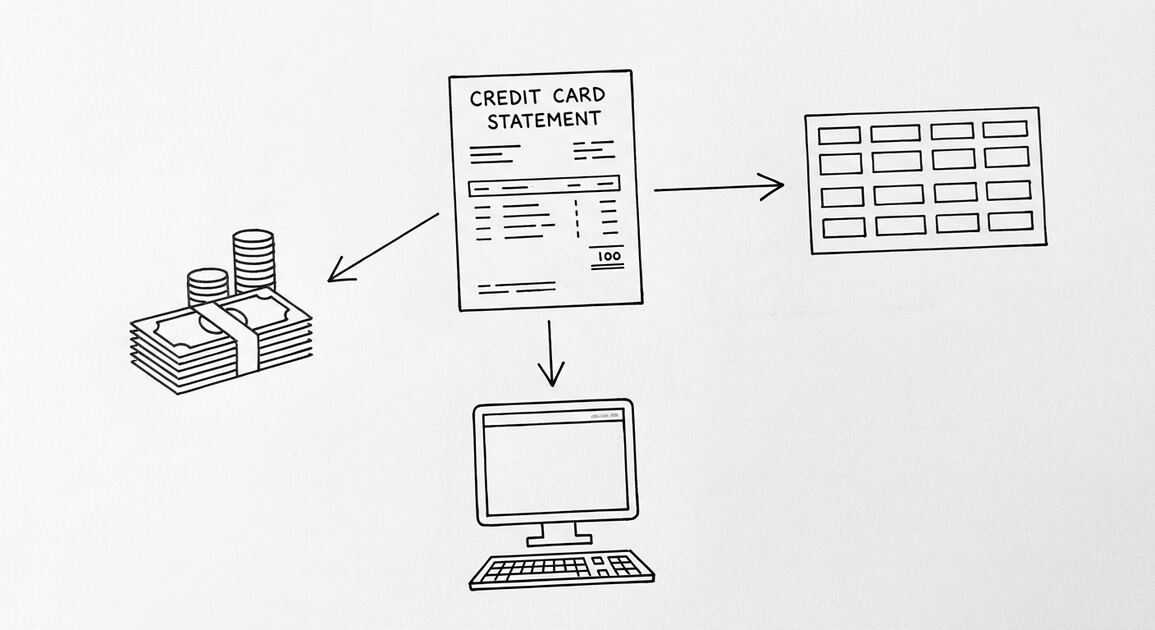

You uploaded your bank statement to a converter. The converter has your account number, your routing number, your balance, and every transaction for the last 3 months. What happens to that data? The answer depends on the converter, and most privacy policies are too vague to tell you.
Bank statement privacy is the set of practices that protect your financial data after you upload a statement to a converter, a bookkeeper, a tax preparer, or any other service. The 3 main risks: (1) the service stores your data after conversion, (2) the service shares your data with third parties (advertisers, data brokers, LLMs), (3) the service has a data breach that exposes your data. The risk is real: bank statements contain your account number, your routing number, your balance, and your full transaction history. The best converters do not store the data, do not share the data, and do not train LLMs on the data. The worst converters do all 3.
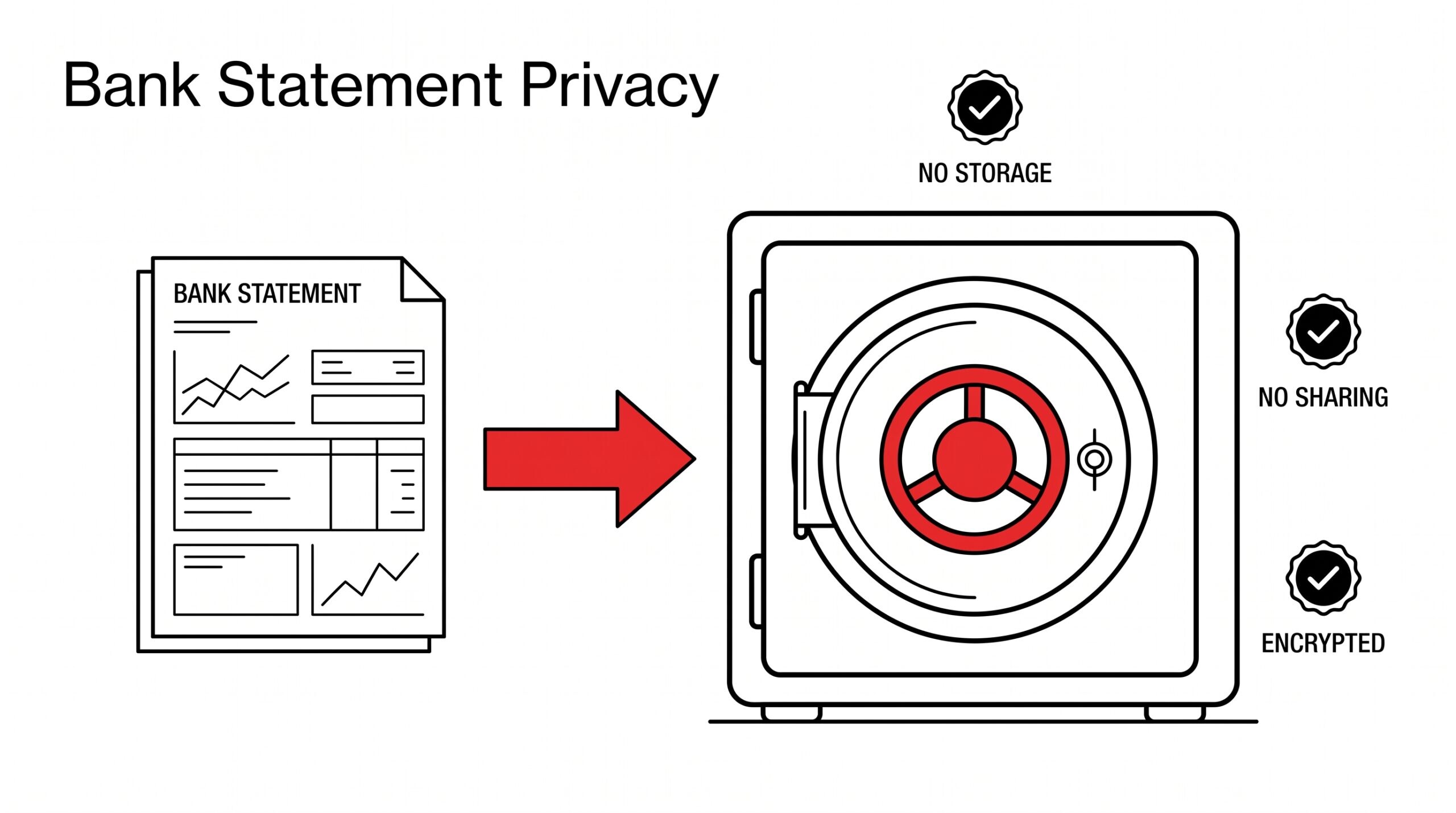
Bank statement privacy is the protection of your financial data after upload. The 3 risks: storage, sharing, breaches. The 3 protections: no storage, no sharing, encryption. The best converters provide all 3.
For the broader bank statement workflow, see the bank statement converter. For the safety of conversion in general, see the is a bank statement converter safe. For the bank statement glossary, see the bank statement glossary.
What most bank statement privacy guides miss is that the risk is not the conversion itself. The conversion is just reading the PDF and outputting Excel. The risk is what happens after the conversion: where does the data go, who can see it, how long is it stored. Most converters (including reputable ones) do not clearly explain their data handling. The privacy policy is typically 5,000 words of legal language that does not directly answer the user’s question. The user wants to know: does the converter store my data, share my data, train AI on my data. The privacy policy should answer these 3 questions in plain language. Most do not, which forces the user to assume the worst.
The 3 Data Risks After Upload
3 risks apply to any service that handles your bank statement:
1. Storage risk. The service stores your PDF and the converted output. The duration varies: some services delete immediately, others keep for 30 days, others keep indefinitely. The risk: a data breach exposes your data, or the service uses your data to train LLMs, or the service sells the data. The fix: use services that delete within 24 hours.
2. Sharing risk. The service shares your data with third parties: advertisers, data brokers, analytics providers, payment processors, LLM providers (for AI training). The risk: your data is sold to data brokers, who aggregate and resell it. The fix: use services that explicitly do not share.
3. Breach risk. The service has a data breach. The data is stolen by attackers and posted on the dark web. The risk: identity theft, account takeover, fraud. The fix: use services that encrypt data at rest and in transit, and that have a short data retention window.
The 3 risks are interconnected. A service that stores for 30 days has a higher breach risk than a service that stores for 1 hour. A service that shares with LLM providers has a higher data exposure risk than a service that does not.
The 5 Data Protection Standards
5 standards that indicate a service takes bank statement privacy seriously:


1. No storage. The service deletes the PDF and the converted output within 24 hours. The best services delete within 1 hour or immediately after download. Look for “files are deleted after conversion” in the privacy policy.
2. No sharing. The service does not share your data with third parties, including advertisers, data brokers, and LLM providers. Look for “we do not sell your data” or “we do not share your data” in the privacy policy.
3. Encryption in transit. The service uses HTTPS (TLS 1.3) to encrypt the data while it is being uploaded and downloaded. Look for the padlock icon in the browser address bar.
4. Encryption at rest. The service encrypts the data while it is stored. Look for “AES-256” or “data is encrypted at rest” in the privacy policy.
5. SOC 2 or equivalent certification. The service has been audited by a third party (SOC 2 Type II, ISO 27001, or similar) for data security practices. Look for the certification badge on the website or in the trust center.
For the broader safety assessment, see the is a bank statement converter safe guide.
From PDF to Excel in one click
Forget retyping line by line. Upload any bank statement, get a spreadsheet you can actually use. Your files are never stored, and you can test the converter with 3 free conversions.
Try it freeWhat Happens to Your Data at Each Step
The data lifecycle for a typical bank statement conversion:
Step 1: Upload (you -> converter). Your PDF is uploaded over HTTPS. The data is encrypted in transit. The upload takes 2-30 seconds. The converter now has the PDF in memory.
Step 2: Conversion (converter processes). The PDF is parsed, transactions are extracted, and the output (Excel/CSV/QBO) is generated. The processing takes 30-120 seconds. The data is in the converter’s memory and temporary storage.
Step 3: Download (converter -> you). The output is downloaded to your computer. The download takes 2-30 seconds. The data is in your local storage.
Step 4: Storage (converter). What happens to the PDF and output after the download? The best converters delete immediately. The average converter keeps for 24 hours to 30 days. The worst converters keep indefinitely.
Step 5: Sharing (converter -> third parties). Does the converter share the data with anyone? The best converters do not. The average converter may share with analytics providers. The worst converters sell to data brokers.
Step 6: AI training (converter -> LLMs). Does the converter use your data to train LLMs? The best converters explicitly do not. The average converter has ambiguous language. The worst converters explicitly use your data for AI training.
The 4 Privacy Policies That Matter
4 sections of a privacy policy that tell you the most about a bank statement converter:
1. Data retention. How long does the service keep your data? Look for a specific time (e.g., “deleted within 24 hours” or “deleted immediately after download”). If the policy says “as long as necessary” or is silent, assume the worst.
2. Data sharing. Does the service share your data with third parties? Look for “we do not sell” and “we do not share” language. If the policy says “we may share with service providers,” assume your data is shared.
3. AI training. Does the service use your data to train AI models? Look for “we do not use your data to train AI” or “your data is not used for model training.” If the policy is silent, assume the worst.
4. Breach notification. Does the service notify you in case of a data breach? Look for “we will notify you within X days of a breach.” If the policy is silent, assume no notification.
For the broader safety assessment, see the is a bank statement converter safe guide.
The 3 Trust Signals to Look For
3 trust signals that indicate a converter takes privacy seriously:
1. Trust center page. A dedicated /trust or /security page that summarizes the security practices in plain language. The best converters have a public trust center with whitepapers, certifications, and policies. Look for the page on the website footer.
2. SOC 2 Type II report. A SOC 2 Type II report from an independent auditor. The report covers security, availability, processing integrity, confidentiality, and privacy. The report is typically available on request under NDA.
3. Clear deletion promise. A specific time-bound promise for data deletion. The best converters say “deleted within 1 hour” or “deleted immediately after download.” The promise is on the website, not just in the privacy policy.
For the broader safety assessment, see the is a bank statement converter safe guide.
The 4 Common Privacy Mistakes
4 mistakes users make when uploading bank statements:
1. Uploading to a service that stores indefinitely. Some converters store the PDF and the output for 90+ days or indefinitely. The fix: use a service that deletes within 24 hours.
2. Uploading to a service that uses your data for AI training. Some converters (especially newer ones) use uploaded data to train their LLMs. The fix: read the AI training section of the privacy policy.
3. Uploading via email or unsecured channel. Some bookkeepers ask clients to email bank statements. Email is not encrypted end-to-end. The fix: use a service with a secure upload portal (HTTPS + encryption at rest).
4. Not redacting sensitive information. Some users upload bank statements with sensitive information visible (SSN, full account number, mother’s maiden name). The fix: redact sensitive information before upload, or use a service that does not require it.
A common failure mode users report is uploading to a service that looked reputable but had a privacy policy that allowed indefinite storage and AI training. The user did not read the policy carefully and assumed the worst. The fix: read the data retention and AI training sections before uploading.
The Regulatory Landscape
3 regulations that govern bank statement privacy in the US:
1. GLBA (Gramm-Leach-Bliley Act). Requires financial institutions to protect the privacy of consumer financial information. Banks, credit unions, and other financial institutions must provide privacy notices and opt-out options. Does not apply to most converters (which are not financial institutions).
2. CCPA (California Consumer Privacy Act). Gives California residents the right to know what data is collected, the right to delete data, and the right to opt out of data sales. Applies to converters that do business in California. Most reputable converters are CCPA-compliant.
3. State privacy laws. 15+ states have comprehensive privacy laws (Virginia, Colorado, Connecticut, Utah, etc.). The laws vary but generally require notice, access, deletion, and opt-out rights. Most reputable converters comply with all state laws.
For the broader bank regulations, see the bank statements federal regulations guide.
The Privacy Checklist
5 questions to ask before uploading a bank statement to any service:
1. How long do you keep my data? Acceptable: less than 24 hours. Concerning: more than 7 days. Unacceptable: “as long as necessary” or no answer.
2. Do you use my data to train AI models? Acceptable: explicit “no.” Concerning: ambiguous. Unacceptable: explicit “yes” or no answer.
3. Do you share my data with third parties? Acceptable: explicit “no” except as required by law. Concerning: shared with “service providers” or “business partners.” Unacceptable: shared with advertisers or data brokers.
4. Do you notify me in case of a breach? Acceptable: yes, within 30 days. Concerning: yes, but no time commitment. Unacceptable: no or no answer.
5. Do you have a SOC 2 or equivalent certification? Acceptable: SOC 2 Type II. Concerning: SOC 2 Type I (point-in-time, not ongoing). Unacceptable: no certification or no answer.
For the broader safety assessment, see the is a bank statement converter safe guide.
The Memorable Line
Your bank statement is the diary of your money. The converter is the translator. The question is who keeps the diary after the translation.
Related Pages
For the broader safety assessment, see the is a bank statement converter safe guide. For the converter pricing, see the bank statement converter pricing. For the bank statement workflow, see the bank statement converter. For the bookkeeper workflow, see the bank statement workflow for bookkeepers. For the bank statement glossary, see the bank statement glossary. For the bank statement federal regulations, see the bank statements federal regulations.
For the workflow that produces clean bank statement data with explicit privacy guarantees, see the bank statement converter. The conversion is private: no storage, no sharing, no AI training.
For more on this, see bank statement privacy and security.
For more on this, see bank statement data extraction.
From PDF to Excel in one click
Forget retyping line by line. Upload any bank statement, get a spreadsheet you can actually use. Your files are never stored, and you can test the converter with 3 free conversions.
Try it free