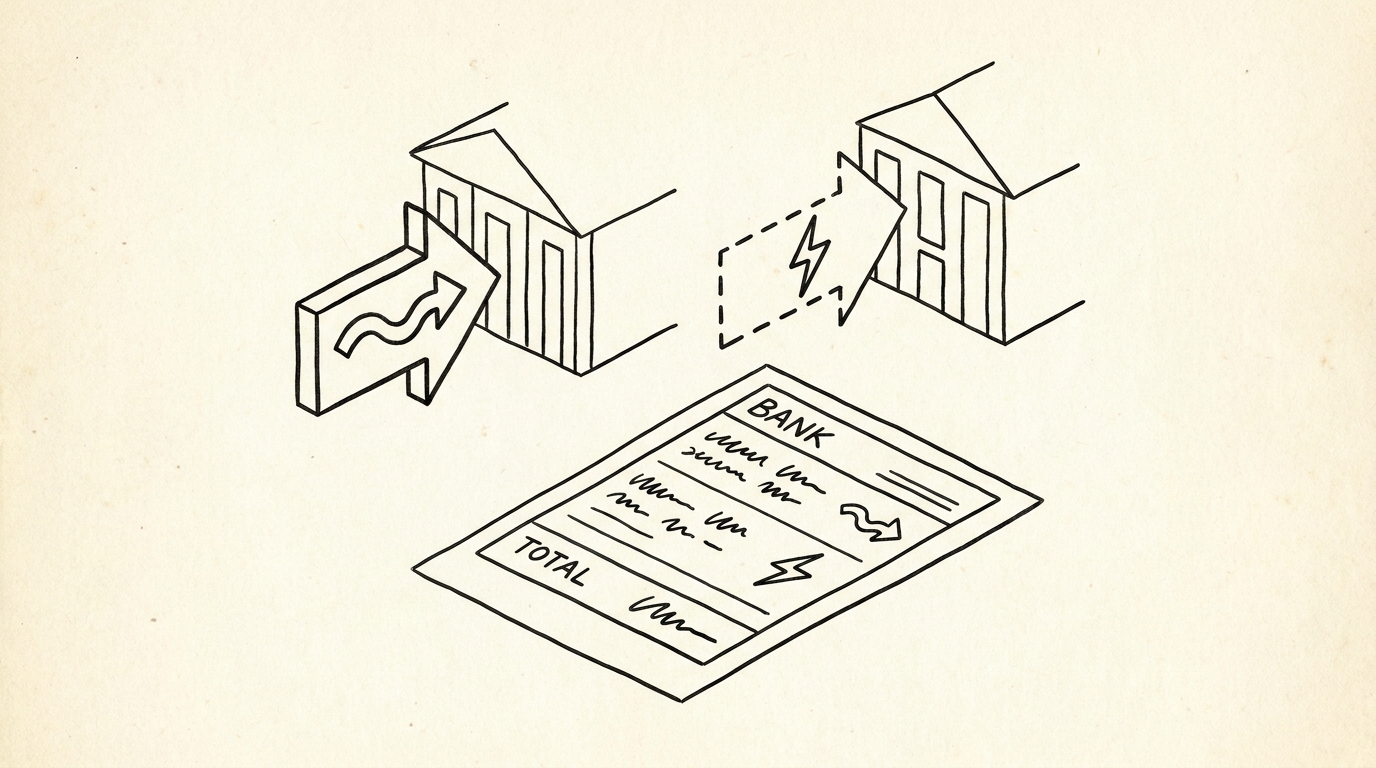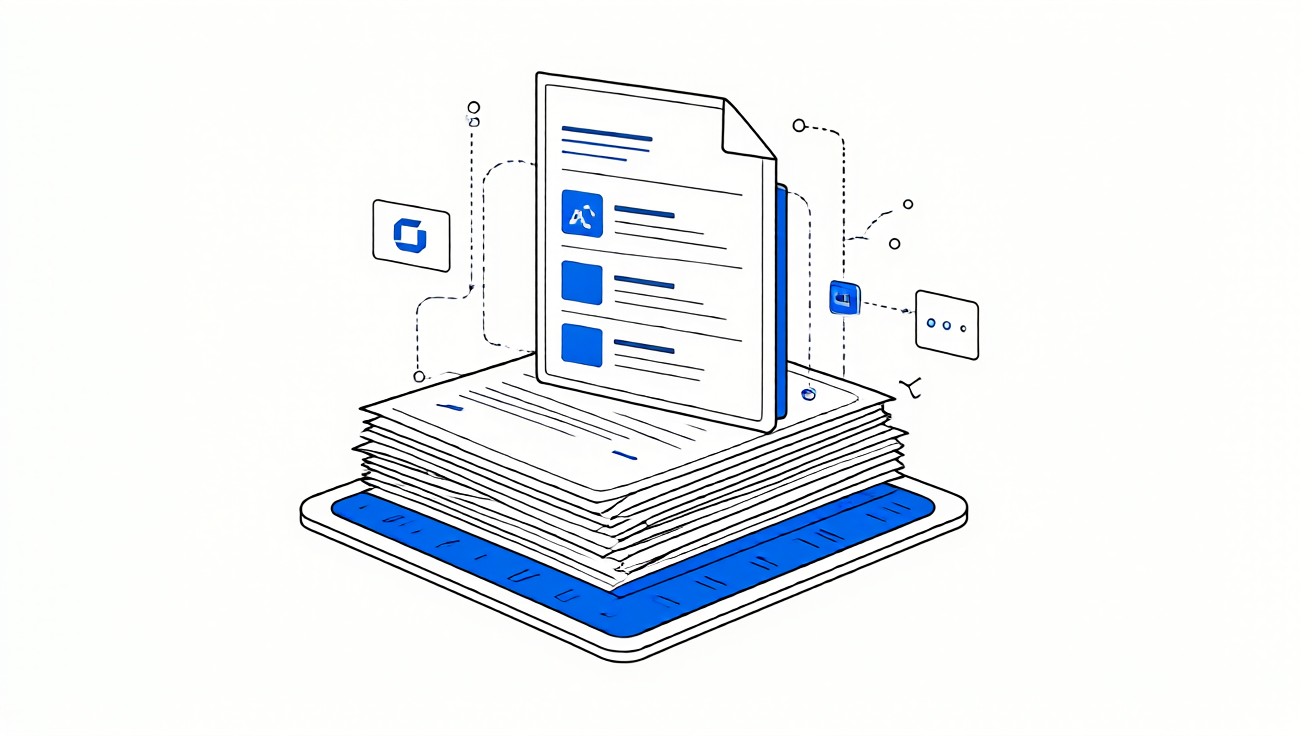

An AI bank statement converter is software that uses machine learning to read a PDF statement and rebuild its transactions into structured rows with Date, Description, Amount, and Balance. Instead of relying on a fixed template for each bank, it learns patterns from the layout so it can handle many formats. The output is a dataset you can sort, filter, and import.
For a small business owner, the appeal is clear. Statements arrive from different banks in different layouts, and retyping months of history is slow and error prone. An AI converter promises to remove that typing across formats. The catch is that speed means little if a row is wrong.
The right AI converter is the one that passes the running balance test on your own statements and handles your banks without manual cleanup.
Key facts. AI converters use machine learning to identify transaction rows and columns from PDF layouts. They can handle varied bank formats without per bank templates. Accuracy still requires verification via the running balance. Scanned PDFs may need OCR before AI extraction. Evaluate based on accuracy, speed, supported formats, and data privacy.
Machine learning reads layout, not just text. The model groups positioned text into rows and columns, so a wrapped description stays one transaction instead of becoming a phantom row.
What an AI bank statement converter does
A PDF statement stores text by position. The bank prints dates, descriptions, amounts, and balances at coordinates for human reading. There is no underlying table. An AI converter reads those coordinates and reconstructs rows and columns. The result is one transaction per row with fields separated.
Traditional converters depend on a template per bank. If the bank changes its layout, the template breaks. An AI converter instead learns layout patterns, so it can adapt to new formats it has not seen in a fixed template. This is the core promise of AI extraction.
For a small business owner, the practical result is fewer failed extractions across multiple banks. You spend less time fixing column mismatches and more time reviewing clean data. The tool still needs your verification, but the starting point is better.
To see how a standard converter handles the same job, read bank statement to Excel converter for the baseline process.
AI also helps when statements come from many institutions. A bookkeeper who serves several clients no longer needs to maintain a template library. The model generalizes across layouts, which reduces setup time for each new bank.
How machine learning reads a PDF layout
The model first extracts text with its position on the page. It then groups nearby text into lines and lines into rows. It labels each field by pattern: dates look like dates, amounts look like currency, balances change by the transaction amount. This is how it assigns columns without a template.
Wrapped descriptions are a common test. A long merchant name continues on the next visual line. A weak parser makes a phantom row with a blank date. A strong model merges the lines into one transaction because the second line lacks a date and amount. This single behavior separates good tools from poor ones.
Page breaks are another test. Transactions that straddle a page boundary can be dropped or split. A robust model tracks row state across pages and keeps the transaction intact. You should check the first and last rows of every page in a sample extraction.
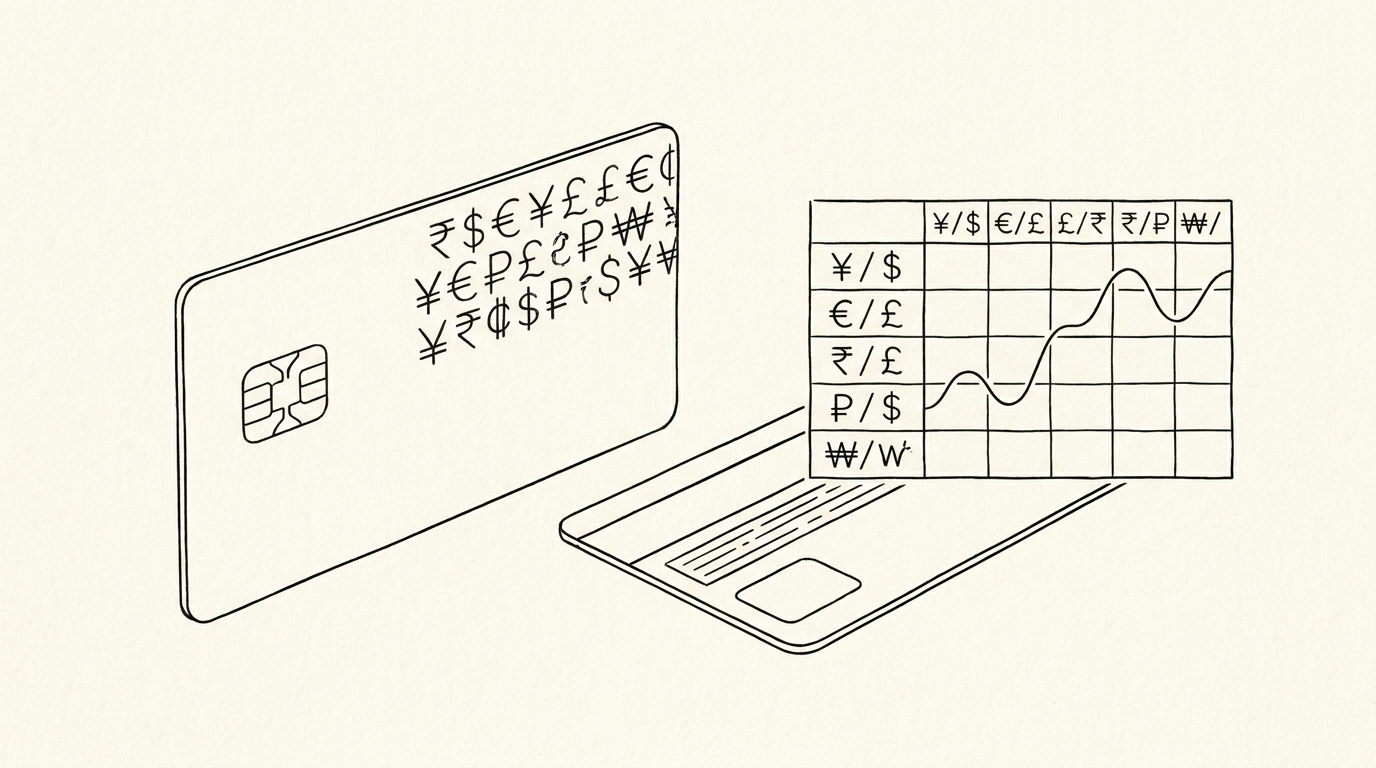
Models improve with more examples, but they are not perfect. Edge cases like reversed columns, multi currency statements, or unusual date formats can confuse extraction. Always test on your own statements before trusting the output.
Some tools expose a confidence score per field. Treat that score as a hint, not proof. The running balance remains the only objective test of whether the extraction is correct.
From Bank Statement to QuickBooks-Ready File
That manual cleanup you just read about? This tool skips it. Turn your PDF into QBO for QuickBooks without storing your data anywhere.
Start ConvertingTemplate based versus AI based extraction
Template based tools map fixed coordinates to fields for each bank. They are precise when the layout matches and brittle when it does not. A bank redesign or a new statement format breaks them until someone updates the template.
AI based tools trade that precision for flexibility. They handle varied layouts without per bank templates, which means fewer manual fixes when banks change formats. The tradeoff is that they can hallucinate a field or merge two rows in unusual layouts. Verification remains essential.
In practice, many tools blend both approaches. They use templates where reliable and fall back to AI for unknown layouts. This hybrid can give the best of both, but you still need to test on your own banks. For a comparison of output options, see bank statement converter to Excel.
When choosing, ask which approach the vendor uses and how often templates are updated. A vendor that only updates templates quarterly may lag behind bank redesigns. An AI first vendor adapts faster but may need more verification on edge cases.
Accuracy and the running balance test
Accuracy is not a marketing number. The only objective test is the running balance. Each extracted row must change the balance by its amount. If a row does not, the extraction failed on that row, regardless of how fast or polished the tool looks.
Start by counting transactions. Count on the PDF, then count extracted rows. A mismatch points to a split or merged row. This takes two minutes and catches most failures. Then walk the balance chain row by row, adding deposits and subtracting withdrawals from the previous balance.
Confirm opening and closing balances match the PDF exactly. If all three checks pass on your own statements, the tool is worth considering. For a deeper method, read bank statement accuracy verification.
Record the time spent on verification for each tool. A tool that is slightly less accurate but requires heavy cleanup may cost more in labor than a slower, cleaner one. Include your own time in the comparison.
| Check | What to compare | Pass signal |
|---|---|---|
| Transaction count | PDF rows vs extracted rows | Exact match |
| Balance chain | Running balance after each row | Matches PDF |
| Opening balance | First row starting balance | Matches PDF |
| Closing balance | Last row ending balance | Matches PDF |
| Wrapped descriptions | Multi line merchant names | One row per transaction |
Scanned PDFs and OCR reality
AI extraction works on text that the PDF contains. A scanned or image only statement has no text layer, so the tool must run OCR first to create text. OCR adds errors, especially on low quality scans or small fonts. AI then extracts from that imperfect text.
The result is lower accuracy than a native digital PDF downloaded from your bank portal. Prefer native PDFs whenever possible. If you must use scanned statements, test the full pipeline on real scans and expect more verification work. For practical guidance, see bank statement OCR scanned PDF.
Scan quality matters more than the AI model. A 300 DPI scan of a clean page gives OCR a fair chance. A phone photo of a crumpled statement does not. If you control the scanning, use a flatbed scanner and a high resolution.
Some banks still mail paper statements. If you plan to convert them, request PDF delivery instead. Electronic statements are text based and extract far more reliably than scanned paper.
Privacy, speed, and choosing well
Speed matters when you process months of history or onboard a new client. Consistency across repeated runs matters when a statement is reprocessed after a correction. Both are easy to check in a trial. Ask whether the tool keeps your data private and for how long.
Privacy is a major differentiator. Look for clear statements about data retention. Some services process in memory and do not store statement contents. Others may retain files. Read the privacy policy and confirm what happens to your extracted text, especially if an AI partner is involved.
Match the tool to your volume, your banks, and your accounting software. A converter that passes your tests and exports the format you need is the right one, even without extra features. For the broader selection framework, see how to choose a bank statement converter.
Run a pilot on three to five real statements from different banks before committing. Include at least one statement with wrapped descriptions and one with many small transactions. The pilot reveals more than any demo or benchmark.
Turn That PDF Into a Spreadsheet in Minutes
You've seen how to do it manually — now let the tool handle the heavy lifting. Upload your bank statement and get Excel, CSV, or QBO in a few clicks.
Try It Free