
A bank statement code is a short label or abbreviation a bank prints beside a transaction to identify its type, source, or category. Codes such as ACH, POS, ATM, WIRE, SVC CHG, and INT tell you what happened without spelling it out. Reading them is the first step to understanding your statement.
For a small business owner, these codes can look like noise. A line that reads “ACH DEBIT 4821” or “POS 5411” gives no obvious meaning, and skipping it leaves gaps in your books. Decoding each code turns a cryptic line into a clear transaction you can categorize and reconcile.
The code tells you what kind of transaction it is. The description and amount tell you whether it belongs in your books.
Key facts. Codes identify transaction types such as ACH transfers, card purchases, ATM withdrawals, and wires. Merchant category codes (MCCs) classify the merchant by industry. Some codes mark fees, interest, or account adjustments. Decoding codes speeds up reconciliation and categorization. Your bank’s glossary or help center lists the definitions it uses.
One pass through the codes on a new statement teaches you your bank’s shorthand and makes every future statement faster to read.
What bank statement codes actually are
A code is not the same as a description. The description names the merchant or counterparty. The code describes the payment rail or transaction type. A line might show “SQ *COFFEE SHOP 4821 POS 5411” where each piece answers a different question.
In that example, “SQ *COFFEE SHOP” is the merchant, “4821” is a store or terminal number, “POS” is the code for a card purchase, and “5411” is the merchant category code. Reading the pieces separately keeps you from confusing the store name with the transaction type.
Banks use codes to compress information into narrow columns. A full description would not fit, and standard codes let the bank’s systems sort and report transactions. Once you learn the shorthand, the statement becomes much easier to scan.
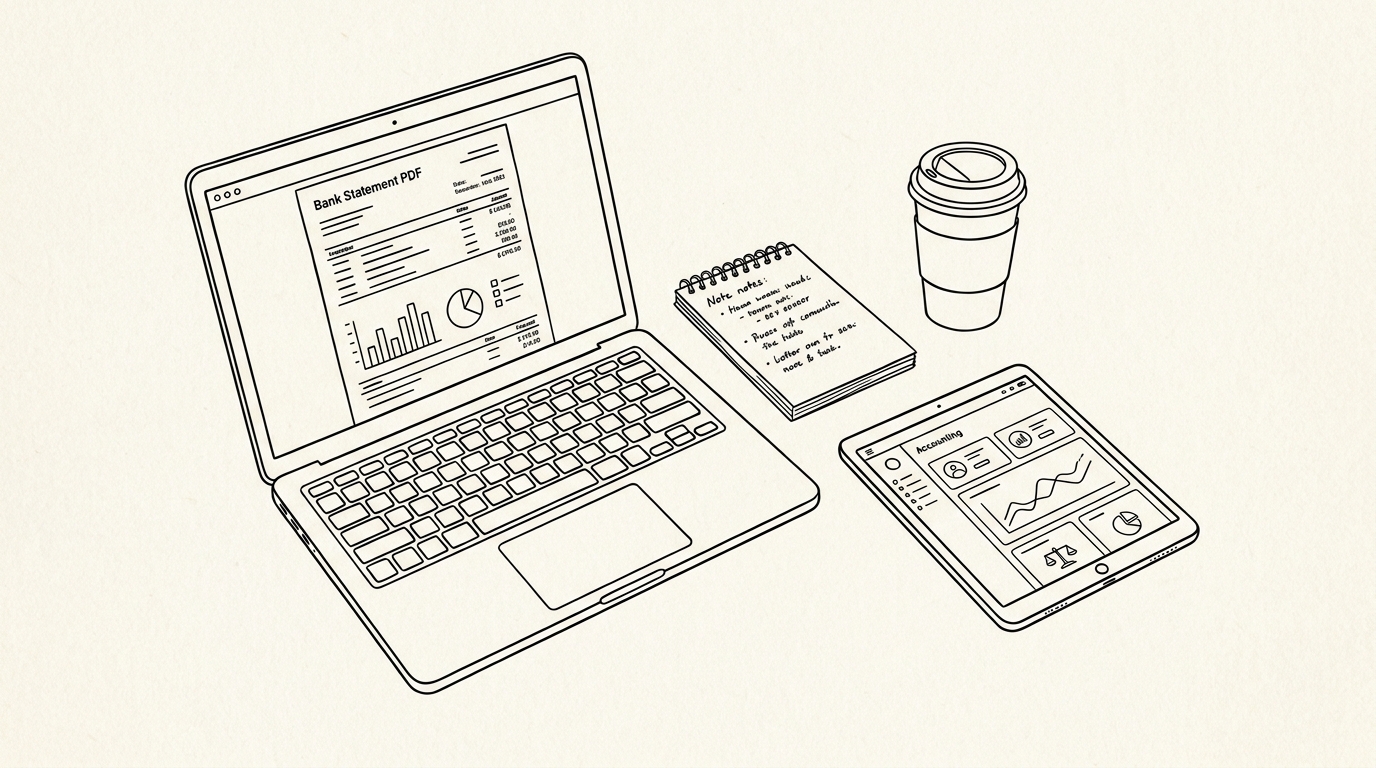
A bank statement is built from these coded lines. Every deposit, withdrawal, fee, and adjustment carries one or more codes that determine how it is processed and reported.
Common transaction type codes
Most statements use a familiar set of codes. The exact wording varies by bank, but the meanings are consistent enough to learn once and reuse.
| Code | Meaning | Where you see it |
|---|---|---|
| ACH | Automated Clearing House transfer | Direct deposits, bill payments, transfers |
| POS | Point of sale card purchase | Debit or credit card buys |
| ATM | ATM withdrawal or deposit | Cash machine transactions |
| WIRE | Wire transfer | Domestic or international wires |
| DEP | Deposit | Cash or check deposits |
| CHK / CHECK | Check payment or deposit | Check transactions |
| SVC CHG / MAINT FEE | Service or maintenance fee | Monthly fees |
| OD FEE | Overdraft fee | Overdrawn transactions |
| INT | Interest earned or charged | Interest lines |
| ADJ | Adjustment | Corrections or reversals |
| REF / CR | Refund or credit | Returned items |
| DR / CR | Debit or credit indicator | Direction of funds |
ACH covers most electronic transfers between banks. A payroll deposit, a vendor payment, and an automatic utility payment all move through ACH. The code may appear as ACH CREDIT for money in or ACH DEBIT for money out.
POS means the card was used at a merchant terminal. The code often appears with a store name and a merchant category code. ATM lines usually show the machine location and a fee if the machine is out of network.
WIRE lines are usually larger amounts and carry a fee. Deposits and checks use simpler codes. Fee and interest lines use their own abbreviations, which are covered in a later section. If you know how to read a bank statement, these codes become familiar within a month or two of regular review.
Deposit and check codes are usually the simplest. DEP marks a deposit, and CHK or CHECK marks a check. The reference number beside them ties the line to a deposit slip or check image, which you can pull up in online banking if a question comes up later.
Refund and credit lines use REF or CR. These can represent a returned purchase, a fee reversal, or a credit adjustment. The description tells you which one, and the reference number links back to the original transaction.
Turn PDF Bank Statements Into Workable Spreadsheets
Your bank statement is a mess of numbers, but your books shouldn't be. Use our converter to get Excel, CSV, or QBO files — ready for QuickBooks.
Try It Free NowMerchant category codes (MCCs)
An MCC is a four digit code that classifies the merchant by industry. The code is assigned when the merchant sets up card processing, and it travels with every card transaction. It is not chosen by your bank. It is set by the payment network and the merchant’s processor.
MCCs matter for three reasons. First, they help you categorize expenses without guessing from the merchant name. Second, they determine rewards and cash back rates on many cards. Third, they affect reporting for tax and accounting purposes. A grocery purchase and a restaurant purchase can look similar on a statement but carry different MCCs.
For example, MCC 5411 covers grocery stores and supermarkets. A purchase at a supermarket carries 5411, while a convenience store might carry a different code. The full system is large, and a complete guide to merchant category codes on bank statements covers the categories and how to use them.
MCCs also explain why a reward rate does not match your expectation. If a store is coded as a general retailer rather than a grocery store, a grocery rewards card may not pay the bonus rate. The code, not the store name, controls the classification.
Fee, interest, and adjustment codes
Not every line is a payment. Some codes mark account activity that changes your balance without a purchase or transfer. These need their own attention because they are easy to overlook.
| Code | Meaning | Note |
|---|---|---|
| SVC CHG / MAINT FEE | Service or maintenance fee | Monthly account fee |
| OD FEE | Overdraft fee | Per item overdrawn |
| NSF FEE | Non sufficient funds fee | Returned item |
| ATM FEE | ATM surcharge or network fee | Out of network use |
| WIRE FEE | Wire transfer fee | Per wire |
| INT / INT CREDIT | Interest earned | Savings or interest bearing accounts |
| INT CHG / FIN CHG | Interest charged | Credit or overdraft interest |
| ADJ / ADJUSTMENT | Balance adjustment | Correction or reversal |
| FEE WAIVER / CREDIT | Fee reversal | Bank credit |
Fee codes are covered in more detail in a guide to bank statement charges explained, including typical amounts and how to reduce them. The key point here is that the code tells you the fee type before you read the description.
Interest lines can be credits or debits. A savings account shows INT CREDIT for interest earned. A credit card or overdraft shows INT CHG for interest charged. The direction matters for your books, so check the sign and the running balance.
Adjustments reverse or correct a prior transaction. They often appear with ADJ or a similar code and a reference number. Match the adjustment to the original line before posting it, so your records stay clean.
How to decode a code you do not recognize
When a code does not match anything you know, work through a short process. First, read the full line, including the description and any reference numbers. Second, check the date and amount against your records. Third, compare the code against your bank’s fee schedule and glossary. Fourth, search the bank’s help center using the exact code as it appears.
Banks publish glossaries and help articles that define their codes. Some are generic, and some are bank specific. If the code is not documented, call the bank and ask for the full description and the transaction type. Get the answer in writing if the amount is large.
Do not guess and post the transaction to your books. An uncoded line posted to the wrong category creates a cleanup job later. It is faster to ask once than to reconcile a month of miscoded entries.
Most codes become familiar within a few months of regular review. The ones that remain are usually bank specific or rare, and a quick call resolves them.
Turning decoded codes into clean books
Decoded codes make categorization faster and more consistent. Once you know which codes mark fees, transfers, and card purchases, you can sort and filter your statement with confidence. Exporting the statement to a spreadsheet lets you group by code and total each type.
A monthly routine works best. Download the statement, scan the codes, and post each transaction to the right account. Ten minutes a month keeps your books current and makes year end review simple.
Codes also help you spot problems. A duplicate ACH debit with the same reference number, an unexpected OD FEE, or an MCC that does not match the merchant name all stand out once you know what the codes mean. Catching them early prevents larger issues later.
Software can help once your codes are consistent. Exporting a statement and grouping by code turns a manual scan into a quick filter. A how to read a bank statement approach works on paper, but a spreadsheet makes the patterns visible across months.
The goal is not to memorize every code. It is to recognize the common ones, question the rest, and keep your records accurate. With practice, reading a statement becomes a quick check rather than a puzzle.
Turn That PDF Into a Spreadsheet in Minutes
You've seen how to do it manually — now let the tool handle the heavy lifting. Upload your bank statement and get Excel, CSV, or QBO in a few clicks.
Try It Free