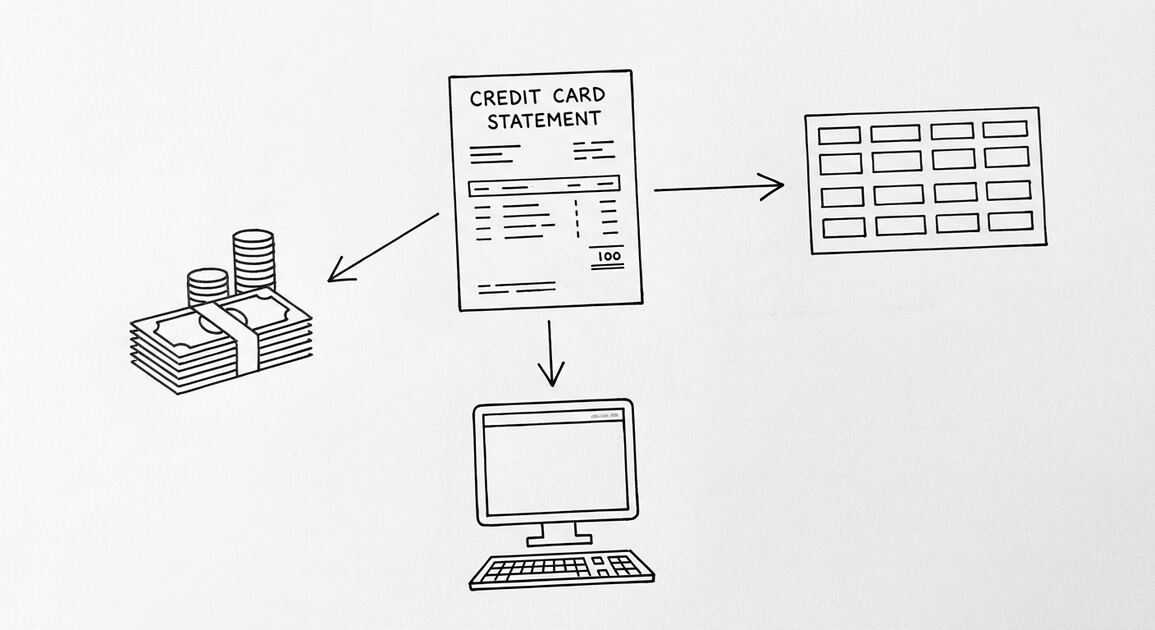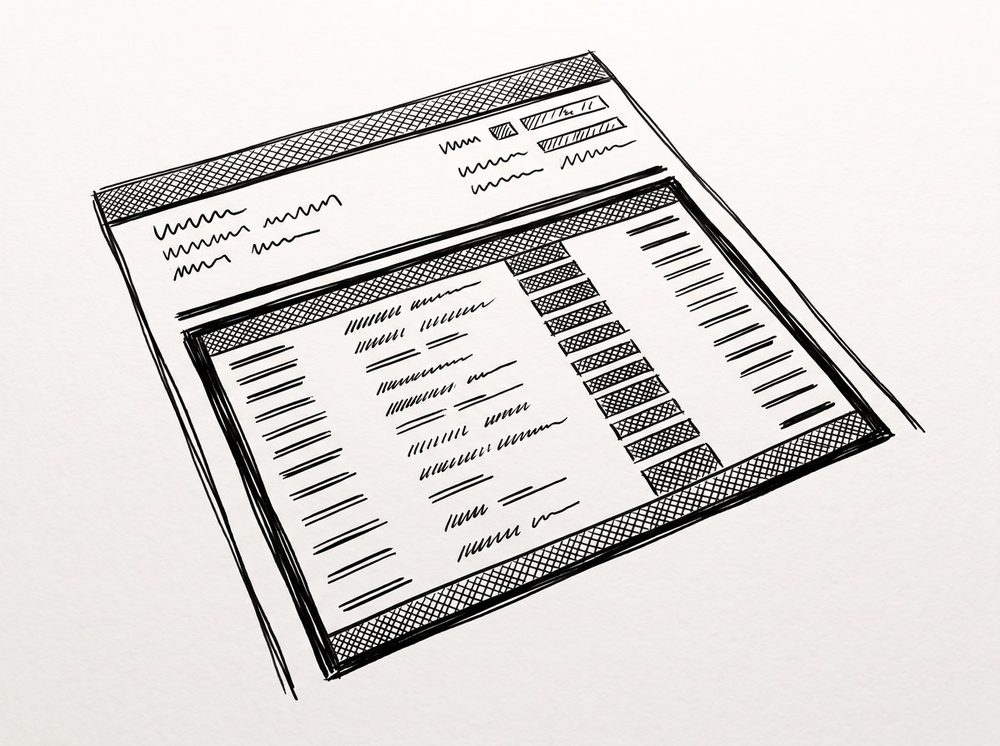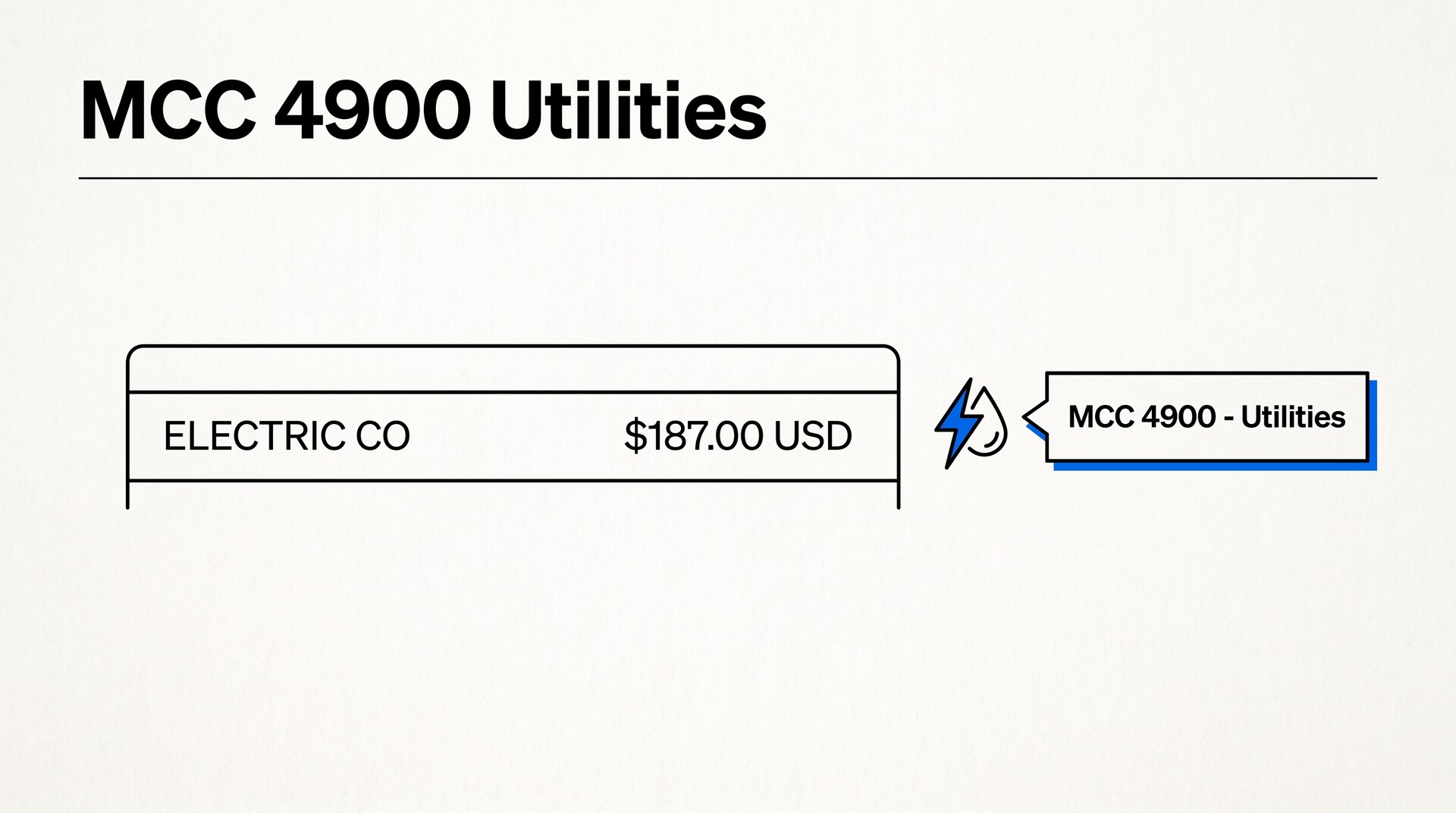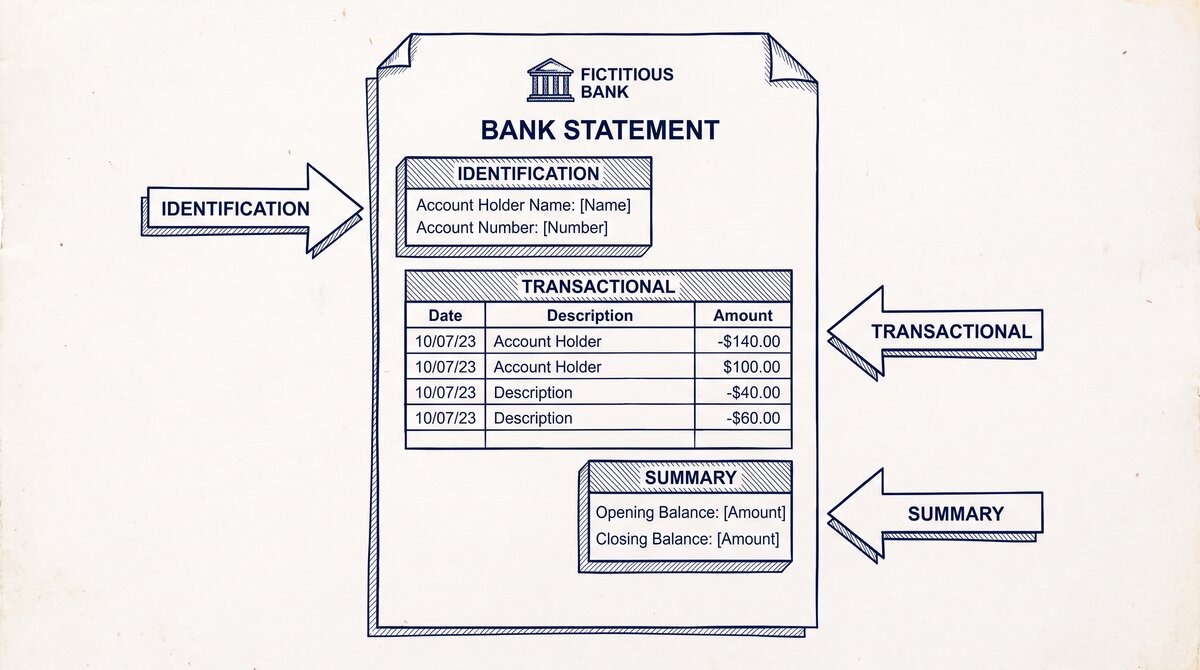

A bank statement contains 3 categories of information: identification (account number, statement period), transactional (every deposit and withdrawal), and summary (opening/closing balance, fees, interest). The 5 required fields appear on every statement: account number, statement period, opening balance, transaction list, and closing balance. The 15+ optional fields vary by bank: check images, interest details, overdraft summary, year-to-date totals, and customer service info.
TL;DR. A bank statement has 3 categories of information: identification (5 fields), transactional (4 core fields per transaction), and summary (6 fields). The 5 required fields are on every statement: account number, statement period, opening balance, transaction list, closing balance. The 15+ optional fields are bank-specific: check images, interest details, overdraft summary, YTD totals, customer service info, regulatory disclosures, and marketing messages. To read a statement in 3 steps: check the period, verify the opening balance, scan the transactions for the closing balance match.
What “Information on a Bank Statement” Means
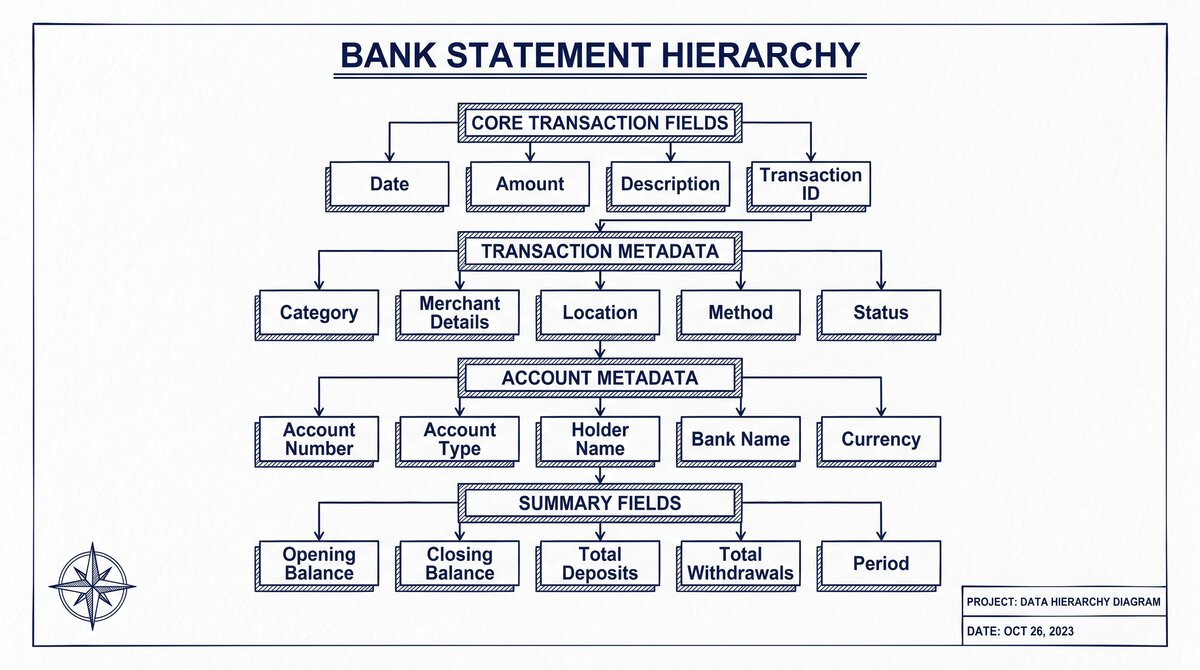
The information on a bank statement is the data the bank provides to document the activity in your account. The information is organized in 3 categories: identification (who and when), transactional (what happened), and summary (the totals and balances).
What most guides miss about this workflow is that the quality depends on the mechanism, not on the tool. Two tools that look different on the surface often run the same 4-step process underneath: read, find, parse, verify. The difference is in how well each step handles edge cases (merged cells, missing balances, non-standard date formats, scanned vs digital input). Choosing between tools based on UI alone misses the actual quality lever.
The 3 categories are governed by the Truth in Savings Act and Regulation E. The bank is required to provide certain information (the required fields) and may provide additional information (the optional fields) at the bank’s discretion. The result is a document that is consistent across banks in the required parts and variable in the optional parts.
The 3-Category Framework
- Identification: who the account belongs to and what period the statement covers
- Transactional: every deposit, withdrawal, fee, and interest credit in the period
- Summary: the opening and closing balance, the total deposits, the total withdrawals, the fees, the interest, and the year-to-date totals
The 3 categories serve different purposes. The identification tells the user (or a third party) which account and which period. The transactional is the detailed activity. The summary is the rollup that matches the totals in the transactional.
The Difference Between “Information” and “Anatomy”
The information on a bank statement (this article) is the data. The bank statement anatomy is the structure (where the data is on the page). The same information can be presented in different layouts; the anatomy is the layout, the information is the data.
For example, the account number is information. The fact that the account number is in the top-left corner of the first page is anatomy. The account number appears on every statement; the corner placement is a design choice.
The 5 Required Fields Every Statement Has
The 5 required fields are governed by federal regulation. Every US bank statement has these 5 fields, in some form.
1. Account Number
The account number identifies the specific account. The number is unique to the account and to the bank (no two accounts at the same bank have the same number). The number may be fully visible or partially masked (e.g., “**1234″) depending on the bank’s security practices.
The account number is typically in the identification section, near the account holder’s name. For statements with check images, the account number also appears in the MICR line at the bottom of each check.
2. Statement Period
The statement period identifies the dates covered by the statement. The period is typically one month (e.g., “January 1, 2025 to January 31, 2025”) but can be quarterly, weekly, or custom.
The statement period is critical for record-keeping. A tax preparer needs to know which year the statement covers; a lender needs to know the recent months; a tenant needs to show the recent activity.
3. Opening Balance
The opening balance is the account balance at the start of the statement period. The opening balance equals the prior statement’s closing balance (or the account opening balance, for the first statement).
The opening balance anchors the transaction list. The closing balance is calculated as opening balance + total deposits – total withdrawals + interest – fees.
4. Transaction List
The transaction list is the list of every deposit, withdrawal, fee, and interest credit in the period. Each transaction has:
- Date: the date the transaction posted to the account (may differ from the date the user initiated the transaction)
- Description: the merchant name, payee, or transaction memo
- Amount: the dollar amount, with sign convention (positive for deposit, negative for withdrawal)
- Balance: the running balance after the transaction (optional in some bank statements)
The transaction list is the core of the statement. The other required fields are identification and summary; the transaction list is the data.
5. Closing Balance
The closing balance is the account balance at the end of the statement period. The closing balance is the most important number on the statement for most users: it is the current balance, the available funds, and the basis for the next statement’s opening balance.
The closing balance must equal the opening balance plus the sum of all transactions (deposits – withdrawals + interest – fees). If the math does not work, there is an error in the statement or in the user’s calculation.

From PDF to Excel in one click
Forget retyping line by line. Upload any bank statement, get a spreadsheet you can actually use. Your files are never stored, and you can test the converter with 3 free conversions.
Try it freeThe 15+ Optional Fields Most Statements Include
Beyond the 5 required fields, most bank statements include 15+ optional fields. The optional fields are bank-specific and may change from statement to statement.
Identification Optional Fields
- Account holder address: the address on file for the account holder. May be omitted for privacy.
- Account type: checking, savings, money market, etc. May be implied by the account number format.
- Routing number: the bank’s routing number. Useful for ACH and wire transfers.
- Branch code or office code: identifies the specific branch that holds the account.
- Customer ID: an internal identifier for the customer (not the account number).
Transactional Optional Fields
- Check number: for check transactions, the check number.
- Transaction type code: a code that identifies the type of transaction (e.g., “ACH debit,” “check deposit,” “ATM withdrawal”).
- Reference number: a unique identifier for the transaction, used for tracking and dispute.
- Memo line: an optional memo the user added to the transaction.
- Posting date: separate from the transaction date, the date the bank processed the transaction.
Summary Optional Fields
- Total deposits: the sum of all deposits in the period.
- Total withdrawals: the sum of all withdrawals in the period.
- Total fees: the sum of all fees in the period.
- Total interest earned (or charged): the interest for the period.
- Year-to-date totals: total fees, total interest, total deposits, total withdrawals for the calendar year.
- Overdraft summary: the number of overdrafts, the total overdraft fees, the average daily balance.
- Available balance: the balance available for withdrawal, which may differ from the closing balance due to pending transactions.
Regulatory and Customer Service Fields
- FDIC notice: the standard FDIC insurance notice (for banks) or NCUA notice (for credit unions).
- Customer service phone number: for inquiries and disputes.
- Error resolution procedures: the bank’s process for resolving errors, required by Regulation E.
- Privacy notice: how the bank handles customer information.
- Marketing messages: optional, can be removed by request.
The 5 Fields That Vary by Bank
Some optional fields vary in format and content by bank, which can create inconsistency for users who switch banks or aggregate statements from multiple banks.
1. Date Format
Banks use different date formats: “01/15/2025” (US), “2025-01-15” (ISO), “Jan 15, 2025” (US spelled out), “15-Jan-2025” (European). The format may also vary by section of the statement (the transaction date may be one format, the statement period another).
2. Amount Format
Some banks use parentheses for negatives (“($100.00)”), some use a minus sign (“-$100.00”), some use a separate debit/credit column. The decimal precision may also vary (always 2 decimal places vs trailing zero omission).
3. Description Format
The merchant name and memo format varies widely. Some banks truncate long names, some wrap long names to a second line, some use a structured format with merchant ID + location.
4. Balance Format
Some banks include the running balance after each transaction; some only show the closing balance. Some show the available balance (cleared) separately from the current balance (pending).
5. Check Image Format
Some banks include check images on the statement; some provide them separately; some do not provide them at all. The format of the check image (front only, front + back) varies.
How to Read the Information in 3 Steps
For a user who has a bank statement and wants to understand it quickly:
Step 1: Check the Period
Look at the statement period (the dates). Confirm the period is what you expect (e.g., the most recent month for a loan application). If the period is wrong (e.g., it’s a quarterly statement when you expected a monthly), the rest of the information is also different.
Step 2: Verify the Opening Balance
The opening balance should match the closing balance of the prior statement. If it does not, there is an error in the statement, or you are looking at a different account.
Step 3: Scan the Transactions for the Closing Balance Match
Add up the opening balance + deposits – withdrawals + interest – fees. The result should match the closing balance. If it does not, there is an error in the statement, or the user missed a transaction.
The bank statement converter automates this verification step. The converter reads the statement, adds up the transactions, and confirms the closing balance matches.
A common failure mode bookkeepers report is treating this as a single operation rather than a chain of dependent steps. The temptation is to find a tool that ‘just works’ and stop investigating the mechanism. The result is a wrong-fix cycle: the tool gives partial output, the bookkeeper spends 30+ minutes troubleshooting, the fix is for the wrong step, and the same error recurs on the next statement. The fix: identify which step failed and apply the right intervention to that step.
When Information Is Missing
The 3 cases where information is missing from a bank statement:
1. Bank Error
The bank failed to include a required field. The customer can request a corrected statement. The bank is required to provide the statement under TISA and Reg E.
2. Account Type Limitation
Some account types do not include all fields. A savings account, for example, may not have a transaction list (if there are no transactions) or a check image section (if checks are not used).
3. Online-Only Statement
Some banks provide a simplified statement online (the “e-statement”) that may omit some fields that are on the paper statement. The customer can request a full paper statement or a comprehensive PDF export.
When information is missing, the customer can:
- Contact the bank to request a corrected statement
- Use the online banking portal to retrieve the missing information
- Use a bank statement data extraction tool to extract the data from the available statement
For the basic definition, read what is a bank statement. To see how a statement is laid out on the page, see bank statement anatomy. For a column-by-column field reference, see bank statement fields explained. For the output spec, see bank statement CSV format.
If you are not sure whether you have a statement or a transaction history, see bank statement vs transaction history. To see how the data is pulled out, see bank statement data extraction. If you want to convert a statement, use the bank statement converter. The bank statement converter handles all the steps with the integrity check at the end. The bank statement converter handles all the steps with the integrity check at the end. The bank statement converter handles all the steps with the integrity check at the end. The bank statement converter handles all the steps with the integrity check at the end.
Turn any PDF statement into a clean sheet
Skip the typos and the hours of copying. Our converter handles any bank statement format and outputs Excel, CSV, or QBO for QuickBooks. No file retention, free to try.
Convert your statement