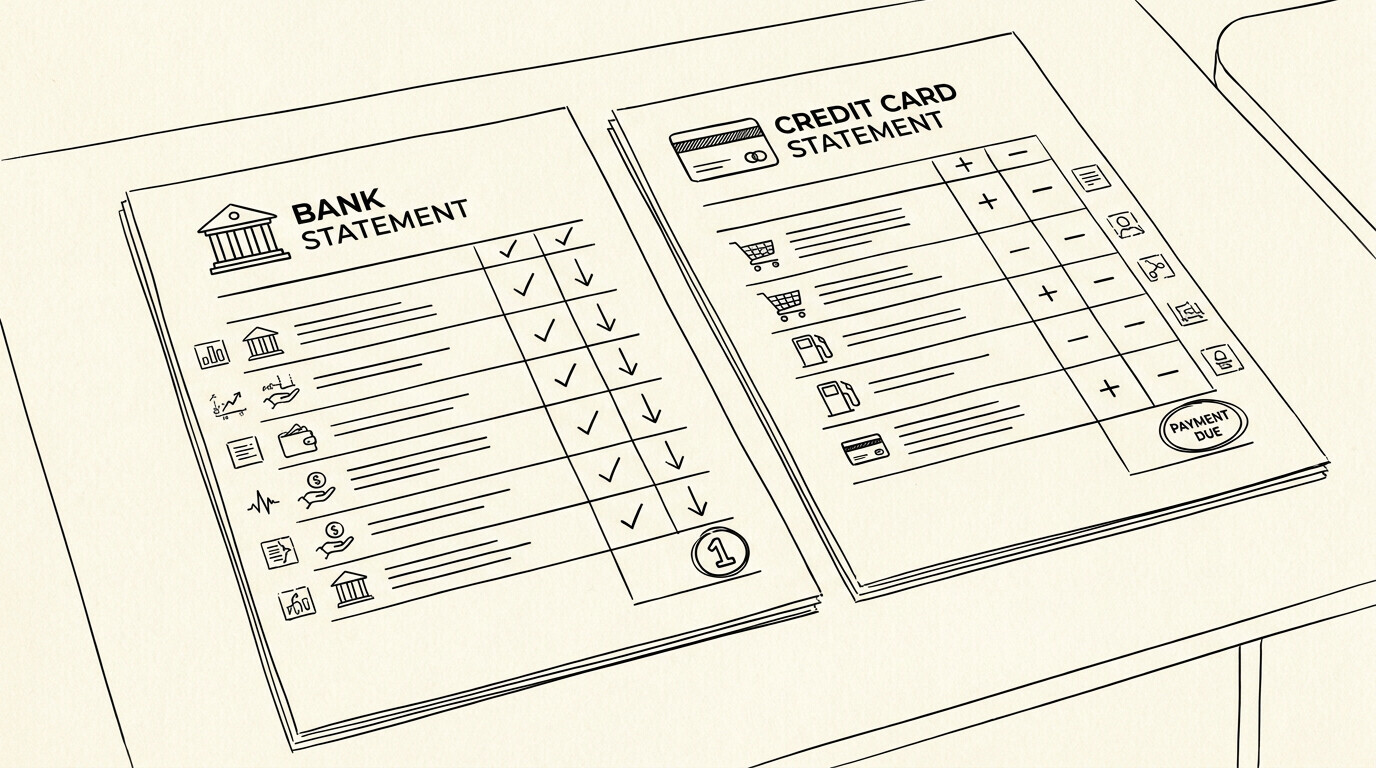

A bank statement’s balance is cash you have. A credit card statement’s balance is cash you owe. Same Excel format, opposite meaning. A bookkeeper converts both a bank statement and a credit card statement to Excel for a small business client. The bank statement has $50,000 in the account. The credit card statement has $5,000 owed.
The Excel files look similar (date, description, amount, balance) but the meaning is opposite.
TL;DR. Bank statements and credit card statements both convert to Excel, but the output has 7 key differences: balance meaning, sign convention, transaction types, fees, refunds, credit limit, and accounting treatment. The Excel format is the same. The meaning is opposite.
For credit card specifics, see the credit card to Excel guide. For bank statement specifics, see the bank statement to Excel guide.
The 7 Key Differences
Both bank statements and credit card statements convert to a 4-column Excel file. The columns are the same: date, description, amount, balance. The differences are in what each column means and how the data is interpreted.
Difference 1: Balance meaning
A bank statement’s balance is cash you have. The closing balance is what is in the account at the end of the period. A credit card statement’s balance is cash you owe. The closing balance is what is owed to the issuer at the end of the period.
The Excel format is the same (a running balance column), but the meaning is opposite. On a bank statement, the closing balance is an asset. On a credit card statement, the closing balance is a liability.
Difference 2: Sign convention
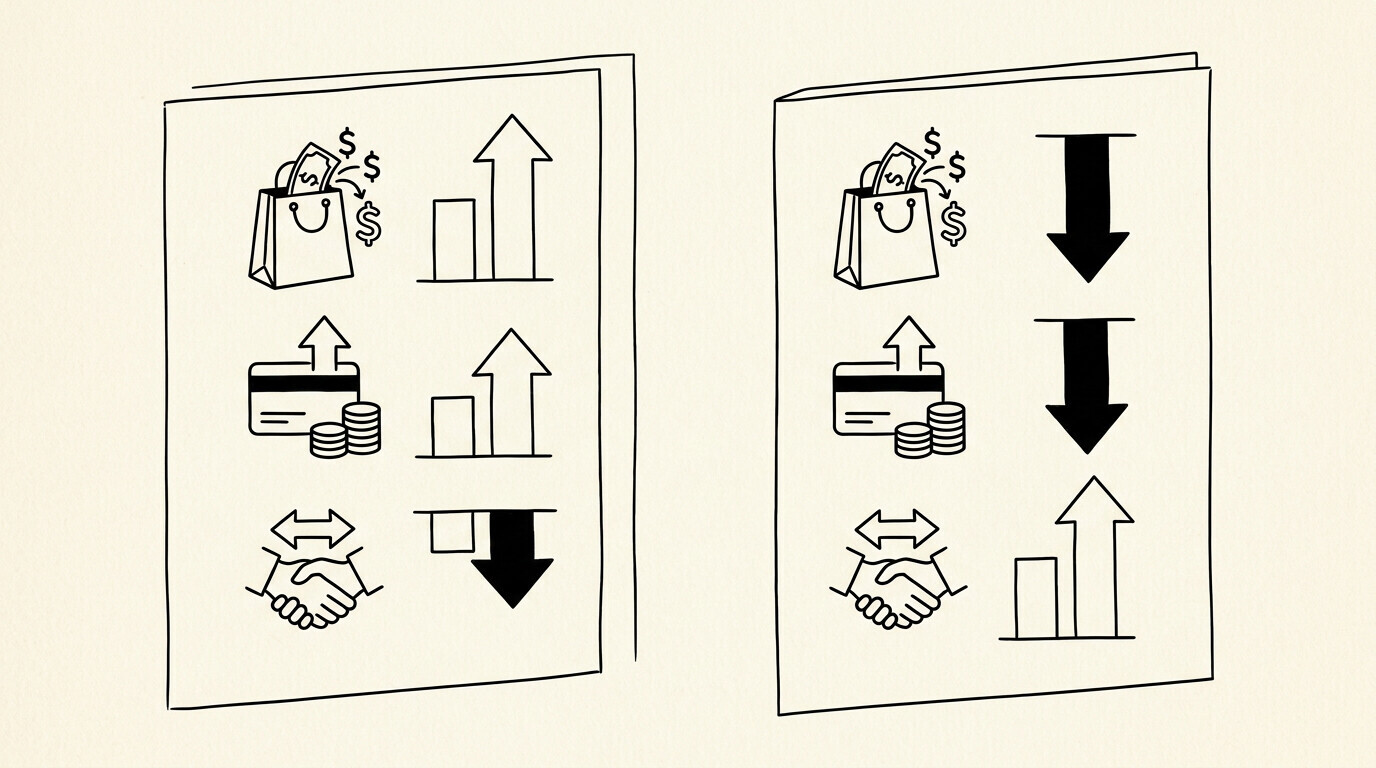
Both use a sign convention. Bank: deposits positive, withdrawals negative. Credit card: charges positive, payments negative. The signs look the same, but the meaning is different. On a bank, a positive is money coming in. On a credit card, a positive is money going out.
For the full sign convention deep dive on credit cards, see the sign convention guide. The bank statement sign convention is simpler (deposits in, withdrawals out) and is rarely wrong.
Difference 3: Transaction types
Bank statements have: deposits (payroll, transfers in), withdrawals (checks, ACH, debit card, ATM), fees (overdraft, monthly maintenance), and interest earned. Credit card statements have: charges (purchases), payments, fees (annual, late, over-limit, foreign transaction), and interest charged.
Different transaction types, different categorization in Excel. A bank statement has check numbers; a credit card statement has merchant descriptors. A bank statement has wire transfer references; a credit card statement has card network transaction IDs.
Difference 4: Fees and interest
Bank statements have fees (overdraft, monthly maintenance, wire transfer) and interest earned (on positive balances, typically minimal). Credit card statements have fees (annual, late, over-limit, foreign transaction, cash advance) and interest charged (on unpaid balances, often 15-25% APR).
The Excel columns are the same, but the values mean different things. A $35 bank fee is an expense. A $35 credit card fee (often a late fee or annual fee) is also an expense, but the cash flow impact is different. The credit card fee is added to the balance owed.
Difference 5: Refunds and chargebacks
Bank statements rarely have refunds. If they do (a returned check, a reversed wire), they show as a separate transaction, often with a different date from the original. Credit card statements have refunds frequently, and they show as a negative charge with the same merchant descriptor as the original.
Chargebacks are specific to credit cards. They are forced refunds by the issuer. The Excel treatment is the same as a refund (negative amount), but the merchant descriptor is different. For the full refund fix, see the refund fix guide.
Difference 6: Credit limit and available credit
Bank statements don’t have a credit limit. Deposits are unlimited, up to FDIC insurance ($250,000 per depositor per bank). Credit card statements have a credit limit, an available credit, and a current balance. The Excel file does not include credit limit data. That is in the issuer’s online portal.
For bank statements, the available balance is the closing balance (what is in the account). For credit cards, the available credit is the credit limit minus the current balance minus pending auth holds. The two concepts are different.
Difference 7: The accounting treatment
Bank accounts are assets. The closing balance is a positive number on the balance sheet. Credit card balances are liabilities. The closing balance is a negative number (or a positive number in the liabilities section).
The Excel output looks the same, but the accounting treatment is opposite. A bookkeeper importing both into QuickBooks needs to use the right account type for each: bank accounts as asset accounts, credit card accounts as liability accounts.
The Quick Reference Table
The table below summarizes the 7 differences for quick reference.
| Aspect | Bank statement | Credit card statement |
|---|---|---|
| Balance meaning | Cash in the account | Cash owed to the issuer |
| Positive amount | Deposit (money in) | Charge (money out) |
| Negative amount | Withdrawal (money out) | Payment (money in) |
| Main transaction types | Deposits, withdrawals, fees | Charges, payments, fees, interest |
| Fees | Overdraft, monthly | Annual, late, FX, cash advance |
| Interest | Earned on positive balance | Charged on unpaid balance |
| Refunds | Rare, separate transaction | Frequent, negative charge |
| Chargebacks | N/A | Forced refund by issuer |
| Credit limit | None (FDIC insurance) | Yes, plus available credit |
| Accounting type | Asset | Liability |
Turn That PDF Into a Spreadsheet in Minutes
You've seen how to do it manually — now let the tool handle the heavy lifting. Upload your bank statement and get Excel, CSV, or QBO in a few clicks.
Try It FreeThe Failure Mode
A common failure mode bookkeepers report is the most common error is treating the credit card balance like cash. A $5,000 credit card balance is a liability, not an asset. The Excel file shows the same format for both, but the accounting treatment is opposite.
The fix is awareness, not a converter change. The Excel file is correct. The interpretation is the issue. A $5,000 credit card balance means you owe $5,000. A $5,000 bank balance means you have $5,000. Two different things.
For the full comparison, see the credit card to Excel guide and the bank statement to Excel guide. For related pages: sign convention guide | credit card conversion pillar.
For a deeper understanding, see: credit card statement pillar.

Turn any PDF statement into a clean sheet
Skip the typos and the hours of copying. Our converter handles any bank statement format and outputs Excel, CSV, or QBO for QuickBooks. No file retention, free to try.
Convert your statement