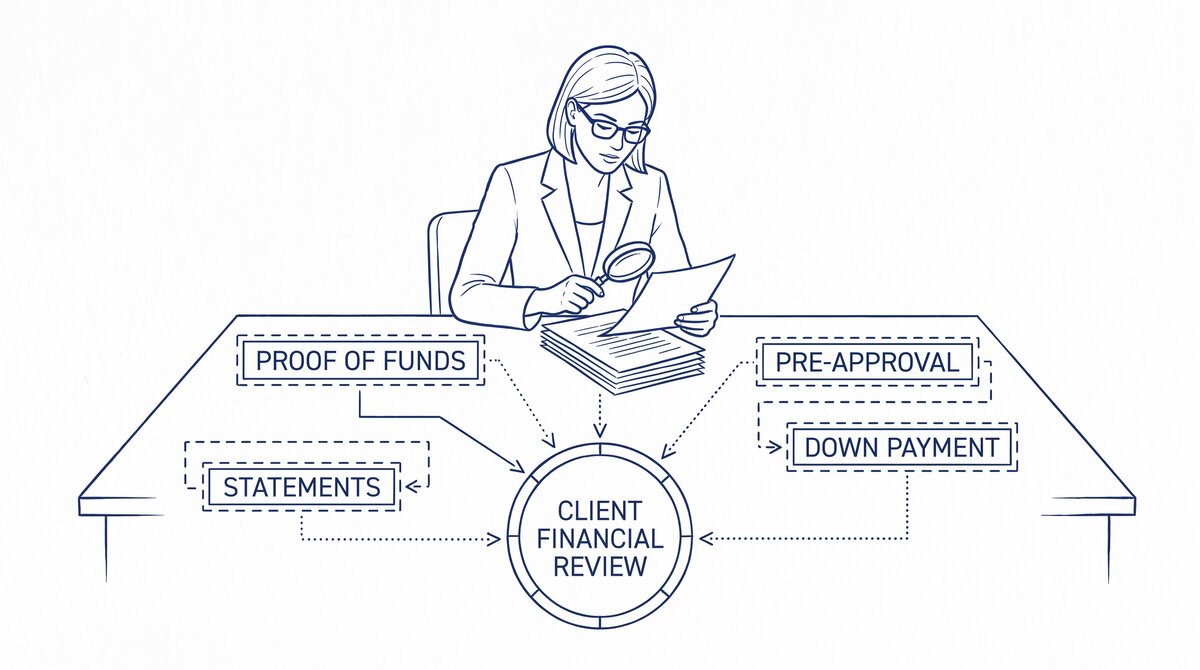

Real estate agents use bank statements to verify client funds for down payments, document commission income for tax purposes, and prepare for the income verification
The short answer: convert each bank statement to Excel using a browser-based converter, organize by month and account, and use the data for the 3 use cases. Real estate transactions are time-sensitive: the same statement that helps qualify a buyer on Monday may need to support a seller’s net sheet on Friday. The conversion-to-spreadsheet step is what makes the statement usable.
TL;DR. Real estate agents use bank statements for 3 main things: (1) client pre-qualification (verify buyer has down payment + reserves), (2) commission documentation for tax purposes, (3) seller net sheet preparation. The 4-step workflow: download statements, convert to Excel, organize by month, extract the specific data needed. The 3 mistakes that delay closings: missing statements, outdated statements, and statements that don’t match the buyer’s name on the contract. The best practice: prepare a “buyer qualification folder” and a “seller net sheet folder” with all relevant statements in advance.
Why Bank Statements Matter for Real Estate
Bank statements are the most common document for verifying financial capacity in real estate transactions. Lenders, agents, title companies, and attorneys all need to see them at different points in a transaction. The 3 main use cases:
1. Buyer pre-qualification. Before showing homes, the agent confirms the buyer can afford the properties in the price range. The bank statement shows the down payment funds, the closing cost reserves, and the income stability. The agent uses the data to recommend properties the buyer can actually afford, not just the ones the buyer wants to see.
2. Commission documentation for tax purposes. The agent receives commission from the brokerage, typically as a deposit to the business account. The bank statement is the primary evidence of commission income for tax purposes. The agent uses the statement to document the commission, calculate the self-employment tax, and prepare the Schedule C for the tax return.
3. Seller net sheet preparation. When preparing to sell, the seller needs a net sheet that shows the expected proceeds after the mortgage payoff, closing costs, and real estate commission. The bank statement is used to verify the seller’s current mortgage balance (or pay-off amount) and to confirm the seller has the funds to cover any closing costs not covered by the sale proceeds.
The 4-Step Workflow
The 4 steps take 30-60 minutes per client (for buyer or seller preparation) and 1-2 hours per transaction (for commission documentation).
Step 1: Download the statements (10-20 minutes). For a buyer, download 2-3 months of statements from each account (checking, savings, investments). For the agent, download 12 months of statements from the business account. For the seller, download the most recent statement and any statements that show the current mortgage balance. Save the PDFs to a folder named with the client’s name and date.
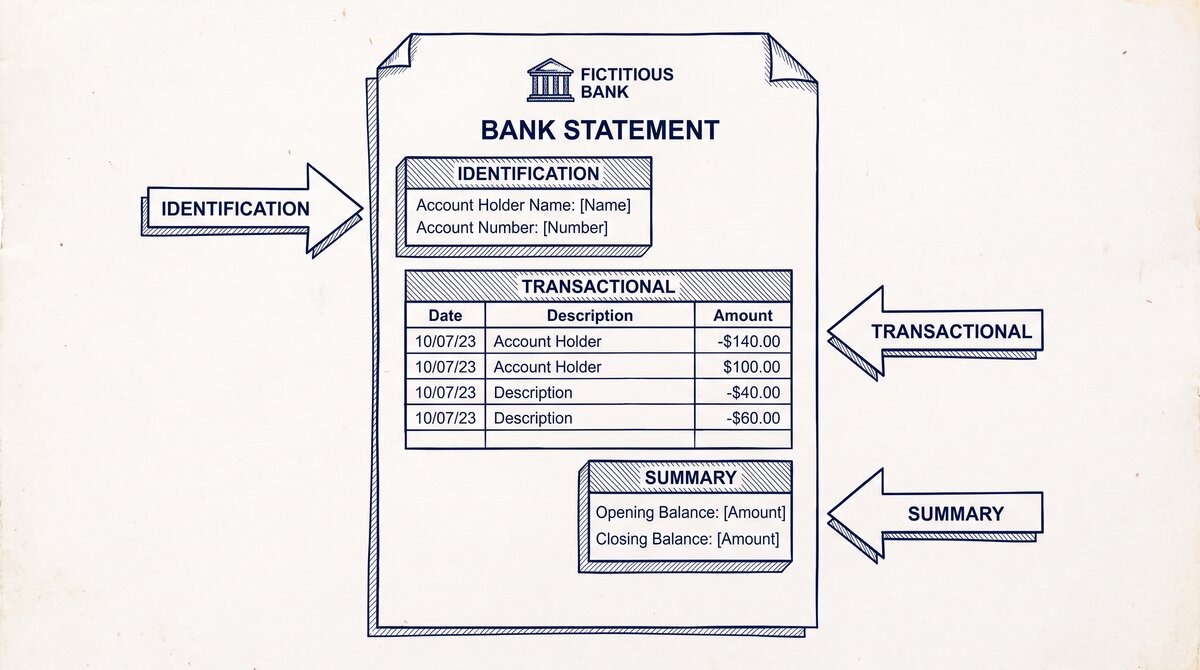
Step 2: Convert each PDF to Excel (10-30 minutes). Use a browser-based converter to extract the transaction table. The output is a clean Excel file with date, description, amount, balance. The conversion takes 2-5 minutes per statement. For 3 months of statements, the conversion takes 6-15 minutes. The bank statement converter handles the conversion in 2-5 minutes with no upload to a server.
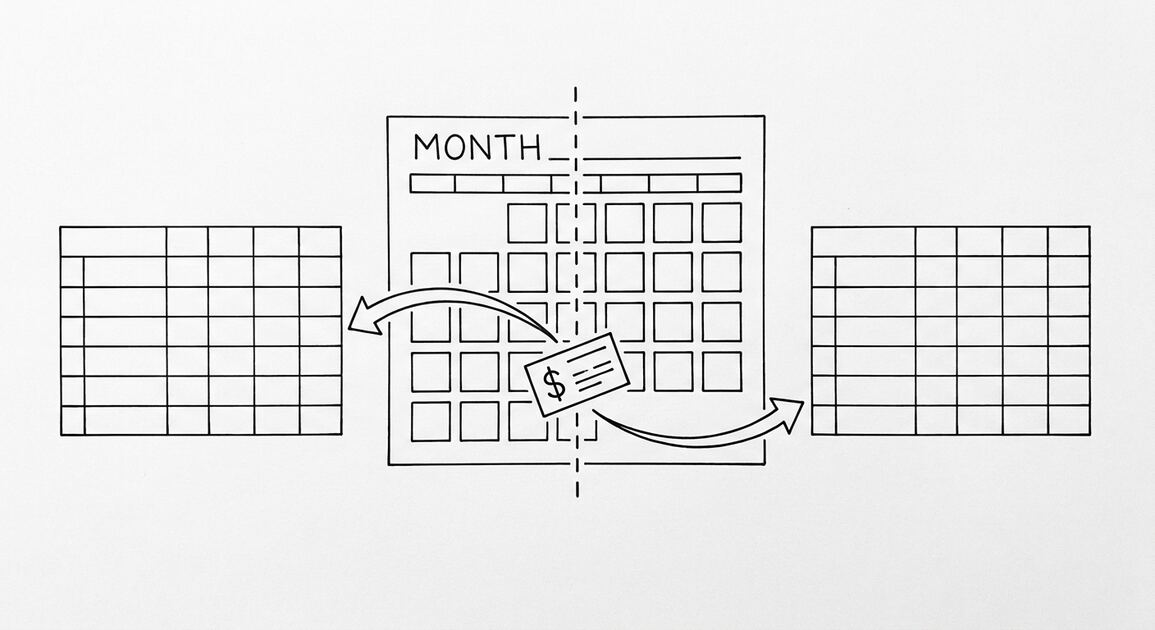
Step 3: Organize by month and account (5-10 minutes). Save the converted Excel files to a folder named “YYYY-MM-account-name.xlsx”. The naming convention makes it easy to find any statement later. For the buyer, the folder is the qualification package. For the agent, the folder is the commission documentation. For the seller, the folder is the net sheet source.
Step 4: Extract the specific data needed (5-30 minutes). For the buyer, calculate the total liquid assets (sum of all checking + savings + investment accounts). For the agent, calculate the gross commission income for the year. For the seller, identify the most recent mortgage balance and any prepayments. The data extraction uses SUMIF, VLOOKUP, or simple math in Excel.
Turn any PDF statement into a clean sheet
Skip the typos and the hours of copying. Our converter handles any bank statement format and outputs Excel, CSV, or QBO for QuickBooks. No file retention, free to try.
Convert your statement5 Common Mistakes
5 mistakes that real estate agents see frequently:
1. Missing statements. A buyer provides 2 months of statements but the lender requires 3. The application is delayed while the buyer retrieves the missing month. The fix: always get 1-2 months more than required, just in case.
2. Outdated statements. The statements are 60+ days old. Most lenders require statements within 30-45 days of the application. The fix: download fresh statements within 1 week of submission.
3. Name mismatch. The buyer’s name on the contract is John Smith, but the bank account is John A. Smith. The lender flags the mismatch and requests additional documentation. The fix: verify the name on the bank account matches the name on the contract before submitting.
4. Large unexplained deposits. The buyer’s statement shows a $50,000 deposit 2 weeks before the application. The lender asks for the source. The buyer has to provide documentation (sale of stock, gift, etc.) or the lender denies the loan. The fix: large deposits should be documented in advance, with a paper trail that explains the source.
5. Mixed personal and business in one account. The buyer’s bank account has both personal and business transactions. The lender can’t tell which is which. The fix: the buyer should use a personal account for personal funds, separate from any business account.
The Buyer Qualification Folder
The buyer qualification folder is the standard package for pre-qualification. The folder contains 5 documents:
- 2-3 months of bank statements from each account (checking, savings, investment). The statements show the down payment funds and the reserves.
- Most recent pay stub showing year-to-date income. The pay stub confirms the income used to qualify.
- 2 years of tax returns (for self-employed or commissioned buyers). The tax returns confirm the income shown on the pay stubs.
- ID verification (driver’s license or passport). The ID confirms the buyer’s identity matches the contract.
- Pre-approval letter from the lender. The letter confirms the lender’s willingness to lend up to a specific amount.
The folder is provided to the listing agent or the seller’s agent at the time of the offer. The folder is updated if the buyer’s financial situation changes during the escrow period (which can be 30-60 days for a typical transaction).
The Commission Documentation Workflow
The commission documentation workflow is for the agent’s own tax purposes. The workflow is annual:
- Download 12 months of business account statements. The statements show all commission deposits, brokerage fees, marketing expenses, and other business transactions.
- Convert each statement to Excel. The conversion produces a searchable, sortable record of all transactions.
- Categorize each transaction. Use the 11 standard Schedule C categories (advertising, car expenses, contract labor, depreciation, insurance, etc.).
- Generate annual category summary. The summary becomes the basis for the tax return.
- Send to the CPA. The CPA uses the categorized workbook to prepare the tax return and calculate the quarterly estimated taxes.
The workflow takes 4-6 hours total for the year. The investment prevents the 10-20 hours of cleanup if the agent has to reconstruct the records at tax time. For the tax prep workflow, see the organize for tax preparation guide.
The Seller Net Sheet
The seller net sheet is the document the agent prepares to show the seller the expected proceeds from the sale. The sheet is based on the seller’s bank statement for the current mortgage balance and any other debts secured by the property.
The 5-line net sheet:
- Estimated sale price (based on comps, agent’s market analysis)
- Mortgage payoff (from the most recent statement, plus any prepayment penalties)
- Closing costs (typically 2-3% of the sale price)
- Real estate commission (typically 5-6% of the sale price, split with the buyer’s agent)
- Net proceeds (sale price minus all of the above)
The net sheet is for illustration only; the actual proceeds depend on the final sale price, the final closing costs, and the final mortgage payoff. The sheet is updated throughout the escrow period as the numbers become more precise.
Tools and Resources
3 tools that make the workflow faster:
Related Resources
| Resource | What You Get |
|---|---|
| Bank Statement Converter | See-also resource |
| Organize For Tax Preparation | See-also resource |
| Bank Statement Loan Vs Traditional Mortgage | See-also resource |
| Bank Statement For Rental Application | See-also resource |
| Bank Transaction Categorization | See-also resource |
- Browser-based converter: The bank statement converter handles the PDF-to-Excel step in 2-5 minutes with no upload.
- Spreadsheet with category column: Excel or Google Sheets, with a 11-category dropdown list for commission categorization.
- Cloud storage for folders: Google Drive, Dropbox, or OneDrive. Use a folder per transaction (buyer or seller) with all relevant documents organized.
For the conversion step, see the bank statement converter page. For the 11-category framework, see the bank transaction categorization reference. For the mortgage context, see the bank statement loan vs traditional mortgage guide. For the rental context, see the bank statement for rental application page.
Turn That PDF Into a Spreadsheet in Minutes
You've seen how to do it manually — now let the tool handle the heavy lifting. Upload your bank statement and get Excel, CSV, or QBO in a few clicks.
Try It Free