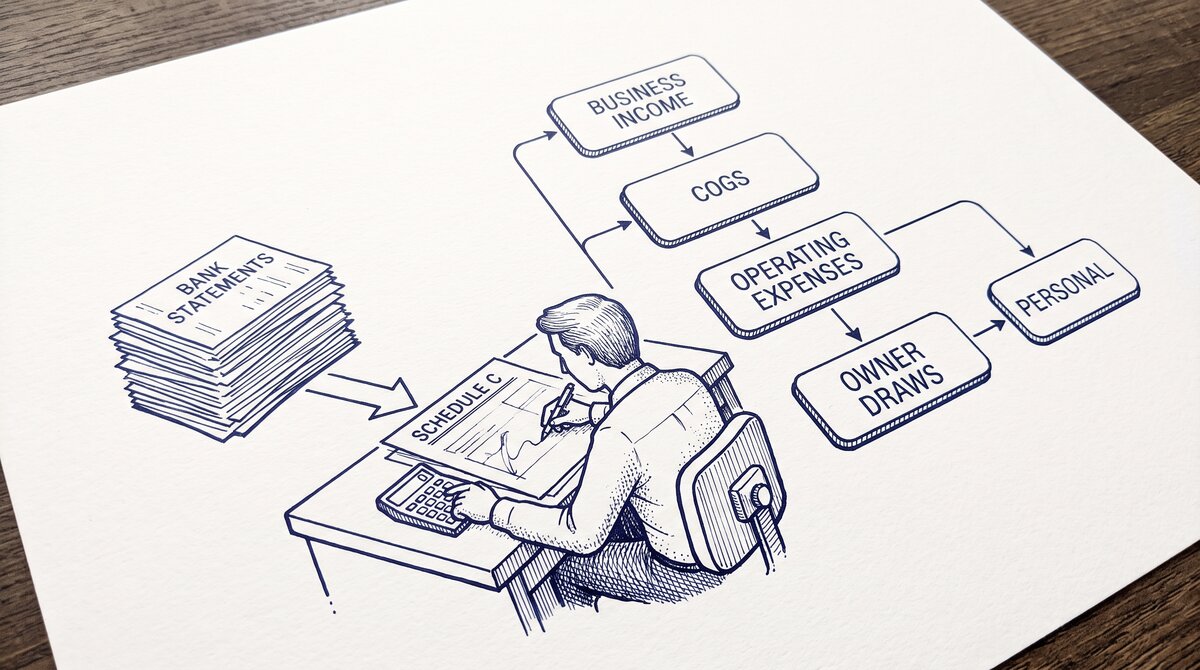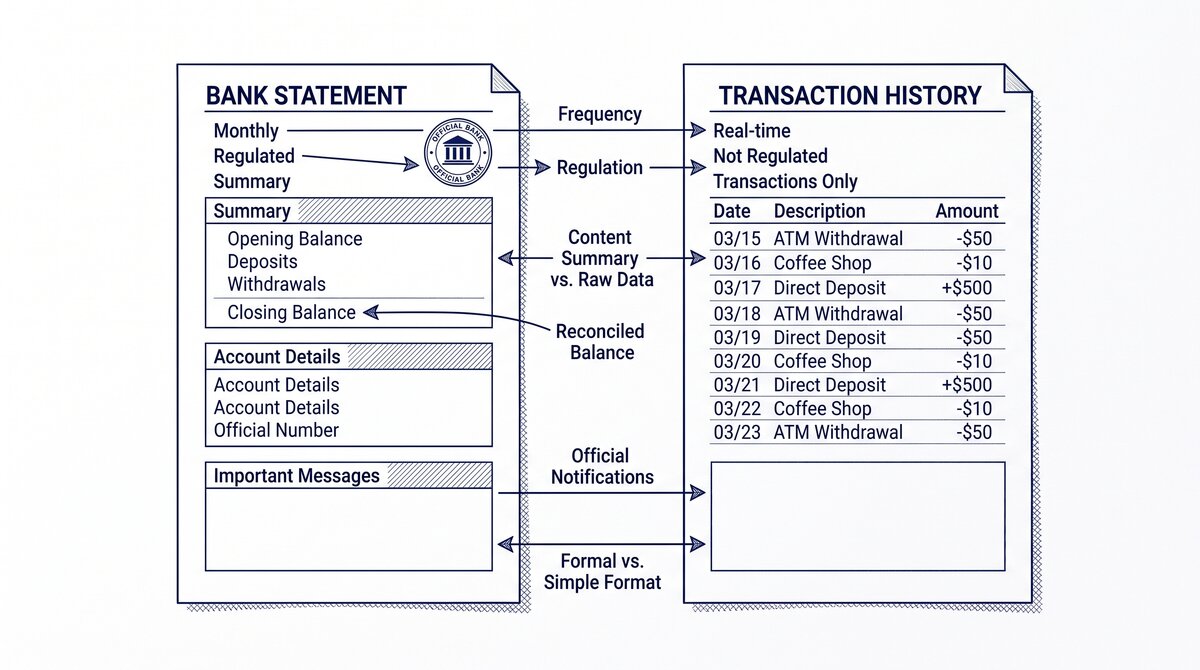

You just signed a new bookkeeping client and they handed you 12-24 months of PDF bank statements. The first month of engagement is critical: how you handle the historical onboarding sets the tone for the entire relationship. Done well, the client sees progress in week 1 and trusts you with the ongoing monthly work.
Done poorly, you spend 3 weeks buried in catch-up work and the client starts wondering what they are paying for.
Quick Answers: Processing historical bank statements for a new client takes a structured 5-step intake workflow: (1) account discovery conversation, (2) statement collection and gap analysis, (3) conversion of PDFs to usable data, (4) chronological import with opening balance setup, (5) categorization framework handoff. A typical 12-month historical intake for a small business (1-2 accounts, 150-300 transactions/month) takes 10-20 hours of bookkeeper time over 1-2 weeks. The work product becomes the foundation for the client’s ongoing monthly close, so accuracy in the intake phase matters more than speed.
What should you cover in the kickoff conversation?
The kickoff conversation for a new client with historical statements is fundamentally different from a kickoff with a client who has current bookkeeping. The historical intake adds: how many months back, what is the prior bookkeeping state (none, partial, prior accountant, DIY spreadsheets), what is the business entity and tax structure, what financial decisions are pending (tax filing, loan, sale, due diligence) that create urgency.
The five questions that drive the entire intake scope: (1) How many business bank accounts, savings accounts, credit cards, and loan accounts are in scope? (2) For each account, what is the earliest month of PDF statements available? (3) What is the prior bookkeeping state: nothing, partial Excel, prior accountant’s QuickBooks file, or DIY?
(4) What is the deadline driving the engagement: tax filing date, loan application, sale, or operational catch-up? (5) Does the client want ongoing monthly bookkeeping after the catch-up, or just the historical intake?
Question 5 is the most important commercial question. The historical intake is most valuable when it transitions to ongoing monthly bookkeeping, because the foundation you build during intake (chart of accounts, opening balances, vendor list, categorization rules) becomes the basis for the monthly close.
A one-time historical intake without ongoing work is much less valuable to the bookkeeper’s business because the time invested does not lead to recurring revenue.
How do you collect and inventory the historical statements?
After the kickoff conversation, the next step is statement collection. The client typically delivers statements in one of three ways: (1) a stack of PDFs emailed or handed over at the kickoff meeting, (2) access to their online banking so you can download statements yourself, (3) a mix of PDFs and spreadsheets from prior DIY bookkeeping. Each delivery mode has implications for the workflow.
For PDF stacks, the intake task is to sort by account and date, then identify gaps. Sort first by account name (Chase Business Checking, Chase Business Savings, Capital One Visa, etc.) using the filename or the PDF header. Then sort each account’s PDFs chronologically. The end state is a sorted pile with no missing months.
The gap analysis flags months where statements are not available, typically because the client did not download them or the bank no longer has records.
For online banking access, the intake task is to log in to each account and download monthly statements for the entire intake period. This is faster than waiting for the client to deliver PDFs, but it requires explicit client authorization for you to access their banking.
The authorization should be in writing (email confirmation is usually sufficient) and should specify the scope: which accounts you have access to and what period you can download statements for.
For mixed deliveries, the intake task is to reconcile the PDF stack with the prior bookkeeping records.
The prior records (if any) become the starting point, and the PDFs fill in the gaps. This is the most common scenario for new clients who attempted DIY bookkeeping but did not keep up.
The reconciliation task is to identify which transactions are already recorded, which are missing, and which need correction.

From Bank Statement to QuickBooks-Ready File
That manual cleanup you just read about? This tool skips it. Turn your PDF into QBO for QuickBooks without storing your data anywhere.
Start ConvertingHow do you convert the historical PDFs?
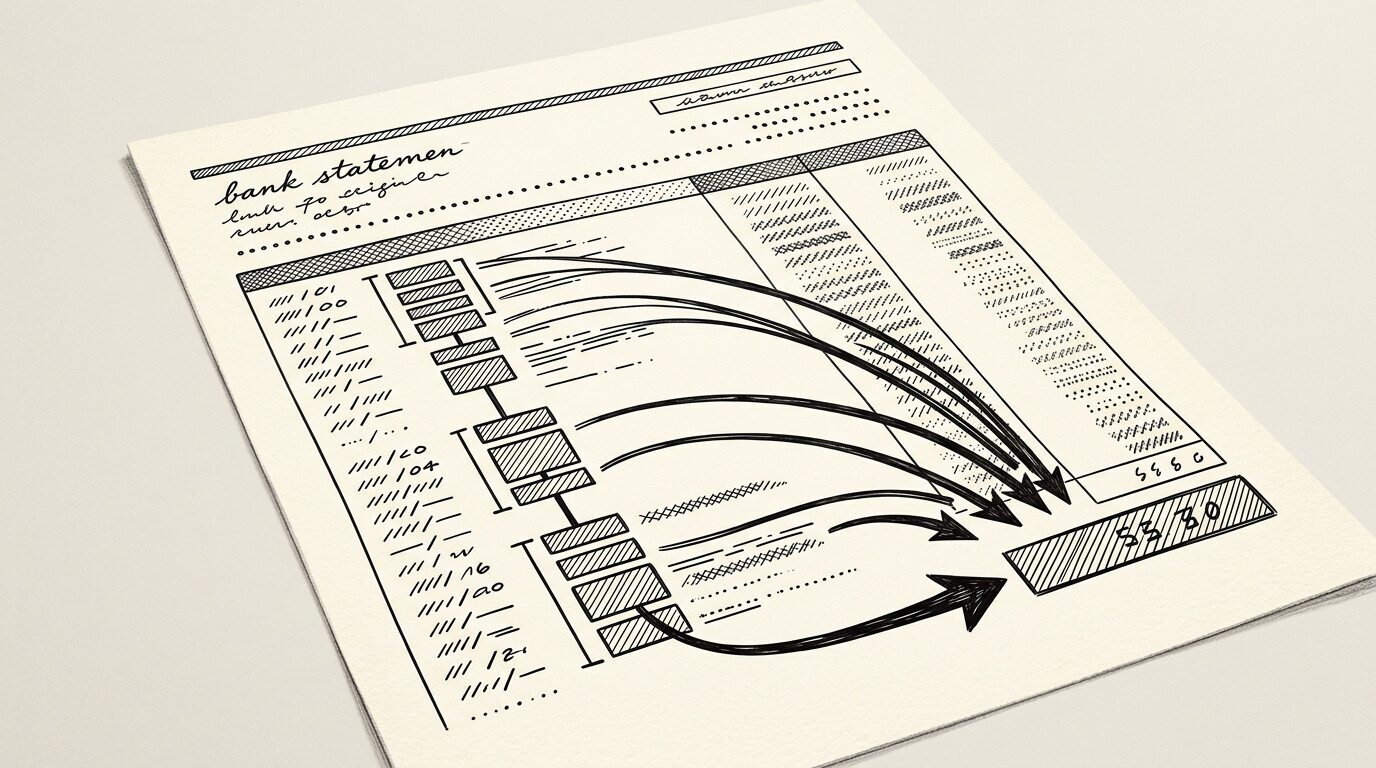
The conversion step is the same as for any catch-up: each PDF becomes a CSV or Excel file with one row per transaction.
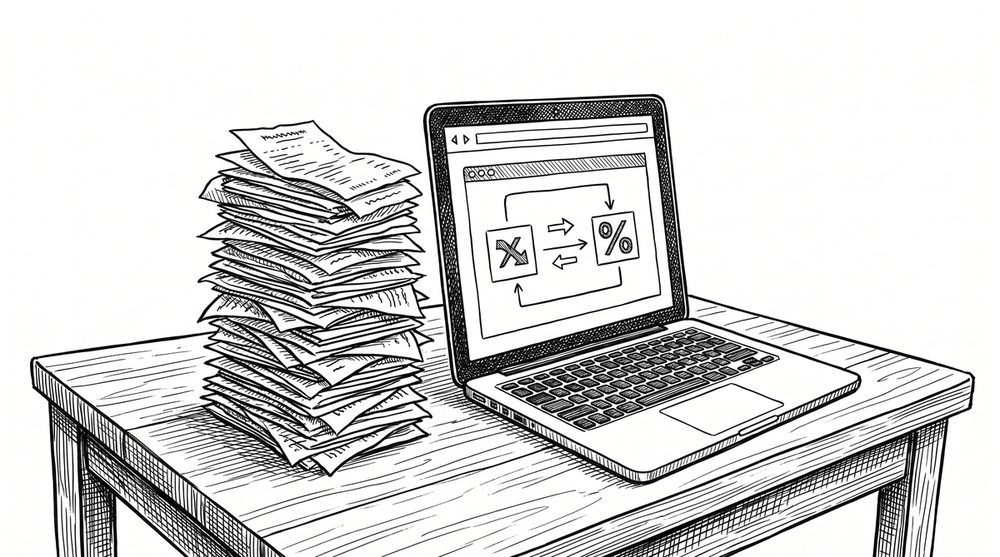
The tool used is typically EasyStatementSheet for the conversion, which handles text-based PDFs, image-based PDFs, and scanned PDFs in the same workflow. For a 12-month historical intake with 4 accounts, the conversion time is typically 30-60 minutes total because the tool processes each statement in seconds.
Conversion accuracy is the key metric. For text-based PDFs (modern bank statements), accuracy is typically 99%+ and the converted data can be imported to QuickBooks with minimal review. For image-based and scanned PDFs, accuracy is typically 95-99% and each converted statement needs review to catch OCR errors (wrong digit, misread decimal, garbled merchant name).
The review time per statement is 2-5 minutes for high-quality images and 5-15 minutes for low-quality scans.
For historical intakes that span multiple years or include older paper statements, expect lower OCR accuracy and higher review time. A scanned statement from 2010 may need 10-20 minutes of review because the image quality, the bank’s print formatting, and the OCR engine’s familiarity with older formats all reduce accuracy. Plan additional time in the engagement for older statement review.
How do you set opening balances for the historical period?
The opening balance problem is unique to historical intakes. For a 12-month intake, you need to know the client’s bank balance as of the start date (12 months ago).
The bank statement for the first month of the intake period will show an opening balance, but this balance must match what the client had at the start of the period (typically the prior year’s end-of-year balance).
If the client has prior bookkeeping (QuickBooks file, accountant’s workpapers, or a year-end financial statement), the opening balance comes from that source. If the client has no prior bookkeeping, the opening balance is the balance shown on the first statement in the intake period, with no prior reconciliation needed.
In either case, document the source of the opening balance in your workpapers because this is the foundation for all subsequent reconciliation.
The opening balance problem becomes more complex if the intake covers a fiscal year boundary or a business entity change (e.g., the client changed from sole proprietor to LLC during the intake period). In these cases, additional documentation is needed: prior year tax returns, prior entity financial statements, or a statement of changes in business entity.
These documents should be requested during the kickoff conversation and added to the engagement scope.
How do you build the categorization framework during intake?
The categorization framework is what turns raw transactions into useful bookkeeping data.
During the historical intake, the framework is built by reviewing 200-500 transactions from the first few months and identifying the recurring patterns: payroll (likely ACH deposits and withdrawals to a payroll service), rent (likely a monthly check or ACH to a known landlord), utilities (recurring monthly payments), loan payments (recurring monthly payments to a known lender), and so on.
The framework typically includes: a chart of accounts customized to the client’s industry (restaurant, retail, professional services, etc.), a list of recurring vendors and the appropriate category for each, a list of transfers between the client’s own accounts (which are not income/expense), and rules for handling common ambiguous transactions (owner draws, personal expenses paid from business account, business expenses paid from personal account).
For the historical period, the categorization is done by the bookkeeper based on the framework. For the ongoing monthly bookkeeping, the framework can be implemented as QuickBooks rules (bank rules that auto-categorize based on payee, amount, or description). The transition from manual historical categorization to automated ongoing categorization is one of the value-adds of the engagement.
What is the handoff from intake to ongoing monthly work?
The handoff from historical intake to ongoing monthly bookkeeping is a distinct milestone in the engagement.
At handoff, the bookkeeper delivers: a reconciled QuickBooks file for the entire historical period, a summary financial report (P&L and balance sheet) as of the end of the historical period, a list of any unresolved items needing client clarification, a proposed chart of accounts and bank rules for the ongoing work, and a proposed monthly close workflow.
The client review of the handoff deliverable is critical. The client should verify: the historical balances look correct, the categorization matches their understanding of the business, the unresolved items are genuinely unresolved (not just unclear to the bookkeeper), and the proposed monthly close workflow is feasible given their operational capacity. Any client feedback is incorporated into the final setup before the first monthly close.
The first monthly close after handoff is a learning experience for both bookkeeper and client.
The bookkeeper learns the client’s actual operational patterns (e.g., how often they actually deliver statements on time, what questions come up during categorization), and the client learns the close process (e.g., what reports they will receive, what their role is in providing supporting documentation).
After 2-3 monthly closes, the workflow stabilizes into the recurring engagement.
From PDF to Excel in one click
Forget retyping line by line. Upload any bank statement, get a spreadsheet you can actually use. Your files are never stored, and you can test the converter with 3 free conversions.
Try it free