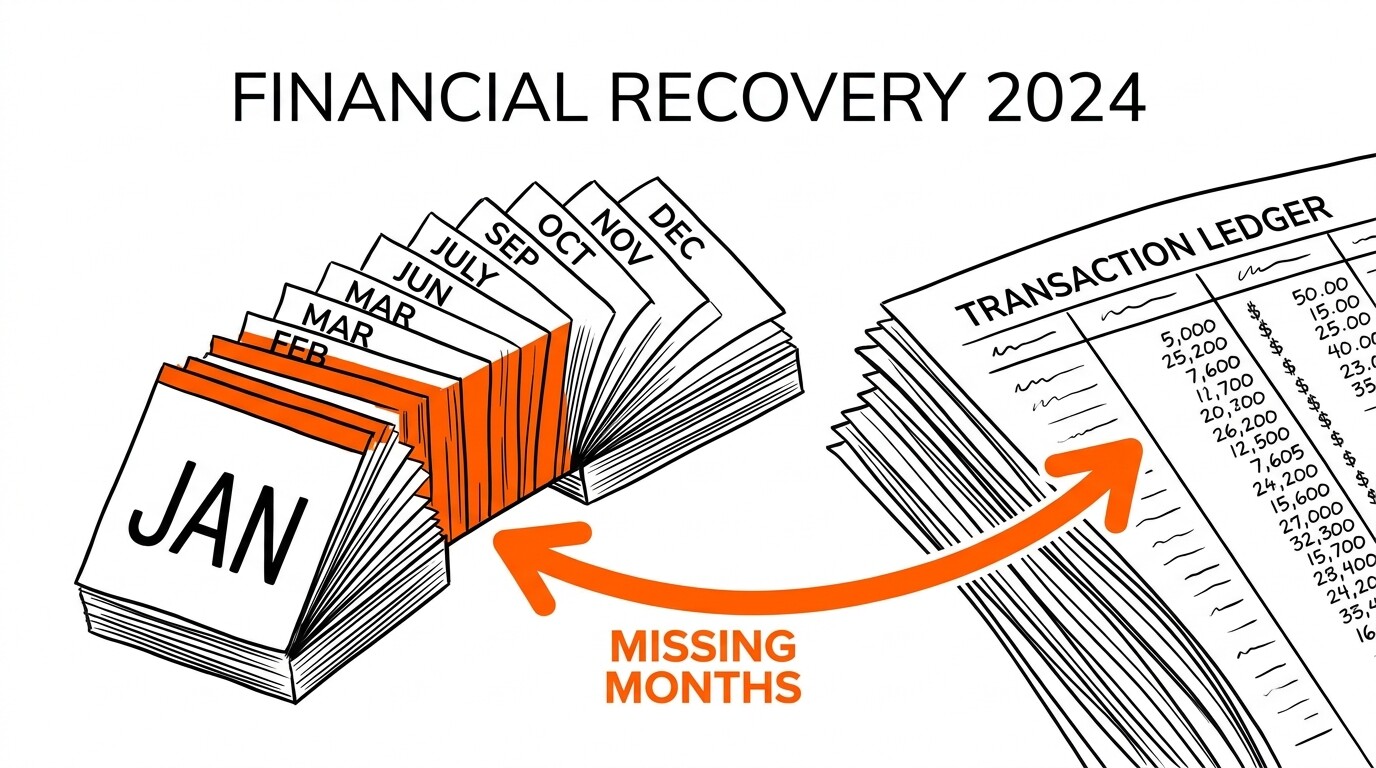

You just signed a new client, or your existing client is months behind, and the bank statements arrived as PDFs. You need to bring the books current, but each PDF has 200-500 transactions and there are 6-18 months of statements to process. The clock is ticking and the client wants to see progress.
Quick Answers: Catch-up bookkeeping from PDF statements is a 4-step workflow: (1) inventory statements by account and month, (2) convert each PDF to CSV/Excel using a tool like EasyStatementSheet, (3) import transactions to QuickBooks Online in chronological order with proper opening balances, (4) categorize and reconcile month by month. A 12-month catch-up for one account with 200 transactions/month typically takes 8-15 hours of bookkeeper time spread across 1-2 weeks. The bottleneck is always review and categorization, not the conversion step itself.
What does catch-up bookkeeping actually involve?
Catch-up bookkeeping is the process of bringing a client’s books current when they are behind. The “behind” can mean different things: 3 months behind (typical for clients who forgot to send statements), 12 months behind (typical for new clients with no prior bookkeeping), or 24+ months behind (typical for businesses that have never had a bookkeeper).
In each case, the workflow is the same but the time investment scales with the months involved.
The catch-up workflow has four phases, each with different time requirements and different risk profiles. Phase 1 is inventory (count statements, identify missing months, request gaps from the client). Phase 2 is data extraction (convert PDFs to CSV/Excel). Phase 3 is data import (load transactions into QuickBooks or your accounting software with correct opening balances).
Phase 4 is review and reconciliation (categorize, reconcile, fix errors, prepare reports).
For a 12-month catch-up with one bank account and 200 transactions per month, the time breakdown typically looks like: 2 hours inventory, 3 hours extraction, 2 hours import, 8-12 hours review and reconciliation. The 8-12 hours of review is the bottleneck, and this is where experienced bookkeepers earn their keep.
Review includes: matching transactions to invoices, categorizing correctly, identifying transfers between accounts, finding duplicates, and asking the client about unclear transactions.
How do you start a catch-up engagement?
The first step is a kickoff conversation with the client.
You need to know: (1) how many months of statements are needed, (2) how many bank accounts, credit cards, and loan accounts are in scope, (3) whether the client can provide statements for all accounts and all months, (4) whether the client has any prior bookkeeping records (QuickBooks file, spreadsheets, prior accountant’s workpapers), and (5) the deadline for completing the catch-up.
The answers shape the scope, time estimate, and fee.
For most catch-ups, the client will hand you a stack of PDF statements at the kickoff meeting, or email them in batches over the following days. PDFs typically come from the client’s online banking portal (downloaded as monthly statements) or from a third-party service like a mortgage company or landlord.
The format varies by bank but is usually consistent within a single bank’s statements.
The inventory step is to lay out all the statements in order (by account, then by date) and identify gaps.
Common gaps: client forgot a quarter, statements only available online for the last 12 months, business account statements not yet closed for the most recent month. Document each gap and request the missing statements from the client.
If the gap cannot be filled (e.g., bank no longer has records), note it and plan for a partial catch-up or use alternative data sources like the prior accountant’s records.

From PDF to Excel in one click
Forget retyping line by line. Upload any bank statement, get a spreadsheet you can actually use. Your files are never stored, and you can test the converter with 3 free conversions.
Try it freeHow do you convert PDFs to usable data?
PDF bank statements come in three formats: (1) text-based PDFs (modern bank downloads, where the PDF contains selectable text that can be extracted programmatically), (2) image-based PDFs (older statements or statements from banks that print statements as images), and (3) scanned PDFs (paper statements that were scanned or faxed).
Each format requires a different conversion approach.
Text-based PDFs are the easiest: a conversion tool like EasyStatementSheet extracts the text and converts it to a structured CSV or Excel file with one transaction per row. Conversion takes seconds per statement and accuracy is typically 99%+ because the underlying text is machine-readable.
Most modern bank statements (Chase, Bank of America, Wells Fargo, etc.) are text-based.
Image-based PDFs require OCR (optical character recognition) before the text can be extracted. Some banks (especially smaller regional banks and credit unions) generate statements as images rather than text, which means a simple text extraction won’t work.
The conversion tool needs OCR capability to handle these statements. Accuracy is typically 95-99% depending on image quality.
Scanned PDFs (from a paper statement that was scanned or faxed) also require OCR, with similar accuracy challenges. The older the paper statement, the lower the OCR accuracy.
For statements from the 1990s or earlier, manual review and correction of the converted data is often needed. For modern scanned statements (post-2010), OCR accuracy is typically 98%+ with modern OCR engines.
How do you import transactions to QuickBooks in chronological order?
The chronological order is critical for catch-up bookkeeping.
If you import statements out of order (e.g., starting with the most recent month), the opening balances won’t reconcile, and you’ll spend hours trying to backtrack. The right approach is: import the oldest month first, set up the opening balance based on the client’s prior bookkeeping records (or the bank statement’s opening balance for that month), then import each subsequent month.
In QuickBooks Online, the import process is: Banking tab > Add account (if new) > Upload transactions > select CSV file > map columns > import. For a catch-up engagement, you typically create one bank account per actual bank account (checking, savings, credit card, etc.), and import each month’s transactions to the correct account in chronological order.
The opening balance is the most common source of catch-up errors. If the client’s books show a $5,000 balance as of December 31 last year, but the January statement (first month of catch-up) shows an opening balance of $4,200, there’s an $800 discrepancy. The fix is to reconcile the prior period first (find the missing $800) or accept the discrepancy as a prior-period adjustment.
Either way, document the discrepancy in your workpapers.
How long does catch-up bookkeeping actually take?
For a single bank account with 200 transactions per month, the time per month of catch-up is roughly 30-45 minutes of bookkeeper time, including review. So a 12-month catch-up takes about 6-9 hours.
For a client with 3 accounts (checking + savings + credit card), multiply by 3: 18-27 hours.
For high-volume businesses (500+ transactions/month), the time per month can be 2-3 hours, so a 12-month catch-up can take 24-36 hours.
Conversion of PDFs to CSV is fast (seconds per statement with a good tool), so the time bottleneck is always review and categorization.
Experienced bookkeepers can review and categorize 200 transactions in 30-45 minutes because they know the common transaction patterns (recurring vendors, typical amounts, expected categories).
Less experienced bookkeepers may take 60-90 minutes per month because they need to ask the client about more transactions.
For fee estimation, the typical industry rate is $50-150 per hour for catch-up bookkeeping, depending on the bookkeeper’s experience and the client’s location. A 12-month single-account catch-up at $75/hour for 7 hours would cost the client $525.
Multi-account catch-ups at $75/hour for 20 hours would cost $1,500. These rates are typical for the U.S. market; actual rates vary by region and bookkeeper specialization.
What are the common pitfalls in catch-up bookkeeping?
Pitfall 1: Not getting all the statements. Clients often forget about savings accounts, credit cards, loan accounts, or business accounts that have low activity. Asking for a complete list of accounts upfront prevents the surprise of “oh, I forgot to send the savings account statements” halfway through the catch-up.
The fix is a thorough intake conversation and a checklist of all accounts to receive statements for.
Pitfall 2: Treating transfers between accounts as income or expense. When a client transfers $1,000 from checking to savings, this is not income (it doesn’t increase net worth) and not expense (it doesn’t decrease net worth). The bookkeeping treatment is a transfer: debit savings $1,000, credit checking $1,000.
Common mistake: recording it as a savings deposit (which inflates income) and forgetting the checking withdrawal (which makes the checking balance wrong). The fix is to identify all transfers between the client’s own accounts and code them as transfers, not as income/expense.
Pitfall 3: Missing bank fees and interest. Banks charge fees (wire fees, NSF fees, monthly service fees) and pay interest (on deposits, occasionally on credit balances) that don’t always appear in the client’s mental model of “the bank balance.” These small amounts (typically $5-50 per month) add up over a 12-month catch-up.
The fix is to enter each fee and interest transaction as a separate line item in the GL, even if the client considers them trivial.
Pitfall 4: Not reconciling as you go. If you import 12 months of statements without reconciling any of them, you accumulate 12 months of potential discrepancies.
The fix is to reconcile each month immediately after importing, so any discrepancy is caught and resolved while the context is fresh.
Reconciliation per month takes 10-15 minutes; reconciliation at the end of the catch-up (after 12 months of accumulated errors) can take 2-3 hours.