
Your landlord wants to see 3x monthly rent in income. Your paycheck is $5,000/month but it lands as 4 smaller direct deposits every 2 weeks. The total is the same, but the statement looks inconsistent.
Income verification from a bank statement is the landlord reading the deposit transactions and totaling the income. This page covers the 3x rent rule, the biweekly vs monthly deposit patterns, the freelancer income case, and the recon cutoff tool’s per-month summary.
Income verification from bank statement means the landlord reads the deposit transactions and totals the income. The 3x rent rule is common. $2,500 rent needs $7,500+ monthly income. High-end markets want 4x-5x. Multiple small deposits look weaker than one large direct deposit, but the total is the same.
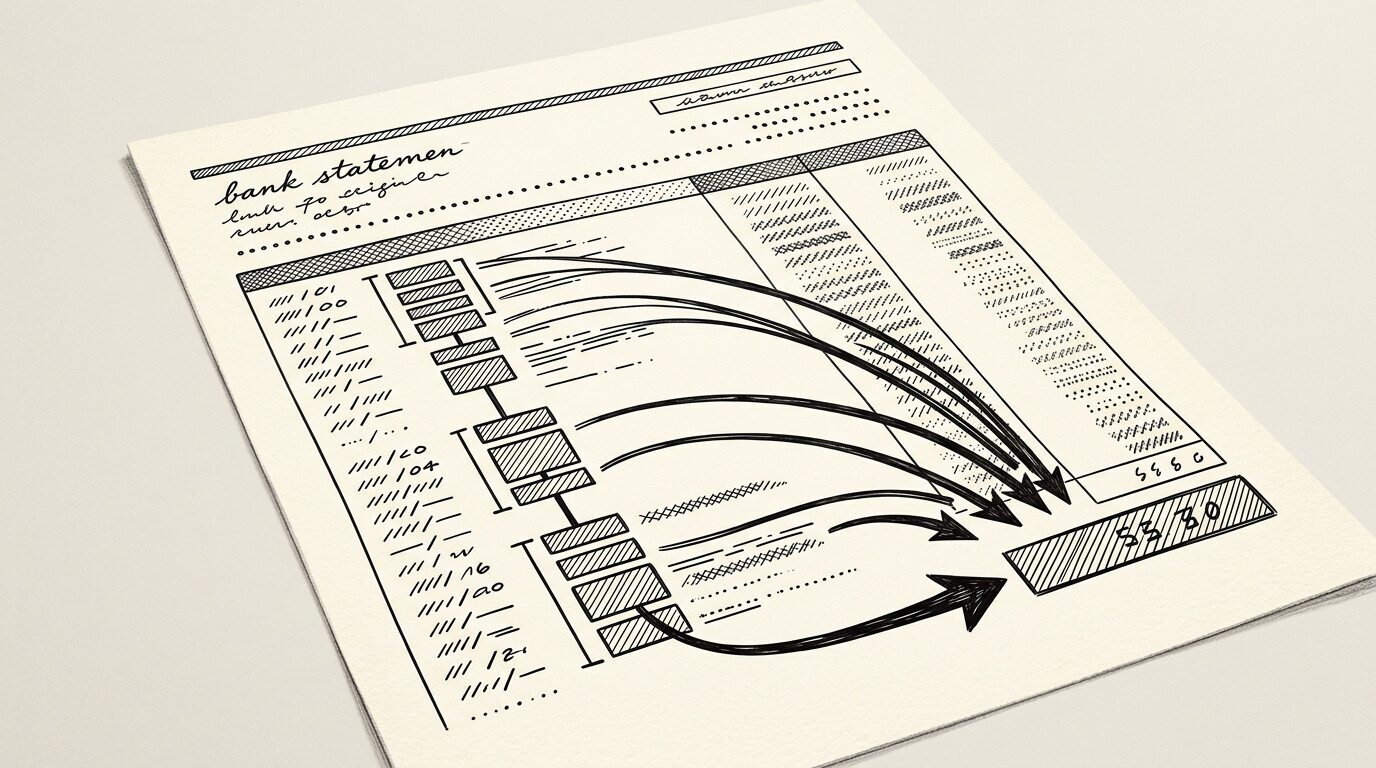
The fix: use the total, not the count. The recon cutoff tool’s per-month summary shows total income per month, ready for landlord review. The recon cutoff tool’s per-deposit handling flags recurring deposits (paychecks) and one-time deposits (bonuses, gifts).
For the broader rental workflow, see the rental application bank statement guide pillar. For the 2-month prep, see the 2-month prep guide. For the self-employed path, see the self-employed guide.
The 3x Rent Rule
The 3x rent rule is the most common landlord requirement. $2,500 rent needs $7,500+ monthly income. High-end markets (San Francisco, New York, Boston) want 4x-5x. Low-end markets might accept 2.5x. The recon cutoff tool’s per-rent handling shows the rule by market.
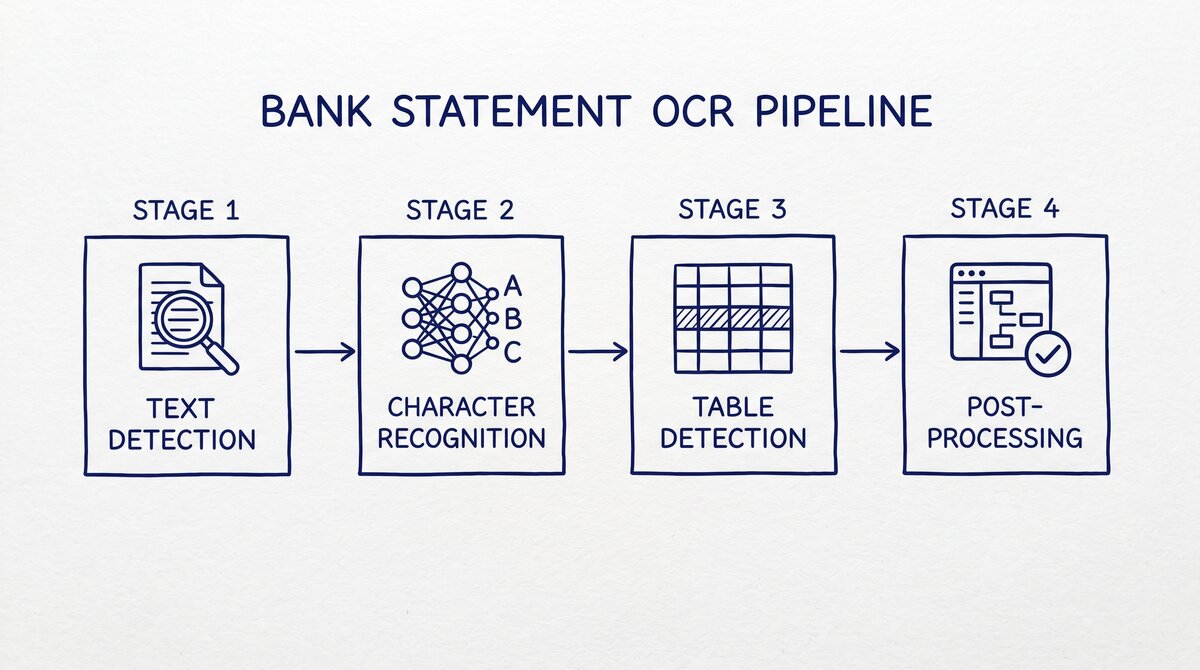
What most guides miss about rental applications is that the quality depends on the mechanism, not on the tool. Two tools that look different on the surface often run the same 4-step process underneath: read, find, parse, verify. The difference is in how well each step handles edge cases (merged cells, missing balances, non-standard date formats, scanned vs digital input).
Choosing between tools based on UI alone misses the actual quality lever.
The 3x rent rule applies to gross income, not net. The landlord wants the total deposit, not the take-home after taxes. The recon cutoff tool’s per-gross handling totals the gross deposits.
The 4x and 5x Markets
High-cost-of-living markets (SF, NYC, Boston) want 4x-5x rent in income. $3,000 rent in SF needs $12,000-$15,000 monthly income. The 4x-5x rule is the landlord’s protection against the high cost of living. The recon cutoff tool’s per-market handling shows the rule by city.
Biweekly vs Monthly Deposits
Biweekly deposits (every 2 weeks) mean 2 paychecks per month, sometimes 3 (in months with 5 weeks). Monthly deposits mean 1 paycheck per month. The total is the same, but the statement looks different. The recon cutoff tool’s per-deposit handling normalizes the two patterns to a monthly total.
The 2 paycheck pattern is the most common for US W-2 employees. The 1 paycheck pattern is more common for salaried employees. The recon cutoff tool’s per-pattern handling identifies the pattern and shows the monthly total.
The 3-Paycheck Month
Some months have 3 paychecks (when paydays fall on the 1st and 15th, and the month has 5 weeks). The 3-paycheck month boosts the income for that month. The landlord might or might not count it. The recon cutoff tool’s per-month handling shows the 3-paycheck month separately.


From Bank Statement to QuickBooks-Ready File
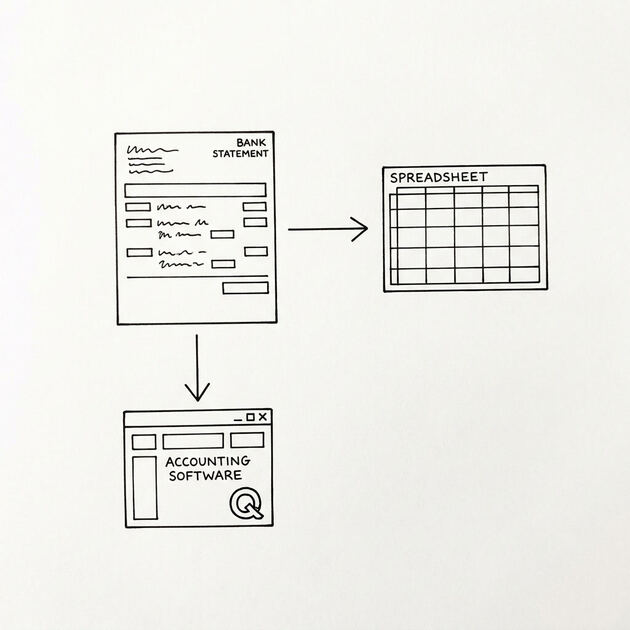
That manual cleanup you just read about? This tool skips it. Turn your PDF into QBO for QuickBooks without storing your data anywhere.
Start ConvertingThe Freelancer and Gig Income
Freelance and gig income (Uber, DoorDash, Lyft, Upwork, Fiverr) counts toward the 3x rule, but it’s harder to verify. The deposits are smaller and more frequent. The recon cutoff tool’s per-gig handling identifies gig income by payee name (Uber, Lyft, DoorDash) and totals it monthly.
For landlords, gig income is “less reliable” than W-2 income. Some landlords want gig income averaged over 6-12 months. Some want a 1099 or tax return as backup. The recon cutoff tool’s per-1099 handling includes the gig income on the Schedule C.
The Self-Employed Income
Self-employed income (LLC, S-corp, sole proprietor) is variable. The landlord averages 6-12 months of income. The recon cutoff tool’s per-self-employed handling calculates the average monthly income. The recon cutoff tool’s per-year-end handling includes the year-end summary.
The Per-Month Summary
The per-month summary is the recon cutoff tool’s output. The summary shows: total deposits per month, total income (recurring) per month, total one-time deposits per month, and the average monthly income. The landlord reads the summary in 30 seconds.
The summary is what the recon cutoff tool’s per-export handling emits. The export is a 1-page PDF or a clean Excel. The recon cutoff tool’s per-format handling emits the format the landlord wants.
The Income Breakdown
The income breakdown shows: W-2 income (recurring direct deposits), gig income (Uber, Lyft, DoorDash), freelance income (1099 contractors), investment income (dividends, interest), and one-time deposits (bonuses, gifts, tax refunds). The recon cutoff tool’s per-breakdown handling shows the breakdown by category.
The 3 Common Income Mistakes
3 mistakes renters make on income verification.
Mistake 1: Counting gross instead of net. Some renters report gross income, but the landlord wants net (after taxes). The fix: use the actual deposit amount, not the pre-tax salary. The recon cutoff tool’s per-deposit handling shows the actual deposit.
Mistake 2: Forgetting one-time deposits. One-time deposits (bonuses, gifts, tax refunds) count toward income. The recon cutoff tool’s per-deposit handling flags one-time deposits and includes them in the monthly total.
Mistake 3: Submitting only the most recent month. Some renters submit only 1 month. The landlord wants 2-3 months. The fix: submit the full 2-3 month window. The recon cutoff tool’s per-window handling ensures the full window.
What If Your Income Is Variable
Variable income (freelance, commission, gig) is harder to verify. The 3 options for the renter.
Option 1: Average 6-12 Months
Average 6-12 months of deposits to show a stable monthly income. $5K + $10K + $2K + $8K + $7K + $6K = $38K / 6 = $6,333/month. The recon cutoff tool’s per-average handling calculates the average.
Option 2: Add a Co-Signer
Add a co-signer with stable W-2 income. The co-signer’s income plus the renter’s income must meet the 3x rule. The recon cutoff tool’s per-cosigner handling processes both statements. For the cosigner workflow, see the cosigner guide.
Option 3: Show a Larger Savings Reserve
Show a larger savings reserve (6-12x rent instead of 3x). The reserve is the safety net. The recon cutoff tool’s per-reserve handling highlights the savings balance. The recon cutoff tool’s per-balance handling shows the total balance across accounts.
A common failure mode bookkeepers report is treating this as a single operation rather than a chain of dependent steps. The temptation is to find a tool that ‘just works’ and stop investigating the mechanism.
The result is a wrong-fix cycle: the tool gives partial output, the bookkeeper spends 30+ minutes troubleshooting, the fix is for the wrong step, and the same error recurs on the next statement. The fix: identify which step failed and apply the right intervention to that step.
The Income Verification Workflow
The income verification workflow runs in 4 steps. The 4 steps take 30-60 minutes.
Step 1: Identify Recurring Deposits
The recon cutoff tool’s per-recurring handling identifies deposits that appear every 2 weeks or monthly. These are paychecks. The recon cutoff tool’s per-paycheck handling shows the average paycheck amount.
Step 2: Identify One-Time Deposits
The recon cutoff tool’s per-onetime handling identifies deposits that appear once. These are bonuses, gifts, tax refunds, or one-off payments. The recon cutoff tool’s per-explain handling generates the explanation template.
Step 3: Total Per Month
The recon cutoff tool’s per-month-totals handling shows total deposits per month. The recon cutoff tool’s per-month-summary emits the 1-page summary for the landlord.
Step 4: Generate the Summary
The recon cutoff tool’s per-summary-export handling emits the 1-page PDF or Excel. The export is what the landlord reads. The recon cutoff tool’s per-format handling emits the format the landlord wants.
For the broader rental workflow, see the rental application bank statement guide pillar. For the self-employed path, see the self-employed guide . For the after-denial fix, see the after denial guide . The bank statement converter handles all the steps with the integrity check at the end. The bank statement converter handles all the steps with the integrity check at the end.
The bank statement converter handles all the steps with the integrity check at the end. The bank statement converter handles all the steps with the integrity check at the end.
Related: complete rental application bank statement guide
This topic is one node in the broader rental-application bank-statement cluster on this site. he consolidated hub, covering landlord and tenant perspectives, security deposits, joint applications, and edge cases like international renters or self-employed applicants, lives in the complete rental application bank statement guide.
For related reading on the broader statement-reading clusters, see the complete MCC guide and the complete US bank payment rails guide. he expanded bank statement anatomy pairs naturally with this hub.
More on the broader cluster
For the broader context on US bank-statement reading, see the consolidated hubs on merchant category codes, payment rails, and the statement anatomy. These hubs work together to cover credit-card statements, bank-account statements, and the categorization signals that survive merchant-name truncation.
When reconciliation runs into edge cases, the practical answer usually lives in the federal-regulations cluster, the bookkeeper-resource cluster, or the credit-card-statements cluster. Each offers a domain-specific take on the same underlying signal.
Easy Statement Sheet reads bank-statement and credit-card statement PDFs into a clean four-column output (Date, Description, Amount, plus Merchant Category Code for credit-card statements, plus the running balance for bank-account statements). Files are never stored.
The first three statement conversions are free, no card required. Plans start at $15 per month. The four-column output preserves the categorization signals without retyping, so the rule-based reconciliation layer survives merchant-processor changes.
From Bank Statement to QuickBooks-Ready File
That manual cleanup you just read about? This tool skips it. Turn your PDF into QBO for QuickBooks without storing your data anywhere.
Start Converting