
The IRS 1099-DA form is new for 2025. Your exchange is now reporting every transaction to the IRS. Your tax software needs to handle the new format, and so do you, because mismatches between your 1099-DA and your tax return trigger IRS notices.
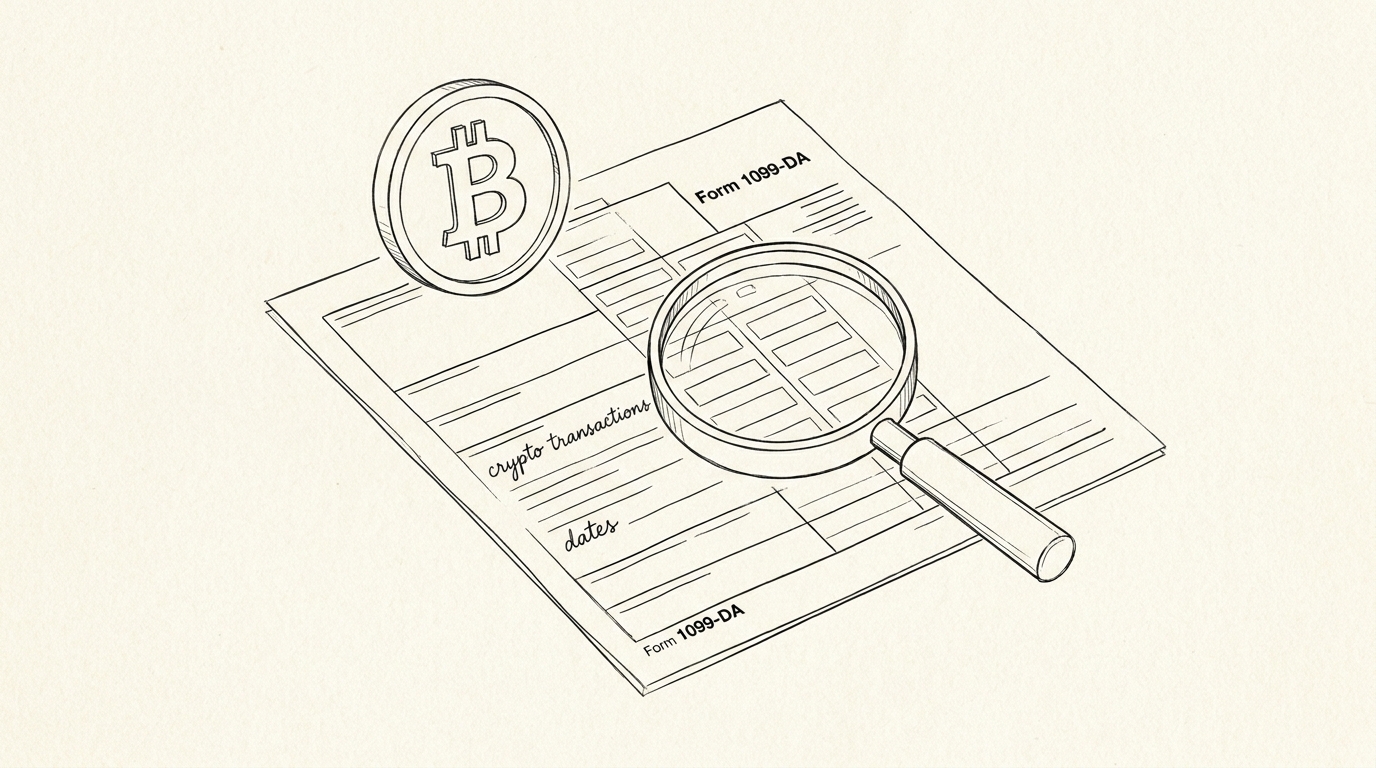
The 1099-DA is the new IRS form for digital asset transactions. Reporting started 2025 (for 2024 transactions in some cases; phased in by 2026 for all). This page covers what the 1099-DA reports, what it doesn’t, and how to handle the mismatch with your tax return.
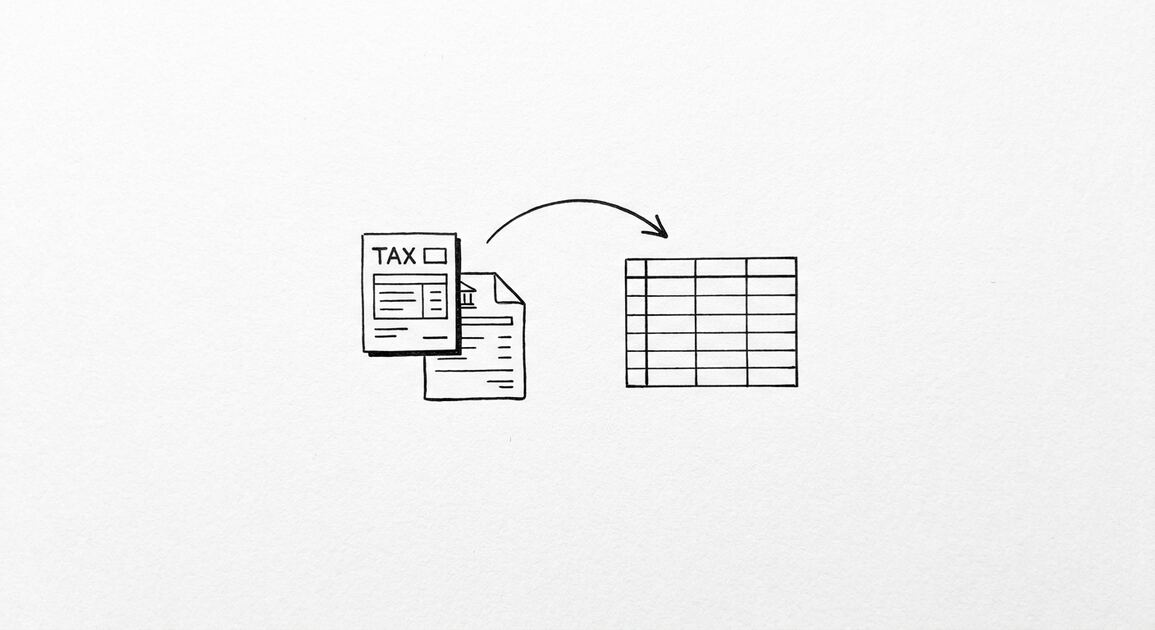
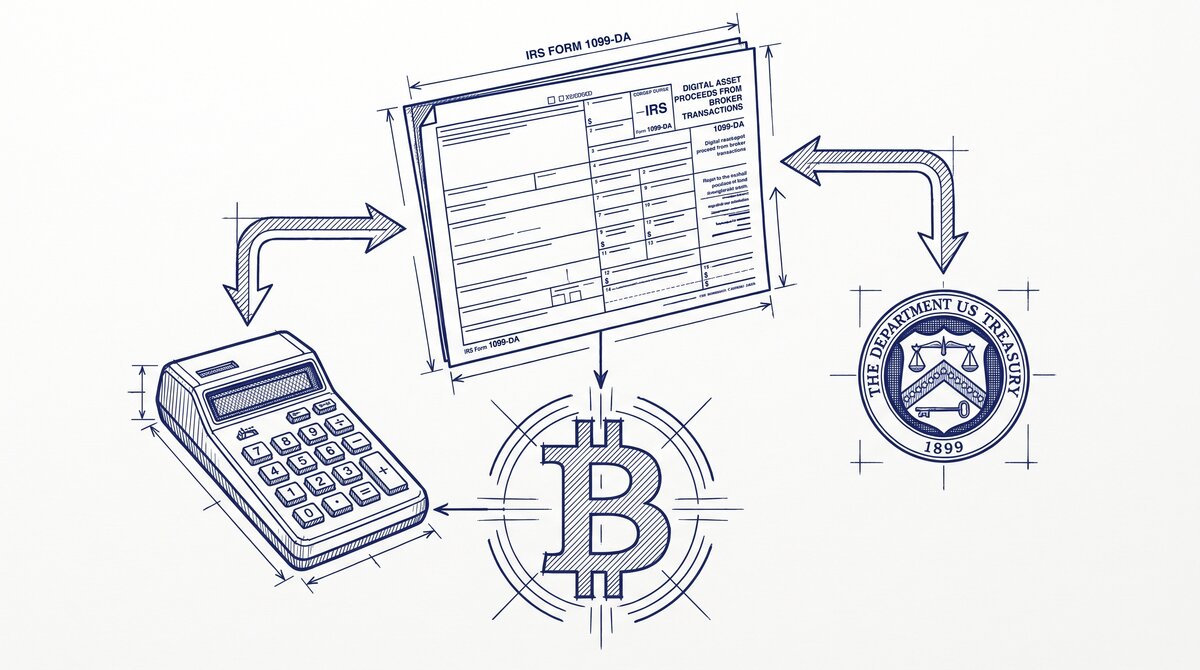
The 1099-DA is the new IRS form for digital asset transactions. It replaced the informal 1099-B for crypto. Reporting started 2025 (for 2024 transactions in some cases) and is fully phased in by 2026. The 1099-DA is filed with the IRS AND sent to the investor (you). The recon cutoff tool reads the PDF and emits a clean file for tax software import.
The 1099-DA reports: sales, exchanges, transfers (some), staking rewards, interest. The 1099-DA does NOT report cost basis (you still need to track that). The 1099-DA mismatches with your tax return trigger IRS notices. The recon cutoff tool’s archive feature helps you match the two.
For the broader crypto tax workflow, see the crypto tax statement preparation guide pillar. For the cost basis method, see the cost basis methods guide. For specific exchange workflows, see the Coinbase guide, the Kraken guide, and the Gemini guide.
What the 1099-DA Is
The 1099-DA is the new IRS form for digital asset transactions. It was introduced by the IRS in 2023 and reporting started in 2025. The form replaced the informal 1099-B for crypto, which was a summary document that brokers issued voluntarily. The 1099-DA is a standardized form with per-transaction detail.
What most guides miss about crypto tax reporting is that the quality depends on the mechanism, not on the tool. Two tools that look different on the surface often run the same 4-step process underneath: read, find, parse, verify. The difference is in how well each step handles edge cases (merged cells, missing balances, non-standard date formats, scanned vs digital input).
Choosing between tools based on UI alone misses the actual quality lever.
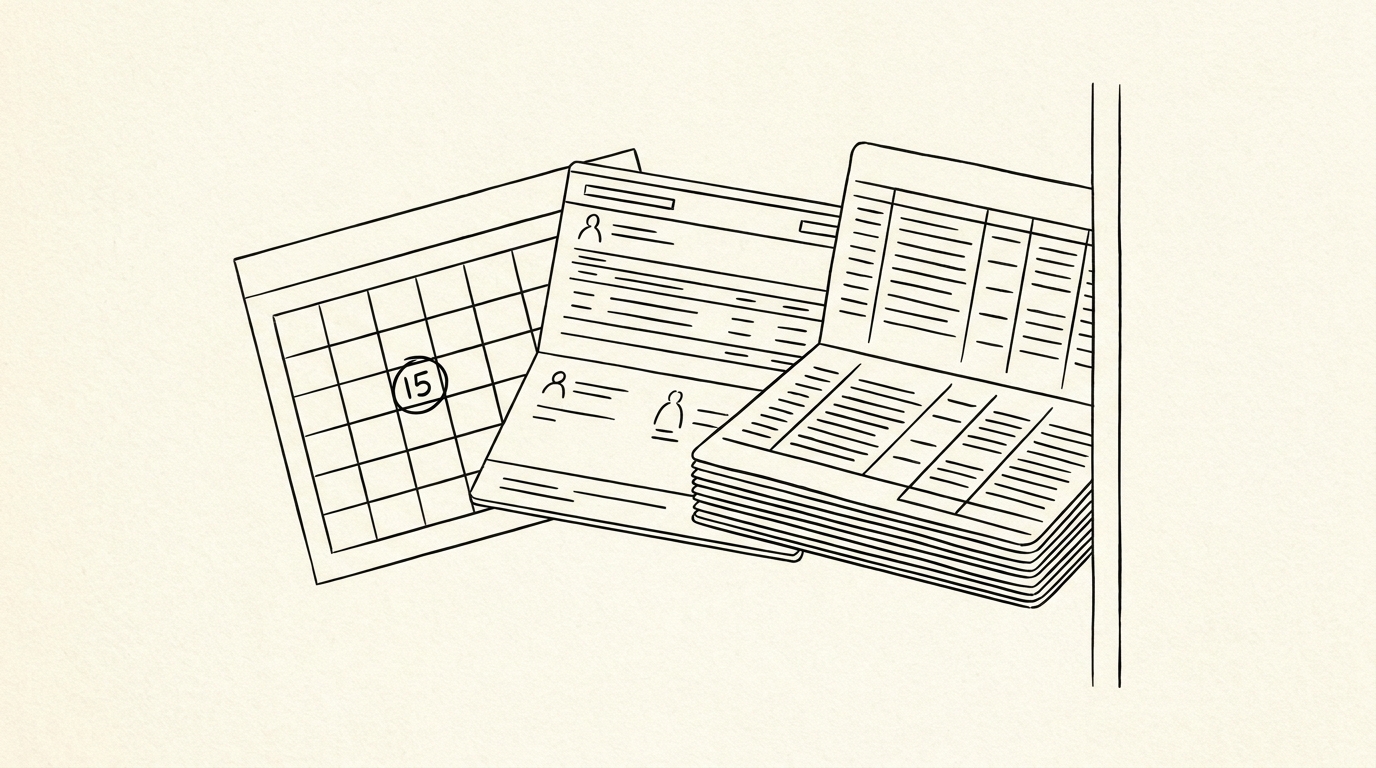
The 1099-DA is filed with the IRS AND sent to the investor. The investor receives a copy in their account (usually by February 15 of the following year) and the broker files the same form with the IRS. The two copies are matched at the IRS, and mismatches trigger notices.
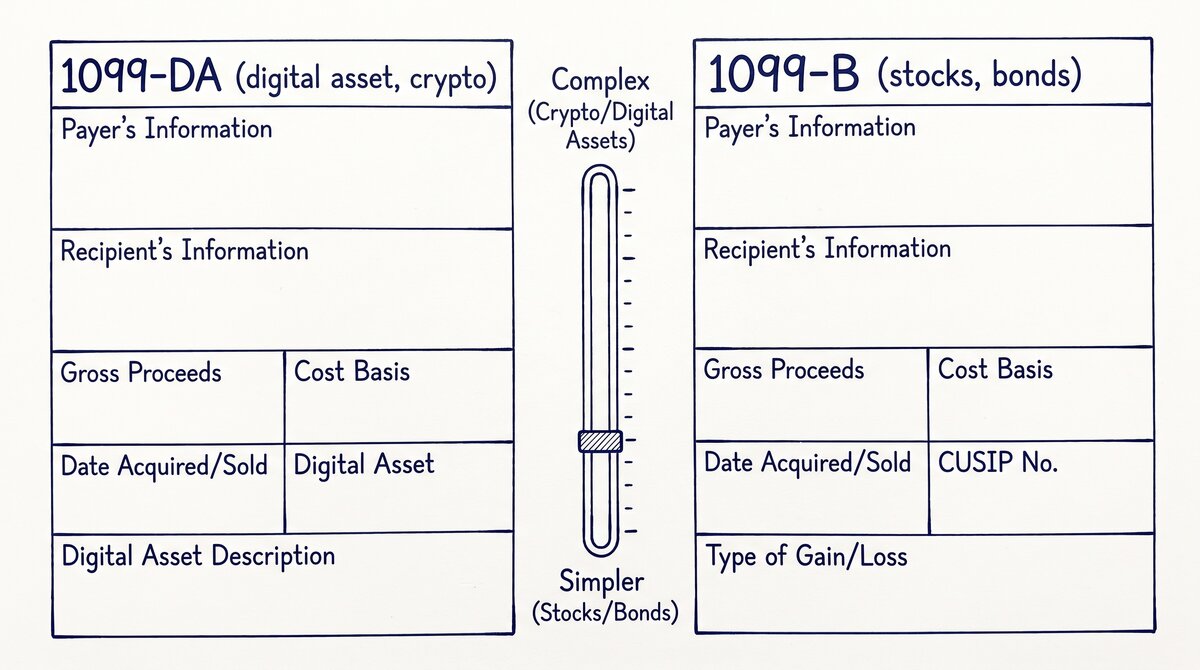
The 1099-DA vs the 1099-B
The 1099-B was the legacy form for capital gains. Brokers issued it voluntarily for crypto, often as a summary. The 1099-B did not have per-transaction detail and did not have a standardized format.
The 1099-DA is the new form. It has per-transaction detail, a standardized format, and is mandatory for all US brokers. The recon cutoff tool reads the 1099-DA PDF and emits a clean file for tax software import. The 1099-DA is the future of crypto tax reporting.
What the 1099-DA Reports
The 1099-DA reports 5 types of transactions. Each type maps to a different IRS form on the tax return.
Type 1: Sales
Sales are disposals where you sold crypto for USD. The 1099-DA reports the sale date, the asset, the quantity, the proceeds, and (if available) the cost basis. The recon cutoff tool’s per-transaction export includes all 5 fields. Sales map to Form 8949 and Schedule D.
Type 2: Exchanges
Exchanges are disposals where you traded one crypto for another (e.g., BTC for ETH). The 1099-DA reports the trade date, both assets, both quantities, and the fair market value. Exchanges are also sales for tax purposes. The recon cutoff tool’s per-type handling maps exchanges to the capital gains category.
Type 3: Transfers (Some)
Transfers are disposals where you moved crypto from one wallet or exchange to another (e.g., Coinbase to Kraken). The 1099-DA reports transfers in some cases (depending on the broker). The recon cutoff tool’s per-type handling maps transfers to the non-taxable category.
Type 4: Staking Rewards
Staking rewards are income from staking crypto. The 1099-DA reports the reward date, the asset, the quantity, and the fair market value. Staking rewards map to Schedule B or Schedule C. The recon cutoff tool’s per-type handling maps staking to the income category.
Type 5: Interest
Interest is income from lending or staking programs (e.g., Gemini Earn). The 1099-DA reports the interest date, the asset, the quantity, and the fair market value. Interest maps to Schedule B. The recon cutoff tool’s per-type handling maps interest to the income category.
Turn That PDF Into a Spreadsheet in Minutes
You've seen how to do it manually — now let the tool handle the heavy lifting. Upload your bank statement and get Excel, CSV, or QBO in a few clicks.
Try It FreeWhat the 1099-DA Does NOT Report
The 1099-DA does NOT report 3 things. The investor is responsible for tracking these themselves.
Not Reported 1: Cost Basis
The 1099-DA does NOT report the cost basis of each disposal (in most cases). The investor is responsible for tracking the cost basis using one of the 4 methods (FIFO, LIFO, HIFO, Specific ID). The recon cutoff tool’s per-transaction export includes the cost basis, which fills the gap.
Not Reported 2: Wallet-to-Wallet Transfers
The 1099-DA does NOT report wallet-to-wallet transfers (e.g., from a self-custody wallet to an exchange). The investor is responsible for tracking these. The recon cutoff tool’s per-wallet handling reads the wallet’s transaction history.
Not Reported 3: DeFi Transactions
The 1099-DA does NOT report DeFi transactions (e.g., liquidity pools, yield farming, lending). The investor is responsible for tracking these. The recon cutoff tool’s per-DeFi handling reads the DeFi protocol’s transaction history.
How to Handle the Mismatch
The 1099-DA may not match your tax return exactly. The 3 most common mismatches and how to handle them.
Mismatch 1: Missing Transactions
You sold 100 transactions but the 1099-DA only reports 95. The 5 missing transactions might be due to a broker error, a transfer that wasn’t reported, or a DeFi transaction that the broker doesn’t see. The fix: reconcile the 1099-DA against your own records. The recon cutoff tool’s per-transaction export is the source of truth for the reconciliation.
Mismatch 2: Different Cost Basis
The 1099-DA shows a different cost basis than your tax return. The cause is usually a different cost basis method (the broker uses FIFO, you use HIFO). The fix: explain the difference in your tax return and keep the records to back it up.
Mismatch 3: Different Income Category
The 1099-DA shows staking as income, but you reported it as capital gains. The cause is usually a categorization error. The fix: amend the prior return. The recon cutoff tool’s per-type handling maps the correct category.
The 2025-2026 Phased Rollout
The 1099-DA reporting was phased in. The 3 phases.
Phase 1 (2025, for 2024 transactions): Brokers with significant activity must report. The threshold is gross proceeds of $10,000+ or any number of transactions. Smaller brokers may not report yet.
Phase 2 (2026, for 2025 transactions): All US brokers must report. The threshold drops to gross proceeds of $5,000+ or any number of transactions. Most US users will receive a 1099-DA.
Phase 3 (2027, for 2026 transactions): All US brokers must report with cost basis. The threshold drops to $600+ in gross proceeds or any number of transactions. The 1099-DA becomes a comprehensive tax document.
A common failure mode bookkeepers report is treating this as a single operation rather than a chain of dependent steps. The temptation is to find a tool that ‘just works’ and stop investigating the mechanism.
The result is a wrong-fix cycle: the tool gives partial output, the bookkeeper spends 30+ minutes troubleshooting, the fix is for the wrong step, and the same error recurs on the next statement. The fix: identify which step failed and apply the right intervention to that step.
Common 1099-DA Mistakes
3 mistakes crypto investors make on the 1099-DA.
Mistake 1: Ignoring the 1099-DA. The 1099-DA is filed with the IRS. Ignoring it triggers an IRS notice. The fix: reconcile the 1099-DA against your tax return before filing.
Mistake 2: Not tracking cost basis. The 1099-DA does NOT report cost basis (in most cases). The fix: track cost basis using the recon cutoff tool’s per-transaction export.
Mistake 3: Assuming the 1099-DA is complete. The 1099-DA does NOT report wallet transfers or DeFi transactions. The fix: track these separately. The recon cutoff tool’s per-wallet and per-DeFi handling covers these.
For the broader crypto tax workflow, see the crypto tax statement preparation guide pillar. For the cost basis method, see the cost basis methods guide . For the tax software, see the crypto tax software comparison guide . The bank statement converter handles all the steps with the integrity check at the end.
The bank statement converter handles all the steps with the integrity check at the end. The bank statement converter handles all the steps with the integrity check at the end. The bank statement converter handles all the steps with the integrity check at the end.
Related: complete 1099-DA crypto tax guide
This topic is part of the broader 1099-DA and crypto-tax cluster on this site. The consolidated hub for the entire topic, including the form mechanics, broker requirements, cost basis methods, reconciling to bank statements, and state-level differences, now lives in the complete 1099-DA crypto tax reporting guide.
For related reading, the complete US bank payment rails guide covers ACH and wire cash flows from crypto exchanges, and the complete MCC guide covers merchant category codes on credit-card statements. The expanded bank statement anatomy pairs naturally with this hub.
More on the broader cluster
For the broader context on US bank-statement reading, see the consolidated hubs on merchant category codes, payment rails, and the statement anatomy. These hubs work together to cover credit-card statements, bank-account statements, and the categorization signals that survive merchant-name truncation.
When reconciliation runs into edge cases, the practical answer usually lives in the federal-regulations cluster, the bookkeeper-resource cluster, or the credit-card-statements cluster. Each offers a domain-specific take on the same underlying signal.
Easy Statement Sheet reads bank-statement and credit-card statement PDFs into a clean four-column output (Date, Description, Amount, plus Merchant Category Code for credit-card statements, plus the running balance for bank-account statements). Files are never stored.
The first three statement conversions are free, no card required. Plans start at $15 per month. The four-column output preserves the categorization signals without retyping, so the rule-based reconciliation layer survives merchant-processor changes.
Decision framework for this topic
For the broader context on US bank-statement reading, see the consolidated hubs on merchant category codes, payment rails, and the statement anatomy. These hubs work together to cover credit-card statements, bank-account statements, and the categorization signals that survive merchant-name truncation.
Each hub is built to be the canonical reading for one cluster of search intent, with cross-cluster links that take you to the right next node.
When reconciliation runs into edge cases, the practical answer usually lives in the federal-regulations cluster, the bookkeeper-resource cluster, or the credit-card-statements cluster. Each offers a domain-specific take on the same underlying signal. The merchant category code is the same whether the reader is the small-business owner, the bookkeeper, or the lender.
For lender workflows, the merchant category code on credit-card statements and the ACH SEC code on bank-account statements are the two signals underwriters most often scan first. Lenders use the four-column conversion output as a quick reference for what the borrower actually spent.
Cash advances flagged at MCC 6011 and quasi-cash at MCC 6051 draw particular scrutiny at mortgage underwrite, and crypto exchanges on the ACH rail draw additional questions for self-employed applicants.
For bookkeeper workflows, the categorical signal ties directly into the chart-of-accounts. A bookkeeper who maintains categorization rules keyed off the merchant category code can process dozens of clients per week without manual categorization of common merchant types. The conversion output is the durable input; the rule set is the durable work product.
Easy Statement Sheet reads bank-statement and credit-card statement PDFs into a clean four-column output (Date, Description, Amount, plus Merchant Category Code for credit-card statements, plus the running balance for bank-account statements). Files are never stored. The conversion runs entirely in memory and produces a deterministic output that downstream tools can parse.
The first three statement conversions are free, no card required. Plans start at $15 per month. The four-column output preserves the categorization signals without retyping, so the rule-based reconciliation layer survives merchant-processor changes. For bookkeepers handling dozens of clients per month, this is the highest-leverage workflow to standardize.
Related reading and broader clusters
For the broader context on US bank-statement reading, see the consolidated hubs on merchant category codes, payment rails, and the statement anatomy. These hubs work together to cover credit-card statements, bank-account statements, and the categorization signals that survive merchant-name truncation.
Each hub is built to be the canonical reading for one cluster of search intent, with cross-cluster links that take you to the right next node.
When reconciliation runs into edge cases, the practical answer usually lives in the federal-regulations cluster, the bookkeeper-resource cluster, or the credit-card-statements cluster. Each offers a domain-specific take on the same underlying signal. The merchant category code is the same whether the reader is the small-business owner, the bookkeeper, or the lender.
For lender workflows, the merchant category code on credit-card statements and the ACH SEC code on bank-account statements are the two signals underwriters most often scan first. Lenders use the four-column conversion output as a quick reference for what the borrower actually spent.
Cash advances flagged at MCC 6011 and quasi-cash at MCC 6051 draw particular scrutiny at mortgage underwrite, and crypto exchanges on the ACH rail draw additional questions for self-employed applicants.
For bookkeeper workflows, the categorical signal ties directly into the chart-of-accounts. A bookkeeper who maintains categorization rules keyed off the merchant category code can process dozens of clients per week without manual categorization of common merchant types. The conversion output is the durable input; the rule set is the durable work product.
Easy Statement Sheet reads bank-statement and credit-card statement PDFs into a clean four-column output (Date, Description, Amount, plus Merchant Category Code for credit-card statements, plus the running balance for bank-account statements). Files are never stored. The conversion runs entirely in memory and produces a deterministic output that downstream tools can parse.
The first three statement conversions are free, no card required. Plans start at $15 per month. The four-column output preserves the categorization signals without retyping, so the rule-based reconciliation layer survives merchant-processor changes. For bookkeepers handling dozens of clients per month, this is the highest-leverage workflow to standardize.
Turn That PDF Into a Spreadsheet in Minutes
You've seen how to do it manually — now let the tool handle the heavy lifting. Upload your bank statement and get Excel, CSV, or QBO in a few clicks.
Try It Free