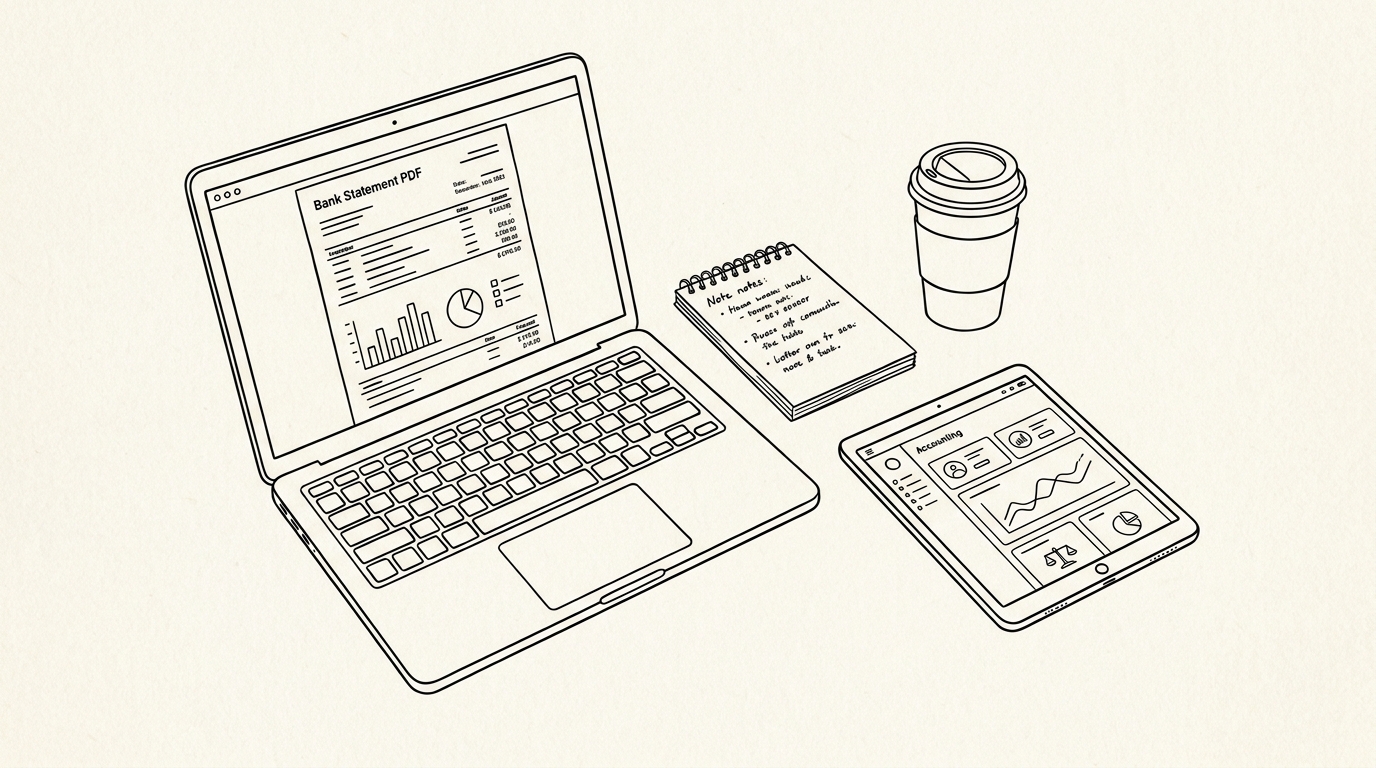

Yes, you can get your bank statement online from almost any bank, usually as a PDF you can download or print. Most banks post statements in online banking and mobile apps within a day or two of the period closing. You log in, open the statements section, pick the month, and save the file.
For a small business owner, that speed matters. Statements are what you hand to your accountant, what a lender requests, and what you keep for tax records. Getting them the moment they post, instead of waiting for mail, keeps your books current and avoids last minute scrambles.
The fastest statement is the one you download the day it posts. The slowest is the one you request by mail after someone asks for it.
Key facts. Nearly all banks offer statements online through web portals and mobile apps. Online statements are usually PDFs you can download or print. Banks typically retain statements online for 7 to 10 years. Paper statements can be requested, sometimes for a fee. Online access is faster and avoids mail delays.
Availability is high: nearly all banks now offer online statements, and most retain them for 7 to 10 years.
How to get your bank statement online
Always verify you are on your bank’s real website before logging in. Phishing pages copy the login screen. Use a bookmark or type the address yourself.
Log in to online banking, select the account, and open the statements or documents section. Most banks list statements by month and year with a download link beside each.
Choose the period you need and download the PDF. Save it with a clear name that includes the bank, account, and month. That habit prevents confusion when a lender asks for two or three specific months later.
Check how far back the portal keeps statements. Many show 12 to 24 months online. If the period you need is older, you will need a request through the bank.
Some portals also offer a year to date summary or an annual statement. These are useful for tax preparation but do not replace the monthly statements that lenders and auditors expect.
If your portal is slow or down, try again later or use the mobile app. Banks schedule maintenance, and statements are usually still available the next day.
When you download, check the closing balance and statement date. A wrong period is easy to grab by mistake when months are listed together.
If you are new to reading one, what is a bank statement explains the layout and each field.
Use a private browser window on shared computers. Public or workplace machines can store logins and downloads. Clear the session when you finish.
Download to a folder you control, not the default downloads folder if others use the device. Move the file to your accounting folder the same day.
If the portal offers a secure message center, use it for requests instead of email. It keeps sensitive details inside the bank’s system.
| Step | Action | Tip |
|---|---|---|
| 1 | Log in to online banking | Use a trusted device |
| 2 | Open Statements or Documents | Look under Accounts |
| 3 | Select account and period | Match lender date range |
| 4 | Download the PDF | Save to a secure folder |
| 5 | Verify the file opens | Check closing balance |
What you can do with an online statement
Online statements are the same document as paper. They show opening balance, transactions, fees, and closing balance. Nothing is missing because it arrived by PDF.
Most arrive as text based PDFs you can search and extract from. Some older archives are scanned images, which require OCR before you can work with the numbers.
If a downloaded file is image based, extraction is harder. Most modern bank PDFs are text based, but verify before you plan to convert the data.
You can print an online statement when a lender or auditor wants paper. The PDF is the official record, and printing does not change its status.
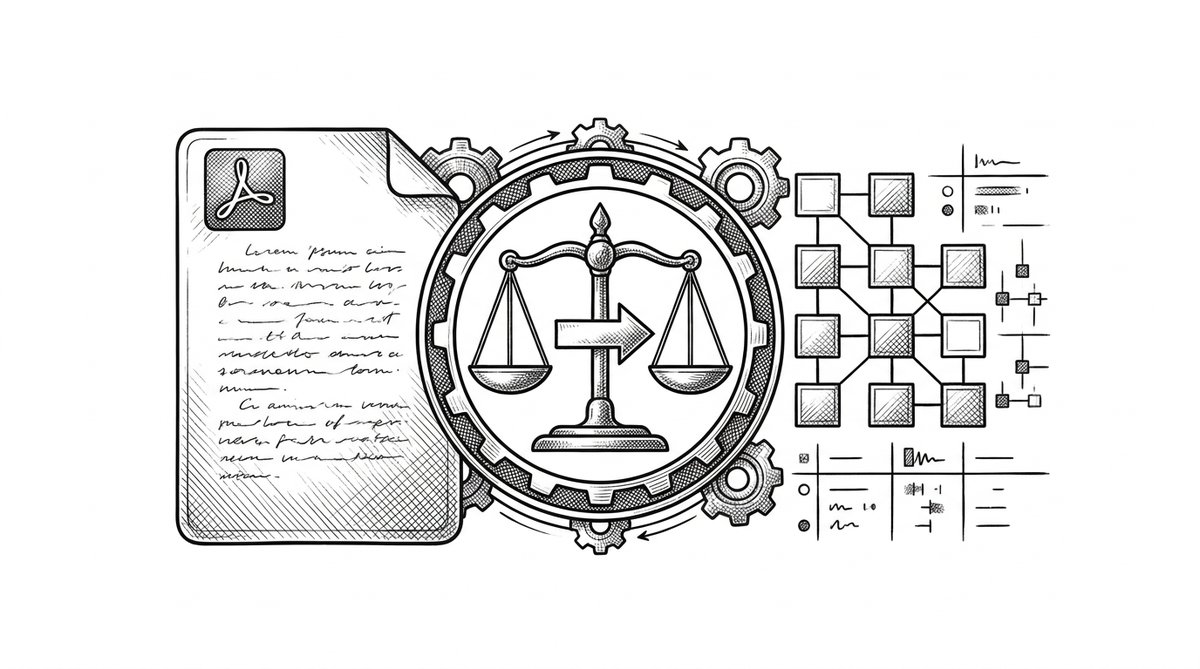
When you need the data in a spreadsheet or accounting tool, convert it and keep the original PDF as the authoritative record.
Reconcile monthly, soon after the statement arrives. A short monthly session prevents a large year end cleanup and catches unauthorized transactions while they are still easy to dispute.
Check the opening balance against your last closing balance first. If they do not match, find the missing transaction before you go further.
Scan fees and interest lines each month. Small charges repeat and add up. Question anything you do not recognize while it is fresh.
Keep statements even when you think you will not need them. Storage is cheap, and lenders and tax authorities can ask years later.
Turn any PDF statement into a clean sheet
Skip the typos and the hours of copying. Our converter handles any bank statement format and outputs Excel, CSV, or QBO for QuickBooks. No file retention, free to try.
Convert your statementHow far back online statements go
Banks typically retain statements online for 7 to 10 years. Within that window you can pull any period, though access depends on the channel.
Recent months are usually free online. Archived copies may take days or weeks and may carry a fee. Ask about cost before you confirm a request.
App availability is often shorter than the website. Some banks show only the last 6 to 12 months in the app. Use the full website when the app falls short.
If the period you need is missing, contact the bank and specify the exact date range. Vague requests slow the process and may return the wrong statement.
For a closed account, request the final statement and any year end summary before the account is fully archived. Once an account has been closed for years, retrieval becomes harder and more expensive.
Retention policies differ by bank and by account type. Ask your bank for the exact retention period that applies to your account.
If a statement is no longer available, reconstruct from your own records. Bookkeeping entries, tax filings, and prior reconciliations can rebuild most of the detail.
Plan ahead for loans. Pull the last two or three months before you apply so you are not waiting on the bank during underwriting.
Paper vs online statements
Paper statements can be requested at a branch or by phone, sometimes for a fee. Many banks still mail them by default unless you switch to electronic delivery.
Electronic delivery is usually faster and cheaper. The PDF is the same document, so you lose nothing by going digital.
Paper is still useful when a lender or auditor wants a physical copy with a bank stamp. Ask for a certified copy if the original is required.
Switching to electronic statements saves time and money for most small businesses. It also reduces the risk of statements sitting in a mailbox.
Electronic delivery also creates a searchable archive. You can find a transaction from two years ago in seconds instead of digging through paper.
Paper still has a role for notarized or certified needs. Ask for a certified copy when a regulator or court requires it.
If you keep paper, store it in a locked cabinet and shred it when the retention period ends. Statements are sensitive documents.
| Channel | Speed | Cost | Best for |
|---|---|---|---|
| Online banking | Instant | Usually free | Recent periods |
| Mobile app | Instant | Usually free | Quick access on the go |
| Branch visit | Same day or ordered | May apply | Certified or paper copies |
| Phone request | Days to weeks | May apply | Older periods |
| Mail delivery | Several business days | May apply | Paper only needs |
Where to find your statements and how to generate them
If you are unsure where statements live in your portal, where can I find my bank statement walks through common locations by bank layout.
Some banks let you generate a statement on demand for a custom date range. how to generate my bank statement covers that flow step by step.
For a full walkthrough of every channel, how to get a bank statement from your bank lists online, app, branch, and phone options in one place.
Keep a consistent folder structure for downloaded statements. Name files with the bank, account, and month so retrieval is fast during tax season or an audit.
Back up statements to a second location. A cloud drive or encrypted external drive protects against a lost laptop or failed disk.
Set a calendar reminder to download statements monthly. Relying on memory leads to gaps that are hard to fill later.
If multiple people need access, share a read only folder instead of emailing attachments. It keeps one source of truth.
Security and privacy when accessing statements online
Always verify the site, use strong unique passwords, and enable two factor authentication. Phishing pages copy the login screen and steal credentials.
Downloaded statements contain account numbers and transaction history. Store them securely and limit who can access them.
If you share statements with an accountant or lender, redact what is not needed. bank statement privacy and redaction explains what to remove and how.
Avoid email and messaging apps for storage. Use an encrypted folder or your accounting system instead.
Review statements promptly. A short monthly review catches unauthorized transactions while they are still easy to dispute.
Report suspicious transactions immediately. Banks have time limits for disputes, and delays can cost you the right to recover funds.
Do not store statements on unencrypted devices. Use full disk encryption on laptops and strong passwords on phones.
Shred or securely delete old statements you no longer need. Deleting to the trash is not enough for sensitive files.
Turn That PDF Into a Spreadsheet in Minutes
You've seen how to do it manually — now let the tool handle the heavy lifting. Upload your bank statement and get Excel, CSV, or QBO in a few clicks.
Try It Free