
Most people pick a bank statement converter the same way they pick a PDF reader: by searching for a free download and clicking the first result. That works until the file reaches the person who has to sign off on it. A mortgage underwriter, a bookkeeper, a tax preparer, or an auditor each asks narrow technical questions.
A converter that loses the wrong detail fails without throwing any obvious error message. This guide walks through the seven criteria that separate a converter you can rely on from one that merely produces a spreadsheet, and each criterion is drawn from a real rule you can check.
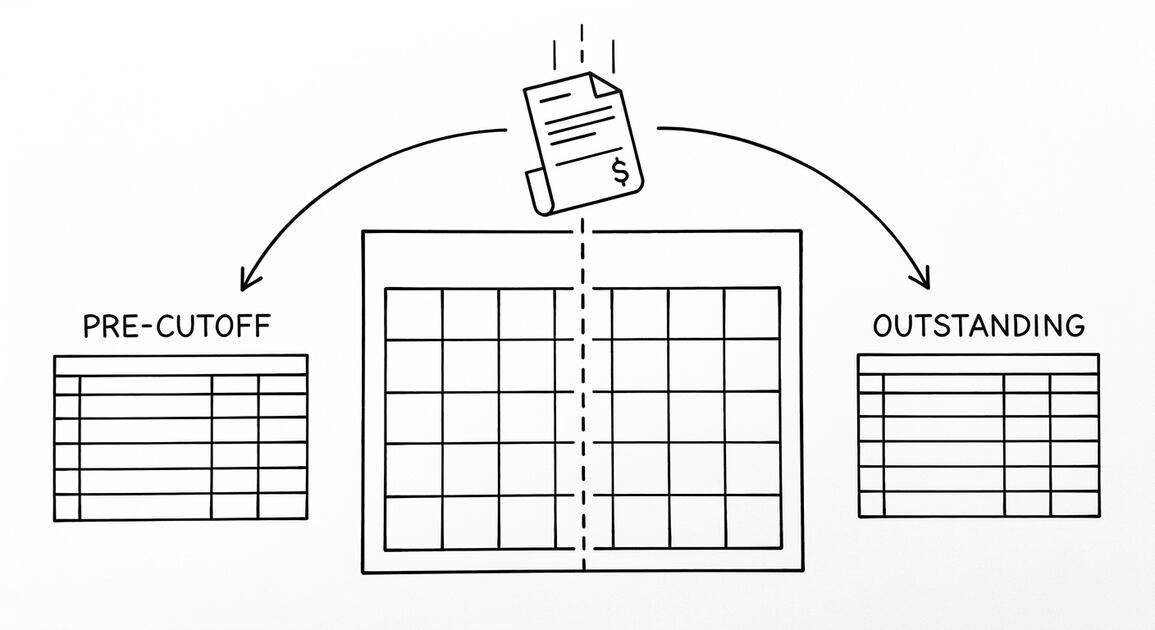
If you have not converted a statement yet, start with our plain explanation of what a bank statement converter does and come back to this page. The order matters: the first three criteria decide whether the file is usable at all, the rest decide whether you can trust the vendor holding it.
1. Does the converter preserve all seven required elements?
What the guide actually requires
The Fannie Mae Selling Guide, in section B3-4.2-01 on verification of deposits and assets, sets out what a copy of a bank statement must contain to be usable. It must clearly identify the financial institution, clearly identify the borrower as the account holder, and include at least the last four digits of the account number.
It must also include the time period covered by the statement, all deposits and withdrawal transactions, all purchase and sale transactions for financial portfolio accounts, and the ending account balance. That is seven separate elements, and the phrase to notice is copies of bank statements.
Why a transaction extract falls short
A converter that outputs one row per transaction gives you a fraction of what was asked for. Ask a vendor whether the converted file carries the institution name, the account holder name, the last four digits, the covered period, the transaction lines, and the ending balance.
If the answer is that those details are visible in the PDF but absent from the export, what you have is a data extract rather than a converted statement. The ending balance is the element that catches people out, because it is also the one that makes a conversion checkable.
Portfolio accounts deserve a separate question. Because the guide treats purchase and sale transactions as their own required element, a converter built only for personal checking and savings statements was not designed for an investment account.
Before accepting any file, read our step by step method for verifying a converted statement before import. That check depends on the final balance line being present and correct, which is exactly the field most likely to go missing.
2. Does it read the covered period correctly?
60 days for purchase, 30 days for refinance
Per the Fannie Mae Selling Guide B3-4.2-01, purchase transactions require statements covering the most recent full two-month period of account activity, 60 days, or the most recent quarter if account information is reported on a quarterly basis.
Refinance transactions require statements covering the most recent full one-month period, 30 days, or the most recent quarter. Notice that the rule is about the period the statement covers, not the date of an individual transaction.
A converter that pulls rows and discards the header loses the period, and with it the ability to tell whether a file satisfies a 60-day purchase requirement or a 30-day refinance requirement. An underwriter who cannot establish the covered period will simply ask for another statement.
Quarterly reporting is the case that trips up automated workflows. When account information is reported on a quarterly basis, the quarter satisfies the window even when the day count is lower, and that structure lives in the statement header rather than in the rows.
Turn any PDF statement into a clean sheet
Skip the typos and the hours of copying. Our converter handles any bank statement format and outputs Excel, CSV, or QBO for QuickBooks. No file retention, free to try.
Convert your statement3. Are the statement date and ending balance preserved?
The 45-day freshness test
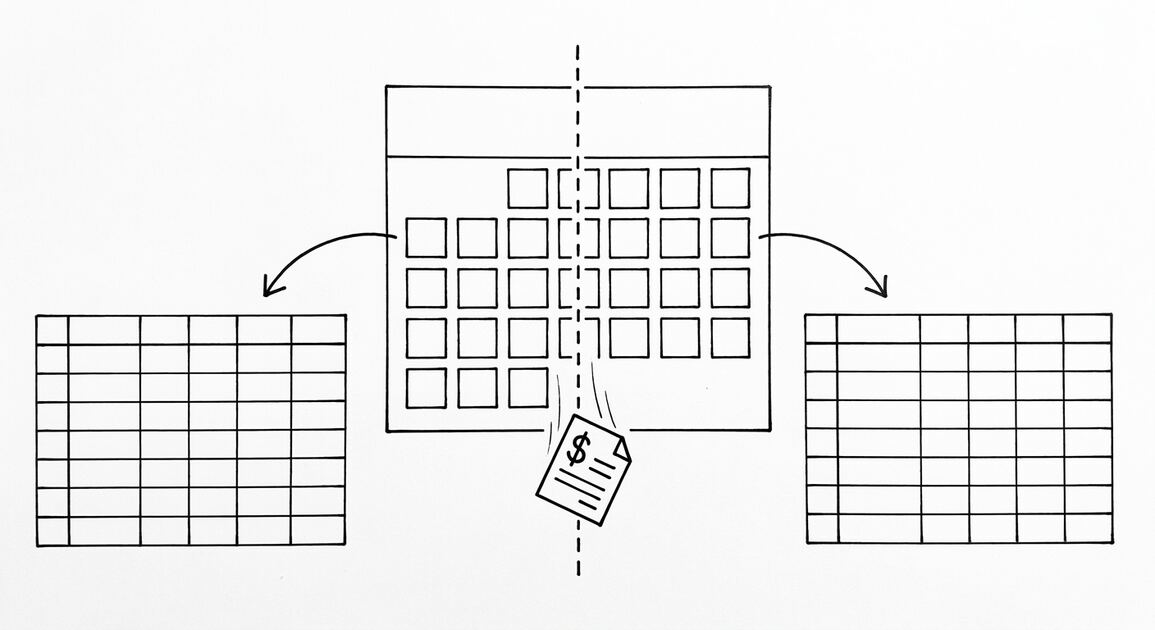
Freshness has its own rule in the same section of the Selling Guide. Per the Fannie Mae Selling Guide B3-4.2-01, if the latest bank statement is more than 45 days earlier than the date of the loan application, the lender should ask the borrower for a more recent, supplemental, bank-generated form.
That form has to show at least the last four digits of the account number, the balance, and the date. It is a specific test: statement date against application date, measured in days, with a 45-day threshold.
The test works only if the converted file carries the statement date and the ending balance as fields rather than as decorative text buried in a header image. A converter that emits a spreadsheet of rows but no statement date cannot answer the question an underwriter is actually asking.
Treat statement date, covered period, and ending balance as a single package of must-have fields. Our guide to choosing the right output format covers how those fields travel through Excel, CSV, and Google Sheets, and which formats a lender realistically accepts.

4. What security controls protect the file in transit and at rest?
Encryption and multi-factor authentication
Bank statements are among the most sensitive documents a small business handles. They show balances, payroll deposits, customer names, and sometimes the names of lenders, so any converter you upload one to is now holding that data.
Per the FTC Safeguards Rule, 16 CFR 314.4(c)(3), a covered financial institution must protect by encryption all customer information held or transmitted by it both in transit over external networks and at rest, and 16 CFR 314.4(c)(5) requires multi-factor authentication for any individual accessing any information system.
Encryption in transit and at rest, plus multi-factor authentication, are the two controls to ask a converter vendor about first. If you want the regulatory text, the eCFR carries the Safeguards Rule at 16 CFR 314.4.
Two questions do most of the work. Does the vendor encrypt the connection you upload over, and does it encrypt any stored copy? And is multi-factor authentication required for the staff who can reach your file, not merely for you?
Your own position in the rule
If you are evaluating vendors on behalf of a lender or a financial institution, you are not simply a customer, you may qualify as a service provider. Per the FTC Safeguards Rule, 16 CFR 314.4(f)(1) through (3), such an institution must take reasonable steps to select and retain service providers capable of maintaining appropriate safeguards.
The same rule requires those providers by contract to implement and maintain such safeguards, and to be assessed periodically based on the risk they present. That last clause means the relationship is a living one, not a box you tick at onboarding.
5. Can the vendor show an audit report and contractual commitments?
What a lender must check before accepting vendor output
Because that rule exists, your evaluation should not end at checkbox answers. Ask for the vendor’s independent audit report and its contractual security commitments, then hold the vendor to them periodically rather than once at onboarding.
There is a parallel rule for third-party asset verification in the mortgage workflow. Per the Fannie Mae Selling Guide, B3-4.2-01, asset documentation provided by a third-party asset verification vendor is acceptable only if the borrower provided proper authorizations.
It is also acceptable only if the verified information conforms with what Form 1006 or bank statements would show, and the lender has determined that the vendor maintains reasonable practices that ensure reliable and authorized verifications of deposit and asset information.
In plain terms, the lender may accept a vendor’s output only after it has checked the vendor itself. Per the Fannie Mae Selling Guide B3-4.2-01, a converter used in a lender or mortgage workflow must be a documented, auditable vendor.
Ask for the scope of the most recent independent audit, the date it was completed, and the contractual clause binding the vendor to maintain safeguards. If the vendor cannot share the report, ask whether it will commit to the obligation contractually instead.
Documentation a vendor actually keeps beats a sales page describing features, because only the first one tells a reviewer how the output was produced and by whom.
6. What are the retention and deletion terms?
Secure disposal obligations
Every statement you upload is a record that someone may need to reproduce years later. The rules around that are specific enough to ask about directly rather than infer from a privacy policy.
Per the FTC Safeguards Rule, 16 CFR 314.4(c)(6)(i), an institution must develop, implement, and maintain procedures for the secure disposal of customer information in any format no later than two years after the last date the information is used.
The same provision allows an exception where the information is required to be retained by law or for other legitimate business purposes. So ask for the retention period in writing, the deletion process, and whether deletion can be evidenced. A vendor that cannot name a disposal procedure has not thought about it.
Reproducibility for your own tax records
Retention on your side is a separate matter, and it matters most for tax records. Per IRS Publication 583, titled ‘Starting a Business and Keeping Records’ (Rev. December 2024), except in a few cases the law does not require any specific kind of records.
You can choose any recordkeeping system suited to your business that clearly shows your income and expenses, which means there is no IRS-approved converter, because the output is chosen by the business rather than certified by the IRS. The full text is published by the IRS as Publication 583.
Per IRS Publication 583 (Rev. December 2024), the original hard copy books and records may be destroyed provided the electronic storage system has been tested to establish that the hard copy books and records are reproduced in compliance with IRS requirements and procedures are established to ensure continued compliance.
A converted spreadsheet is only as good as the system that can reproduce the original, so test that path before you delete anything. Keep three things together: the original statement, the converted file, and a note of which tool produced it.
7. Does the output stay readable?
Legibility is a documentation requirement
Readability sounds like a formatting preference, but it is a documentation requirement with a named threshold. Per IRS Publication 583 (Rev. December 2024), if you do not have a canceled check you may be able to prove payment with certain financial account statements prepared by financial institutions.
Those statements include account statements prepared for the financial institution by a third party, and they must be highly legible. That is the clearest reason to insist on a converter whose output stays readable rather than a flattened, garbled table.
A spreadsheet where every row has collapsed into a single line, where the description has been truncated to a few characters, or where dates have been reformatted into something ambiguous fails a legibility standard that the IRS itself names. If you have to re-read a row to work out what it says, the conversion did not really happen.
Watch for truncated merchant descriptions, ambiguous date formats, and multi-line transactions flattened onto one line. None of them produce an error message.
Where legibility costs you time
Readability also carries a time cost. A bookkeeper working through several months of history pays the re-reading penalty on every line, so the cost of an illegible export scales with volume in a way the subscription price does not.
If that is your situation, our comparison of manual entry against using a converter puts numbers against the alternative, and whether bank statement converters are safe to use covers the handling question in more depth.
The 7-point selection checklist
Run a vendor through these seven questions
Pull the criteria together and you can put any vendor through this list in a single sitting. Ask each question in the vendor’s own words and write the answer down.
- Preserves seven elements. Institution, account holder, last four digits, covered period, all transaction lines, and ending balance are all present in the export.
- Reads the covered period. The start and end dates of the statement period travel with the file, not just the individual transaction dates.
- Carries statement date and ending balance as fields. Without both, the 45-day freshness test cannot be answered.
- Encrypts in transit and at rest, with multi-factor authentication. Ask both questions explicitly and note the answers.
- Produces an independent audit report and a written security commitment. Needed if a lender or financial institution will rely on the output.
- States retention and deletion terms in writing. Including a disposal procedure that can be evidenced.
- Keeps the output highly legible. Long descriptions intact, dates unambiguous, nothing flattened into an image.
Two cases where a converter is the wrong tool
Two details cut across the whole list. Cost matters less than people expect when measured against the hours spent retyping, and our breakdown of bank statement converter pricing is worth reading before assuming the cheapest option is the expensive one.
There is also a case where no converter is the right answer: when the statement itself is incomplete, or the account is joint and the lender needs a bank-generated form. Conversion cannot add information the document does not contain.
A second case worth naming is the document that is already legible and small. If you have one month of a single checking account and a bookkeeper who can read it in ten minutes, switching tools may cost more than typing it.
Records age well beyond the conversion
One last point sets the whole exercise in context. Per IRS Publication 583 (Rev. December 2024), Table 3, titled ‘Period of Limitations’, lists 7 years for filing a claim for a loss from worthless securities or a bad debt deduction, which confirms the records stay relevant long after conversion.
Seven years is a long time for a file to depend on one export sitting in one folder, so keep the original PDF and the converted file together. That habit is what makes a conversion safe to rely on.
Turn That PDF Into a Spreadsheet in Minutes
You've seen how to do it manually — now let the tool handle the heavy lifting. Upload your bank statement and get Excel, CSV, or QBO in a few clicks.
Try It Free