
Automated income verification is changing how landlords confirm that an applicant can afford rent. Instead of asking for PDF bank statements, many screening platforms now connect directly to a bank account through a secure API. The result is faster decisions and fewer manual errors.
For applicants, the process feels like logging into online banking. For landlords, it delivers structured income data without scanning pages of transactions. Understanding how it works helps both sides use it fairly and safely.
This guide explains the technology, the consent rules, and the limits of automated verification. It also compares the API approach with traditional PDF statements so you can choose the right method for each application.
Automated tools are not perfect. They can miss cash income or nonstandard accounts. A smart screening process combines automated data with human review and clear backup rules.
Throughout this article, income figures are in USD and examples follow United States rental practices. Laws and platform features vary by state and provider.
What automated income verification means
Automated income verification uses a bank data API to read transaction history and confirm recurring deposits. The system categorizes income streams and calculates an average monthly amount. Landlords receive a summary instead of raw statements.
This approach reduces document fraud because applicants cannot edit the data. It also speeds approval because there is no manual review of scanned pages. Many property managers now treat automated verification as the default step.
The data typically includes deposit amounts, dates, and merchant names. Some platforms also return balances and account ownership details. Landlords use these fields to confirm that income is stable and sufficient.
Income averages are usually calculated over the full history window. A single large deposit can skew the average if it is not recurring. Reviewers should look for repeated pay patterns rather than one time spikes.
Income thresholds are usually set as a multiple of monthly rent. A common standard is three times the rent. Automated summaries make it easy to compare verified income against that threshold.
Landlords should avoid relying on a single metric. Combining income with rental history and references gives a fuller picture. Automated data supports but does not replace judgment.
For a full overview of what landlords review on a statement, see the rental application bank statement guide. It explains the fields that matter and how applicants can prepare clean records.
How Plaid and Finicity connect accounts
Plaid and Finicity are two common providers that link bank accounts to screening software. The applicant chooses their bank from a list and enters login credentials through a secure window. The provider then returns read only transaction data to the landlord platform.
The bank credentials are not shared with the landlord. The connection uses token based access that can be revoked at any time. This design limits exposure and keeps the applicant in control of the link.
Most connections complete in under a minute. Once linked, the platform pulls a standard window of history, usually around ninety days. That window covers recent pay cycles and supports a reliable income estimate.
Some banks require multi factor authentication during the connection. The applicant approves the request through their banking app. This extra step adds security without slowing the process much.
If a connection fails, the platform records the error and prompts a retry. Applicants should check that their bank supports the feature before starting. Support teams can often resolve issues within one business day.
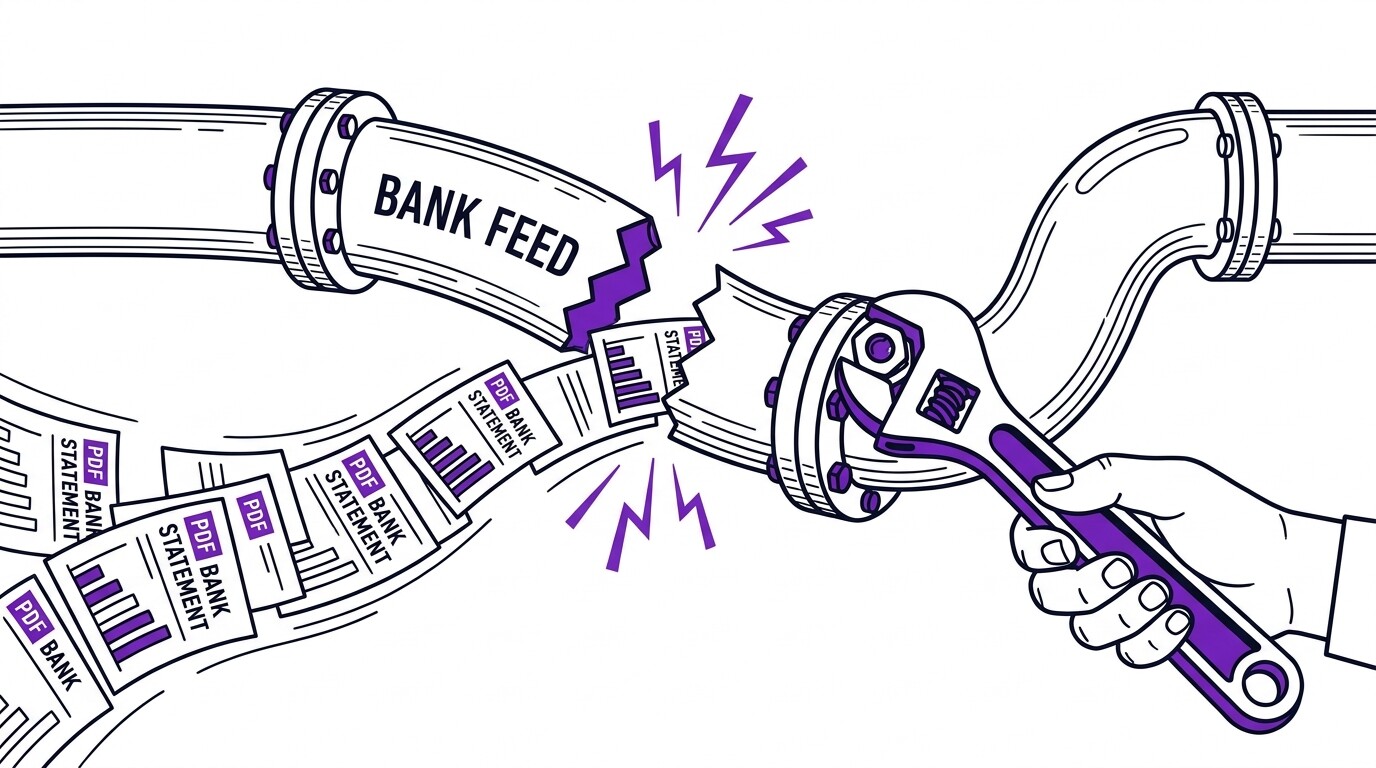
When a bank is not supported, the platform usually offers a fallback. The applicant can upload PDF statements instead. Clear fallback rules keep the application moving.
Turn PDF Bank Statements Into Workable Spreadsheets
Your bank statement is a mess of numbers, but your books shouldn't be. Use our converter to get Excel, CSV, or QBO files — ready for QuickBooks.
Try It Free NowConsent and data access rules
Applicants must consent before any bank connection is created. The consent screen explains what data will be accessed and how long it will be retained. Read only access means the system cannot move money or change account settings.
Landlords should store consent records with the application file. If a dispute arises, proof of consent protects both parties. Clear consent also builds trust and reduces applicant drop off.
Applicants can revoke access after screening is complete. Some platforms auto expire connections after a set period. Landlords should not retain bank tokens longer than needed for the decision.
Privacy notices should state who can view the data. Limiting access to the screening team reduces risk. A written policy also supports fair housing compliance.
Retention periods should match the application lifecycle. Once a decision is made, delete or archive the data per policy. Clear retention rules reduce privacy exposure.
For income focused details, review rental income verification bank statement and income verification from bank statement rental. Both explain how landlords calculate qualifying income from statement data.

Automated verification versus PDF statements
Automated data is faster and harder to tamper with, but it is not always complete. Some applicants use small banks or credit unions that are not supported. Others receive income as cash or through apps that do not connect cleanly.
PDF statements remain a useful backup. They can show a longer history and capture accounts that APIs miss. Many landlords request both automated data and a PDF copy for the file.
Comparing the two methods helps set expectations. Automated checks excel at speed and fraud control. PDFs excel at coverage and transparency. A hybrid approach often works best.
Landlords should explain the chosen method in writing. Applicants deserve to know why a connection is requested and how backups work. Transparency reduces confusion and complaints.
Applicants can also request a copy of the automated summary. Reviewing it together prevents misunderstandings about income. Clear communication builds trust.
| Method | Speed | Fraud risk | Best use |
|---|---|---|---|
| Automated API | Minutes | Low | Standard W2 and gig income |
| PDF statements | Days | Medium | Unsupported banks or cash income |
| Both combined | Minutes to days | Lowest | High value or complex cases |
Coverage window and edge cases
Automated verification typically covers ninety days of transaction history. That window is enough for most monthly rent cycles. Seasonal workers or new hires may need a longer look back period.
Edge cases include multiple income sources, irregular deposits, and shared accounts. The system may label a transfer as income by mistake. Human review catches these errors before a decision is made.
Applicants with complex finances should be ready to explain deposits. A short note or supporting document can clarify unusual activity. Clear communication prevents false negatives.
For a preparation checklist, see rental application bank statement income documentation checklist. It lists the documents that support automated results.
Shared accounts raise special questions. A roommate deposit is not the applicant’s income. Landlords should ask for clarification when ownership is unclear.
Seasonal income requires special handling. A worker with strong summer earnings may show low deposits in winter. Landlords can request a full year of PDF statements to confirm stability.
Landlord implementation and applicant scenarios
Landlords should set written criteria before using automated tools. Define the income threshold, the history window, and the backup document rules. Apply the same standard to every applicant to avoid fair housing risk.
Train staff on how to read automated summaries and when to request a PDF. Document the reason for any manual override. Consistent records protect the decision if challenged.
Screening reports often combine automated income with credit and background data. For that combined view, review rental application bank statement tenant screening report. It explains how reports are assembled and shared.
| Step | Action | Notes |
|---|---|---|
| 1 | Set written screening criteria | Include income threshold and history window |
| 2 | Enable automated verification | Use a trusted provider |
| 3 | Define backup document rules | Request PDF when API fails |
| 4 | Store consent records | Keep with application file |
| 5 | Review edge cases manually | Document reasons for overrides |
Applicants with steady W2 income usually pass automated checks with ease. Gig workers and self employed applicants may need extra support. Understanding the rules ahead of time reduces stress.
Real world situations vary widely. For common cases and how to handle them, see rental applicant scenarios bank statement. It walks through edge cases with practical advice.
Automated verification is a tool, not a final answer. Combine it with clear criteria, consent, and human review for fair and accurate screening. Used well, it speeds approvals while protecting both landlords and applicants.
From Bank Statement to QuickBooks-Ready File
That manual cleanup you just read about? This tool skips it. Turn your PDF into QBO for QuickBooks without storing your data anywhere.
Start Converting