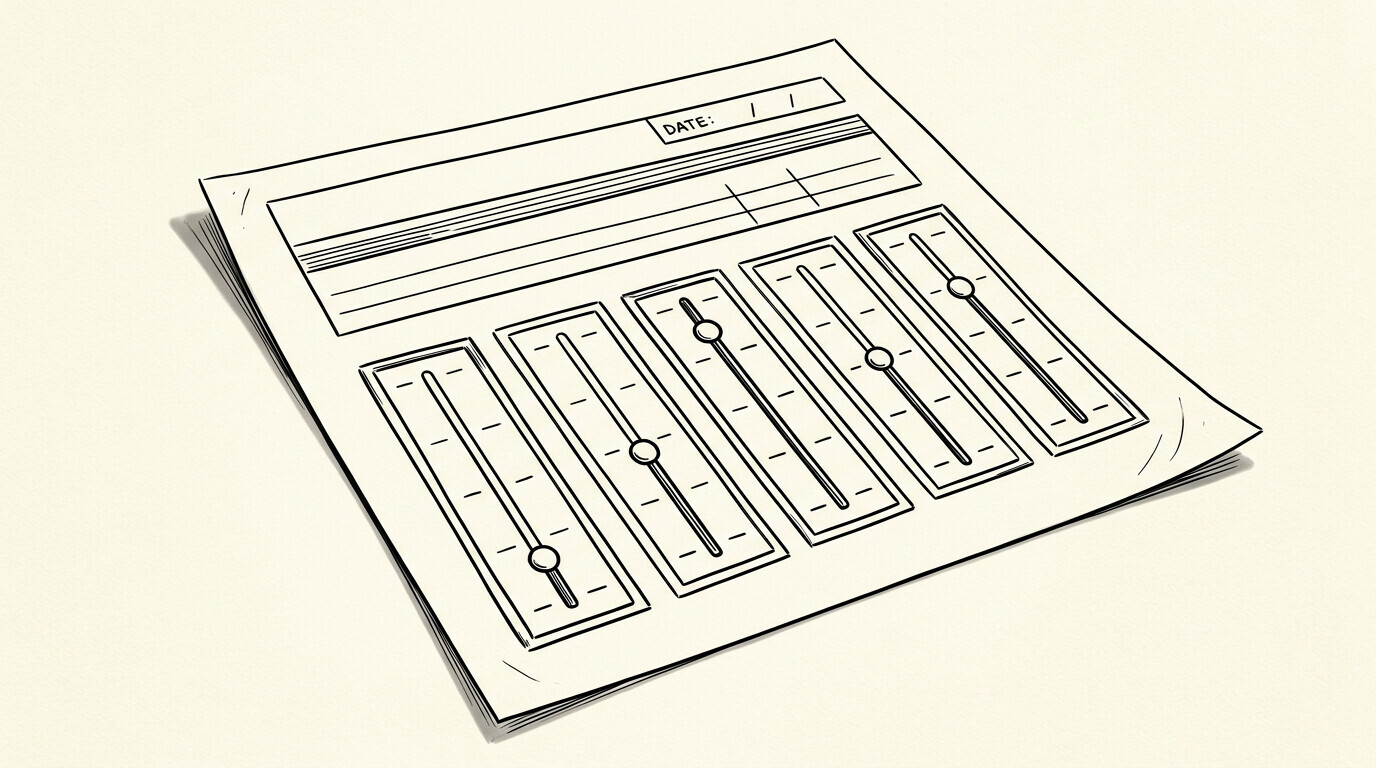

The statement says ‘Balance: $5,000’. The online account says ‘Current Balance: $4,750’. The available credit is $10,250. The minimum payment is $150. Five numbers, five meanings, one credit card. A user gets a credit card statement saying $5,000 balance. They pay $2,000. The next statement shows the $3,000 remaining balance, plus new charges.
The Excel file has the new statement, but the user is confused why the balance is different from the previous statement.
TL;DR. The statement balance is a snapshot in time (what you owed on the statement date). The current balance is a live number (what you owe right now). Available credit is credit limit minus current balance minus pending holds. Minimum payment is the smallest payment to keep the account in good standing. The Excel file shows the statement balance, not the current balance.
For the broader credit card to Excel workflow, see the credit card to Excel guide.
The 5 Balance Types on a Credit Card
A credit card account has 5 distinct balance types. Each is calculated differently and each tells a different story about what you owe. Knowing the difference prevents confusion when the statement, the online portal, and the Excel file show different numbers.
What most guides miss about credit card statements is that the quality depends on the mechanism, not on the tool. Two tools that look different on the surface often run the same 4-step process underneath: read, find, parse, verify. The difference is in how well each step handles edge cases (merged cells, missing balances, non-standard date formats, scanned vs digital input). Choosing between tools based on UI alone misses the actual quality lever.
Balance 1: Statement balance
The statement balance is what you owed on the day the statement was generated. It is a snapshot in time. Once the statement is generated, the statement balance does not change, even if you make payments or new charges after the statement date.
The statement balance is the number on the PDF statement. It is the number in the Excel file after conversion. It is the basis for the minimum payment calculation on the next statement.
Balance 2: Current balance
The current balance is what you owe right now, at the moment you log in to the issuer’s portal. It is calculated as: statement balance + new charges since the statement – payments since the statement. The current balance changes with every transaction and every payment.
The current balance is a live number, not a snapshot. It is not on the statement. It is only in the issuer’s online portal. The Excel file does not include the current balance; it includes the statement balance from the period covered by the PDF.
Balance 3: Available credit
Available credit is the credit limit minus the current balance minus pending auth holds. If your credit limit is $15,000, your current balance is $4,750, and you have $200 in pending holds, your available credit is $10,050.
Available credit changes constantly. It drops with every charge and every auth hold. It increases with every payment. It is in the issuer’s online portal. The Excel file does not include available credit; the data is in the issuer’s portal only.
Balance 4: Minimum payment
The minimum payment is the smallest amount you can pay to keep the account in good standing. It is usually 1-3% of the statement balance, with a minimum of $25 to $35. The minimum payment is on the statement, on the next statement, and in the issuer’s portal.
Paying the minimum payment avoids late fees and credit score impact, but interest continues to accrue on the remaining balance. Paying the statement balance in full avoids interest charges.
Balance 5: Total balance
The total balance is the same as the current balance in most cases. Some issuers track them separately for promotional balances (0% APR offers on specific transactions). The total balance includes the promotional balance; the current balance may or may not, depending on the issuer.
How the 5 Balances Relate to the Excel File
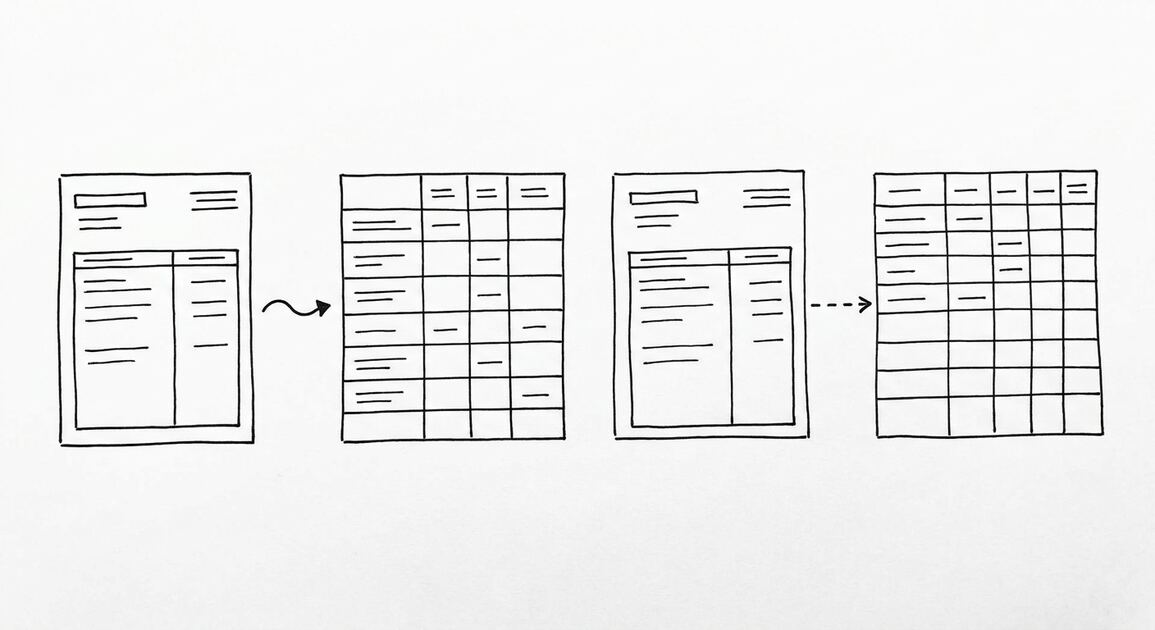
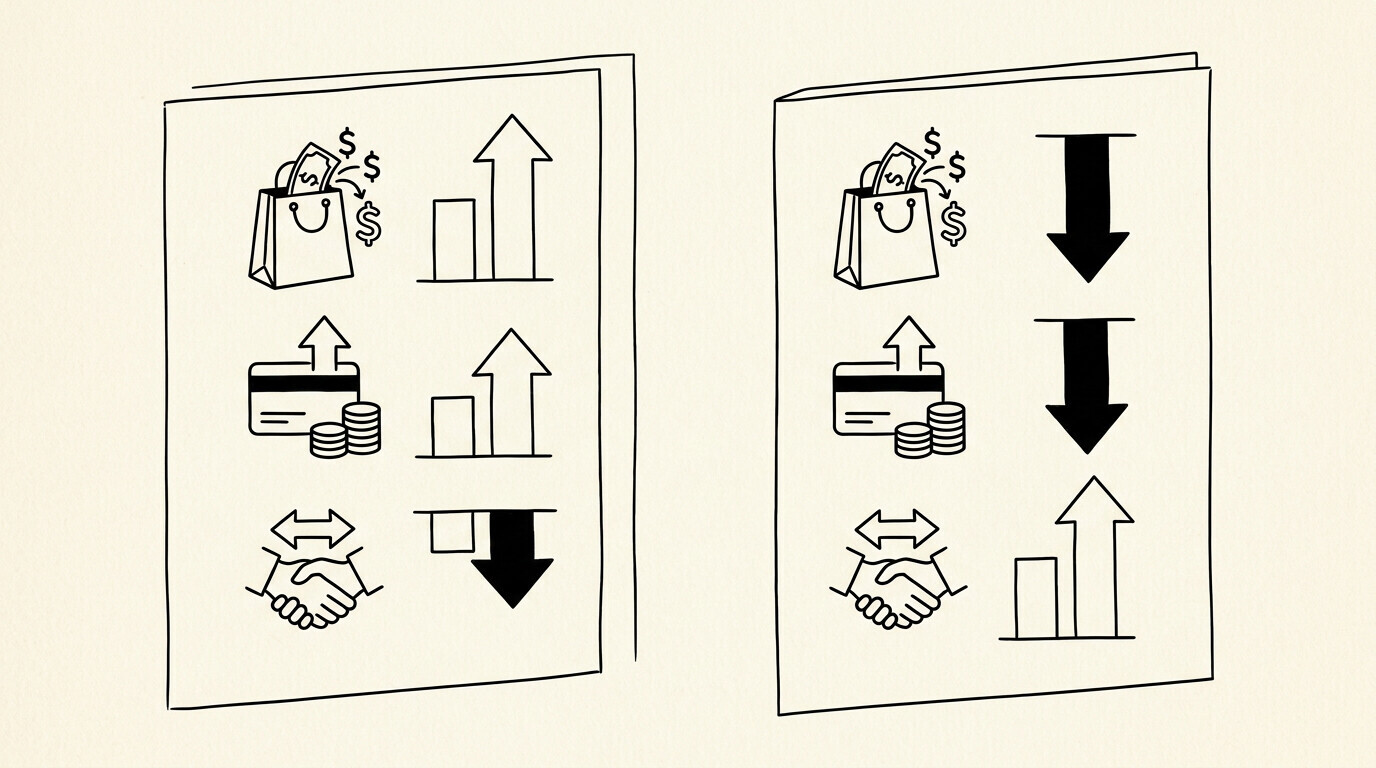
The Excel file from a credit card statement conversion shows the running balance for each transaction. This is the statement balance, not the current balance. The current balance at the time of conversion is not in the Excel file; it is in the issuer’s portal.
For reconciliation between the Excel file and the issuer’s portal, compare the last transaction’s running balance to the statement balance on the next statement. The two should match if all transactions posted correctly. The current balance will differ by the new charges and payments since the statement date.
| Balance type | Where it appears | Excel file? | Changes how often |
|---|---|---|---|
| Statement balance | PDF statement, Excel file | Yes (running balance column) | Once per statement cycle |
| Current balance | Online portal only | No | Continuously (live) |
| Available credit | Online portal only | No | Continuously (live) |
| Minimum payment | Statement, portal | No | Once per statement cycle |
| Total balance | Online portal only | No | Continuously (live) |
From Bank Statement to QuickBooks-Ready File
That manual cleanup you just read about? This tool skips it. Turn your PDF into QBO for QuickBooks without storing your data anywhere.
Start ConvertingThe Failure Mode
A common failure mode bookkeepers report is the statement balance being confused with the current balance. The Excel file has the statement balance. The current balance in the online portal is the live number. The two differ after any new charge or payment.
The fix: use the statement balance for period-end reconciliation (matching the Excel file to the statement period). Use the current balance for cash flow planning (knowing what is owed right now). The two serve different purposes and should not be expected to match.
For the broader credit card statement workflow, see the credit card to Excel guide. For the parent pillar, see the credit card conversion guide.
For a deeper understanding, see: credit card statement pillar. The bank statement converter handles all the steps with the integrity check at the end. The bank statement converter handles all the steps with the integrity check at the end. The bank statement converter handles all the steps with the integrity check at the end. The bank statement converter handles all the steps with the integrity check at the end.

Turn PDF Bank Statements Into Workable Spreadsheets
Your bank statement is a mess of numbers, but your books shouldn't be. Use our converter to get Excel, CSV, or QBO files — ready for QuickBooks.
Try It Free Now