
A charge ID is the unique reference number a bank or card network assigns to a single transaction. It identifies that one charge among thousands on your statement, and it is the fastest way to point a banker or merchant to the exact line you are asking about.
For a small business owner reconciling accounts, the charge ID turns a vague dispute call into a precise one. Instead of describing a charge by date and amount, you read one number and the rep pulls the exact record.
The charge ID is the transaction’s fingerprint: one number, one charge, no confusion.
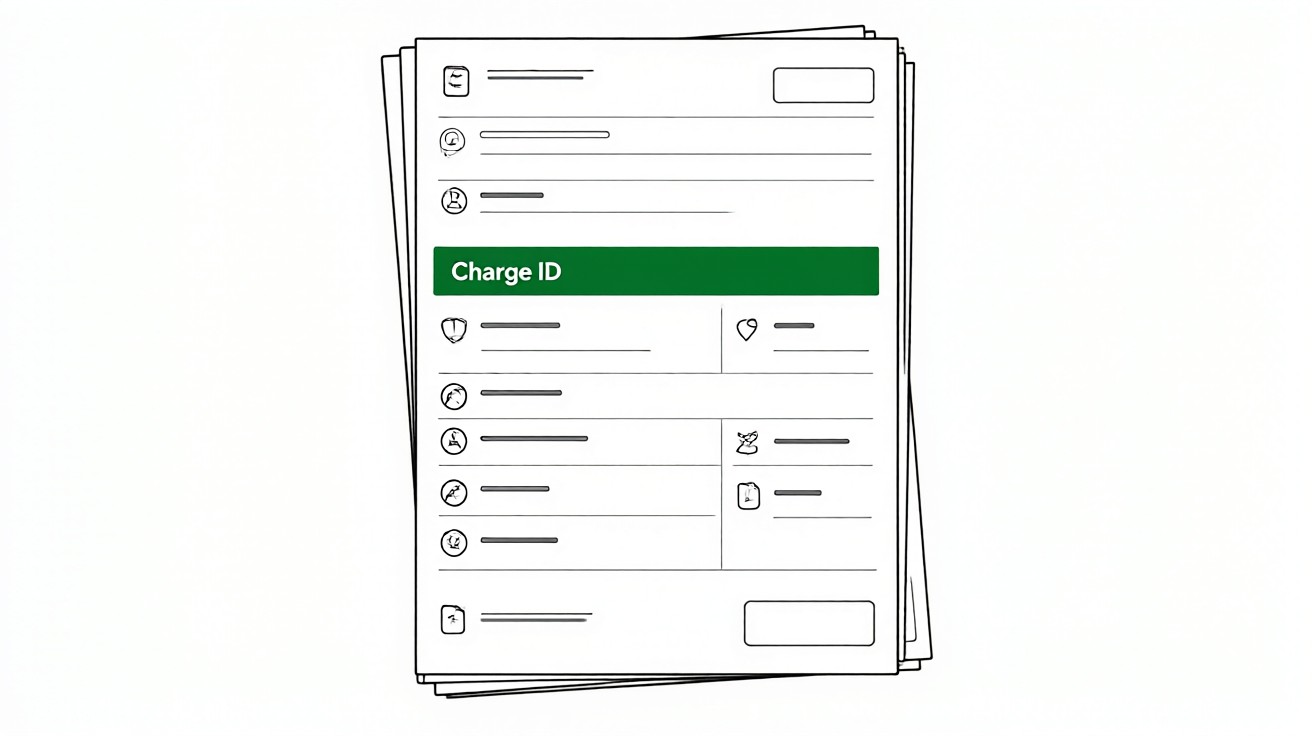
Key facts. A charge ID is a unique identifier assigned to each transaction. It usually sits next to the description or in a separate Reference column. Banks may call it Transaction ID, Reference Number, or Authorization Code. You need it to dispute a charge with the bank or merchant. Keeping it speeds up dispute resolution.
Quick tip. Copy the charge ID into your bookkeeping note the moment you spot the charge. Searching for it later is slower than writing it down now.
What a charge ID actually is
A charge ID is not the same as the amount, the date, or the merchant name. Those describe a transaction. The charge ID identifies it. Two charges can share a date and an amount and even a merchant. They cannot share a charge ID.
Think of it as a serial number. The bank prints it once, at the moment the transaction posts, and never reuses it. That is what makes it useful for disputes: when you give the number, the bank pulls one record, not a list of guesses.
Some statements show the charge ID on every line. Others show it only for pending or disputed items. The absence of a number on a line does not mean the transaction is untracked. It means the bank chose not to print it on the statement. The number still exists in the bank’s system.
There is a difference between an authorization code and a posted transaction ID. The authorization code is created when the merchant first requests funds. The posted ID is created when the funds settle. Both can appear, and they are not always the same. Use the posted ID for disputes after settlement.
Pending charges can carry a temporary ID that changes once the charge posts. If you record the pending number, check it again after posting and update your note with the final posted ID.
Some banks display the charge ID only in transaction details, not on the main list. Click the line to expand it before assuming the number is missing.
If you are new to reading statements, start with our guide on what is a bank statement before diving into reference numbers.
Where to find it on a paper statement
On a printed statement, look in three places. First, the transaction table itself. Many banks add a column labeled Reference, Transaction ID, or Auth Code at the far right. Second, the line directly beneath the description, where a smaller string of letters and numbers often appears.
Third, the end of the statement, where a separate list of pending or disputed transactions may carry their own IDs. Check all three before concluding the number is missing.
Highlight or copy the number as soon as you see it. Thermal paper fades, and a number you cannot read six months later is a number you cannot use.
If you receive paper statements only, scan or photograph them while the ink is fresh. Store the image where you can search it by merchant name.
Some banks print the charge ID only on the first line of a grouped transaction. If a merchant appears twice on the same day, look carefully at both lines. One may carry the ID and the other may not.
Keep a simple log: date, merchant, amount, charge ID. A spreadsheet with four columns is enough. When a dispute arises, you will have the number ready instead of hunting through old statements.
Turn PDF Bank Statements Into Workable Spreadsheets
Your bank statement is a mess of numbers, but your books shouldn't be. Use our converter to get Excel, CSV, or QBO files — ready for QuickBooks.
Try It Free NowWhere to find it in online banking and PDFs
Online banking usually shows more detail than the printed page. Click or tap the transaction line and look for a field called Reference Number, Transaction ID, Authorization Code, or Trace ID. Mobile apps often hide this behind a details arrow.
For PDF statements, use the search function. Search for the merchant name, then read the text to the right and below it. Reference numbers are often in a smaller font or a separate column that is easy to miss on screen but prints clearly.
When you convert a statement to a spreadsheet for bookkeeping, the charge ID should travel with the row. If your converter drops it, add it back manually for any line you may need to dispute. Our guide on how to read a bank statement covers the full layout.
Browser search can miss numbers split across lines in a PDF. If a search returns nothing, zoom in and scan visually around the transaction description. The number is often there in a lighter font.
Save the PDF locally and name it with the account and period. A file named checking-2026-03.pdf is easier to reopen than a download with a random name.
If your bank offers a transaction search, use it. Searching by merchant name often surfaces the reference number even when the statement view hides it.
Common labels by institution type
Banks do not agree on one name. The table below lists the labels you are most likely to see, grouped by the kind of institution. The underlying number works the same way in every case.
| Institution type | Common label | Where it appears |
|---|---|---|
| Large national bank | Reference Number or Transaction ID | Rightmost column of the transaction table |
| Credit union | Trace ID or Sequence Number | Beneath the description line |
| Online-only bank | Transaction ID | Transaction detail screen |
| Credit card issuer | Authorization Code | Next to the merchant name |
| Community bank | Item Number or Check Number | End of statement list |
The label changes. The purpose does not. Treat any unique string tied to one line as the charge ID for that line.
If a line shows two numbers, the shorter one is usually the authorization code and the longer one is the transaction ID. Record both if you can. Either one helps a rep find the charge.
Why the charge ID matters for disputes
A dispute without a charge ID is a search. The rep has to find the transaction by date, amount, and merchant, which fails when two charges look alike. A dispute with a charge ID is a lookup. The rep pulls the record in seconds and moves straight to the reason for the dispute.
This matters most for small amounts. A twelve dollar charge that looks like a duplicate is easy to ignore. With the charge ID, you can prove which one posted twice and request a reversal in one call. Our guide on bank statement charges explained breaks down the types of charges you may need to question.
Merchants use the same number. When you call a merchant about a billing error, reading the charge ID lets them find the authorization in their system. It is the shared key between your bank and the merchant.
Keeping the charge ID also shortens follow-up calls. If a dispute takes two weeks, the second rep can find the case and the transaction with one number instead of re-explaining the story.
Under Regulation E, banks have set timeframes to investigate debit card errors. Having the charge ID ready helps you meet those windows without delays. Consult your bank for the exact deadlines that apply to your account.
Write down the date you reported the issue, the name of the rep, and the case number. Those details pair with the charge ID if you need to escalate later.
If you cannot find the charge ID
Not every statement prints one. If yours does not, you still have options. Call the bank and ask the rep to read the reference number for the transaction in question. They can see it even when it is not printed. Write it down before you hang up.
For older statements, request a reissued copy. Banks can regenerate statements, and the regenerated version sometimes includes reference numbers the original omitted. Fees may apply, so ask before ordering.
When you reconcile, keep a running log of charge IDs alongside your own records. That way the number is in your bookkeeping file even if the bank’s copy is hard to read. If you need a structured way to check your records, use our bank statement reconciliation checklist.
Ask the bank for a transaction detail printout if the statement is unclear. That document usually includes the full reference, the merchant ID, and the settlement date. It is the most complete record available.
As a last resort, keep the statement and your own note together. Even without the charge ID, a clear record of date, amount, and merchant supports your case.
For the actual dispute process, see our guide on how to dispute a bank statement error.
Turn PDF Bank Statements Into Workable Spreadsheets
Your bank statement is a mess of numbers, but your books shouldn't be. Use our converter to get Excel, CSV, or QBO files — ready for QuickBooks.
Try It Free Now