
Skip to content
EasyStatementSheet
  • Pricing
  • Blog
  • Log in
Sign up free
EasyStatementSheet
  • Pricing
  • Blog
  • Log in
Sign up free
EasyStatementSheet

Bookkeeper Resources
Bookkeeper at desk with statement folders

Complete Guide to Bookkeeper and Accountant Bank Statement Conversion Workflow

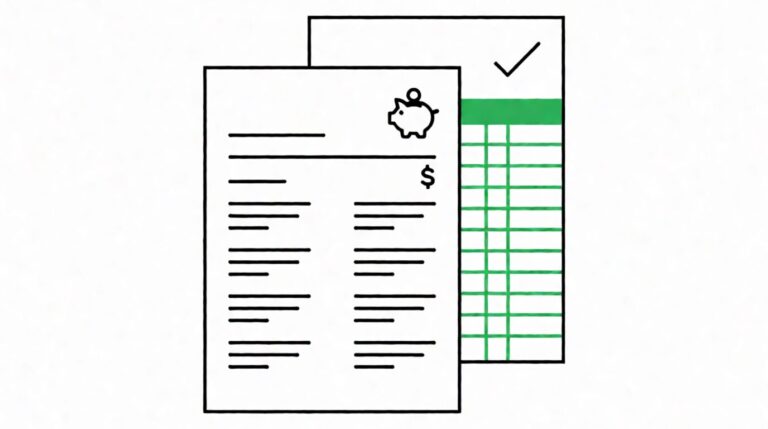
A flat-line illustration of a Wells Fargo bank statement being converted to a spreadsheet, with a green header, green gridlines, a checkmark, and a small piggy bank icon

How to Convert a Wells Fargo Bank Statement to QuickBooks Online Without Retyping
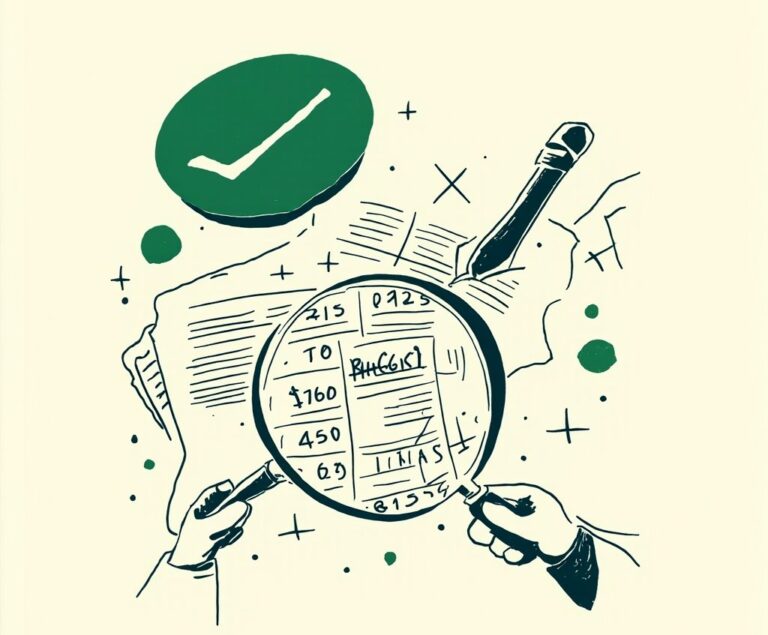
verify converted statement featured

How to Verify a Converted Bank Statement Before You Import It (7-Point Check)

Pen drawing illustrating bank statement concept

Bookkeeper QuickBooks and Xero: Bank Statement Integration
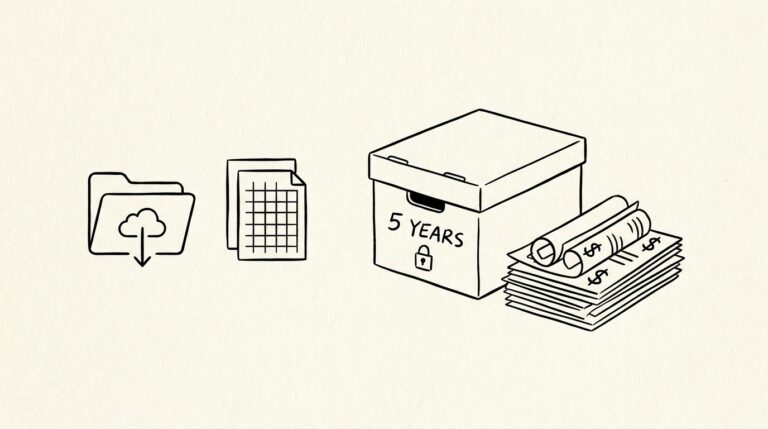
Pen drawing illustrating bank statement concept

Bookkeeper Client Deliverable: Bank Statement Format and Audit Prep

Pen drawing illustrating bank statement concept

Bookkeeper Monthly Workflow: Month-End Close and Multi-Entity Reconciliation
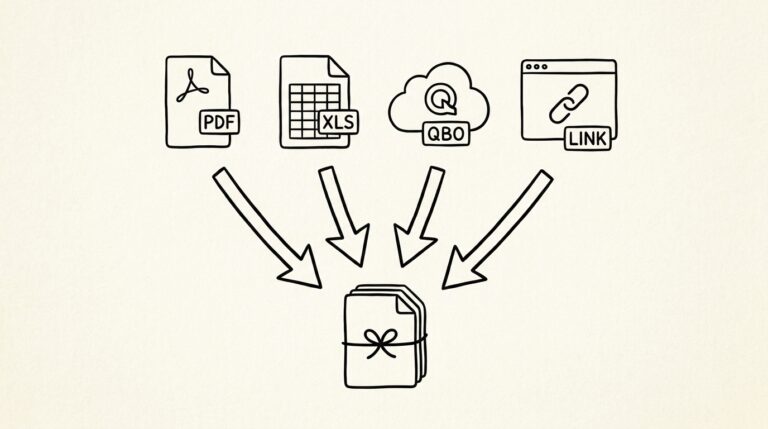
Pen-style line drawing of 4 different file format icons (PDF, Excel, QBO, dashboard) pointing to a client deliverable

Bookkeeper to Client Deliverable Format: PDF, Excel, QBO, or Dashboard

Pen-style line drawing of an IRS audit notice with cloud archive folder showing year labels

Audit Prep for Bookkeepers: 5-Year Statement Archive and IRS Response
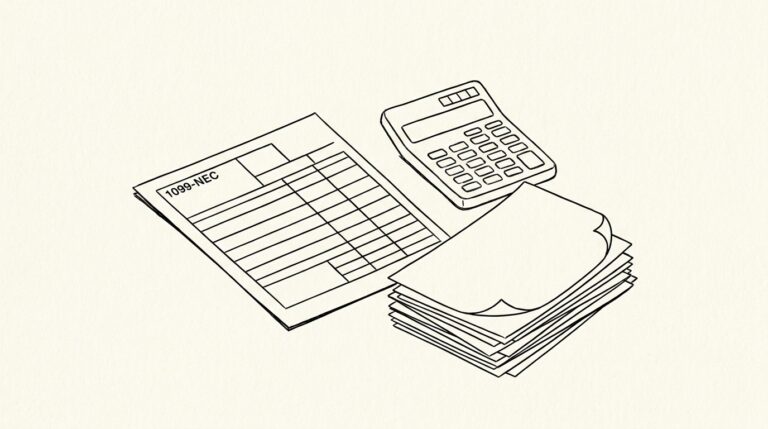
Pen-style line drawing of a 1099-NEC tax form with payee rows visible and bank statement PDFs

1099 Contractor Bookkeeping from Bank Statements: $600 Threshold and Payee Rollup

Pen-style line drawing of a clipboard with 4 business entities flow diagram and labeled bank statement folders

Multi-Entity Reconciliation for Bookkeepers: 4-Entity Close Workflow
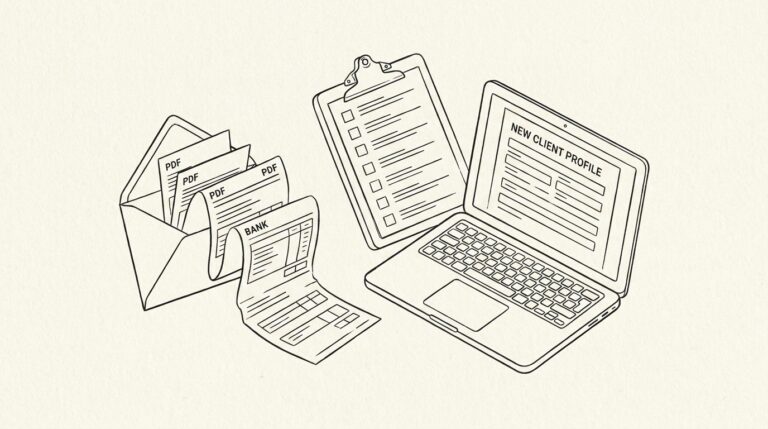
Pen-style line drawing of an envelope with bank statement PDFs spilling out and a clipboard with checklist

Client Onboarding: Collecting Bank Statements for New Bookkeeping Clients

Pen-style line drawing of a calendar with month-end close dates highlighted and a laptop showing accounting dashboard

Month-End Close Workflow for Bookkeepers: The 7-Step Process

Pen-style line drawing of a laptop with Xero dashboard showing bank sync warning beside a clipboard

Xero Bank Feed Troubleshooting: Yodlee Outages and the 30-Day Import Window

Pen-style line drawing of a laptop with QuickBooks dashboard showing disconnected bank feed beside stack of PDFs

QuickBooks Bank Feed Troubleshooting: The 360-Day Rule and Web Connect Fix

Pen-style line drawing of a laptop with bank feed error banner beside a printed PDF bank statement

Bank Feed Failure in QuickBooks and Xero: How to Fix It
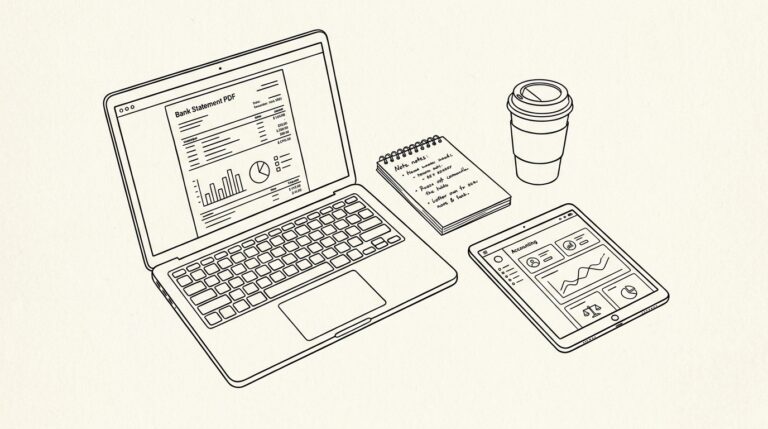
Pen-style line drawing of a workspace with laptop, notebook, and accounting tablet on white background

Bank Statement Workflow for Bookkeepers: The Complete Guide

Trending

A flat-line illustration of a house with a bank statement beneath it, with a purple checkmark indicating approval
How to Prepare a 2-Month Bank Statement for a Mortgage Application: The 4-Document Checklist
A flat-line illustration of a 1099-DA form with a Bitcoin symbol in purple
What 1099-DA Reporting Means for Crypto Investors Doing Their Own Taxes
A flat-line illustration of a Wells Fargo bank statement being converted to a spreadsheet, with a green header, green gridlines, a checkmark, and a small piggy bank icon
How to Convert a Wells Fargo Bank Statement to QuickBooks Online Without Retyping
Credit card with merchant category code label next to a small shop
Complete Guide to Merchant Category Codes (MCC) on US Bank and Credit-Card Statements

EasyStatementSheet

Convert PDF bank statements to Excel and CSV. Fast, accurate, secure.

ARTICLES
Bank statement converter
Convert bank statement
Mortgage application bank statement
Bank statements federal regulations
Bank statement glossary

PRODUCT
Pricing
Supported banks
Blog
About

LEGAL
Privacy Policy
Terms of Service
Trust & Security
Security FAQ

SUPPORT
[email protected]

© 2026 EasyStatementSheet. All rights reserved. Testivo



